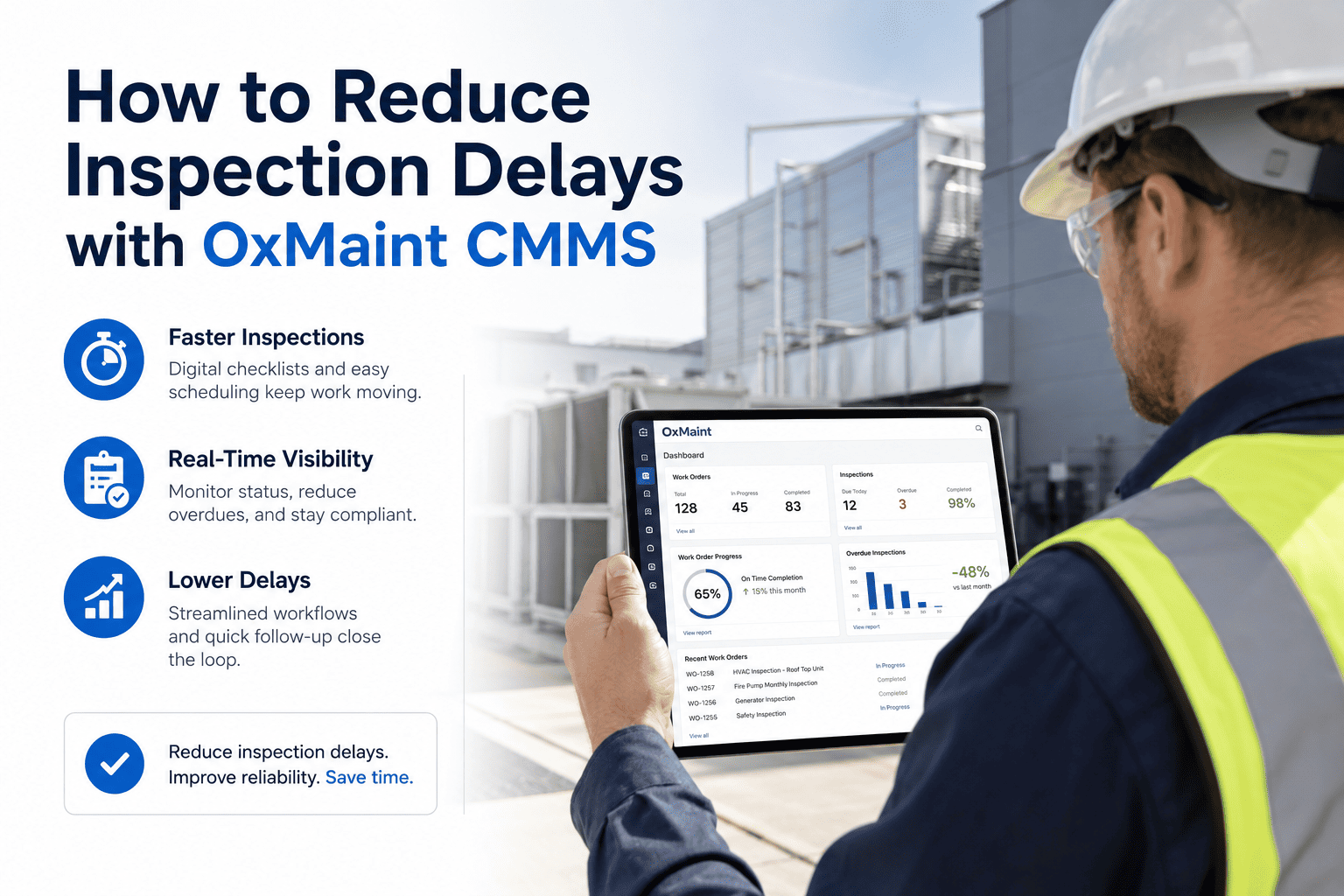
Inspection delays in property management are rarely caused by a lack of effort — they are caused by disconnected systems. When inspection schedules live in one spreadsheet, work orders in another, and ERP data in a third, the coordination overhead alone delays maintenance response by hours or days. A 2024 Deloitte Facilities Report found that 62% of inspection-related compliance failures in commercial property management traced back to scheduling gaps between maintenance software and ERP systems — not to technician errors. OxMaint CMMS solves this through native ERP and SAP integration that synchronizes inspection schedules, work orders, and asset data in real time — eliminating the manual handoffs that cause delays, missed inspections, and compliance exposure. This guide covers the causes of inspection delays, how integration closes the gap, and what metrics to expect after deployment.
Where Inspection Delays Actually Come From
How OxMaint ERP / SAP Integration Works
See OxMaint ERP Integration in Action
Most property management teams book a demo and see their specific SAP or ERP workflow mapped within the first 30 minutes. No sales pitch — just your data, your workflow, in OxMaint.
Inspection Delay KPIs: Before and After ERP Integration
| KPI | Without Integration | With OxMaint + ERP | Delta |
|---|---|---|---|
| Inspection Schedule Accuracy | 52% on-time | 93% on-time | +41 points |
| Work Order Creation Lag | 2–8 hours (manual) | Under 5 minutes (auto) | 97% faster |
| Missed Inspection Rate | 18–24% per quarter | Under 4% | 78% reduction |
| Compliance Record Completeness | 61% (data in two systems) | 99%+ (unified audit log) | Near-perfect |
| Audit Preparation Time | 3–5 days manual assembly | Under 1 hour export | 95% reduction |
| ERP Data Re-Entry Errors | Frequent (manual sync) | Zero (automated sync) | Eliminated |
The 5 Inspection Delay Scenarios OxMaint Solves Automatically
Expert Review
The inspection delay problem in property management is fundamentally a data handoff problem. The ERP knows when an inspection is due. The CMMS knows when the technician is available. The mobile device knows when the job is complete. When these three systems do not talk to each other, the coordination burden falls on the facility manager — and every manual step is another opportunity for delay or error. The properties that achieve 90%+ inspection on-time rates are not the ones with the most disciplined managers — they are the ones where the technology eliminates the coordination step entirely. OxMaint's ERP integration is the most direct path to that outcome I have seen in the commercial property space.
Integration Compatibility: OxMaint with Your Existing Systems
| System | Integration Type | Data Synced | Setup Time |
|---|---|---|---|
| SAP PM | Native API | Work orders, assets, schedules, costs | 3–5 days |
| Oracle EBS | REST API | Asset registry, PM schedules, compliance records | 5–7 days |
| Microsoft Dynamics | Webhook / API | Work orders, inventory, cost centers | 3–5 days |
| IBM Maximo | REST API | Asset data, PMs, inspection records | 5–10 days |
| Custom ERP | Open API / CSV sync | Configurable per field mapping | 7–14 days |
Stop Losing Inspections Between Systems
OxMaint connects your ERP and your field team in real time. Every inspection scheduled, assigned, completed, and logged — automatically, in both systems, with no manual handoff.
Frequently Asked Questions
What is the main cause of inspection delays in property management facilities?
The primary cause of inspection delays is the absence of real-time synchronization between ERP systems (where inspection schedules are managed) and the CMMS or field tools technicians actually use. When a schedule exists in SAP but work orders must be manually created in a separate system, every step in between — creation, assignment, dispatch, completion, and logging — introduces delay potential. Properties with integrated systems like OxMaint eliminate these handoffs entirely, reducing inspection delays by 70–80% within the first 90 days of deployment.
How does OxMaint integrate with SAP PM for inspection management?
OxMaint connects to SAP PM via native API, synchronizing inspection schedules, asset records, and cost data bidirectionally. When an inspection is scheduled in SAP, a corresponding work order is created in OxMaint automatically and pushed to the assigned technician's mobile queue. When the technician completes the inspection in OxMaint, the completion status, timestamp, and technician signature write back to SAP PM without any manual re-entry — maintaining a single source of truth across both systems. Setup typically takes three to five business days depending on the SAP PM version and field mapping requirements.
Can OxMaint reduce compliance failures caused by missed inspection records?
Yes — and this is one of the highest-value outcomes of ERP integration. When completion records exist in a CMMS but not in the ERP (or vice versa), compliance audits identify the gap as a failure regardless of whether the physical inspection occurred. OxMaint's bidirectional sync ensures that every inspection completed on mobile is simultaneously recorded in both systems, eliminating the record-gap failure mode entirely. Customers using OxMaint with ERP integration consistently report compliance record completeness above 99% compared to 61% average for manually synchronized systems.
What happens in OxMaint when an inspection is approaching its deadline unstarted?
OxMaint triggers a multi-level escalation when a scheduled inspection approaches its compliance deadline without being opened. At 48 hours before the window closes, the assigned technician receives a mobile alert. At 24 hours, the facility manager is notified. If the inspection is still unstarted at the compliance deadline, OxMaint automatically reassigns to the next available technician and logs the escalation event with a timestamp — creating a documented exception record that demonstrates proactive compliance management for audit purposes. Book a live demo to see this workflow configured for your specific inspection compliance requirements.




.png)