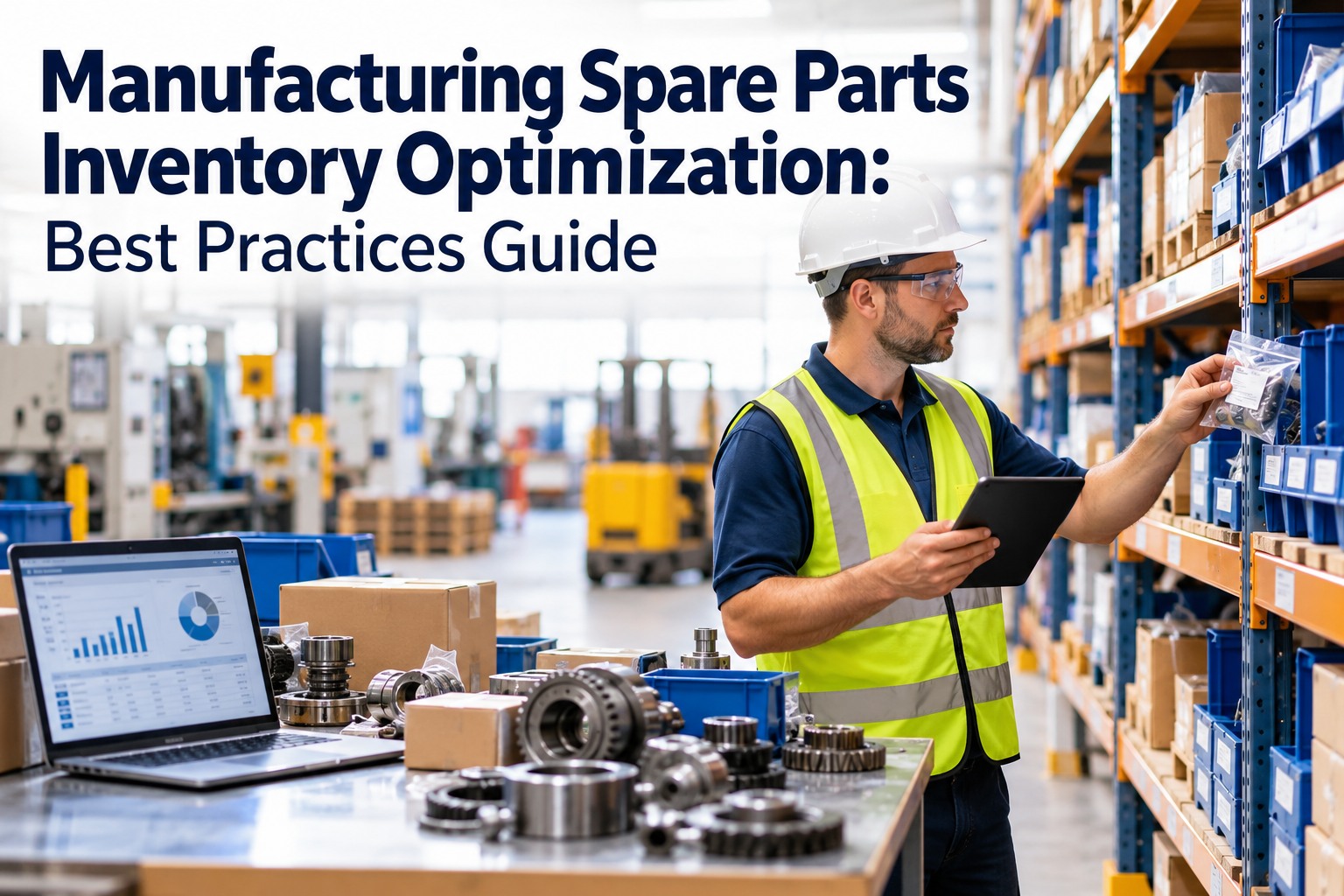
Most maintenance teams live with the same paradox: a storeroom full of parts nobody uses, and an empty bin exactly when a critical machine stops. Surveys of manufacturers regularly find 20–40% of MRO stock is excess or obsolete, yet stockouts of the few parts that matter still trigger costly downtime. This guide shows how to optimize manufacturing spare parts inventory — by criticality, reorder points, safety stock and clean data — and how OXMAINT AI, the AI-powered CMMS, automates it.
Manufacturing Spare Parts Inventory Optimization: Have the Right Part Before the Work Order Opens
A technician opens a work order, walks to the storeroom, and the part isn't there — or the system says it is and the bin is empty. The goal is simple: parts ready when the job is planned, and no cash tied up in stock you never use. OXMAINT AI-powered CMMS connects the whole workflow in one platform: requests and inspections raise issues, issues become work orders with parts attached, and preventive schedules show what you'll need next.
Why Spare Parts Inventory Goes Wrong
Spare parts don't behave like production inventory. Demand is lumpy, failures are unpredictable, and a Rs 500 part can halt a Rs 5 crore line. Most plants fall into the same four traps. Book a demo to see how OXMAINT AI spots them early.
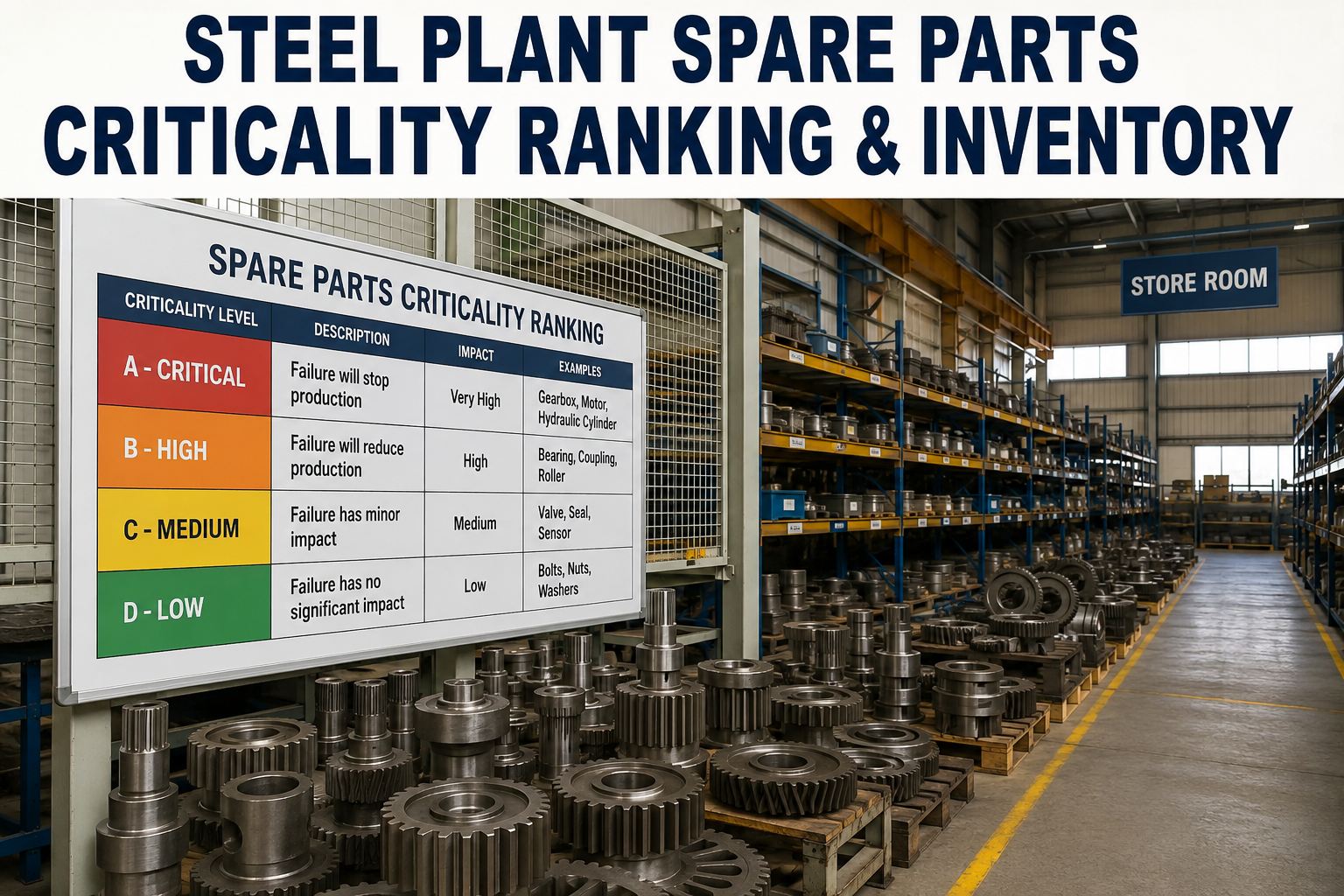
Step 1: Rank Parts by Criticality, Not by Price
Optimization starts by deciding which parts deserve protection. Score each spare on three questions: what does downtime cost, is it a safety risk, and how long is the lead time? Then stock accordingly. Start free and tag criticality in OXMAINT AI.
Step 2: Set Reorder Points That Match Reality
A reorder point tells you when to buy, before you run out. It combines how fast you use a part with how long the supplier takes, plus a buffer for surprises.
Review the numbers whenever lead times change. Critical spares with unpredictable suppliers need a bigger buffer; fast, reliable suppliers need less. Book a demo to see automatic reorder alerts in OXMAINT AI.
Dead Stock Is Quietly Eating Your Budget.
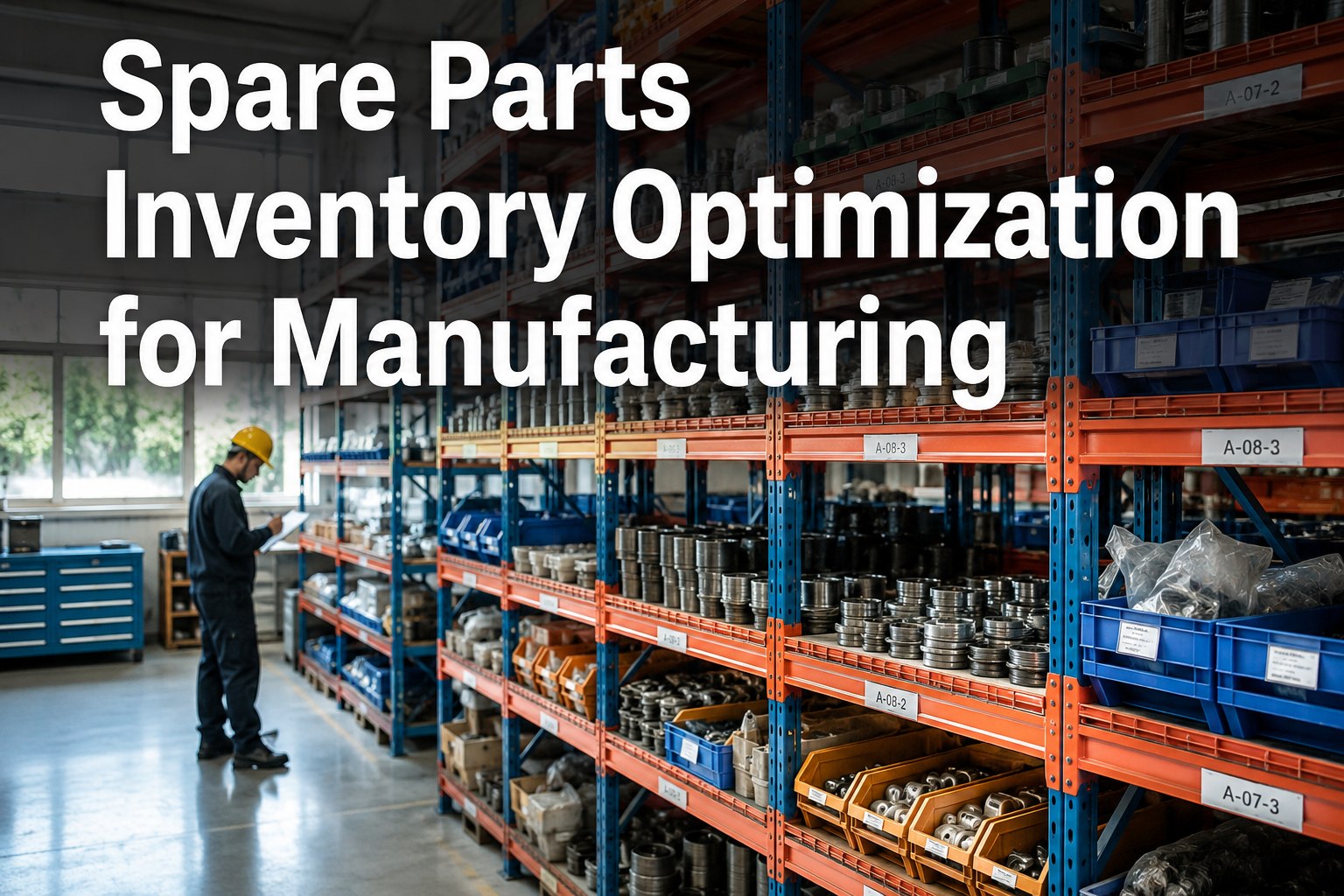
Every idle part costs money to hold, insure, store and eventually write off. OXMAINT AI links each spare to its asset, usage history and supplier, so you see what moves, what doesn't and what to reorder — before the shelf is empty.
Where the Carrying Cost Comes From
Holding a part costs far more than its price tag. Typical ranges, as a share of inventory value per year, add up quickly:
Step 3: The Optimization Roadmap
Don't try to fix thousands of SKUs at once. Work through this sequence and the savings stack up. Start free and follow the roadmap in OXMAINT AI.
Before vs After: What Changes With a CMMS
| Spreadsheets & memory | OXMAINT AI CMMS |
|---|---|
| Stock counts out of date | Parts deducted automatically when used on a work order |
| Reorders when someone notices | Alerts fire at the reorder point |
| Hunting for parts on the floor | Searchable storeroom with bin locations |
| Unknown cost per asset | Parts cost tracked against every machine |
| Emergency buying at premium prices | Planned purchasing from PM forecasts |
KPIs to Watch Every Month
We kept buying spares "just in case" while still running out of the ones that mattered. Once every part was tied to an asset and a reorder point, we found duplicates we'd paid for twice, and technicians stopped losing hours searching for bearings. The storeroom finally works for maintenance instead of against it.
Frequently Asked Questions
Stop Guessing. Stock Smarter.
Cut dead stock, protect critical spares and give technicians the right part on the first trip. OXMAINT AI, the AI-powered CMMS, connects parts, assets, work orders and suppliers in one place so your inventory finally works for uptime.


.png)

