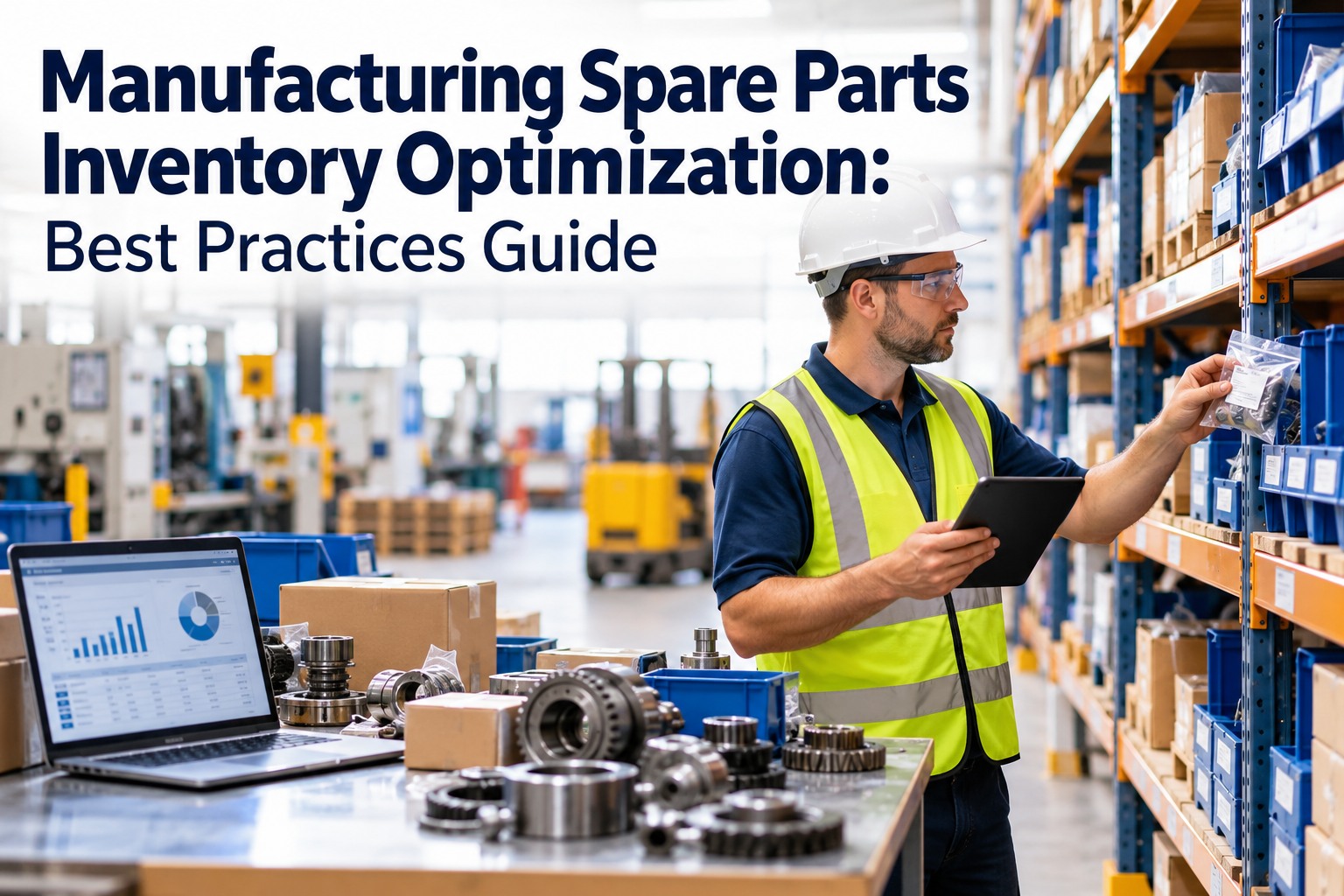
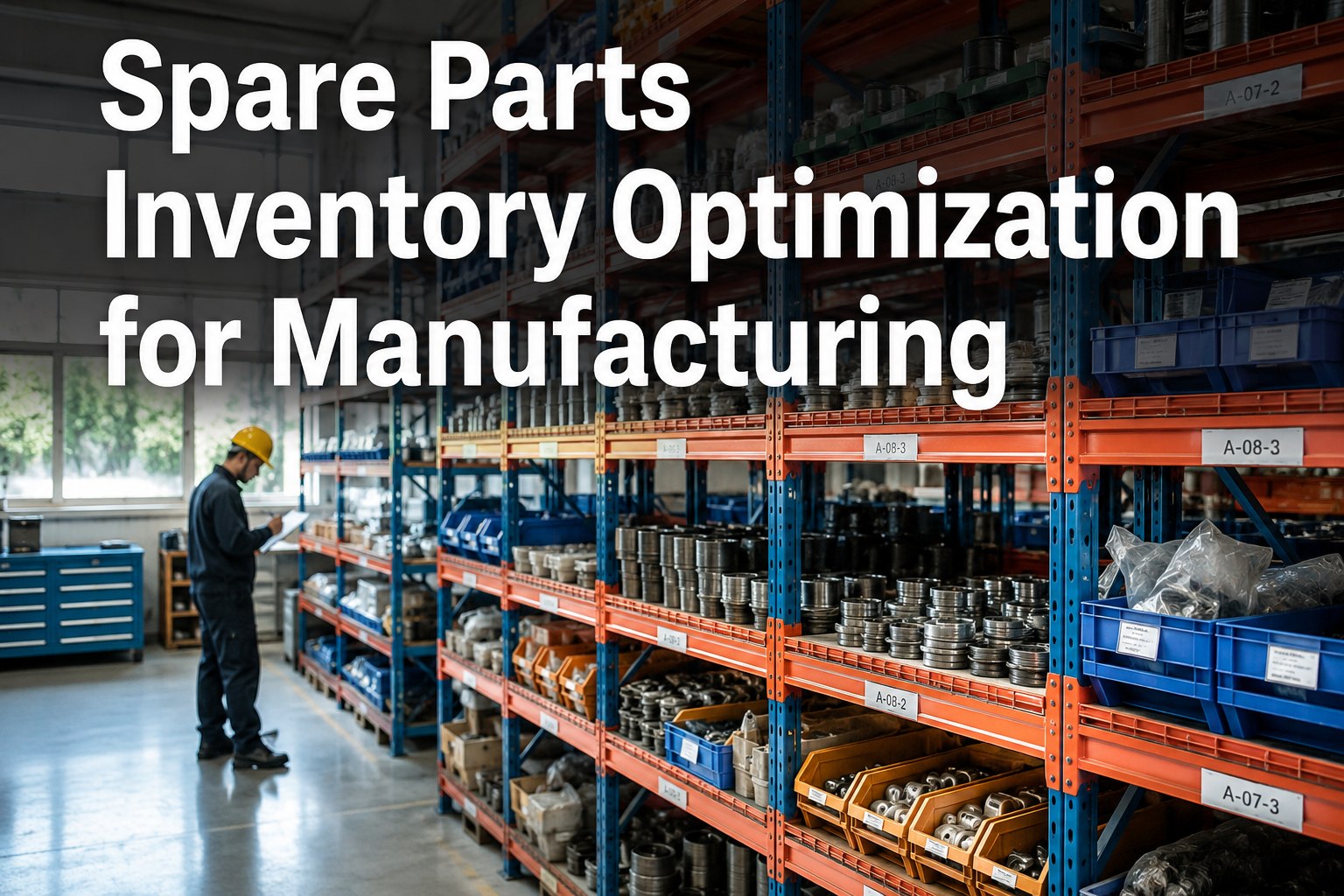
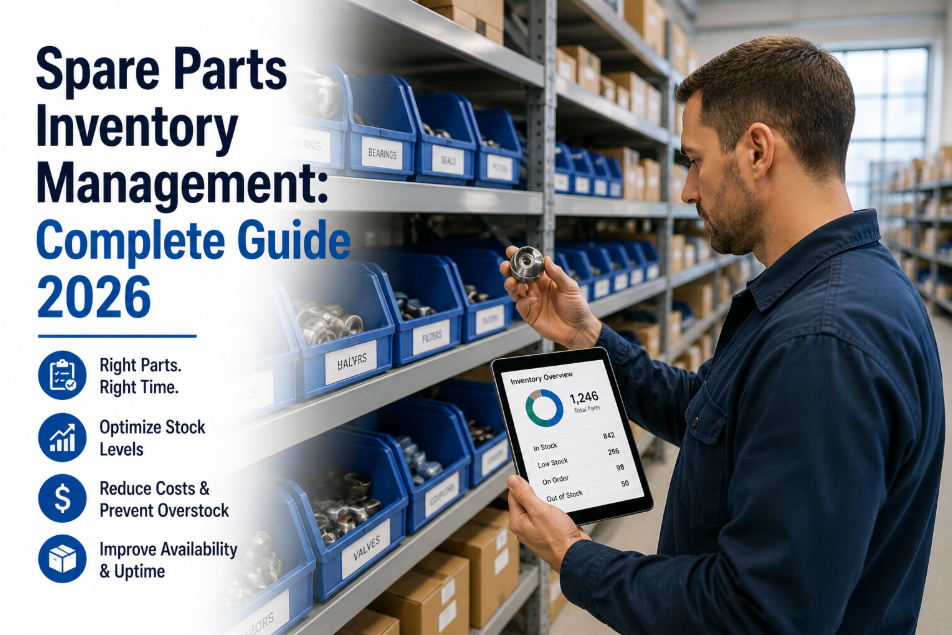
A food processing plant in Wisconsin was carrying $2.4 million in spare parts inventory. When their new maintenance manager ran the first proper ABC/VED analysis in three years, the results were damaging: 34% of the parts had not been issued in over 24 months, $180,000 worth of parts were for equipment already decommissioned, and the three components that had caused their last four production shutdowns — a specific gearbox seal, a PLC input card, and a pneumatic valve actuator — had zero stock in the bin because nobody had set a reorder point. The plant was simultaneously over-invested and under-stocked. OxMaint's inventory module runs ABC/VED classification automatically, sets reorder points based on actual consumption data, and triggers purchase orders before critical spares run out — eliminating both the stockout and the dead stock problem simultaneously. Book a demo to see how your parts inventory is classified today.
Right Parts. Right Quantity. Zero Stockouts. Zero Dead Stock.
ABC/VED auto-classification, reorder automation, and vendor management — all in OxMaint
Of spare parts inventory in typical plants is dormant — unused for 24+ months
$180K
Average dead stock value in a mid-size manufacturing plant — parts for decommissioned equipment
28%
Average inventory carrying cost reduction after ABC/VED analysis and reorder automation
ABC/VED Analysis — Classifying Every Part You Stock
Two classification systems together tell you everything you need to know about how to manage every part in your inventory. ABC tells you where the money is. VED tells you what stops production if it runs out. OxMaint runs both analyses automatically from consumption and criticality data — no spreadsheet required.
How Auto-Reorder Works — From Consumption to Purchase Order
Manual reordering always fails — because the person who notices the bin is empty is the technician who needed the part five minutes ago. OxMaint's auto-reorder engine triggers purchase orders when stock reaches the reorder point — before the bin reaches zero.
Step 1
Part Used on Work Order
Technician logs the part against the work order — OxMaint deducts quantity from inventory in real time
Step 2
Stock Level Checked Against Min
After every issue, OxMaint compares current quantity against the configured minimum level for that part number
Step 3
Reorder Trigger Fires
At or below minimum level, OxMaint generates a purchase requisition — quantity calculated to reach max level based on lead time and consumption rate
Step 4
SAP Purchase Order Created
OxMaint integration triggers a SAP PO to the preferred vendor at contract price — no manual intervention required for routine reorders
Step 5
Receipt Updates Inventory
Goods receipt in SAP updates OxMaint stock level — full traceability from consumption to receipt, no manual count required
Min-Max Levels — Setting the Right Numbers for Every Part
The biggest mistake in spare parts management is setting min-max levels once and never reviewing them. Consumption patterns change. Lead times change. Equipment is added or removed. OxMaint's AI recalculates optimal min-max levels quarterly using actual consumption velocity, vendor lead time, and the VED criticality score of each part.
Part Category
Min Level Formula
Max Level Formula
Review Frequency
OxMaint Auto-Adjusts?
AV — Critical & High Value
Safety stock + lead time demand
Min + 3× monthly usage
Monthly
Yes — AI-driven
AE — High Value Essential
Lead time demand only
Min + 2× monthly usage
Monthly
Yes — AI-driven
BV — Medium Value Vital
2× lead time demand
Min + 4× monthly usage
Quarterly
Yes — AI-driven
CV — Low Value Vital
6-month supply on-hand
12-month supply
Bi-annual
Manual or AI
CD — Low Value Desirable
1× monthly usage
Min + 3× monthly usage
Annual
Manual review
Inventory Cost Impact — Before and After OxMaint
The financial case for proper inventory management is not subtle. Carrying dead stock costs 18–24% of its value per year in holding costs, storage, and obsolescence. Stockouts cost far more — a single unplanned shutdown on a continuous-process line costs $8,000–$40,000 per hour.
Small Plant
$200K–$600K parts inventory
Dead stock typical value
$48,000–$180,000
Annual carrying cost (22%)
$44,000–$132,000
OxMaint annual licence
$2,400–$4,800
Inventory reduction
22–34%
Mid Plant
$600K–$2M parts inventory
Dead stock typical value
$180,000–$600,000
Annual carrying cost (22%)
$132,000–$440,000
OxMaint annual licence
$4,800–$9,600
Inventory reduction
24–38%
Large Plant
$2M+ parts inventory
Dead stock typical value
$600,000–$2,400,000
Annual carrying cost (22%)
$440,000–$1,760,000
OxMaint annual licence
$9,600–$24,000
Inventory reduction
28–42%
We were carrying $2.4 million in spare parts and still getting stockouts. OxMaint's ABC/VED analysis showed us we had $380,000 in dead stock and zero safety stock on our three highest-criticality parts. We reduced inventory value by 31% in 12 months while eliminating every critical stockout. That's $744,000 of working capital returned to operations.
— Maintenance Manager, Food Processing Plant, Green Bay WI, OxMaint customer
Technologies That Automate Inventory Management
Four integrations transform inventory from a manual counting exercise into a self-managing system — where reorders happen automatically, consumption is tracked in real time, and the AI predicts what you will need before your PM schedule demands it.
SAP / ERP Integration
OxMaint reorder triggers create SAP purchase orders automatically — no manual requisition, no approval delay for routine replenishment below configured spend thresholds.
AI Predictive Consumption
AI analyses PM schedules, failure history, and equipment runtime to forecast parts consumption 30–90 days ahead — so parts are ordered before the PM date, not sourced on the day.
PLC / OBD Integration
PLC fault codes that indicate component wear auto-generate work orders and simultaneously check OxMaint stock for the required replacement part — triggering an emergency reorder if the part is not in stock.
AI Digital Twin
Digital twin component degradation models predict exactly which parts will be needed and when — months ahead of the failure event — feeding the procurement plan with surgical precision.
Frequently Asked Questions
What data does OxMaint need to run an ABC/VED analysis?
OxMaint needs part number, annual consumption quantity, unit cost, and equipment criticality rating. Most plants can import this from their existing ERP in a standard CSV — analysis runs within hours of data load.
How does OxMaint calculate reorder points automatically?
OxMaint calculates reorder point as (average daily consumption × vendor lead time) + safety stock — updated automatically each quarter as consumption velocity and lead time data accumulates from closed work orders.
Can OxMaint identify and flag obsolete spare parts?
Yes — OxMaint flags parts with zero consumption in 12+ months and cross-references them against the active equipment list. Parts for decommissioned equipment are automatically marked for disposal review.
Does OxMaint support multi-site inventory management?
Yes — OxMaint manages inventory across multiple storerooms and sites from a single dashboard. Inter-site transfers, consolidated purchasing, and site-level min-max levels are all configurable per location.
How long does it take to see inventory cost reduction after deploying OxMaint?
Most plants complete ABC/VED classification within 30 days of going live. Dead stock identification and reorder automation are active from day one. Measurable inventory value reduction typically appears within 60–90 days.
.png)