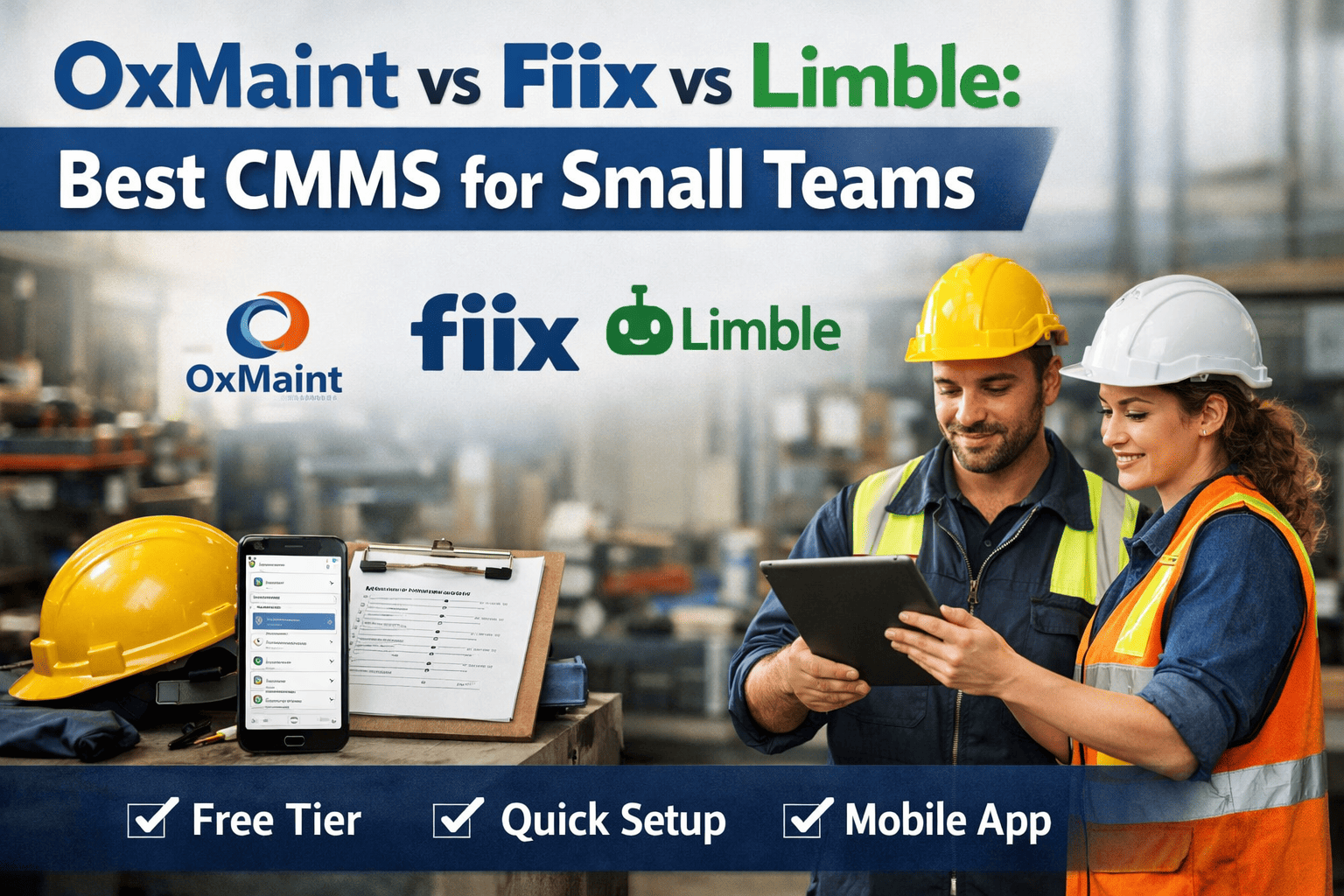
Choosing the right CMMS is essential for small maintenance teams looking to reduce downtime and streamline operations without added complexity. OxMaint, Fiix, and Limble each offer different strengths—OxMaint focuses on quick setup, a free tier, and mobile-first usability, while Fiix provides advanced features and Limble emphasizes ease of use. This comparison helps small teams evaluate pricing, usability, and core features to find the best fit for their maintenance needs. Start free with OxMaint and compare firsthand.
OxMaint vs Fiix vs Limble: Which CMMS Actually Works for Small Teams?
Free tier. 15-minute setup. Mobile-first. OxMaint was built for lean maintenance teams — not enterprise IT departments.OxMaint vs Fiix vs Limble: Full Feature Comparison
This comparison is built specifically for small maintenance teams — facilities with 1 to 20 technicians who need a CMMS that is fast to set up, affordable to run, and practical to use on a mobile device. Fiix and Limble are strong platforms, but both carry enterprise pricing models and onboarding complexity that puts them out of reach for smaller operations. Try OxMaint free and see the difference in the first session.
| Feature | OxMaint | Fiix | Limble |
|---|---|---|---|
| Free Plan | Yes — full features | No free plan | Trial only (30 days) |
| Starting Price (paid) | $0 — $29/user/mo | ~$45/user/mo | ~$28/user/mo |
| Setup Time | Under 15 minutes | Days to weeks | Hours to days |
| Mobile App (iOS + Android) | Full offline capability | Limited offline | Yes |
| Work Order Management | Unlimited on free plan | Paid plans only | Paid plans only |
| Preventive Maintenance | Included — all plans | Included — paid | Included — paid |
| Asset Management | Full — QR/barcode scan | Full | Full |
| IoT / Sensor Integration | Native — condition-based | API — enterprise tier | Limited |
| Predictive Maintenance (AI) | Built-in AI engine | Not included | Not included |
| Digital Twin Support | Yes | No | No |
| Inventory Management | Included | Included | Included |
| Reports and Analytics | Real-time dashboards | Advanced — paid | Advanced — paid |
| Training Required | None — intuitive UI | Significant | Moderate |
| Customer Support | Live chat — all plans | Email — limited free | Chat — paid plans |
Honest Assessment of Each Platform
Every CMMS on this list has genuine strengths. The question for a small team is not which platform is the most powerful — it is which one you will actually use on day one without a $10,000 implementation project.
OxMaint
Free — $29/user/mo
The only platform on this list with a genuinely unlimited free tier, built-in AI predictive maintenance, and a mobile app that works offline. Setup takes 15 minutes. No IT support needed.
Strengths
-
Free plan with unlimited work orders — not a trial
-
AI-powered predictive maintenance built into the core platform
-
Mobile app with full offline mode for field technicians
-
IoT sensor integration and digital twin support on all paid plans
-
Live chat support on every plan — including free
-
QR code and barcode scanning for instant asset identification
Limitations
-
Newer platform — fewer third-party integrations than Fiix currently
-
Advanced reporting requires paid plan
Fiix
From ~$45/user/mo
A mature, feature-rich CMMS owned by Rockwell Automation. Excellent for mid-to-large facilities with dedicated IT support and budget for a longer implementation. Overkill for most small teams.
Strengths
-
Deep ERP and third-party integrations (SAP, Oracle, Salesforce)
-
Robust reporting and analytics suite on paid plans
-
Large established user community and knowledge base
Limitations
-
No free plan — significant cost barrier for small teams
-
Implementation typically takes days to weeks with professional services
-
No built-in AI predictive maintenance — requires add-ons
-
Mobile app has limited offline capability for field work
Limble CMMS
From ~$28/user/mo
Strong mobile experience and competitive pricing for mid-size teams. Lacks a free tier and AI predictive maintenance. A reasonable choice if budget is available, but OxMaint offers more for less at the small-team tier.
Strengths
-
Clean, modern mobile app with solid UX for technicians
-
Competitive pricing compared to Fiix at the starter tier
-
Good customer support with responsive live chat on paid plans
Limitations
-
No free plan — 30-day trial only before mandatory purchase
-
No built-in AI or predictive maintenance capability
-
IoT integration is limited compared to OxMaint's native connector
-
Digital twin support is absent from the platform entirely
Small Team? You Need a CMMS That Works on Day One.
OxMaint is free to start, takes 15 minutes to set up, and works on any phone without training.Which CMMS Should You Choose? Use Case Decision Guide
The right CMMS depends on your team size, technical resources, budget, and how quickly you need results. Use this guide to match your situation to the platform that fits — and see why most small and growing maintenance teams choose OxMaint as their starting point.
-
You have 1 to 20 technicians and need a system running today, not next month
-
Budget is tight and a free plan with real functionality matters
-
Your team uses phones on the floor — offline mobile access is non-negotiable
-
You want AI predictive maintenance without a six-figure enterprise contract
-
You are replacing paper logs, spreadsheets, or an outdated legacy system
-
You need IoT sensor integration or digital twin capability in the future
-
You want live support that answers in minutes — not a ticketing queue
-
You are a mid-to-large facility with 50+ technicians and a dedicated IT team
-
Deep ERP integration with SAP or Oracle is a hard requirement on day one
-
You have budget and timeline available for a formal implementation project
-
Your maintenance operation is part of a larger Rockwell Automation ecosystem
-
You have 10 to 50 technicians and a modest monthly software budget available
-
Mobile UX is a top priority and your team is comfortable with paid SaaS tools
-
You do not need AI predictive maintenance or IoT connectivity in the near term
-
You want a quick evaluation period before committing — and have 30 days to test
Real Cost Comparison Over 12 Months for a 5-Person Team
Pricing pages rarely tell the full story. Setup costs, training time, and feature gating at lower tiers create a hidden cost gap that only shows up after you commit. This 12-month cost projection for a 5-technician team reflects realistic total cost of adoption — not just the listed per-user rate.
OxMaint
Free plan — 12 months, 5 users
Fiix
Estimated 12 months, 5 users
Limble
Estimated 12 months, 5 users
Three Reasons OxMaint Wins for Small Teams
Feature parity at the top of the market is converging. What separates platforms for small teams is the entry experience — how fast you can start, how much it costs before you prove value, and how well the mobile experience holds up in real field conditions.
Genuinely Free — Not a Trial
OxMaint's free plan is not a 14-day countdown. It includes unlimited work orders, asset management, preventive maintenance scheduling, and the mobile app with no expiry and no credit card required. Small teams can prove value before spending a dollar. Fiix and Limble both gate their core functionality behind paid subscriptions from day one.
Start your free accountAI Predictive Maintenance — Included
OxMaint ships with a built-in AI engine that analyses equipment data to predict failures before they happen. This capability requires enterprise add-ons or third-party integrations in both Fiix and Limble — adding cost and complexity that most small teams cannot justify. Getting predictive maintenance working in OxMaint takes the same 15-minute setup as everything else.
Book a demo to see it liveMobile-First With Full Offline Mode
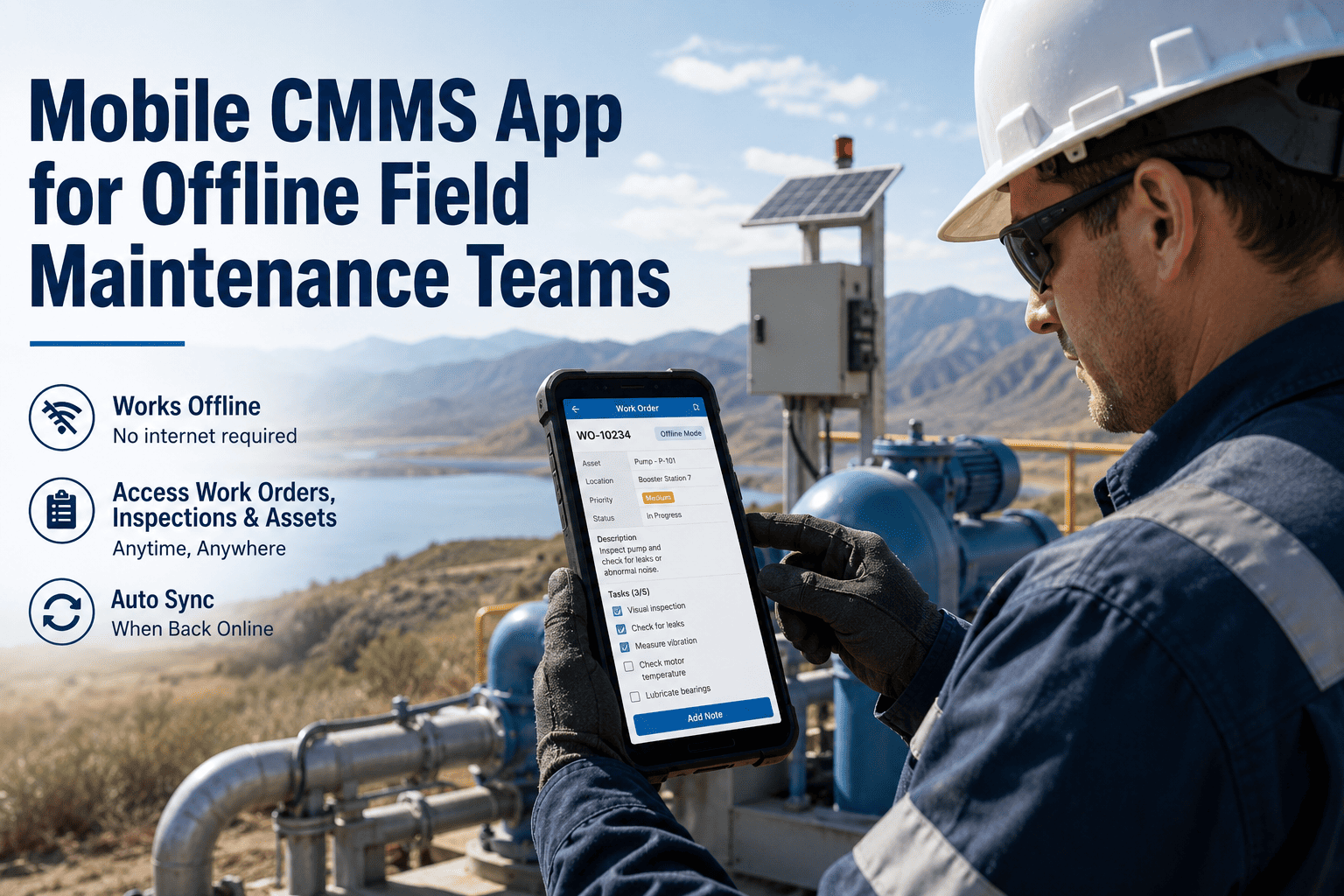
OxMaint's mobile app is not a stripped-down companion to a desktop system — it is the primary interface. Technicians can complete work orders, scan asset QR codes, log parts, and capture photos entirely offline. Data syncs the moment connectivity returns. Fiix's mobile app has documented offline limitations. Limble's is solid but requires a paid plan to unlock full functionality.
Download the app freeSwitching from Fiix or Limble to OxMaint
Migration anxiety is real — but switching to OxMaint from any CMMS is designed to be straightforward. The process does not require external consultants, data mapping workshops, or weeks of system configuration. Most teams are fully operational in OxMaint the same day they decide to switch.
Export your asset list as CSV from Fiix or Limble
Both platforms allow full data export. Pull your asset register, PM schedules, and open work orders in CSV format — this is the only data you need to get started.
Import assets directly into OxMaint
OxMaint's bulk import tool accepts standard CSV files. Your entire asset register, location hierarchy, and maintenance history loads in minutes — no data mapping required.
Recreate PM schedules and assign technicians
Preventive maintenance templates in OxMaint are built visually — no configuration files, no scripting. Set frequencies, assign teams, and attach checklists in the same interface your technicians will use daily.
Download the mobile app and go live
Share the app download link with your technicians. Most teams complete their first work order in OxMaint within 30 minutes of installation — no classroom training required.
Common Questions: OxMaint vs Fiix vs Limble
These are the questions small maintenance teams ask when evaluating CMMS options. If something is not answered here, book a 30-minute session with the OxMaint team and get a direct answer for your specific situation.
Is OxMaint really free, or does the free plan have hidden limits?
OxMaint's free plan includes unlimited work orders, full asset management, preventive maintenance scheduling, the mobile app, and live chat support — with no expiry date and no credit card required. The plan is not a trial and does not downgrade after a set period. Paid plans add advanced analytics, multi-site management, IoT integration, and API access for teams that grow into those requirements. Start your free account to confirm the full scope of what is included.
How does OxMaint compare to Fiix for larger operations that might grow?
OxMaint scales to multi-site enterprise operations on paid plans, including ERP integration, advanced reporting, IoT sensor connectivity, digital twin support, and role-based access control across large teams. The difference is that OxMaint does not require you to commit to enterprise pricing before proving value. Start free on a single site, demonstrate results, then scale paid features as the operation grows. Fiix requires enterprise pricing from the start, making it difficult to justify before a full business case is built.
Can I migrate from Fiix or Limble without losing maintenance history?
Yes. Both Fiix and Limble provide full data export in CSV format. OxMaint's bulk import tool accepts your asset register, location hierarchy, PM schedules, and work order history. For teams with complex data structures or large asset registers, OxMaint's support team provides direct migration assistance at no additional cost. Most migrations are completed within a single business day. Book a migration consultation to walk through your specific dataset.
Does OxMaint work without an internet connection on the mobile app?
Yes. OxMaint's mobile app operates in full offline mode — technicians can view assigned work orders, complete checklists, log parts used, capture photos, and scan asset QR codes without any network connection. All data syncs to the CMMS the moment connectivity is restored. This makes OxMaint practical for facilities with patchy Wi-Fi coverage, outdoor yards, below-grade equipment rooms, and remote sites where Fiix's limited offline mode creates workflow gaps.
Which CMMS has the best mobile app for technicians — OxMaint, Fiix, or Limble?
OxMaint and Limble both have strong mobile apps with modern UX. OxMaint's key advantage is full offline capability on the free plan, while Limble's offline features require a paid tier. Fiix's mobile app is functional but carries documented limitations in offline mode that create friction for field technicians who regularly work outside reliable network coverage. For a team where mobile is the primary interface, OxMaint's combination of offline mode, QR scanning, and free access makes it the strongest choice at the entry level.