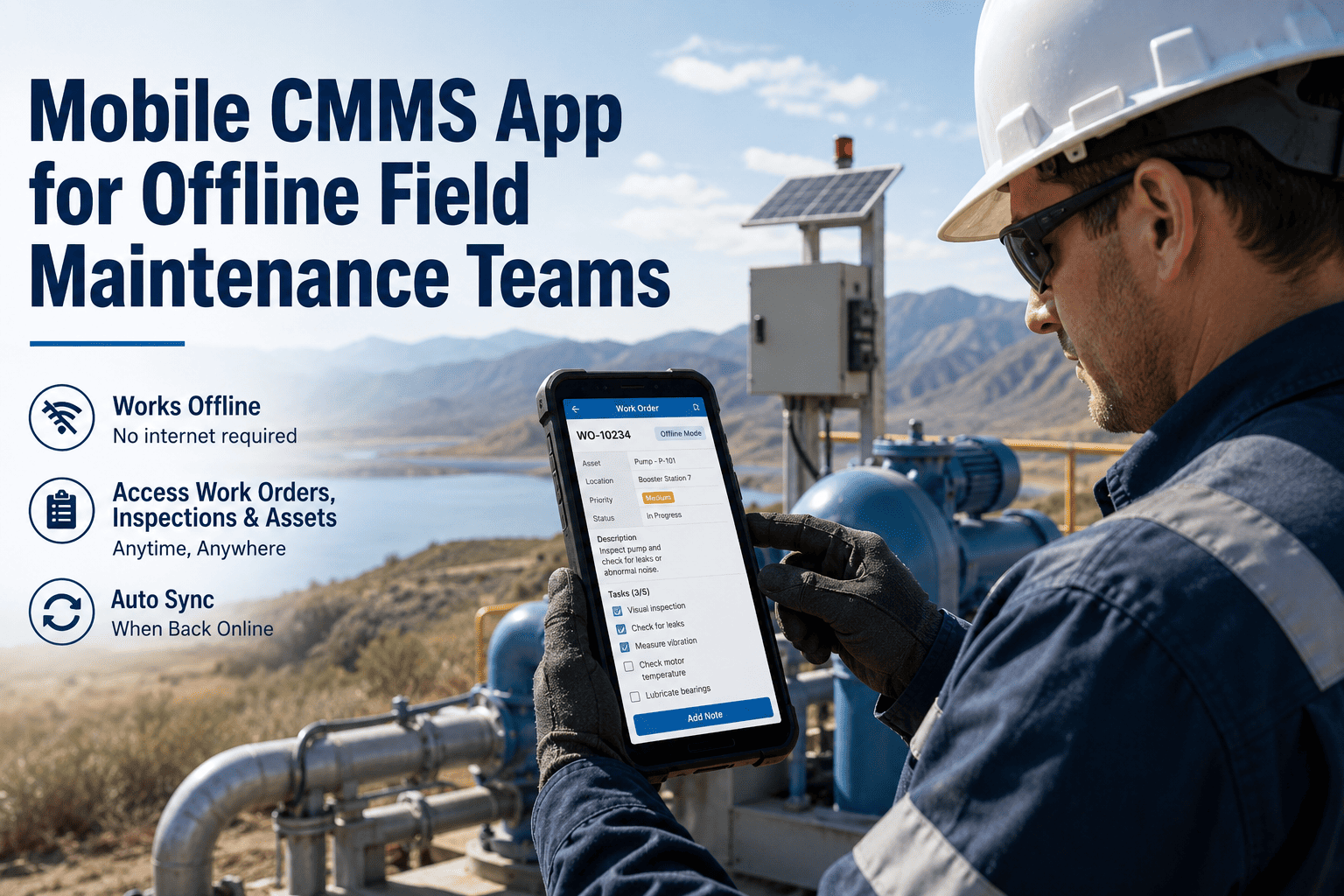
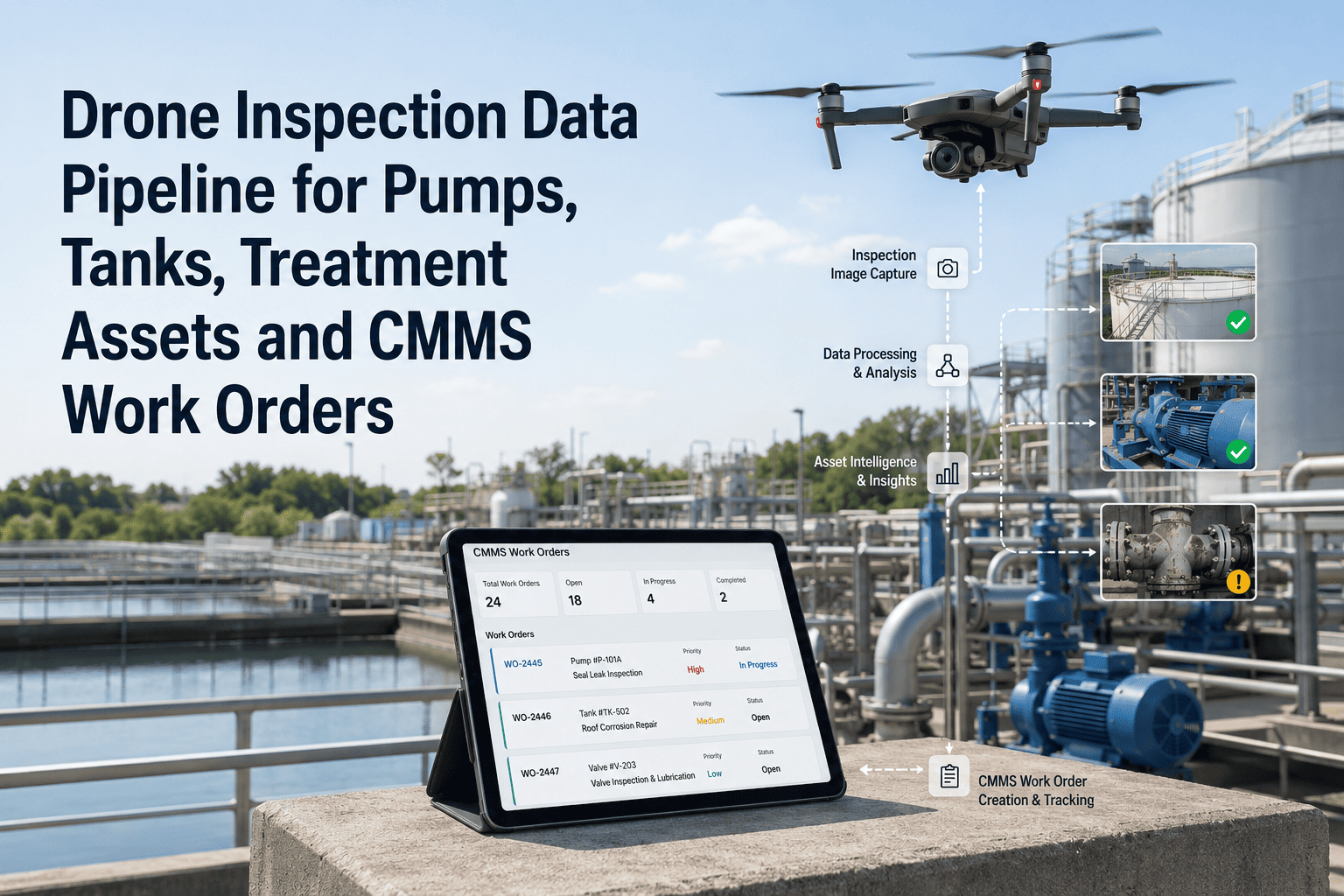
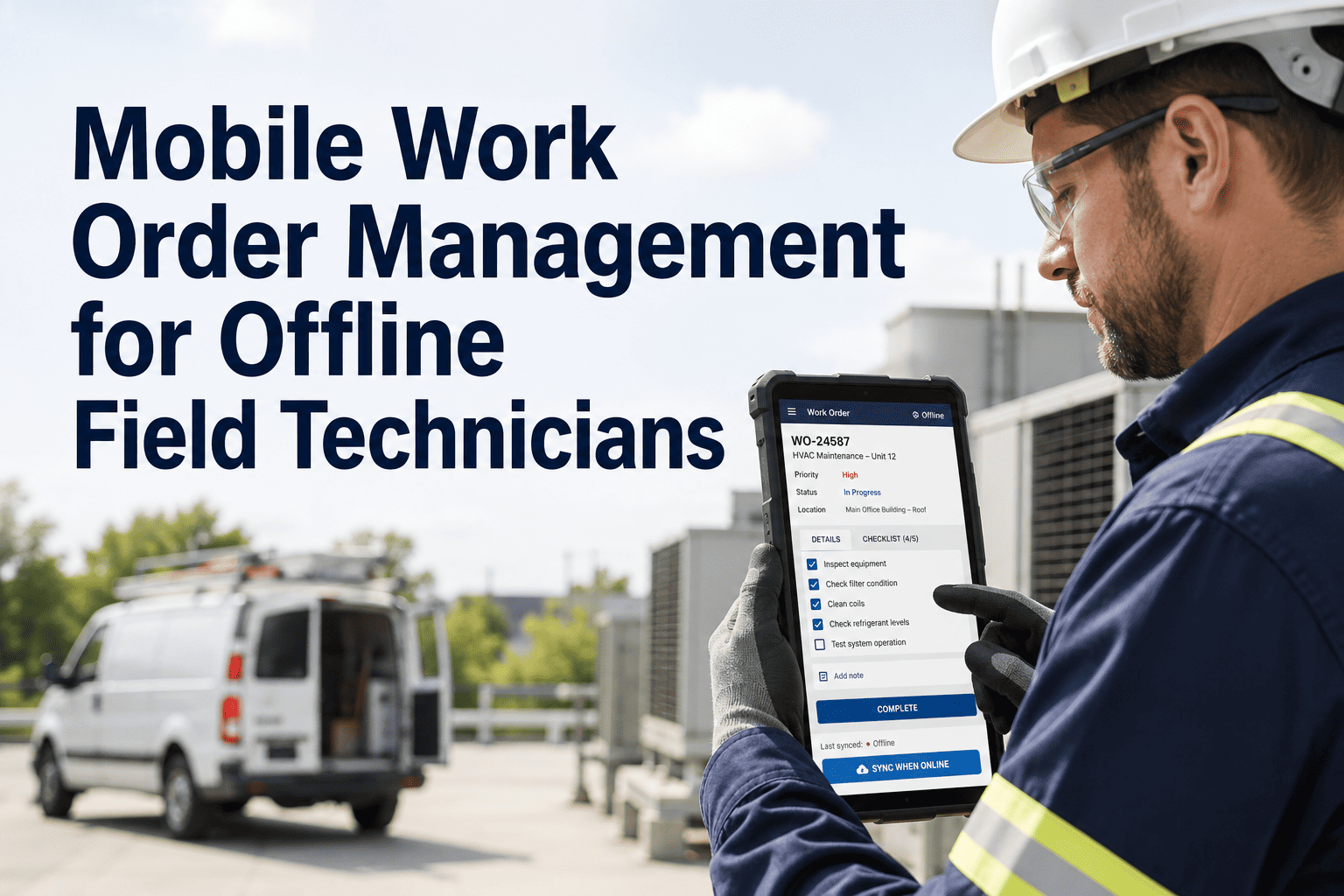
Field technicians spend only 25–35% of their shift on actual wrench-time maintenance. The rest gets consumed by paperwork, walking back to a desktop to log work orders, and searching for asset history — administrative overhead that a mobile CMMS eliminates entirely. OxMaint's mobile CMMS app puts every work order, asset record, and inspection checklist directly in a technician's pocket — online or offline, anywhere on the plant floor or in the field.
Product Guide · Mobile CMMS · Field Maintenance 2026
Mobile CMMS App for Offline Field Maintenance Teams
Give your field technicians full CMMS access — work orders, asset history, QR scanning, photos, checklists — even with zero network connectivity.
OxMaint Field
Work Order #4421 — Pump Seal
Inspection: Compressor Bay
Working Offline — Syncing...
60 min
Saved per technician per day (Frost & Sullivan)
34%
Productivity boost from mobile-first maintenance
40%
Drop in unplanned downtime after mobile CMMS rollout
5 min
Mobile response vs. 45 min on desktop-only systems
The Problem
Why Desktop-Only CMMS Breaks Field Maintenance
When a critical pump seal fails at 2 AM in a remote section of the plant, a desktop-only CMMS creates a chain reaction of delays — the technician finds a supervisor, the supervisor walks to their office, creates a work order, prints it, and hands it to the tech. Total time from failure to technician notification: 45 minutes or more. With OxMaint's mobile app, the operator scans the asset's QR code, reports the failure, and the nearest available technician gets the work order dispatched to their phone in under 5 minutes.
The productivity gap is documented: Frost & Sullivan research shows smartphone access saves field workers an average of 58 minutes daily and boosts productivity by 34%. A technician saving one hour per day across 48 working weeks recovers 240 hours per year — equivalent to six full additional work weeks per technician, per year.
Desktop-Only CMMS
Walk to office to create work orders
Paper checklists lost or pencil-whipped
No offline access in signal-dead zones
Photos require separate upload process
45+ min average failure-to-dispatch time
OxMaint Mobile CMMS
Create & close work orders from the asset
Digital step-by-step checklists with sign-off
Full offline mode — syncs when reconnected
Photo capture inline with work order
Under 5 min failure-to-dispatch time
See the Mobile App Live
Book a 30-Minute Demo and Watch a Tech Close a Work Order Offline
See OxMaint's offline-first mobile CMMS handle a full work order lifecycle — QR scan, photo capture, checklist completion, and sync — without a single bar of signal.
Core Features
What Field Technicians Get in Their Pocket
Work Order Management
Create, assign, update, and close work orders directly from the field. Add labor time, parts used, failure codes, and resolution notes without touching a desktop. Every action timestamps automatically for audit records.
Full Offline Mode
Underground facilities, metal-shielded production areas, remote field sites — OxMaint works completely offline. Inspection reports, photo captures, measurement entries, and even digital signature collection all work without connectivity. All data syncs automatically when the connection restores.
QR & Barcode Asset Scanning
Scan any tagged asset to instantly pull its full history, open work orders, PM schedule, and documentation. Technicians reach the right asset record in seconds instead of searching through hierarchies on a desktop.
Photo-Based Proof of Work
Capture before-and-after photos inline with any work order or inspection step. Photos attach directly to the maintenance record, creating visual proof of work that satisfies audit requirements and supports future diagnostics.
Digital Inspection Checklists
Step-by-step digital checklists enforce procedure compliance — technicians cannot skip required steps, and every field entry is timestamped and tied to a specific user account. Eliminating paper checklists eliminates pencil-whipping and lost forms at once.
Instant Sync & Real-Time Updates
When connectivity returns, all offline work syncs automatically — no manual import, no duplicate entry, no lost records. Supervisors see field updates in real time as technicians complete tasks across multiple locations simultaneously.
Performance Data
What Organizations Report After Mobile CMMS Rollout
| KPI |
Before Mobile CMMS |
After 6 Months |
Industry Source |
| Technician wrench time |
25–35% of shift |
55–65% of shift |
CMMS Buyer's Guide, 2025 |
| Work order response time |
45+ minutes avg. |
Under 5 minutes |
Field operations benchmark |
| PM compliance rate |
58–68% |
92–98% |
eMaint 2025 report |
| Unplanned downtime |
Baseline |
25–40% reduction |
EasyReportGen, 2026 |
| Data entry time per technician |
45–60 min/day |
Under 10 min/day |
Frost & Sullivan research |
| Inspection record completeness |
60–70% complete |
99%+ complete |
Operator audits, 2025 |
“
The single fastest productivity win for any maintenance organization in 2025 is getting their field technicians off paper and off the desktop. The productivity math is simple — every technician saving 60 minutes per day adds six work weeks per year back to your labor capacity without adding a single headcount. Mobile-first CMMS with offline capability is no longer a nice-to-have; it is the baseline for competitive maintenance operations in asset-heavy industries.
Sarah Chen
Maintenance Operations Analyst, Industrial Workforce Productivity Report 2025
FAQ
Frequently Asked Questions
Does OxMaint's mobile app work completely offline, or does it need intermittent connectivity?
OxMaint's offline mode is fully functional without any connectivity — not just read-only access to cached data. Technicians can create intervention reports from scratch, capture photos, enter measurements, collect digital signatures, and complete entire inspection checklists while offline. All data entered offline syncs automatically without loss when the device reconnects to the network. This is specifically designed for heavy industry, underground facilities, rural field sites, and metal-shielded structures where connectivity is unreliable.
Book a demo to see a full offline work order cycle demonstrated live.
How quickly can field technicians be trained to use the mobile app?
OxMaint's mobile interface is designed around how field technicians actually work — scan a QR code, see the asset, act on the work order. Most technicians are proficient with the core workflow (scan, inspect, photo, close) in under two hours. The mobile app mirrors natural field workflows rather than replicating desktop CMMS complexity on a small screen. Supervisors and planners using the scheduling and reporting features typically need a half-day orientation session.
Start a free trial and onboard your first crew this week.
Can the mobile app handle multiple sites with technicians working in different locations simultaneously?
Yes. OxMaint is built for multi-site operations — supervisors see live technician activity, work order status, and completion rates across all locations from a single dashboard. Work orders route automatically based on technician location, skill set, and availability. Real-time sync means that as one technician closes a job at Site A, the status updates for the supervisor overseeing Sites A, B, and C simultaneously.
Book a demo to see a multi-site configuration matched to your operation.
How does photo documentation in the mobile app support audits and insurance claims?
Every photo captured through OxMaint's mobile app attaches directly to the parent work order or inspection record with a timestamp, user ID, and GPS coordinates (where available). The photo record is immutable — it cannot be deleted or replaced after submission, creating a tamper-evident maintenance history. This documentation satisfies audit requirements for industries ranging from food processing to pharmaceuticals, and provides timestamped evidence chains for insurance claims following equipment damage events.
Start a free trial to see how photo records integrate with your existing compliance documentation.
Equip Every Technician Today
Give Your Field Teams Full CMMS Power — Online and Offline
OxMaint's mobile-first CMMS gives technicians everything they need at the asset — work orders, checklists, asset history, photo capture, and QR scanning — without ever needing a signal to get work done.