At 7 a.m. the maintenance backlog report lives on a board, the workload lives in a planner's head and the parts holds live in a storeroom list. Supervisors and maintenance leads end up chasing five screens and a hallway before the first crew leaves. An AI maintenance assistant for supervisors should answer those questions in one conversation. OXMAINT AI reads back the shop-wide week, the technician workload view, the parts hold queue, planned maintenance and open requests by voice or through an AI agent, then lets you assign, reschedule or close technical review in the same session. Book a demo to hear the morning questions answered, or start a free OXMAINT AI trial and test the week view.
Ask, Don't Dig: The AI Maintenance Assistant Supervisors Run by Voice
- 1Request or inspection
- 2Issue or defect logged
- 3Work order assigned
- 4Planned maintenance month
The Same Week, Very Different Morning Pressure
Two supervisors can look at the same day and still experience very different pressure depending on where the work is sitting. This modeled split shows why the stage mix matters before the crew starts moving. It is illustrative only: the shares are modeled, not measured data.
Illustrative: Two Shops, One Week View
Data shown: Calmer shop: Parts short 30%; Manpower planned 35%; In flow 35%. Riskier shop: Planning hold 20%; Parts short 15%; Manpower planned 30%; In flow 35%.
AI Maintenance Assistant for Supervisors Scorecard
This scorecard turns the voice workflow into the same operational questions supervisors ask at 7 a.m. It covers the maintenance backlog report, technician workload view, parts hold queue, overdue PM tracking, and the work that still needs a decision. Start free and test these views on a synthetic register.
| Question | What OXMAINT AI returns | Why it helps | Related view |
|---|---|---|---|
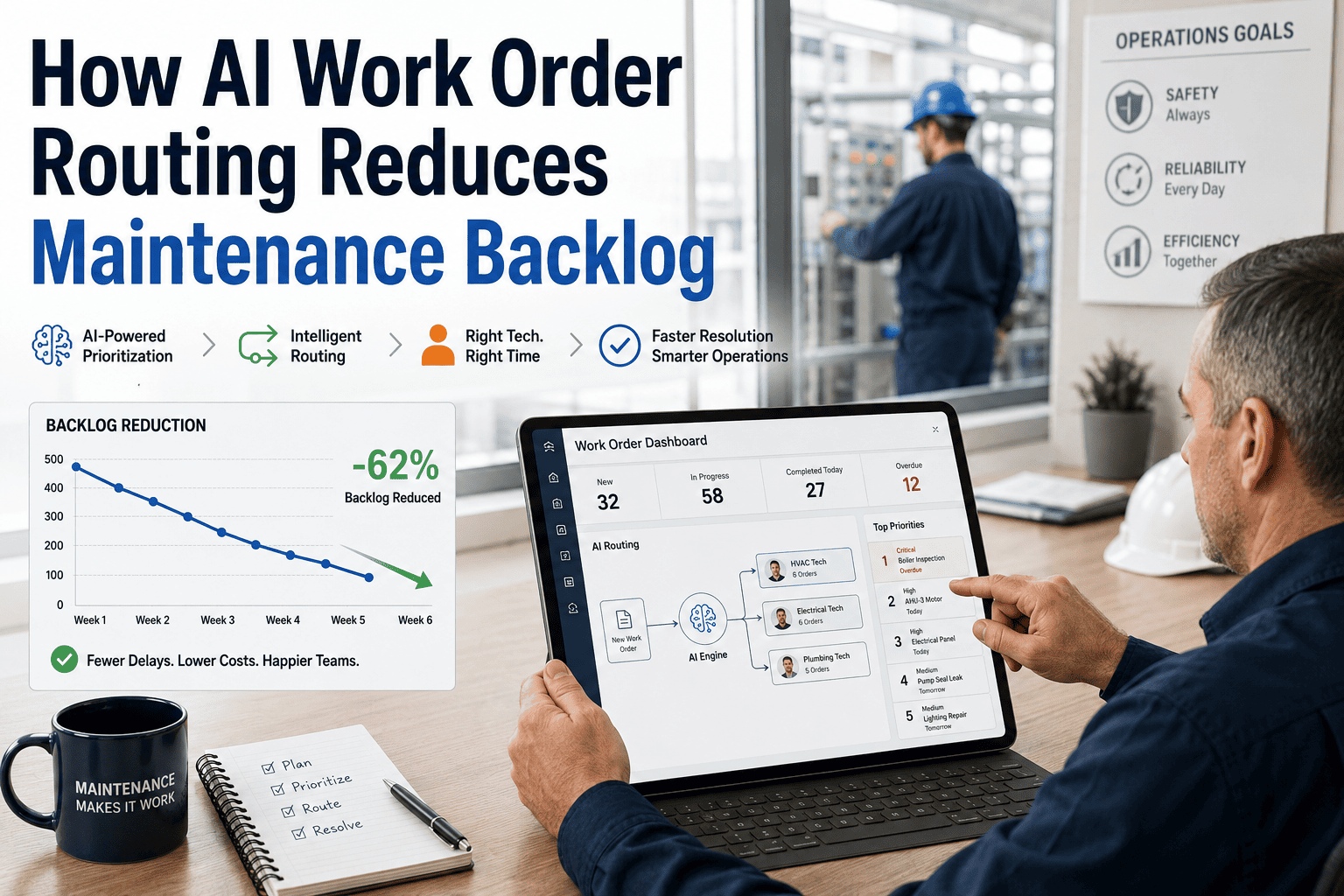
| Backlog report | Shop-wide week with open, in progress, parts hold, deferred, completed, and P1 status | Shows where the morning pressure sits before the crew leaves | Maintenance backlog report |
| Workload view | Each technician, their WO, asset, status, and planned start | Stops the day from depending on hallway updates | Technician workload view |
| Material blockers | Jobs on parts hold and the linked open PRs | Makes the cause of delay obvious to supervisors and store | Parts hold queue |
| PM tracking | Month PM plan through the planned maintenance code; overdue PMs in the audit pack | Keeps recurring work visible without digging through calendars | Overdue PM tracking |
| Technician KPIs | Completions, open and overdue, turnaround, MTTR, first-time fix and rework by window | Shows who is stretched and where rework repeats | Technician workload view |
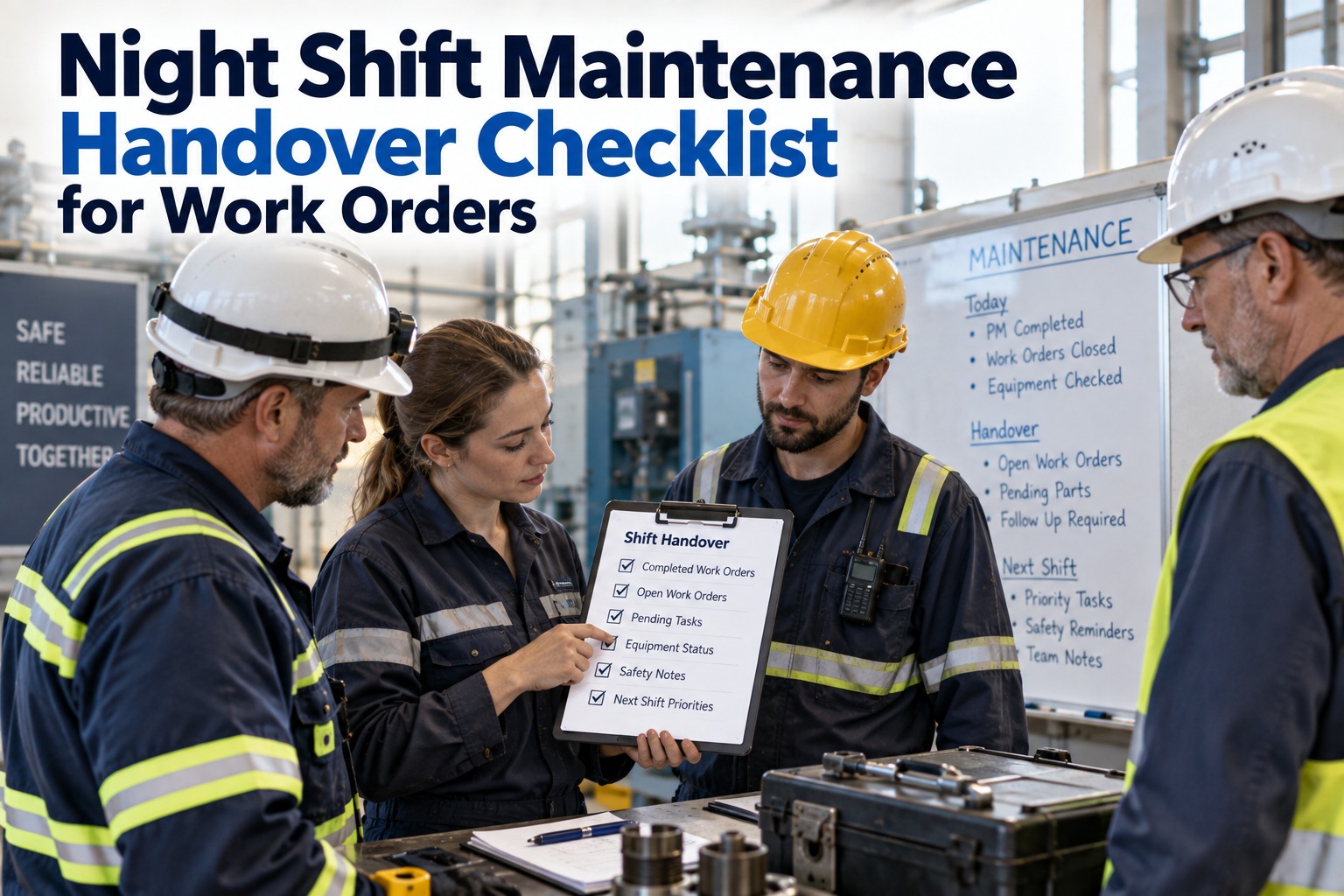
| Handover | Open P1s, deferred jobs, and a spoken summary record | Gives the incoming supervisor the same shop picture | Shift handover maintenance |
What the 7 a.m. Voice Session Covers
The voice flow starts with the questions supervisors ask first, not with a long menu. It reads the shop picture, then moves through the stage mix, crews, parts, and planned maintenance so the day can be steered in order. The build is a demo on a synthetic register, so the emphasis is on how it works and what it can show.
Illustrative Morning Timeline
-
7:00 AMMorning questionsAsk about backlog, workload, parts, PMs, and the handover before the crew leaves the room.
-
7:10 AMRead the pipelineSee planning originated, parts ready, parts short, manpower planned, in flow, technical review, completed, and archived.
-
7:20 AMOpen supervisor codesUse shift handover, shutdown or turnaround, and planned maintenance when the day needs a special path.
-
NowToday’s live viewThe assistant reports and assigns current work, reads blockers, and shows the week as it stands right now.
What Holds Up for Supervisors and Maintenance Leads
- 1The role split holds up. Supervisors can see the shop-wide week, assign or reassign work, and close technical review. Technicians and store stay within narrower views.
- 2Verify the morning questions. In a demo, ask about backlog, workload, parts, and PMs in any order. The same shop picture should come back each time.
- 3Watch the handover detail. The shift handover summary is a role record with open P1s and deferred jobs, not a personal identity claim or an approval step.
- 4Noise changes the flow. In a peer-reviewed 2024 study (Rosilius et al., Multimodal Technologies and Interaction), speech-recognition word error rose from about 3% in quiet to about 37% at 87 dB(A). Use short confirmed commands, a close-talk headset, and a screen fallback.
Want the week view without digging?
Blocked, Unowned or Moving: A Voice Triage Path
Ask the same two questions of every job the week view surfaces. The answers point to the next spoken action, and the supervisor still makes each call. Book a demo to run this triage on a sample week.
-
YesIs it waiting on parts?
- Yes: ask for material blockers and the parts hold queue, then create a PR if none is open.
- No: reschedule with a short why-note, or defer it to a shutdown with the shutdown code.
-
NoDoes it have an owner and a planned start?
- Yes: leave it in its stage and watch the pipeline read-out.
- No: assign it by spoken first name; unknown names fail clearly instead of guessing.
Weekly Work Order Projection as a Voice Readout
The projection view helps supervisors see whether the week is drifting toward more starts than closures, or the other way around. It is a readout for planning, not an optimizer and not a prediction engine. The shape is illustrative, but the pattern shows how the week can settle when closed work catches up.
Illustrative: Weekly Opened vs Closed Work Orders
Data shown (indexed): Opened, W1 to W8: 90, 90, 85, 85, 80, 80, 75, 75. Closed, W1 to W8: 75, 80, 80, 85, 85, 90, 90, 90.
Quick checks
- Read the backlog report before the crew asks for assignments.
- Use the workload view to see who is already tight.
- Pull the parts hold queue when jobs stop moving.
- Review overdue PM tracking before the week slips.
- Record shift handover maintenance when the day changes hands.
How OXMAINT AI Fits Alongside Your Current Systems
OXMAINT AI is designed to sit alongside SAP, Maximo or your current CMMS/EAM. It does not replace your system of record; it helps supervisors ask for the week, assign work, and read the blockers in one voice session. Book a demo to see how it fits your current workflow
- 1
Ask
Use voice to request backlog, workload, parts, or PM views. - 2
Read
Get the current shop picture without digging through every screen. - 3
Assign
Route requests and work orders by spoken first name, with clear failures for unknown names. - 4
Handover
Capture shift handover maintenance, shutdown events, and planned maintenance actions.