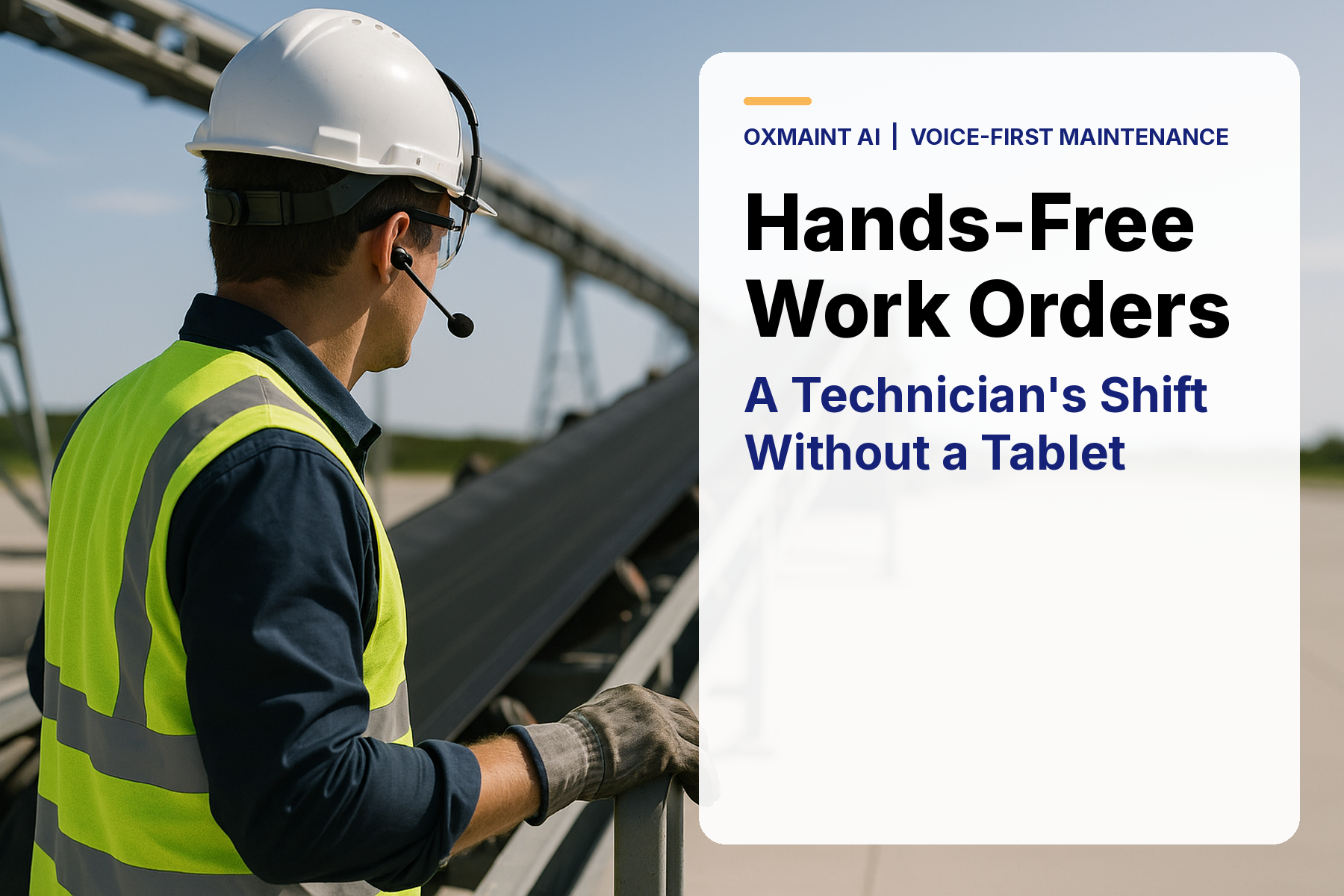
Hands-free work orders matter most at the moment a technician finds a fault: gloves on, hands greasy, the line still running and the tablet parked back at the cart. If the finding waits for the next screen stop, detail gets lost and the job starts late. OXMAINT AI lets a technician log a maintenance request by voice at the asset, check parts availability by voice, start their own job and flag extra work with short, confirmed commands, while the screen stays available as a fallback. It is voice-first maintenance built around the shift you already work. Book a demo to hear a technician shift run by voice, or start a free OXMAINT AI trial and test the flow on your own jobs.
Hands-Free Work Orders: A Technician's Shift Without a Tablet
- 1Request or inspection
- 2Issue or defect
- 3Work order
- 4PM tasks
Why the Tablet Loses on the Floor
OSHA 29 CFR 1910.138 says employers must require appropriate hand protection when hands face hazards such as cuts, abrasions, punctures, burns and harmful temperature extremes. So the gloves stay on, and the real question is where each finding gets written down. The two illustrative shifts below walk the same route with different capture habits.
Illustrative: Where a Shift's Findings Get Logged
Data shown: Voice-first shift: Typed after the route 10%; Logged at the asset 45%; Logged at the next screen stop 45%. Tablet-first shift: Never logged 15%; Typed after the route 45%; Logged at the asset 10%; Logged at the next screen stop 30%.
Hands-Free Work Orders Scorecard for a Technician Shift
Use this scorecard to see what a technician can do by voice without leaving the task. The work stays on the job record, while supervisors and maintenance leads keep the broader queue and closeout steps in their own view. Start a free OXMAINT AI trial and test the technician view
| Task | By voice | What OXMAINT AI returns | Role boundary |
|---|---|---|---|
| Log a request | Speak the unit and defect | Ticket number read back; request sent to RCM automatically | Technician can do this |
| List own jobs | Ask what is assigned | Status, asset, and parts needed | Own work only |
| Check stock | Ask for the part | On-hand, storage location, and on-order status | Read only |
| Read job chain | Ask about PR, PO and GR | PR, PO and GR status on the job | Read only |
| Start own job | Say start on my WO | Moves the job to in flow | Own work only |
| Flag scope variation | Say extra work found | Adds the extra operation or overrun note | Own work only |
A Shift Spoken in Short Commands
Technicians do not need a long script. They need a short command rhythm that works at a guard, a leak, a parts counter, or a noisy route. In a peer-reviewed 2024 study (Rosilius et al., Multimodal Technologies and Interaction), speech-recognition word error rose from about 3% in quiet to about 37% at 87 dB(A). The advice is short confirmed commands, a close-talk headset, and a screen fallback.
Illustrative Shift Timeline
-
06:10Check my jobsThe technician asks for assigned work. OXMAINT AI returns status, asset, and parts needed for own jobs.
-
07:00Ask parts statusThe technician checks stock by voice, including on hand, storage location, and on order before walking away.
-
08:20Log the defectA maintenance request is logged by voice, the ticket number is read back, and the request is sent to RCM automatically.
-
NowStay in flowThe technician starts the job, flags scope variation if needed, and keeps the repair moving without a tablet pause.
What a Technician Voice Flow Must Hold
- 1Keep commands short. Short confirmed commands fit the shop floor better than long dictation, especially when a close-talk headset or handset is available.
- 2Verify read-back behavior. In a demo, check that the ticket number, part status, and job status are read back clearly before the technician moves on.
- 3Respect role boundaries. Technicians can log requests, start their own jobs, and flag scope variation, but they do not assign, archive, or close technical review.
- 4Treat noise as a constraint. OSHA 29 CFR 1910.95(c)(1) requires a hearing conservation program when exposure equals or exceeds an 8-hour average of 85 decibels; voice tools are never hearing protection.
Ready to Work Without the Tablet?
Can You Say It Now, or Should You Switch to the Screen?
Ask the same two questions before each spoken command. It keeps commands short, keeps you inside the Technician view and tells you when the screen is the better tool. Book a demo to see the Technician view run on a sample shift.
-
YesIs it about your own assigned job?
- Yes: start the job or flag scope variation now, then confirm the read-back.
- No: log a maintenance request on the named unit so a supervisor can assign it.
-
NoIs the area too loud for clean speech?
- Yes: switch to a close-talk headset or handset, or use the screen fallback.
- No: break it into short commands and wait for each confirmation.
What Voice Capture Changes Across a Shift
The useful pattern is not just that voice is faster to speak. It is that the task can stay attached to the asset, the parts line, and the job record while the technician is still at the point of work. The chart below is illustrative and shows a shift from delayed capture to capture in flow.
Illustrative: Findings Logged Later vs at the Asset, Pilot Weeks
Data shown (indexed): Later capture, W1 to W8: 90, 90, 85, 85, 80, 80, 75, 75. In-flow capture, W1 to W8: 75, 80, 80, 85, 85, 90, 90, 90.
Demo Checks
- Confirm the ticket number is read back after a request.
- Check stock, storage location, and on-order status by voice.
- Start your own job and confirm it moves to in flow.
- Flag scope variation while the repair is still happening.
- Verify the screen fallback when the floor is too noisy.
How OXMAINT AI Fits the Technician's Day
OXMAINT AI is designed to sit alongside SAP, Maximo or your current CMMS/EAM, using ERP-style parts records that follow SAP shapes. The voice path stays focused on the technician's own jobs, stock checks and request capture. Book a demo to see how it fits your current stack.
- 1
Capture
Log the request, defect, or inspection while standing at the asset. - 2
Check
Ask for own jobs, stock, and job-chain status by voice. - 3
Start
Move your own work into flow and note scope variation. - 4
Carry
Pass work toward PM tasks after repeat issues show up.