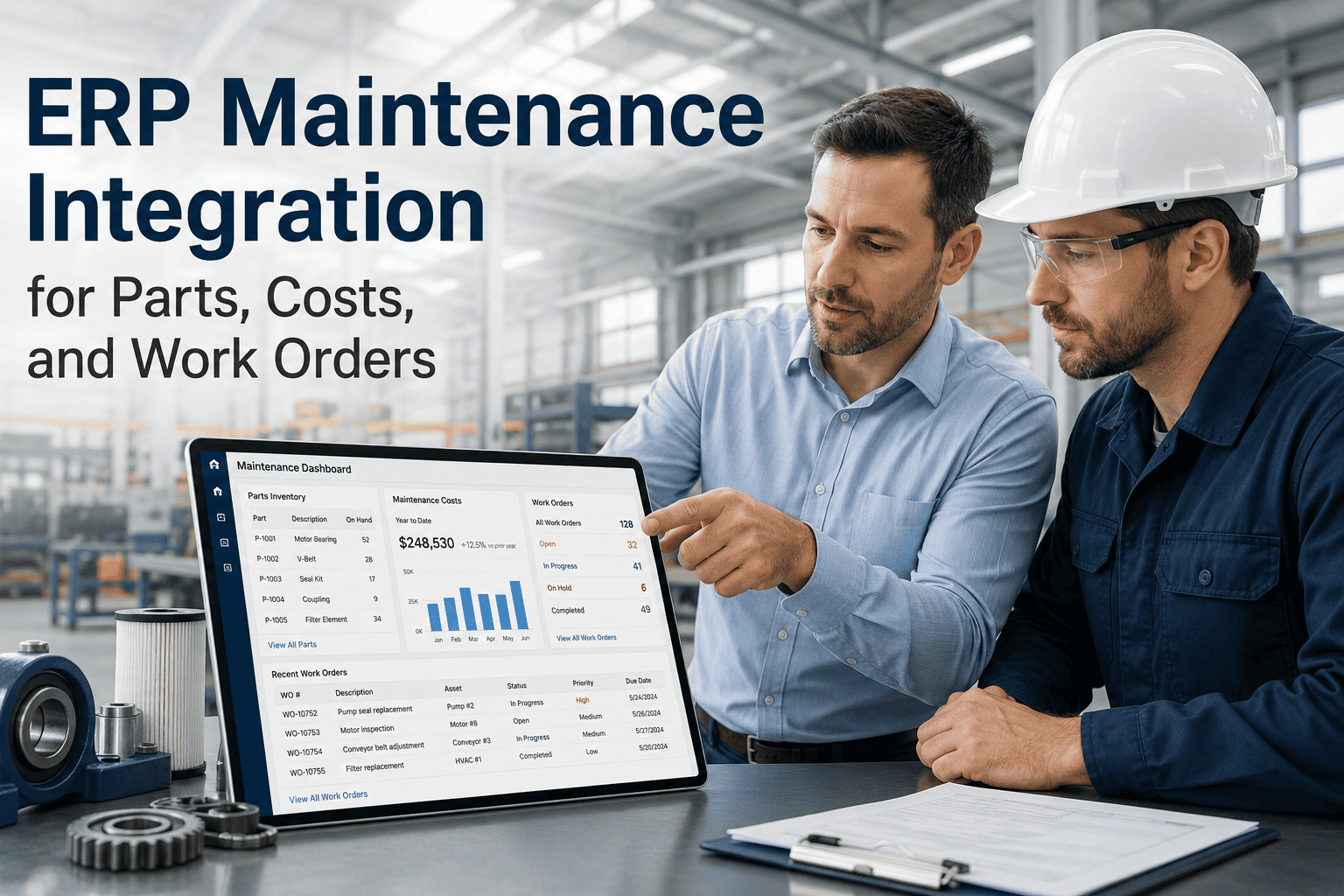
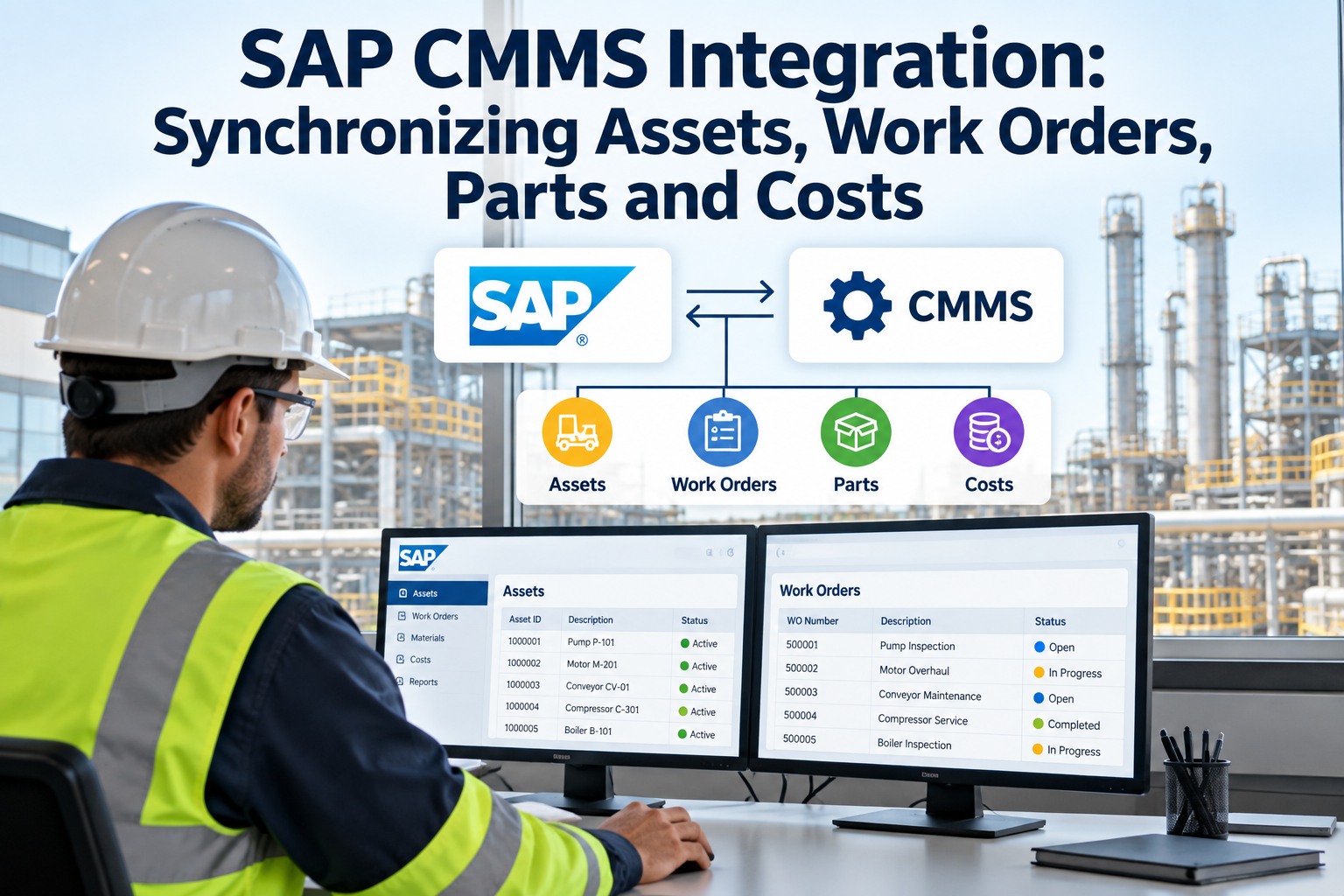
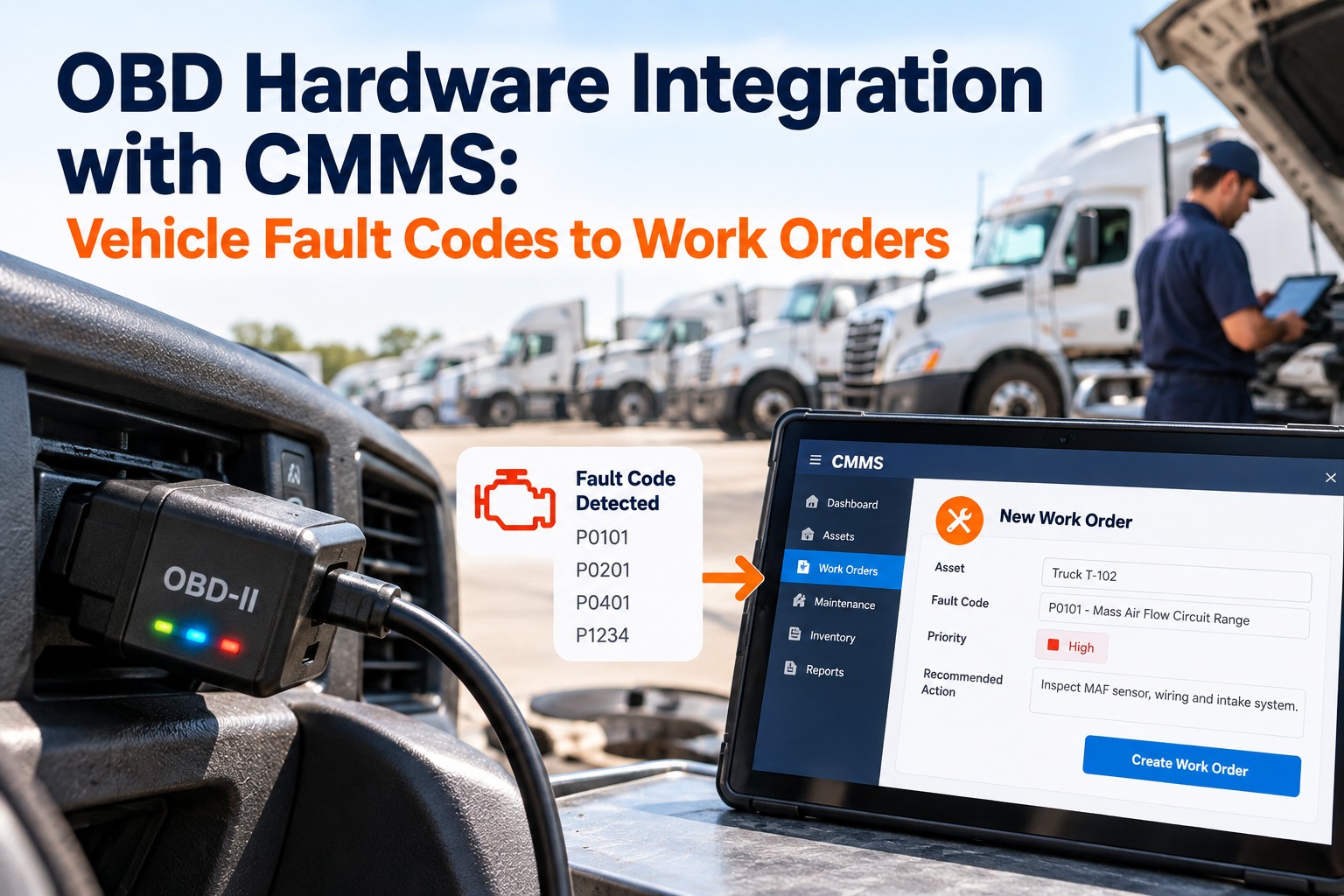
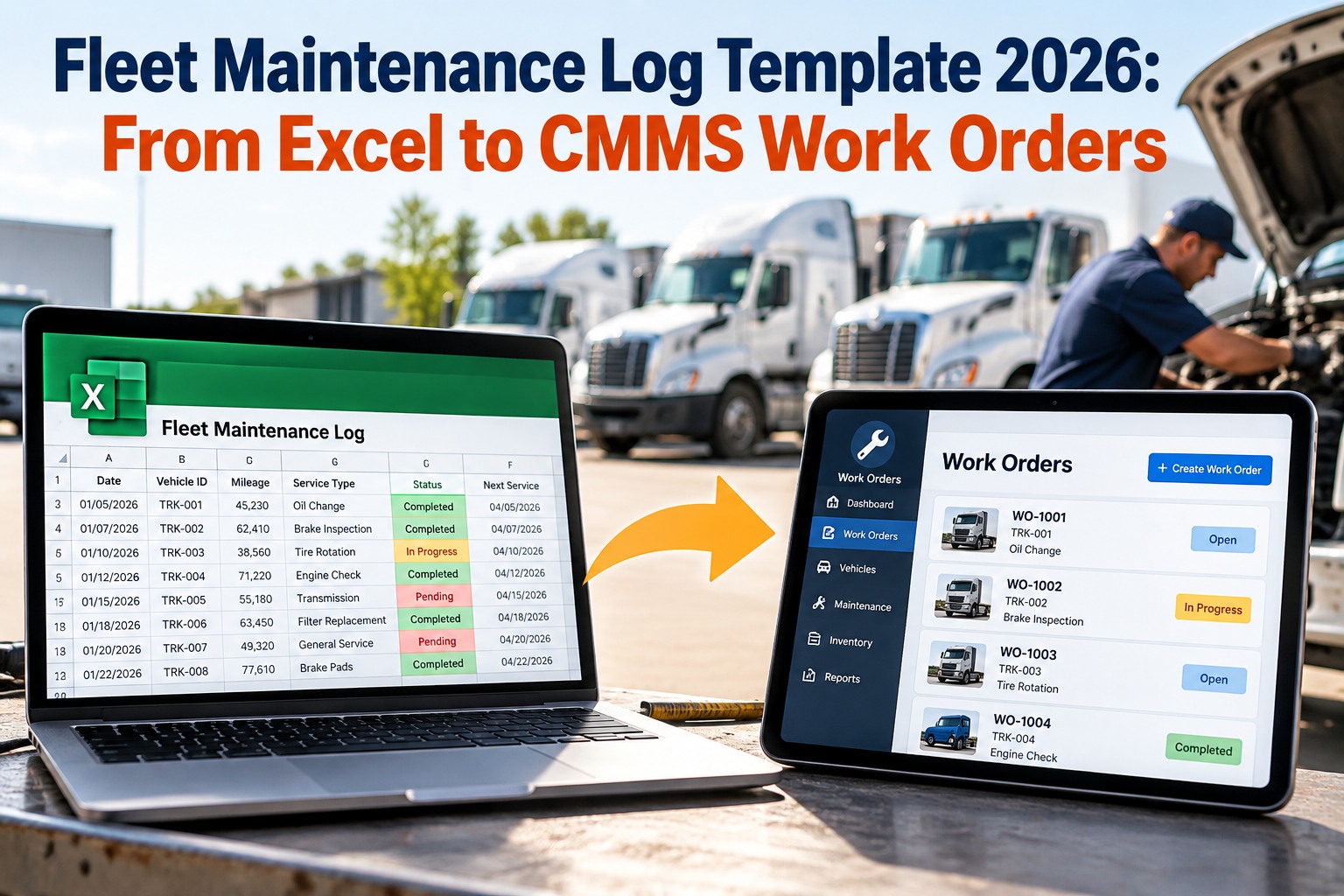
Maintenance execution and financial control have always operated in separate worlds. Maintenance teams track work orders, parts usage, and equipment history inside a CMMS. Finance tracks costs, purchase orders, and inventory inside an ERP. When these systems do not share data, both sides work with incomplete pictures — maintenance teams order parts that are already in stock, and finance reports maintenance costs weeks after the work is done. OxMaint bridges this gap with native ERP integration that connects maintenance execution directly to parts inventory, cost center posting, and purchase order workflows. Every time a work order closes, actual labor and parts costs post to the correct ERP cost center. Every parts request in CMMS becomes a PO draft in ERP. Inventory levels are always current because consumption syncs on work order completion — not at month end. This page explains exactly how the integration works across parts, costs, and work orders, and what maintenance and finance teams experience after going live.
ERP + CMMS · PARTS, COSTS, WORK ORDERS
Finance sees stale data. Maintenance orders duplicate parts. The fix is a connected ERP.
When CMMS and ERP share real-time data, parts costs post automatically, inventory stays accurate, and purchase orders flow without manual intervention.
THE REAL COST OF DISCONNECTION
How much is the gap actually costing you?
Time spent on manual data re-entry between CMMS and ERP per team per week
Percentage of parts orders that duplicate existing storeroom stock
Average delay in maintenance cost reporting to finance leadership
Reduction in cost discrepancies after ERP-CMMS integration goes live
THREE CORE INTEGRATION PILLARS
Parts, costs, and work orders — how OxMaint connects each one
01
Parts Inventory Sync
When a technician consumes parts on a work order in OxMaint, that consumption posts immediately to ERP inventory. Storeroom stock levels update in real time — no batch reconciliation at month end.
- Parts reserved on WO creation
- Consumption posted on WO close
- Reorder triggers fire in ERP automatically
- Min/max levels respected across systems
02
Cost Center Posting
Every closed work order carries labor hours, parts cost, and contractor charges. OxMaint maps each asset to the correct ERP cost center and posts actual costs automatically when the work order closes.
- Labor posted by technician rate
- Parts cost at actual purchase price
- Contractor invoices matched to WO
- Cost history visible per asset in both systems
03
Purchase Order Workflow
When a technician requests a non-stocked part in OxMaint, the request flows directly to the ERP purchasing module as a draft PO — routed to the correct approver based on cost and vendor rules.
- Parts requests create PO drafts in ERP
- Approval routing follows ERP rules
- PO status visible inside OxMaint work order
- Parts receipt triggers work order readiness
BEFORE VS AFTER
What changes when ERP and CMMS connect through OxMaint
| Process |
Before Integration |
After OxMaint ERP Integration |
| Parts ordering |
CMMS parts request sent by email to procurement — 3 to 5 day lag |
Parts request creates draft PO in ERP immediately — same day processing |
| Cost reporting |
Finance waits for monthly spreadsheet from maintenance team |
Actual costs post to ERP cost centers when each work order closes |
| Inventory accuracy |
Storeroom physical count monthly — perpetual mismatches |
Consumption syncs on each work order close — real-time accuracy |
| Asset cost history |
Split between CMMS and ERP — neither is complete |
Full lifetime cost history accessible from both systems |
| Budget vs. actual |
Finance corrects at quarter end after discovering discrepancies |
Live budget vs. actual comparison available daily in ERP |
Expert Review
Arjun Verma — Plant Controller, Heavy Manufacturing
ERP-CMMS integration for cost posting is one of the highest-ROI projects a manufacturing plant can run. The math is straightforward: if your team spends 30 minutes per work order reconciling costs between systems, and you run 500 work orders per month, that is 250 hours of administrative labor you can eliminate. OxMaint's automatic cost posting removes that entirely — and your ERP data is accurate in real time rather than at month end.
GET CONNECTED
See how OxMaint connects to your ERP for parts, costs, and work orders
Book a demo and our integration team will map your ERP modules, cost center structure, and parts procurement workflow against OxMaint's connector — so you understand exactly what changes on day one.
FAQS
What teams ask about ERP integration for maintenance
Which ERP platforms does OxMaint integrate with natively?
OxMaint has native connectors for SAP (S/4HANA and ECC), Oracle ERP Cloud, Microsoft Dynamics 365, and Infor. For other ERP platforms, OxMaint supports REST API and webhook-based integration that your IT team can configure with standard middleware.
Book a demo to confirm connector availability for your specific ERP version and confirm the integration scope.
Does OxMaint support multi-currency environments for cost posting?
Yes. OxMaint handles multi-currency cost posting for organizations operating across countries. Labor rates and parts costs are stored in local currency within OxMaint and converted to the ERP reporting currency using the exchange rates configured in your ERP. Finance teams see costs in the correct currency for each site without manual conversion.
Start a free trial to configure your currency settings during onboarding.
What happens when a work order is reopened after costs were already posted to ERP?
OxMaint handles cost reversals automatically. If a work order is reopened and additional labor or parts are added before final close, the incremental costs post as a supplementary cost entry against the same cost center and work order reference. Your ERP maintains a full audit trail of each cost posting event tied to the OxMaint work order number. Finance can always reconcile back to the original work order.
Can parts minimum stock levels in ERP trigger preventive maintenance in OxMaint?
Yes, and this is one of the more powerful bidirectional use cases. When ERP inventory for a critical spare part drops below the minimum threshold, OxMaint can be configured to trigger a review task or alert on the linked asset — prompting maintenance planners to assess upcoming PM schedules against parts availability before a job is started.
Ask about this workflow in your demo.
READY TO INTEGRATE
Stop reconciling maintenance costs manually. Connect OxMaint to your ERP.
Parts sync automatically. Costs post in real time. Purchase orders flow without email chains. OxMaint gives your maintenance and finance teams one version of the truth — always current, always accurate.