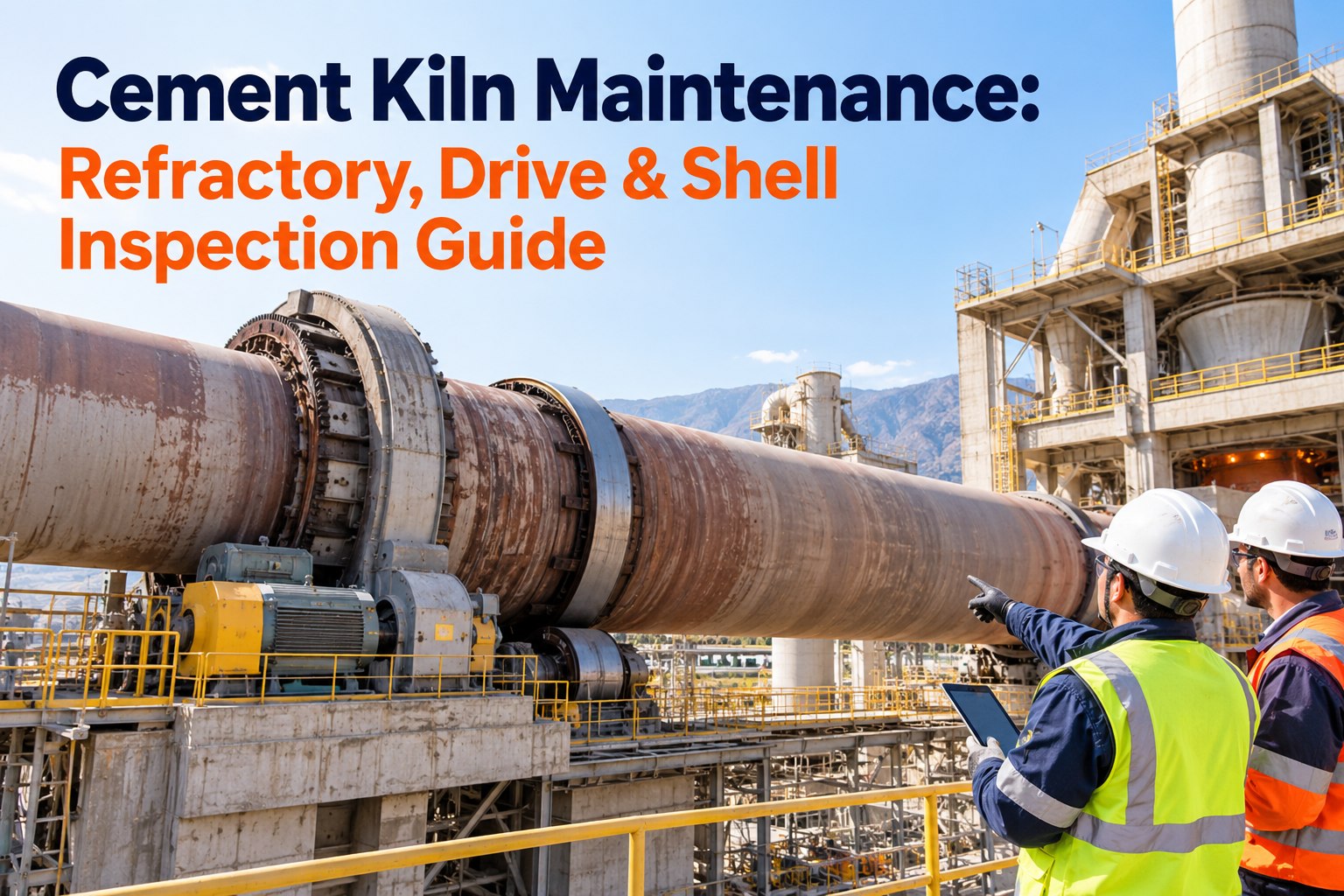
A rotary kiln runs at over 1,400°C inside a steel shell that can't be opened to look at, and a thinning refractory brick gives almost no warning before a hot spot becomes a shell breach and an unplanned shutdown. Manual spot-checks with a handheld pyrometer miss the drift, and by the time a glowing patch is visible from the floor, the damage is done. This guide explains how AI vision and thermal scanning turn kiln and furnace shell inspection into a continuous, predictive workflow, and how OXMAINT AI, the AI-powered cement-plant CMMS, turns a rising shell temperature into a prioritized work order before the brick fails.
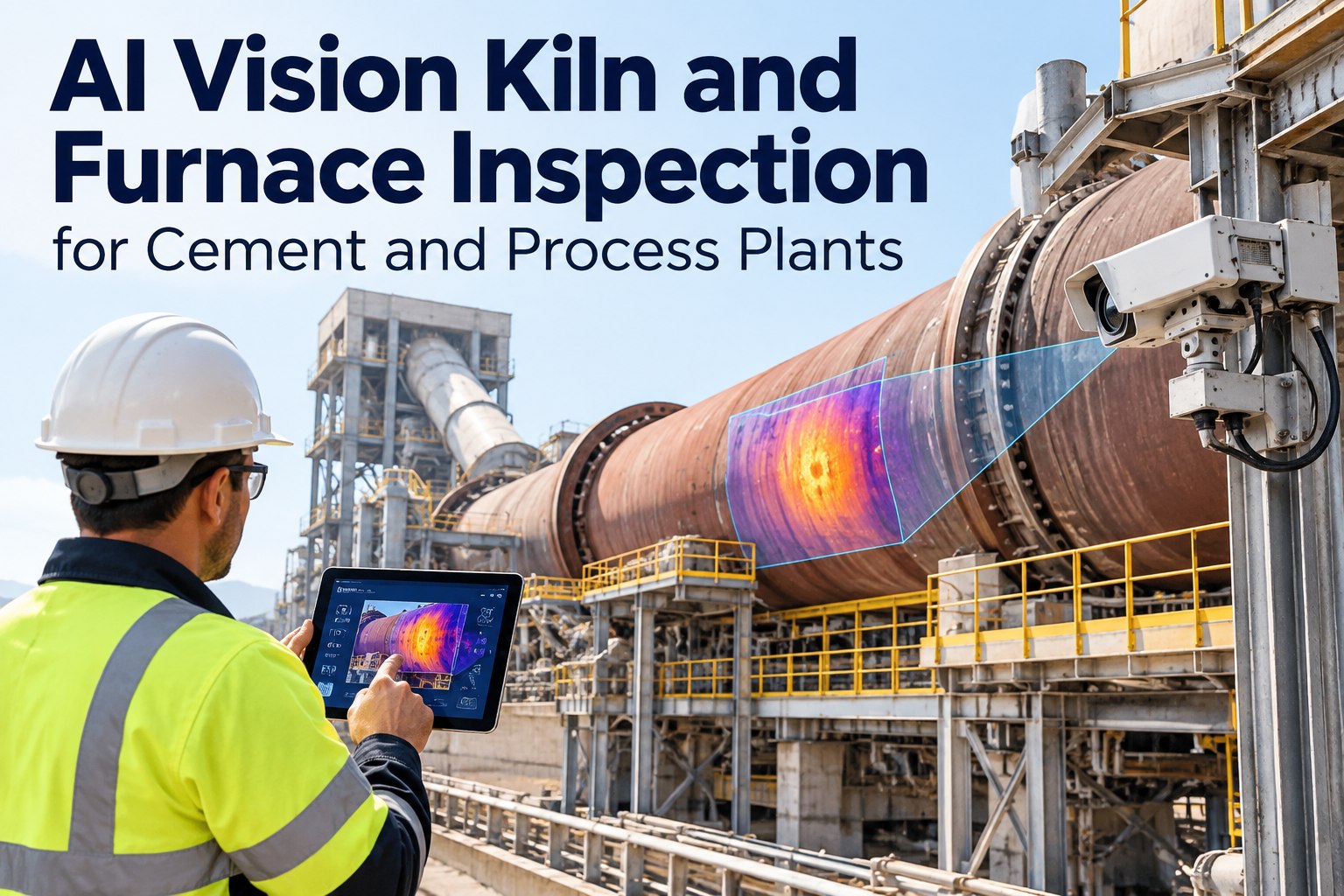
AI Vision Kiln & Furnace Inspection for Cement and Process Plants
A hot spot you can't see until it glows, refractory wear no handheld reading caught, a shutdown that could have been a planned stop — that's kiln inspection without continuous vision. OXMAINT AI, the AI-powered CMMS and maintenance management software, runs the full loop: scan the shell 360° around the clock, let AI map the thermal profile and flag anomalies by zone, and raise a prioritized work order the moment a threshold is crossed — so refractory is planned, not patched after a breach.
Why a Handheld Reading Isn’t Enough
A spot-check tells you one temperature at one point at one moment. Refractory fails as a pattern — a hot spot that migrates, a coating that sheds across a zone, a thinning trend that only shows against history. Catching that needs the whole shell, continuously, with AI tracking the drift rather than an operator reading a gauge. That's the shift from inspection as an event to inspection as a running signal. Book a demo to see continuous shell scanning in OXMAINT AI.
The Thermal Map: Reading the Shell by Zone
A kiln isn't one temperature — each zone runs its own internal heat and carries its own normal shell band, so a reading that's safe at the inlet is a hot spot in the burning zone. AI vision maps the shell zone by zone against each band's own thresholds. Start free and map your shell zones in OXMAINT AI.
| Zone | Internal temperature | Shell normal | Alert | Critical |
|---|---|---|---|---|
| Burning zone | 1,350–1,450°C | 200–280°C | 300°C | 350°C |
| Transition zone | 1,200–1,350°C | 180–250°C | 280°C | 320°C |
| Calcining / inlet | 800–1,100°C | 150–220°C | 260°C | 300°C |
Because each zone carries its own band, AI vision judges every reading against the right baseline — so a true anomaly surfaces and a normal gradient doesn't trip a false alarm.
Four Failure Modes the Scan Catches
The value of a thermal map is in what it distinguishes. Machine learning tells apart the signatures of four different failure modes, so the response fits the fault instead of treating every warm patch the same. OXMAINT AI separates refractory failure, coating instability and ring formation to avoid false alarms. Book a demo to see failure-mode detection in OXMAINT AI.
Beyond Temperature: Mechanical Signatures
The same vision system that reads heat also reads the kiln's geometry, catching mechanical problems that feed refractory wear. OXMAINT AI correlates thermal data with deformation tracking so a hot spot and the ovality behind it surface together. Start free and track mechanical signatures in OXMAINT AI.
A Hot Spot Found Early Is a Planned Stop, Not a Breach.
AI vision flags degradation 60 to 90 days before brick failure by tracking wear-rate trends and hot-spot migration across zones. That's the difference between scheduling a refractory repair into a planned stop and reacting to an emergency shutdown when the shell lets go.
Graduated Thresholds: Watch, Alert, Critical
Not every rising reading is an emergency. Graduated thresholds give the team room to plan at the first sign and act decisively at the last — each level carrying its own response. OXMAINT AI applies these levels per zone and escalates automatically. Book a demo to configure graduated alerts in OXMAINT AI.
From Scan to Prioritized Work Order
Vision only pays off when the signal becomes action. OXMAINT AI runs an unbroken loop from infrared capture to a work order on a technician's device, carrying the context that makes the fix fast. Start free and close the loop in OXMAINT AI.
Fits the Plant You Already Run
A vision program has to work with the control system and the history the plant already has. OXMAINT AI connects to existing infrastructure and keeps the trend data that makes each refractory campaign smarter than the last. Book a demo to see the integrations in OXMAINT AI.
We ran the kiln on handheld pyrometer readings and scheduled refractory by the calendar, which meant we were either changing good brick early or finding a hot spot the hard way. Continuous shell scanning changed the whole rhythm — the system trends every zone against its own band, tells coating loss apart from a real refractory problem, and gives us weeks of warning on a migrating hot spot. Now the refractory work goes into a planned stop with the zone and the history already on the work order.
Frequently Asked Questions
See the Shell Before It Shows Itself.
Run kiln and furnace inspection on the OXMAINT AI maintenance management software — continuous 360° thermal scanning, zone-by-zone AI analysis, graduated alerts, refractory life prediction, and prioritized work orders carrying zone, history and recommended action. Plan the refractory campaign instead of chasing the breach.