Airport inspections happen at all hours, across runways, aprons, terminals, and plant rooms, and each one has to leave a record that someone else can find months later. A clipboard can't search itself, and a generic form app can't create the repair job when an inspector finds a cracked pavement joint or a failed light. Choosing airport inspection software is less about a long feature list and more about a handful of things that break in real operations: offline use, evidence quality, template control, and what happens to a finding after it's logged. This guide gives you a scorecard to compare options, questions to ask in every demo, and a short pilot plan. OxMaint AI maintenance management software combines digital inspections with CMMS work orders, which is the connection most airports end up needing.
Buyer's Guide · Airport Operations · Inspection & Checklist Management · 2026
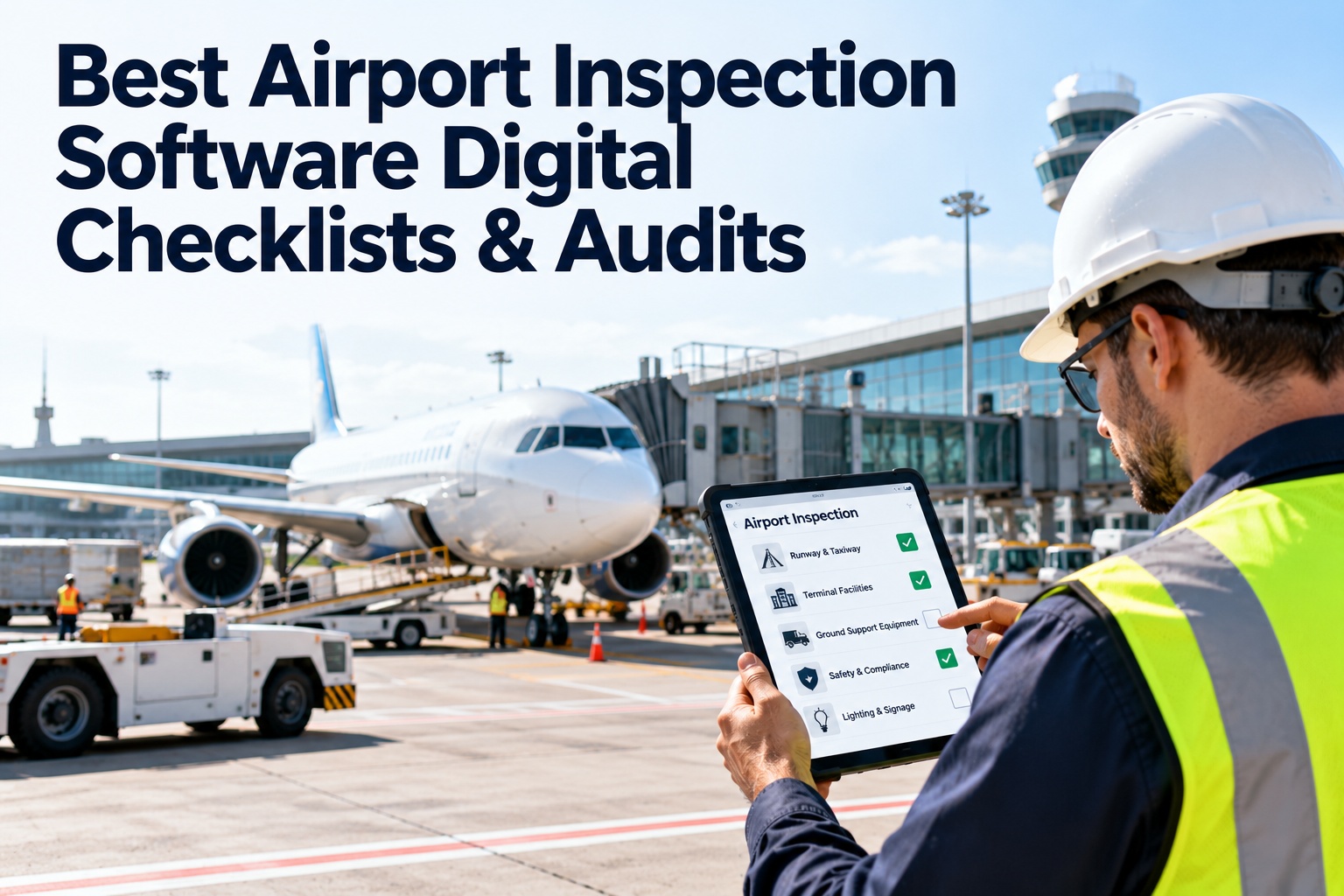
Best Airport Inspection Software: Digital Checklists & Audits
How to evaluate airport inspection software for digital checklists, offline mobile use, photo evidence, audit tracking, and automatic work orders, with a scorecard you can use in your next demo.
Why Airports Are a Tough Test for Inspection Software
An app that works in an office building can struggle on an airfield. Four conditions shape what "best" means here. Start free and test it in your own conditions.
◎
Huge footprintInspectors cover long routes, often by vehicle, far from desks.
☾
Round-the-clockInspections run nights, weekends, and around operations.
✔
Strict oversightCertificated airports need records that stand up to review.
⇄
Shift handoffsOpen issues must pass cleanly between inspectors and teams.
What Airports Actually Inspect
Your software has to handle very different kinds of inspection in one place. Requirements vary by country and by airport certification, so work from your own program. Book a demo to map your routes.
Airside
- Runways, taxiways, and aprons
- Lighting, signs, and markings
- Pavement condition and FOD
- Fencing, gates, and wildlife hazards
Terminal & buildings
- HVAC, plumbing, and electrical rooms
- Baggage and passenger systems
- Fire and life-safety equipment
- Public areas and restrooms
Ground support & utilities
- Ground support equipment
- Generators and UPS
- Fuel and utility systems
- Vehicles and rescue equipment readiness
Three Ways Airports Run Inspections
Most options fall into one of three approaches. Start free and see the third one in action.
| What matters | Paper & spreadsheets | Stand-alone checklist app | Inspection + CMMS |
|---|
| Evidence | Handwritten, photos separate | Photos and timestamps | Photos, timestamps, and asset link |
| Offline use | Always works | Varies by product | Check, and test on the airfield |
| Finding to repair | Manual re-entry | Often a separate step or export | Work order created from the finding |
| Asset history | Filing cabinet | Limited | Inspections and repairs on one record |
| Audit search | Slow | Report exports | Searchable by asset, date, and inspector |
The Eight-Point Evaluation Scorecard
Rate each vendor 0 (missing), 1 (partial), or 2 (strong) on every row. The dots show how much each criterion usually matters at an airport. Adjust to your own priorities. Book a demo and score OxMaint AI with us.
1
Reliable offline useInspectors can complete and sign off with no signal, then sync automatically.Ask: What happens if sync is interrupted mid-inspection?
●●●
2
Template controlMaster checklists with terminal or area variants, version control, and easy updates.Ask: How do template changes reach every inspector?
●●●
3
Evidence qualityPhotos, location, timestamps, inspector identity, and sign-off on every record.Ask: Can an entry be edited after submission?
●●●
4
Findings to work ordersA defect creates a tracked job with owner, priority, and due date.Ask: Is that automatic, and where does the work order live?
●●●
5
Routing & escalationSeverity-based alerts, with escalation if nobody responds.Ask: Can urgent findings reach the right person immediately?
●●○
6
Audit trail & reportingSearch by asset, date, area, or inspector, and export clean reports.Ask: How long to pull six months of records for one runway?
●●●
7
Field usabilityFast screens, large touch targets, and quick note entry for inspectors working from vehicles.Ask: Can inspectors test it on a real route?
●●○
8
Setup & supportHelp building asset hierarchies, checklists, training, and integrations.Ask: What does onboarding involve, and who does the work?
●●○
The Best Inspection App Is the One That Ends in a Repair.
A perfect checklist that stops at "defect found" still leaves work to chase. OxMaint AI runs digital inspections inside the CMMS, so a failed item can become a work order tied to the asset, with photos and notes attached.
A Four-Week Pilot Plan
Don't decide from a demo alone. Run a small pilot with real inspectors. Start free and run your pilot.
Week 1
Set upLoad a few assets and one route. Build or import two checklists.
Week 2
Field testInspectors run real inspections, including offline and at night.
Week 3
Close the loopTrack findings through work orders and sign-off.
Week 4
ReviewScore the vendor, collect inspector feedback, and decide.
Red Flags to Watch for in Demos
The demo only works with a perfect connection
Findings can't become a work order without exporting data
Records can be edited without a visible history
Templates are locked to the vendor, with no easy updates
Compliance is claimed without explaining how it works for your program
How OxMaint AI Maps to the Scorecard
Here's where OxMaint AI fits, based on its inspection and CMMS features. Always verify in a demo against your own routes. Start free and test each point.
Configurable Digital Checklists
Build checklists per area, with photos, annotations, and signatures.
Mobile & Offline Inspections
Run rounds on phones or tablets and sync when connected.
Templates by Terminal or Area
Master templates with variants for different terminals and shifts.
Automatic Work Orders
Failed inspection items become assigned, tracked jobs.
Shift Handoff Logs
Pass open issues between inspectors with a digital record.
Searchable Audit Trail
Find inspections by asset, date, or inspector, and export reports.
Frequently Asked Questions
What is airport inspection software?
Software that lets inspectors complete checklists on mobile devices, capture photos and findings, keep a searchable record, and route defects into maintenance work.
Start free and try it.Why does offline access matter for airports?
Airfields and plant rooms often have patchy signal, and inspections can't wait for connectivity. Offline-capable apps let inspectors finish and sync later.
Book a demo to test offline use.Can digital inspections support our regulatory program?
They can help you keep consistent, timestamped records, but your program and regulator define requirements. Confirm how the software supports your specific obligations.
Sign up free and map your checklists.Do we need a CMMS, or is a checklist app enough?
A checklist app records inspections. A CMMS also tracks the repairs, assets, and parts that follow, so findings don't stall.
Book a demo of both together.How do we get started?
Pick one route, load its assets, build the checklist, and pilot with a small team before expanding.
Start free today.
Inspect Digitally. Fix Quickly. Prove It Easily.
Try OxMaint AI on one real route and see inspections, evidence, and work orders connect in a single workflow.