Every defect photo your drivers capture pulls in two directions at once. Compress it too hard to save storage and you strip out the exact detail — the hairline brake-line crack, the tire sidewall bulge — that makes the image worth anything in an audit or a lawsuit. Leave every photo uncompressed and a mid-size fleet's DVIR images balloon into a storage bill nobody budgeted for, especially once FMCSA-defensible practice pushes retention to a year or more. The answer isn't "more compression" or "less" — it's a deliberate compression policy that holds evidence quality while cutting the bytes that don't carry evidence. This guide shows how to set that policy. Start free or book a demo.
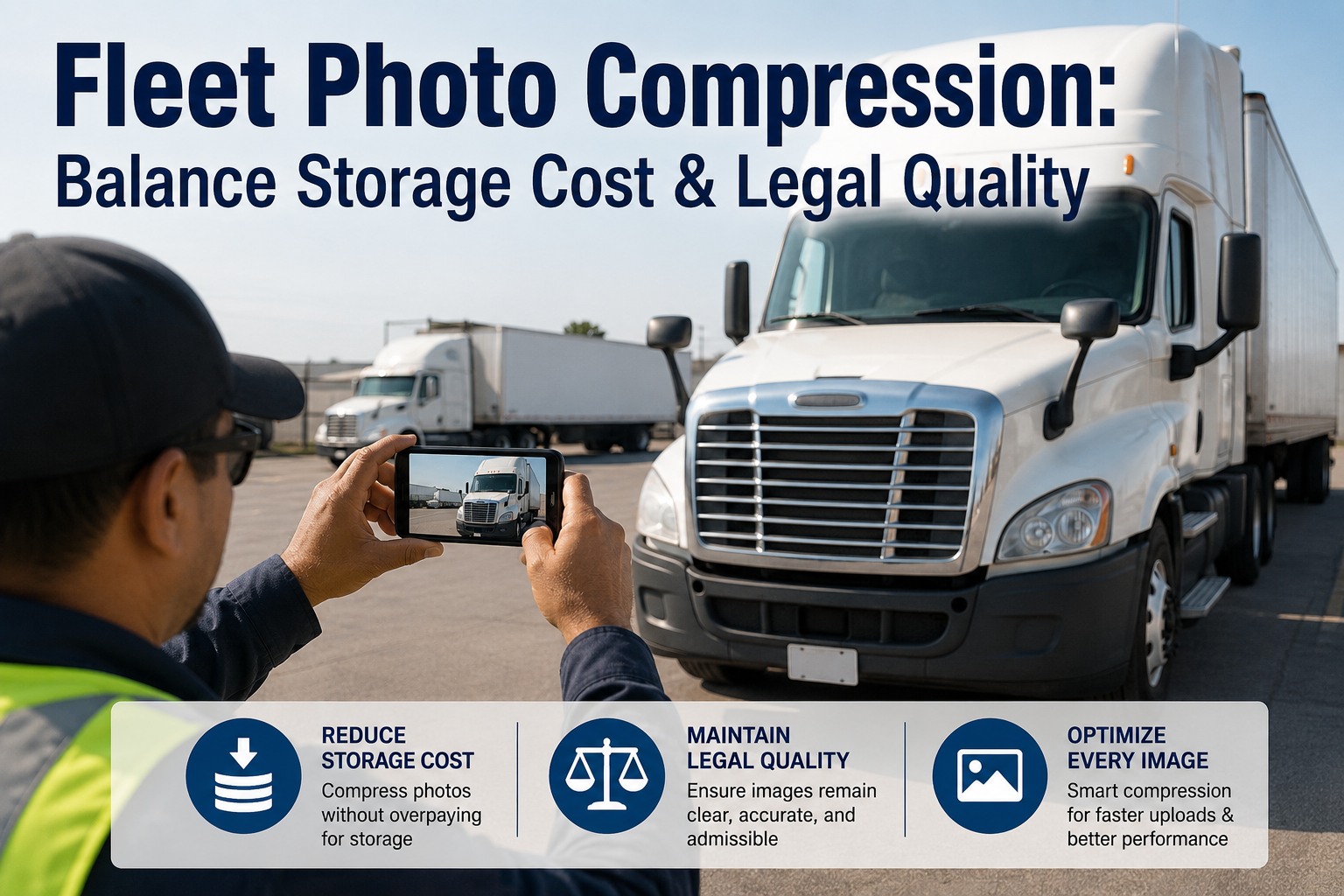
Fleet Photo Compression: Balance Storage Cost & Legal Quality
Over-compress and the photo loses its evidence value. Never compress and storage costs explode. Here's the compression policy that protects both your budget and your claims defense.
Why This Is a Real Trade-Off, Not a Setting to Ignore
JPEG is lossy — every save throws away image data to shrink the file, and once it's gone it's gone. At gentle compression the discarded data is invisible to the eye. Push harder and the compression starts erasing the fine, high-contrast detail that defect evidence lives in, and stamps in blocky artifacts along the 8×8 grid JPEG works in. The cruel part: those artifacts land hardest exactly where you need clarity — edges, cracks, and text on a DOT plate. Sign up free and Fleet Rabbit captures defect photos at an evidence-safe quality by default, so the trade-off is decided once, correctly, instead of per driver per phone.
The JPEG Quality Scale, and Where Fleet Photos Belong
JPEG compression is set by a quality factor from roughly 1 to 100. The relationship isn't linear — the first drop from 100 sheds huge file size for almost no visible loss, while the last push toward 1 destroys the image for little further saving. That curve is what makes a policy possible: there's a band that's nearly lossless to the eye yet a fraction of the size. Book a demo to see the capture-quality setting applied fleet-wide so every device lands in the safe band.
The Rules That Keep a Photo Admissible
Compression quality is only half the story — how the file is handled decides whether it holds up. Courts recognize digital photographs as evidence routinely, but they turn on authenticity and integrity. A few handling rules matter more than the exact quality factor. Sign up free and Fleet Rabbit enforces these automatically — original preserved, metadata attached, one clean compression.
The Photo You Compressed to Save 3 MB Is the One the Plaintiff's Expert Zooms In On.
A DVIR photo can surface in litigation years later — and when every phone decides its own compression, some land at Q40 with the crack blurred into the frame opposing counsel enlarges for the jury. Fleet Rabbit captures every defect photo in the evidence-safe band, original and GPS preserved, chain of custody locked.
What This Saves at Fleet Scale
The policy only matters because the numbers multiply. Photos per inspection, inspections per vehicle per day, vehicles across the fleet, retained for a year or more — that's the multiplier that turns a per-photo choice into a real line on the budget. Here's the shape of it, illustratively. Book a demo to model it against your own fleet size and retention window.
Cutting each photo by roughly 70% with no meaningful loss of evidence doesn't just shrink the storage bill — it speeds uploads from the field on weak cellular, cuts backup windows, and makes a year-plus of retention affordable instead of a reason to delete early. And deleting early is its own risk: a photo you no longer have can't defend a claim that lands in month fourteen.
Per-Driver Phone Settings vs. a Fleet Policy in Fleet Rabbit
Left to individual devices, compression is a lottery — every phone model, camera app and driver setting produces a different quality, and you find out which ones were too aggressive only when you need the photo. A managed policy makes the decision once, correctly, for everyone. Start free and standardize capture quality across your whole fleet this week.
What Fleet Rabbit Does for Defect Photos
Fleet Rabbit captures DVIR and defect photos with the compression, retention and integrity that keep them both affordable to store and defensible to produce. Here's the concrete mapping. Book a demo to see it on your fleet.
Set the compression policy once, and every defect photo across the fleet lands affordable to store and strong enough to defend. Try Fleet Rabbit free or book a demo to see capture quality and retention configured for your operation.
We got burned on a cargo-claim case where the defect photo our driver took was so heavily compressed by his phone's messaging app that opposing counsel called it "inconclusive" — the brake-line crack was a smudge. We'd been letting everyone shoot and share however their device defaulted, and our cloud bill was still climbing because half the fleet was uploading full 10-megapixel images for a lug-nut photo. Fleet Rabbit fixed both ends at once: capture quality is standardized in the evidence-safe band, originals and GPS are preserved, and retention runs to two years automatically. Storage dropped by more than half, and every photo now holds up. The one that mattered would have been airtight.
Frequently Asked Questions
One Compression Policy. Affordable Storage and Defensible Photos.
Fleet Rabbit captures every defect photo in the evidence-safe band, preserves the original with metadata and GPS, compresses once, and retains to your policy — so you cut storage by roughly 70% without ever weakening a claim photo. Start free — no credit card, unlimited users, forever. Or book a demo.