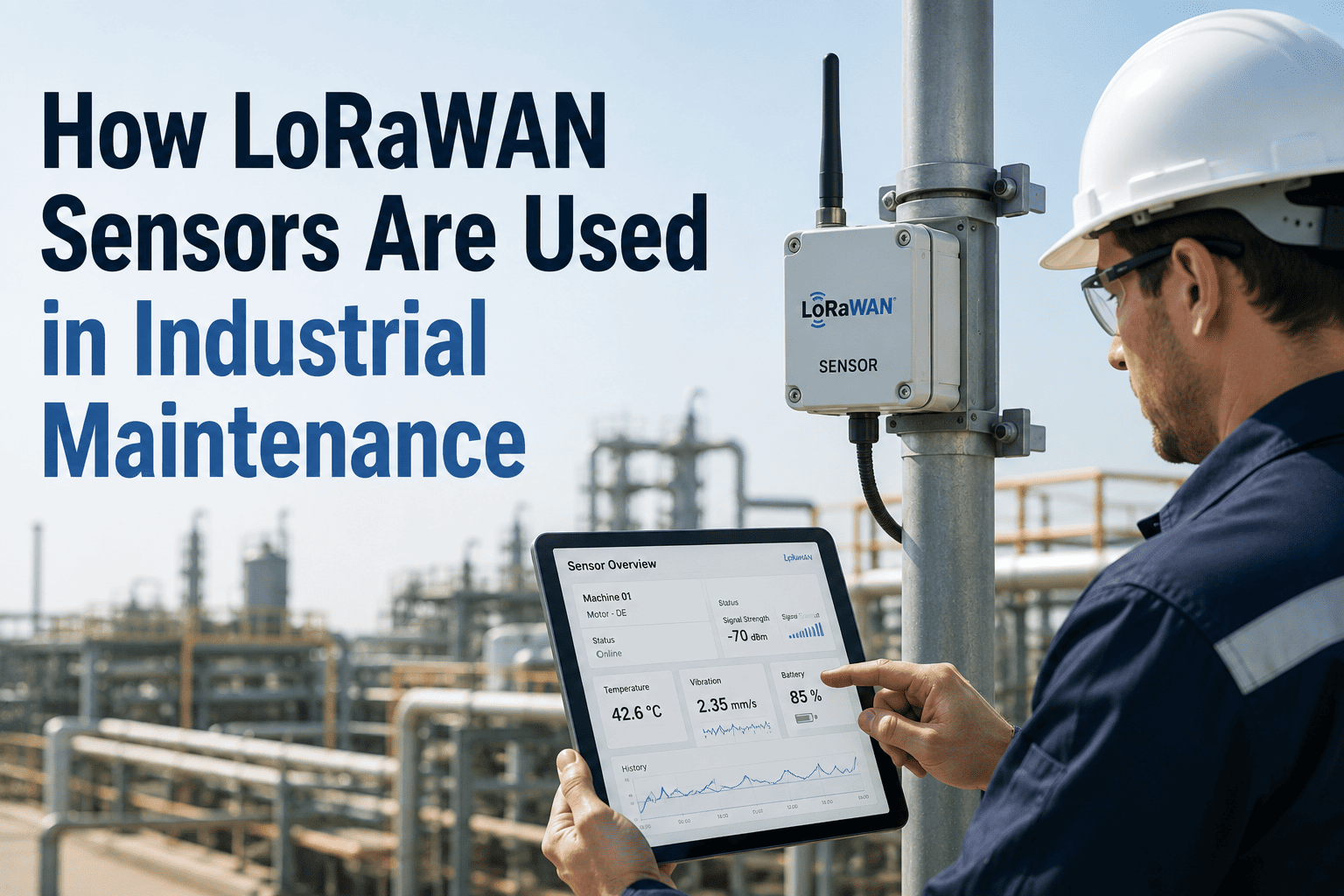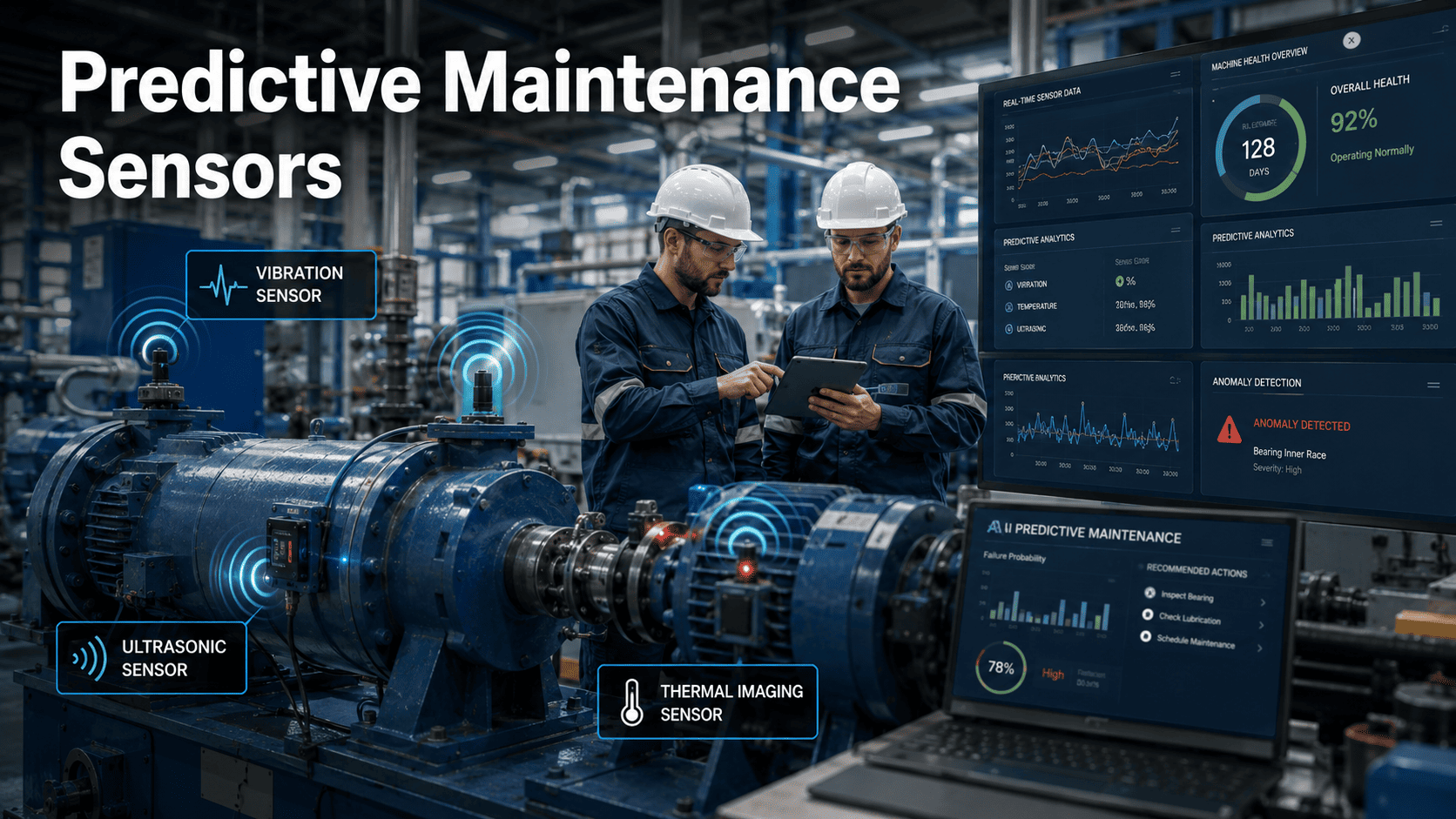
Industrial IoT sensor deployment has crossed a tipping point: a vibration, temperature, or current sensor that cost $800 in 2018 now ships for under $120, with battery life pushing five to seven years on a single cell. The barrier is no longer hardware cost — it is the gap between a sensor that emits data and a maintenance system that turns that data into a closed work order before failure. Most plants deploy a pilot of 40 to 80 sensors, watch the dashboards for a quarter, then stall because alerts land in an inbox no technician owns. The fix is an architecture where every alarm maps to a trigger rule, every trigger creates a CMMS work order, and every work order is prioritised against asset criticality and production schedule. OxMaint closes that loop with sensor-to-CMMS automation, condition-based trigger design, and a work-order engine that proves ROI in weeks, not fiscal years. You can Start Free Trial to wire up your first asset today.
Where should the first 30 sensors go — and what will they actually prevent?
A 180-asset plant typically loses $42,000–$95,000 a year to unplanned downtime that vibration, temperature, and current sensors could have flagged 7–21 days in advance. The math works at almost any scale once alerts reach a CMMS that converts them into prioritised, assignable work orders — not another dashboard nobody opens.
A six-stage path from sensor to closed work order
Skipping any stage below is how plants end up with 4,000 sensor readings a day and zero work orders generated. Each stage feeds the next; the CMMS is not the last step, it is the backbone that makes every prior step pay.
Criticality triage
Rank assets on a 1–5 criticality matrix using production impact, spare lead time, and historical failure frequency. Only the top 20–30% of assets earn sensors in phase one — typically 15–40 units for a mid-size plant.
Sensor-type mapping
Match each asset to the cheapest sensor that catches its dominant failure mode: tri-axial vibration for rotating gear, surface temperature for bearings and motors, clamp-on current for pumps and compressors drawing abnormal amperage.
Gateway & network
Stand up edge gateways over LoRaWAN, Wi-Fi, or cellular backhaul. Target a 30-second to 5-minute sampling cadence for vibration RMS, 1-minute for temperature, sub-second event capture for current spikes.
Baseline & thresholds
Run a 10–14 day baseline to capture normal operating envelope, then set ISO 10816 velocity thresholds (2.3 mm/s rms for Zone A/B on machines 15–300 kW) plus asset-specific current and temperature limits.
Trigger rules in CMMS
Codify each threshold into a condition-based trigger: which asset, which failure mode, which priority, which technician group, which job plan template. OxMaint auto-generates the work order the moment a threshold is crossed — no inbox triage.
Closed-loop verification
Every generated work order closes with a root-cause code and the sensor reading that triggered it. Within 90 days the failure-mode library tightens thresholds automatically, cutting false alarms by 35–60%.
Which sensor goes on which asset — and what it catches first
A mismatched sensor is worse than no sensor: it produces green dashboards while bearings weld themselves to shafts. Use this matrix to align failure mode, sensor type, and the CMMS trigger that converts each signal into action.
| Asset class | Primary sensor | Dominant failure mode caught | Typical lead time | CMMS trigger action |
|---|---|---|---|---|
| Motors 15–300 kW | Tri-axial vibration + current | Bearing wear, rotor bar break | 14–21 days | P2 work order, schedule within 5 days |
| Pumps (centrifugal) | Vibration + discharge temp | Cavitation, seal degradation | 7–14 days | P1 work order, inspect next shift |
| Gearboxes | Vibration (high-freq) + oil temp | Gear pitting, lubrication loss | 21–35 days | P2 work order, oil sample + inspect |
| Compressors | Current + vibration + temp | Valve leak, bearing fatigue | 10–18 days | P1 work order, isolate & inspect |
| Conveyors (drive) | Vibration + motor current | Bearing seizure, belt slip | 5–10 days | P2 work order, inspect during downtime |
| HVAC AHUs | Vibration + temperature | Fan imbalance, bearing dry | 14–28 days | P3 work order, next weekly round |
Sensor-to-savings formula most plants never calculate
Before approving a $24,000 sensor rollout, run the numbers. The formula below is the one reliability engineers use to justify IIoT spend to finance — and it almost always pays back inside one fiscal quarter.
- S — net annual savings per asset
- U — unplanned downtime events/yr avoided
- D — hours of downtime per event
- Cr — revenue or output cost per hour ($/hr)
- L — labour hours saved on inspection rounds
- Pl — loaded technician rate ($/hr)
- Acm — annualised sensor + gateway cost
A 180-asset food-packaging plant
Deploys 32 sensors on its 18 critical motors and 14 filler pumps. Annualised hardware + gateway cost: $4,800. The plant historically logs 11 unplanned events averaging 6.5 hours at $3,200/hr output loss, plus 260 labour-hours of weekly route inspections.
Assuming sensors prevent 60% of unplanned events and halve inspection labour, payback lands at roughly 9 days of operation — well inside the 14-day free trial window.
The IIoT readiness checklist teams run before buying sensors
Half of failed IIoT projects fail because a checkbox below was skipped. Print this, walk the floor with it, and do not order hardware until every line is confirmed.
Asset criticality scored
Every candidate asset carries a 1–5 criticality score with production impact, spare-parts lead time, and redundancy documented. No asset gets a sensor without a score on file.
CMMS live with asset records
Each target asset exists in OxMaint with a bill of materials, job plan templates, and an assigned technician group — so a triggered work order has somewhere meaningful to land.
Network coverage confirmed
A signal-strength survey verifies gateway reach to every mounting point. Dead zones are mapped before procurement, not discovered during commissioning at 2 a.m.
Baseline window scheduled
A 10–14 day normal-operation window is reserved for baseline capture. Thresholds set without a baseline generate false alarms that erode technician trust within a week.
Trigger-to-job-plan mapping
Each failure mode has a named job plan, priority code, and parts kit in the CMMS. A sensor alert with no job plan behind it is a notification, not maintenance.
Technician briefing held
The maintenance team has been walked through how condition-based work orders arrive, how to read the sensor context attached, and how to close them with a root-cause code.
Stop reading dashboards. Start closing work orders.
OxMaint ingests your sensor data, applies your trigger rules, and generates prioritised work orders automatically — so your team fixes assets before failure, not after the callout.
Sensor deployment, answered straight
How many sensors should we deploy in phase one?
Most plants see strong ROI with 15–40 sensors covering the top 20–30% of assets by criticality. That is enough to validate the architecture, train the team on condition-based work orders, and prove payback — typically inside 90 days — before scaling to 100+ units. Starting smaller and closing the loop cleanly beats a 200-sensor pilot that drowns the CMMS in untriaged alerts.
Do we need to replace our existing CMMS?
No. OxMaint is built to be the CMMS that closes the sensor-to-work-order loop, but if you already have a system in place, the fastest path is often a parallel trial on one asset group. You can Start Free Trial, connect a handful of sensors, and compare the condition-based work orders it generates against what your current process catches — the gap is usually the business case.
What happens when a sensor threshold is crossed?
The trigger rule fires instantly: OxMaint creates a work order with the asset ID, the sensor reading, the failure mode it maps to, the assigned technician group, the priority code, and the linked job plan. The order enters the queue alongside your preventive maintenance schedule, ranked by criticality and production impact — not buried in an alert feed.
How do you prevent false alarms from destroying technician trust?
Two mechanisms. First, a 10–14 day baseline window establishes each asset's normal operating envelope before any threshold goes live. Second, every closed work order feeds a root-cause code back into the trigger library, so thresholds tighten over time — most plants cut false alarms 35–60% within the first 90 days of closed-loop operation.
Can we justify IIoT spend to finance without a six-month study?
Yes. Use the savings formula above with your own unplanned-event count, average downtime hours, and output cost per hour. Most plants land at $150K–$400K net annual savings on a 30-sensor deployment, with payback under 30 days. If you want a walked-through model with your numbers, Book a Demo and we will build it live in 30 minutes.
Your first 30 sensors are cheaper than your last unplanned outage.
Wire up criticality, sensors, trigger rules, and closed-loop work orders in a single platform. OxMaint makes IIoT deployment a maintenance decision, not an IT project.
Free 14-day trial · No credit card