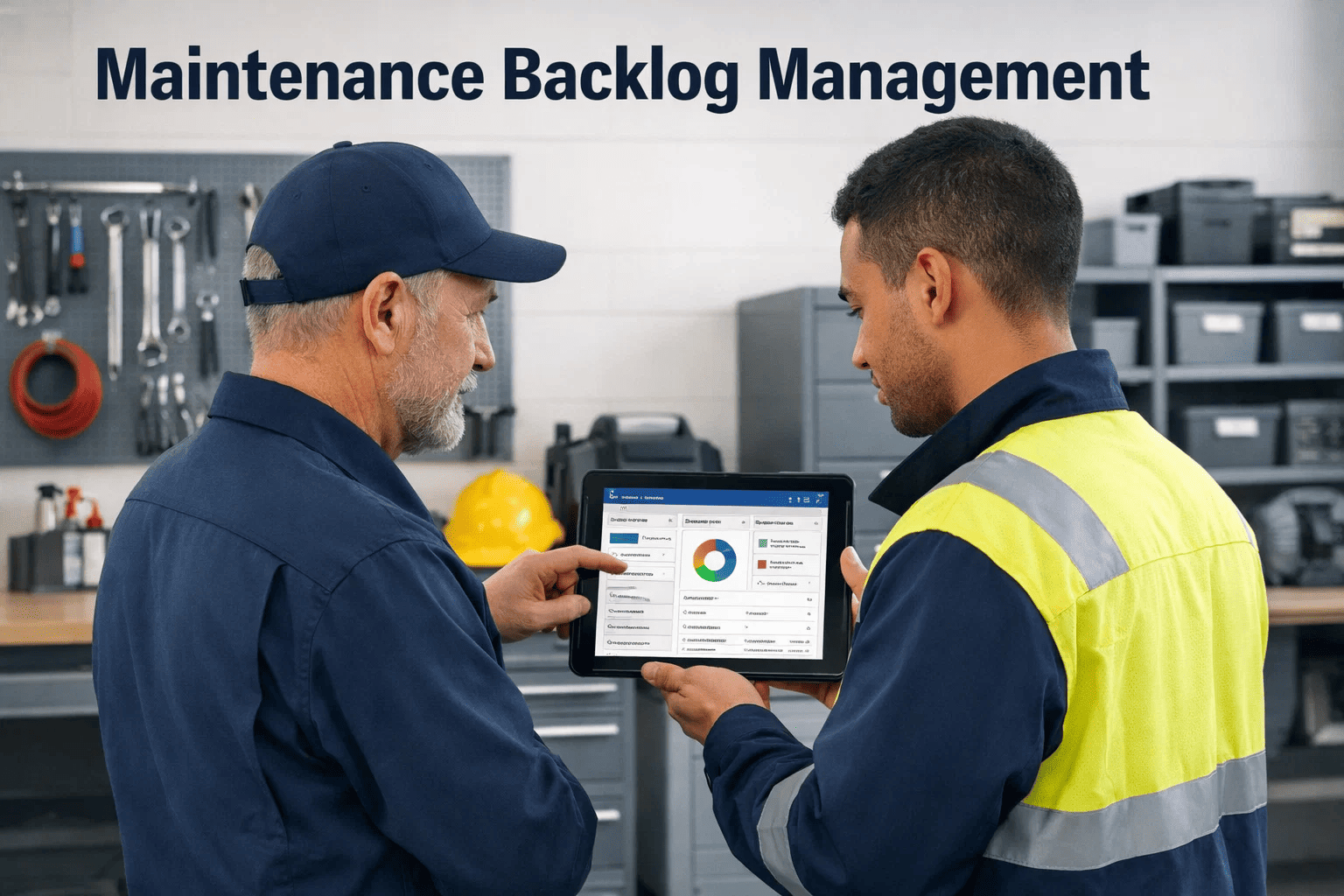
Every maintenance team has a backlog. The difference between a healthy plant and a plant in quiet crisis is whether that backlog is measured in weeks or in years — and whether anyone knows which work orders in it actually matter. When a facility manager opens a backlog queue of 1,400 pending work orders, the instinct is to triage by urgency; the uncomfortable truth is that roughly 38% of the items in that queue are duplicates, stale requests, or work that was completed offline and never closed. The real backlog — the work that genuinely threatens uptime, safety, and compliance — is hidden inside the noise. Want to see your true backlog in under 30 minutes? start a free trial or book a demo and we'll walk your team through backlog cleanup on your live data, not a generic sandbox.
Cut Your Work Order Backlog in Half Without Hiring a Single Technician
A proven, CMMS-driven framework to prioritize, compress, and eliminate maintenance backlog across multi-site operations — used by facility and plant teams in 32 countries to reclaim 14–22% of lost wrench-time in 90 days.
A 30-minute OxMaint walkthrough on your own data usually surfaces 400–900 hidden WOs
Most teams discover their backlog was never the number on the dashboard. Our solution engineers will run the same cleanup audit we ran with customers who reduced their open WO count by 52% in the first quarter — no commitment, no sales pressure.
What Maintenance Backlog Actually Is — And What It Is Not
Maintenance backlog is the queue of identified, planned, and scheduled work that has not yet been executed. It is not a failure metric — a zero backlog is actually a warning sign, usually meaning inspections have stopped generating findings. A healthy backlog represents 2–4 weeks of known work per technician, giving planners enough runway to schedule efficiently while keeping the queue fresh. Anything beyond six weeks compounds: work ages into irrelevance, urgent items get buried, and the queue becomes a graveyard of intentions rather than a planning tool.
- 2–4 weeks per technician
- 85%+ of WOs have RPN score, priority, and asset tag
- Oldest non-PM work is under 45 days
- Weekly review reduces queue by 8–12%
- 6+ weeks per technician
- 30%+ of WOs have no priority or scoring
- Items older than 180 days still open
- Queue grows faster than it closes
The Six-Dimension Backlog Scoring Framework
Prioritization by gut feel is the single biggest reason backlog becomes unmanageable. The fix is a standardized scoring model that every planner and supervisor applies to every work order. OxMaint automates all six dimensions from your asset registry and work history — no manual spreadsheet scoring. Curious how the math hits your assets? book a demo and we'll run your registry through the model live.
Tiered 1–4 based on production, safety, and revenue impact. A Tier 1 pump outage stops a line; a Tier 4 exhaust fan does not.
Drawn from MTBF data, condition sensors, and failure history. Rising vibration trend = higher score.
OSHA, EPA, NFPA, or corporate safety flag. These jump the queue regardless of other scores.
Work identified 90 days ago that still hasn't been scheduled escalates automatically.
Ready-to-schedule work outranks waiting-for-parts work. Prevents phantom scheduling.
Is there a scheduled shutdown or low-demand window upcoming where this work logically belongs?
The Four Hidden Pain Points Draining Your Maintenance Budget
Most teams know their backlog is too big. What they don't usually see is the compounding cost beneath the surface — each hidden pain point shifts budget from planned work to emergency work, and the gap widens every quarter until someone forces a reset.
When reactive work exceeds 35% of total hours, the team no longer has time to execute PM schedules. PM compliance drops to 60–65%, which drives more failures, which creates more reactive work. The loop costs plants an average $480K/year per production line in avoidable downtime.
Without centralized asset tagging, three different technicians open three different WOs for the same vibration issue on the same pump. Audits consistently find 12–18% of open WOs are duplicates of active or completed work, making the real backlog 20% smaller than the dashboard shows.
Work completed during an unplanned shutdown rarely gets logged back into the CMMS if the system isn't mobile-accessible. Within 12 months, 20–30% of open WOs describe problems that were fixed months ago, but they still appear as active backlog.
Portfolio managers with 8–40 properties can't see aggregated backlog across sites. One site's 600-WO crisis is invisible next to another site's clean 80-WO queue — until an audit forces attention. Consolidated dashboards cut portfolio-level surprises by 73%.
How OxMaint Turns Your Backlog From a Problem Into a Planning Tool
A CMMS doesn't reduce backlog by itself — it enables the process that reduces backlog. OxMaint's backlog management layer automates the six-dimension scoring, surfaces duplicates and stale items, and routes work to the right technician with parts, permits, and procedures attached. Ready to see it on your own queue? start a free trial and import your first 100 work orders in under an hour.
Automated RPN Scoring on Every Work Order
Every WO is scored instantly using asset criticality, failure history, safety flags, age, parts availability, and production calendar. Planners see a ranked queue, not a chronological dump.
Duplicate Detection Using Asset Hierarchy
The Portfolio > Property > System > Asset > Component hierarchy flags new WOs that match active ones on the same component. Typical cleanup surfaces 12–18% phantom backlog.
Mobile Closeout From the Floor
Technicians close work from a phone or tablet with signature, photos, parts used, and labor time captured offline. No more "I fixed it last Tuesday but never logged it."
Aging Alerts and Auto-Escalation
WOs older than a configurable threshold escalate to supervisors, then managers. Aging reports are generated weekly — no one has to remember to check.
Portfolio-Level Backlog Dashboards
Multi-site operators see backlog hours per site, per asset class, per criticality tier in a single view. Outlier sites surface immediately instead of after an audit.
Schedule-Optimizer With Parts and Permit Check
Only WOs with parts on hand, permits cleared, and production windows available are eligible for the weekly schedule. Eliminates the "scheduled but can't be executed" problem.
Before and After: Reactive-First vs. CMMS-Driven Backlog Management
The shift from firefighting to structured backlog management is measurable in weeks, not years. Here's what the same maintenance team looks like on both sides of the transition.
| Metric | Reactive-First (Spreadsheet Era) | CMMS-Driven (OxMaint) | Typical Shift |
|---|---|---|---|
| Open Work Orders | 1,400 — mostly unprioritized | 670 — scored and scheduled | −52% |
| Oldest Open WO | 11–14 months | 38 days | −90% |
| PM Compliance | 58–64% | 91–96% | +32 pts |
| Reactive Work Share | 44% of labor hours | 18% of labor hours | −26 pts |
| Duplicate WO Rate | 12–18% | Under 2% | −88% |
| Weekly Planner Prep Time | 9–12 hours | 45–90 minutes | −87% |
| Wrench-Time per Technician | 2.4 hrs / 8-hr shift | 4.9 hrs / 8-hr shift | +104% |
| Emergency Callout Cost | $4,200 avg. per event | $880 avg. per event | −79% |
Real Results From Teams Who Attacked Backlog With OxMaint
These are outcomes from the first 90 days after go-live, pulled from OxMaint customer performance reviews across manufacturing, commercial real estate, and food processing.
Frequently Asked Questions
How long does it take to actually reduce backlog by 50% with a CMMS?
Teams that commit to weekly backlog review sessions and enforce the six-dimension scoring model typically see a 30–40% reduction in the first 45 days from duplicate and stale WO cleanup alone, then a further 15–20% from prioritization and scheduling discipline over the next 60 days. The cleanup phase is faster than most teams expect because the easiest wins — duplicates, already-completed work, and phantom WOs — are usually the first to surface.
Is zero backlog the goal we should aim for?
No. A zero backlog usually means inspections aren't generating findings, which is worse than having a moderate backlog. The target is a healthy backlog of 2–4 weeks of work per technician, with 85% or more of items fully scoped (asset, priority, parts identified, estimated hours). That range gives planners enough runway to schedule efficiently without the queue aging into irrelevance.
Do we need to clean up our data before implementing OxMaint, or can we import as-is?
Import as-is. OxMaint's duplicate detection and scoring engine actually works best on messy legacy data because the cleanup itself is part of the value. Our onboarding team handles import, and the first 10 days typically include a structured backlog audit session where duplicates, stale items, and missing asset tags are flagged in bulk. Most customers are live in 7–14 days.
How does OxMaint handle backlog across multiple sites or properties?
OxMaint uses a Portfolio > Property > System > Asset > Component hierarchy, so backlog rolls up from component-level WOs through to portfolio dashboards. VPs of Operations and Asset Managers see aggregated backlog hours, criticality mix, and aging distribution across all sites in a single view, and can drill down to any individual work order in two clicks.
Stop Managing a Queue of Intentions. Start Executing a Schedule of Priorities.
OxMaint turns your open WO list into a scored, scheduled, executable plan — with duplicate cleanup, aging alerts, and portfolio-level visibility built in from day one. Teams using OxMaint reduced backlog by a median 52% and cut emergency callout costs by 79% in the first quarter after go-live.