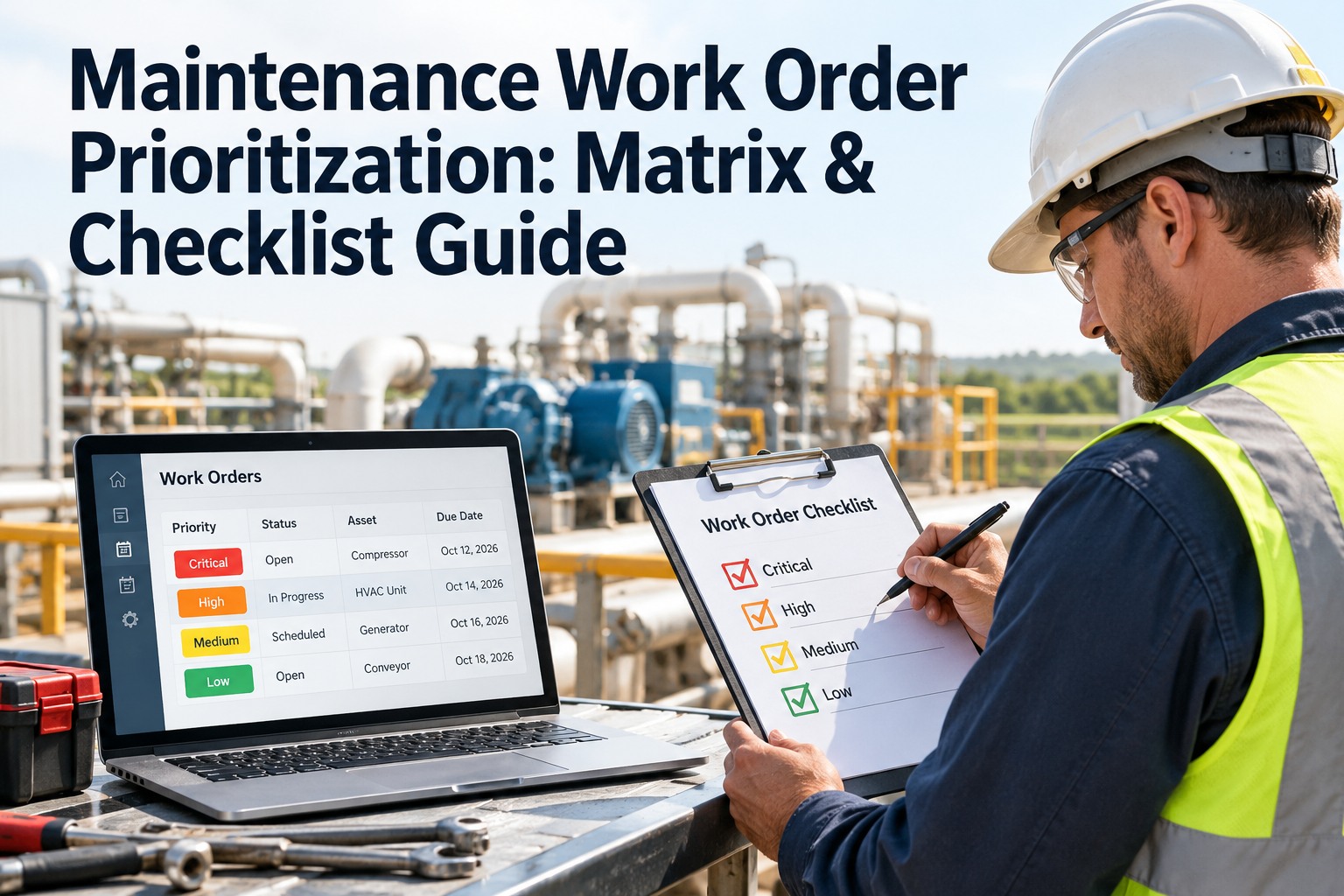
Walk into any maintenance shop and you will hear the same thing: "Everything is urgent." The loudest caller gets the next technician, the oldest ticket gets ignored, and the pump that actually threatens the line waits behind a flickering light. First-come, first-served only works when every request has the same urgency, which is almost never true. A prioritization matrix fixes this by ranking each job on what happens if it isn't done: safety, asset criticality, production impact, compliance, and cost. Below you'll find a ready-to-use matrix, a scoring example, and three checklists you can run today. OxMaint AI maintenance management software then applies your matrix to every work order automatically, so priority is calculated, not argued.
Checklist · Work Order Prioritization · Priority Matrix · CMMS · 2026
Maintenance Work Order Prioritization: The Matrix & Checklist
Stop ranking work by who shouts loudest. Score every request on consequence, assign a clear priority level, and run a daily triage routine your whole team can follow. OxMaint AI builds the matrix into every work order so the queue stays in true risk order.
1Log the request
→
2Score the risk
→
3Set the priority
→
4Assign & schedule
5 factors
safety · criticality · production · compliance · cost
4 levels
from emergency (P1) to planned (P4)
3 checklists
intake, daily triage, and escalation
80 / 20
a common goal for planned vs. unplanned work
Step 1: Ask Five Questions in Order
Before any scoring, run every new request down this ladder. The first "yes" sets the minimum priority, and safety always wins. Start free and add these questions to your request form.
Q1Is anyone at risk of injury, or is there a fire, leak, or electrical hazard?
P1 · Emergency, stop and dispatch now
Q2Has a critical asset stopped, or will it stop the line soon?
P1 or P2 · Same shift
Q3Is there a legal, audit, or inspection deadline attached?
P2 · Treat the deadline as fixed
Q4Will quality, output, or cost get worse each day it waits?
P3 · Schedule this week
Q5None of the above?
P4 · Plan into the next PM window
Step 2: Score It with the Weighted Matrix
For anything that isn't an obvious emergency, rate each factor from 1 (low) to 5 (high), multiply by its weight, and add up the total. The weights below are a starting point, so tune them to your plant. Book a demo to set your own weights in OxMaint AI.
| Factor | Weight | Score 1 means… | Score 5 means… |
| Safety risk |
30% |
No hazard |
Injury or serious hazard possible |
| Asset criticality |
25% |
Spare or non-essential asset |
Single point of failure for the line |
| Production impact |
20% |
No effect on output |
Line stopped or output cut sharply |
| Compliance deadline |
15% |
No external requirement |
Legal or audit date is close |
| Cost of delay |
10% |
Costs the same later |
Damage or cost grows daily |
Example A
Conveyor motor overheating
Safety 3 · Criticality 5 · Production 5 · Compliance 1 · Cost 4
3.7
→ P2 Urgent, fix this shift
Example B
Machine guard missing on press
Safety score of 5 overrides the total
P1
→ Safety jobs skip the queue
Example C
Break room light flickering
Safety 1 · Criticality 1 · Production 1 · Compliance 1 · Cost 1
1.0
→ P4 Planned, next PM window
Score ranges used above: 4.0 and up = P1 · 3.0–3.9 = P2 · 2.0–2.9 = P3 · below 2.0 = P4. Any safety score of 5 is automatically P1.
The Risk Heat Map: Consequence × Likelihood
Prefer a quick visual? Plot the job by how bad the failure would be and how likely it is. The cell color tells you the priority. Start free and apply it to your assets.
LIKELIHOOD
High
P3
P2
P1
Medium
P4
P3
P2
Low
P4
P4
P3
Low
Medium
High
CONSEQUENCE IF IT FAILS
A Matrix on a Whiteboard Gets Ignored. A Matrix Inside Every Work Order Doesn't.
OxMaint AI pulls asset criticality from the asset record, scores each request against your weighted matrix, ranks the backlog, and starts the SLA clock automatically. Your team works from the top of a list that is already in risk order.
Priority Levels at a Glance
Give each level a name, a definition, and a response target so nobody has to guess. These are suggested starting targets, so adjust them to your operation. Book a demo to load your response times into OxMaint AI.
P1
Emergency
Safety hazard or critical asset down.
Respond: immediately
Target: same day
P2
Urgent
High impact, or a compliance deadline close.
Respond: within hours
Target: 1–2 days
P3
Routine
Needs fixing, but not hurting output yet.
Respond: within 1–2 days
Target: within a week
P4
Planned
Low risk, improvements, and preventive tasks.
Respond: next planning cycle
Target: scheduled window
Your Three Working Checklists
Print these or copy them into your CMMS. Each one takes only a few minutes to run. Start free and turn them into digital templates.
☑ Intake Checklistevery new request
☑ Daily Triage Checkliststart of every shift
☑ Escalation Checklistwhen conditions change
Six Prioritization Mistakes to Avoid
Most teams already have priority levels. The trouble is how they're used. Book a demo to see how OxMaint AI prevents each one.
✕ Squeaky wheel wins
✓ Rank by consequence, not by who called
✕ Everything marked "urgent"
✓ Cap P1 and review every one daily
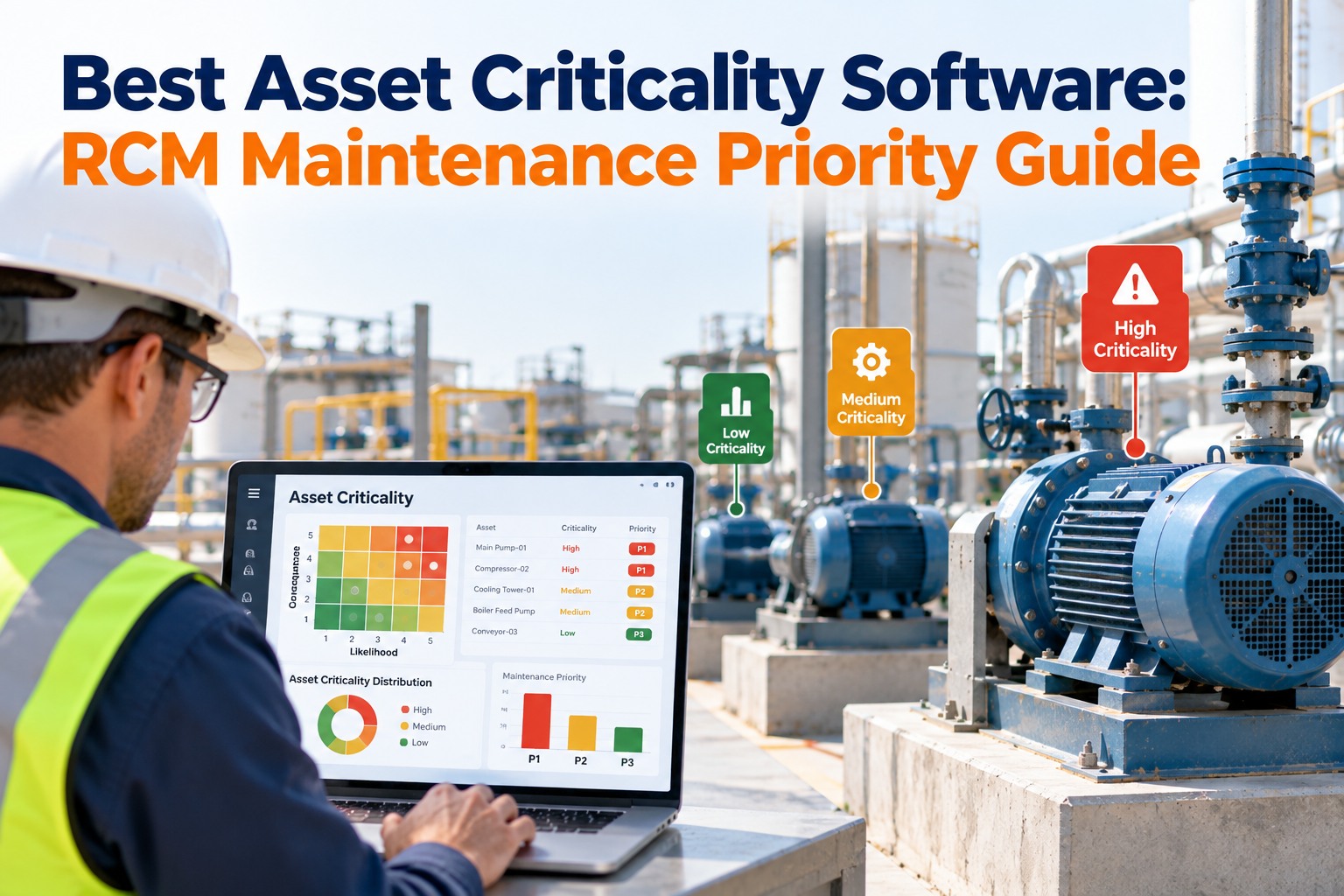
✕ Criticality guessed each time
✓ Rate assets once and reuse the score
✕ Priority set once, never revisited
✓ Re-score when conditions change
✕ PM always bumped for repairs
✓ Protect planned work to cut future breakdowns
✕ No clear owner of priority calls
✓ Define who can raise or lower a level
How OxMaint AI Runs Prioritization for You
A matrix only helps if it's applied the same way on every shift. OxMaint AI builds it into the work order itself. Start free and switch on automatic prioritization.
🏷️
Asset Criticality Ratings
Rate each asset once. The score flows into every work order raised against it.
⚖️
Weighted Priority Scoring
Set how much safety, production, compliance, and cost count for your plant.
🚨
Safety Fast-Track
Safety-related requests jump the queue and alert the right people at once.
⏱️
SLA Clocks & Escalation
Response targets start automatically, and aging jobs escalate before they breach.
📱
Mobile Requests & Routing
Anyone can submit a request with a photo, and it routes to the right technician.
📅
Preventive Scheduling
Planned work stays on the calendar, so fewer jobs turn into emergencies.
Frequently Asked Questions
What is a maintenance work order prioritization matrix?
It's a scoring framework that ranks work orders by factors such as safety, asset criticality, production impact, compliance, and cost, so the most consequential jobs are done first.
Start free and build yours in OxMaint AI.
How many priority levels should we use?
Most teams do well with four: emergency, urgent, routine, and planned. Fewer than three loses detail, and more than five makes people argue over the labels.
Book a demo to configure your levels.
How does asset criticality affect priority?
A fault on an asset that stops the line or creates a hazard scores higher than the same fault on a spare or non-essential asset. Rating assets once lets that score apply automatically.
Sign up free and rate your assets.
Should preventive maintenance ever be postponed for repairs?
Sometimes, for a true emergency. But if PM is bumped regularly, breakdowns rise and the emergency queue grows. Track how often planned work slips and reschedule it quickly.
Book a demo of PM scheduling.
How often should priorities be reviewed?
Fix the Right Thing First, Every Time.
When priority is based on consequence instead of volume, critical assets get attention sooner, emergencies shrink, and your team stops firefighting. OxMaint AI scores, ranks, assigns, and escalates every work order, so the next job on the list is always the one that matters most.