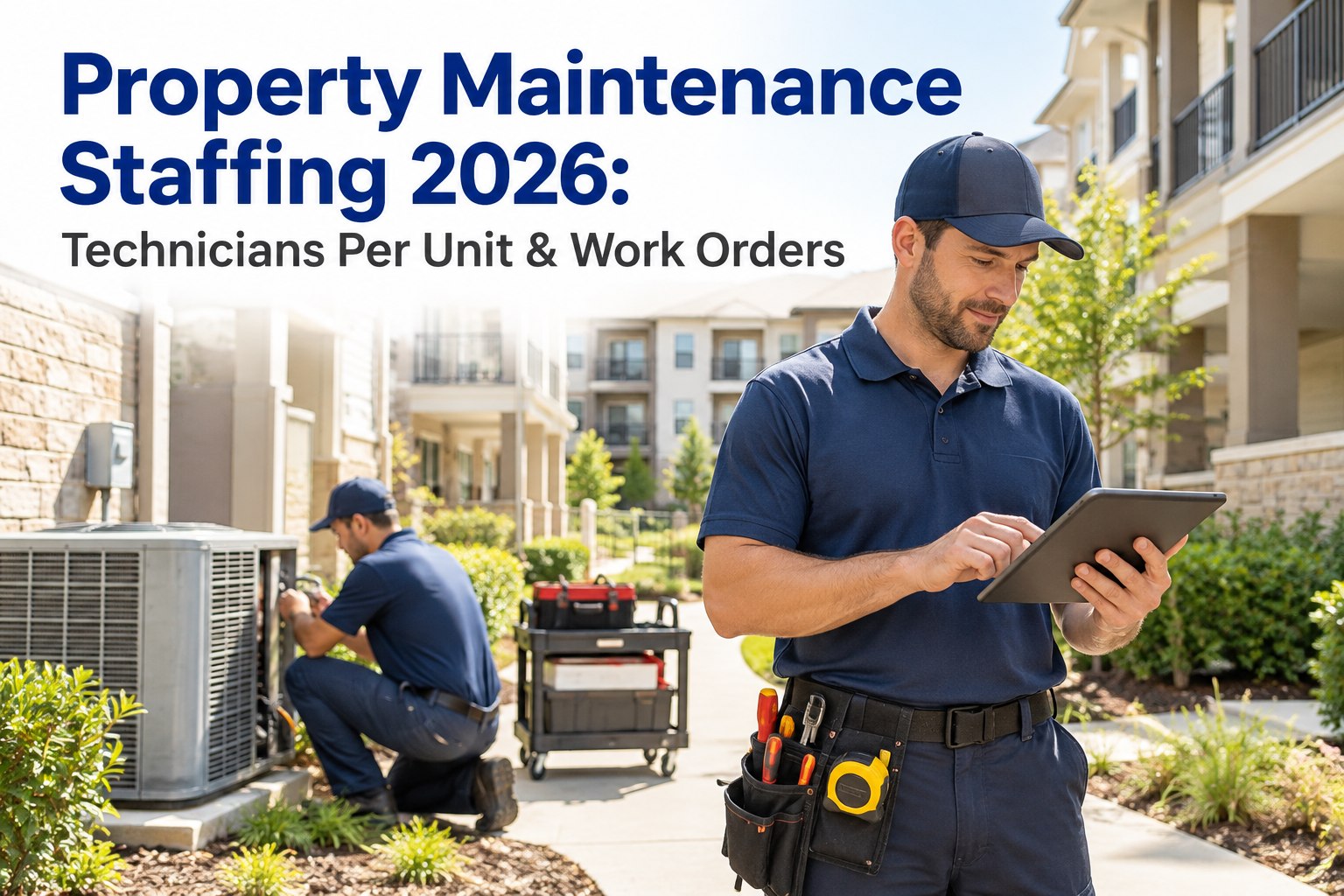
Property Maintenance Staffing 2026: Technicians Per Unit & Work Orders

Connect with Industry Experts, Share Solutions, and Grow Together!

Join Discussion Forum
property-maintenance-staffing-technicians-per-unit-work-orders

"How many maintenance techs do we need?" is one of the hardest questions in property management — and most answers start and end with a rule of thumb. The old standby, roughly one technician per 100 units, is a fine starting point and a poor stopping point. A 40-year-old garden community with a pool and constant turnover doesn't staff like a five-year-old building with no amenities, even at the same unit count. Real staffing comes from workload: how many work orders you actually get, how long they take, and how fast you've promised to close them. This 2026 guide walks the ratios, the factors that bend them, and how OXMAINT AI, the AI-powered CMMS, turns your real work-order history into a staffing number you can defend.

Property Management · Maintenance Staffing · 2026

Property Maintenance Staffing 2026: Technicians Per Unit & Work Orders

Guessing at headcount and either burning out your techs or paying for idle hours? OXMAINT AI grounds staffing in real data: every request and inspection becomes a tracked work order, work orders reveal true volume and time-per-job, and that history turns "one tech per 100 units" into a number sized to your actual workload — plus the PM scheduling that keeps reactive load from spiraling.

~1 : 100
the common tech-per-unit rule of thumb — a starting point, not an answer
6 factors
age, amenities, unit mix, turnover, PM maturity, response SLAs
Workload
real staffing comes from work-order volume and time, not unit count alone
Data > guess
your CMMS history is the most defensible staffing input you have

The Rule of Thumb — and Why It's Only a Start

The industry shorthand is roughly one full-time maintenance technician per 100 occupied units. It's useful for a first-pass estimate and a sanity check, but it treats every unit as identical — which no portfolio ever is. Two properties at the same ratio can have wildly different actual workloads.

Start free and see your real workload per unit in OXMAINT AI.

RATIO-ONLY STAFFING
Where the Rule of Thumb Fails
  • Treats a 40-year-old property like a brand-new one
  • Ignores amenities — pools, elevators, gyms all add load
  • Misses turnover spikes that flood techs with make-readies
  • Assumes reactive-only; no credit for a working PM program
  • Says nothing about the response times you've promised
WORKLOAD-BASED STAFFING
What Real Sizing Considers
  • Actual work-order volume per property, per month
  • Average time-to-complete by job type
  • Turnover and make-ready cycles built into the plan
  • PM load balanced against reactive demand
  • Headcount sized to hit your response-time targets

Six Factors That Bend the Ratio

Start from the rule of thumb, then adjust for the realities of the property. These six factors are what separate a portfolio that needs more than one tech per 100 units from one that needs fewer.

Book a walkthrough to model these factors for your portfolio.

Property Age & Condition
Older buildings generate more reactive work — aging plumbing, HVAC and fixtures mean more tickets per unit.
Amenities
Pools, elevators, gyms, common areas and landscaping each add maintenance load a bare unit count never captures.
Unit Mix & Size
Larger units and complex layouts take longer per job; a studio and a townhome are not the same workload.
Resident Turnover
High turnover drives make-ready surges — the make-ready is often the single biggest recurring workload driver.
PM Program Maturity
A strong preventive program shifts work from emergency to planned, smoothing peaks and often lowering total load.
Response-Time Targets
Tighter SLAs and 24/7 emergency coverage require more capacity than relaxed, business-hours-only response.

You Can't Right-Size Staffing on a Number You're Guessing.

The ratio is a guess until it's backed by your real work-order volume and time-per-job. OXMAINT AI turns that history into the staffing math — so you defend headcount with data, not a rule of thumb.

The Workload-Based Way to Size a Team

Instead of starting from units, start from work. The logic is simple, and every input comes straight from your CMMS. Walk it in four steps.

Sign up free and pull these inputs from your work orders in OXMAINT AI.

1
Total the demand. Add up reactive work orders, PM tasks and make-readies over a representative period — pulled from your CMMS, not memory.
×
2
Apply time-per-job. Multiply each work type by its average completion time to get total labor hours of demand.
÷
3
Divide by usable capacity. A tech's real productive hours — after travel, admin, breaks and PTO — not a raw 40-hour week.
=
4
Headcount, then buffer. The result is your baseline team size — add a margin for peaks, turnover surges and emergencies.

This is a planning framework, not a fixed formula — the right inputs depend on your properties, service standards and labor market. The point is that every number here can come from real work-order data instead of a guess.

Rule of Thumb vs. Data-Driven Staffing

What mattersRule-of-thumb ratioData-driven in OXMAINT AI
Basis Unit count alone Actual work-order volume & time
Property differences Ignored Age, amenities, turnover factored in
PM vs. reactive Not distinguished Balanced and scheduled
Response targets Not considered Sized to hit your SLAs
Defensibility "Industry says so" Your own numbers, on the record

How the CMMS Right-Sizes Your Team

The reason work-order data beats a ratio is that it's specific to you. Here's what OXMAINT AI gives you to size — and keep sizing — a maintenance team.

Book a demo to see staffing analytics on your portfolio.

True Work-Order Volume
Every request and inspection becomes a tracked work order, so you know real demand per property — not estimates.
Time-Per-Job Data
Completion times by job type turn ticket counts into labor hours — the input a headcount calculation needs.
PM vs. Reactive Split
See how much load is planned vs. emergency, and shift the balance to smooth peaks and free capacity.
Backlog & Response Times
A growing backlog or slipping response time is the clearest signal you're understaffed — before morale shows it.
Per-Property Comparison
Compare workload across the portfolio to move people where the work is, not where the ratio says.
Seasonal Trends
Spot turnover and seasonal surges in the history so you plan for peaks instead of scrambling through them.

Signs You're Under- or Over-Staffed

Signs of Understaffing
  • Work-order backlog climbing month over month
  • Response and completion times slipping past targets
  • PM tasks constantly deferred for emergencies
  • Overtime creeping up and technician burnout rising
Signs of Overstaffing
  • Consistently low work-order volume per tech
  • High idle time between jobs
  • PM fully current with slack to spare
  • Labor cost per unit well above comparable properties

Both states are visible in work-order data long before they show up in budgets or turnover — which is exactly why staffing decisions belong on your CMMS numbers, reviewed regularly, not set once and forgotten.

Frequently Asked Questions

How many maintenance techs do I need per unit?
A common starting point is roughly one full-time technician per 100 occupied units, but that's a first estimate only. Property age, amenities, turnover and your response targets can move it substantially — real sizing comes from work-order volume and time. Start free and size it on your data in OXMAINT AI.
Why isn't the one-per-100 ratio enough?
Because it treats every unit as identical. A 40-year-old amenity-rich property with high turnover generates far more work than a new building at the same count. The ratio is a sanity check, not a staffing plan. Book a walkthrough of workload-based sizing.
What data do I need to right-size my team?
Work-order volume, average time-per-job by type, your PM vs. reactive split, and your response-time targets — all of which live in your CMMS. Those turn a ratio into an actual headcount you can defend. Sign up free and pull these from OXMAINT AI.
Does a preventive maintenance program change staffing needs?
Yes — a strong PM program shifts work from emergency to planned, smooths peaks and often lowers total load, which changes how many techs you need and how you schedule them. Book a demo to balance PM and reactive load.
How do I know if I'm understaffed?
Watch the work-order backlog, response times, deferred PMs and overtime — a rising backlog and slipping response times are the earliest, clearest signals, and they show up in CMMS data before they hit morale. Start free and track these signals in OXMAINT AI.

Staff to the Work, Not the Rule of Thumb.

Turn real work-order volume, time-per-job and response targets into a defensible headcount — and keep it right as your portfolio changes — with OXMAINT AI, so you stop guessing between burnout and idle hours.


By William Jerry

✨

Experience
Oxmaint's
Power

Take a personalized tour with our product expert to see how OXmaint can help you streamline your maintenance operations and minimize downtime.

Book a Tour

Share This Story, Choose Your Platform!

Connect all your field staff and maintenance teams in real time.

Report, track and coordinate repairs. Awesome for asset, equipment & asset repair management.

Schedule a demo or start your free trial right away.

iphone

Get Oxmaint App
Most Affordable Maintenance Management Software

Download Our App