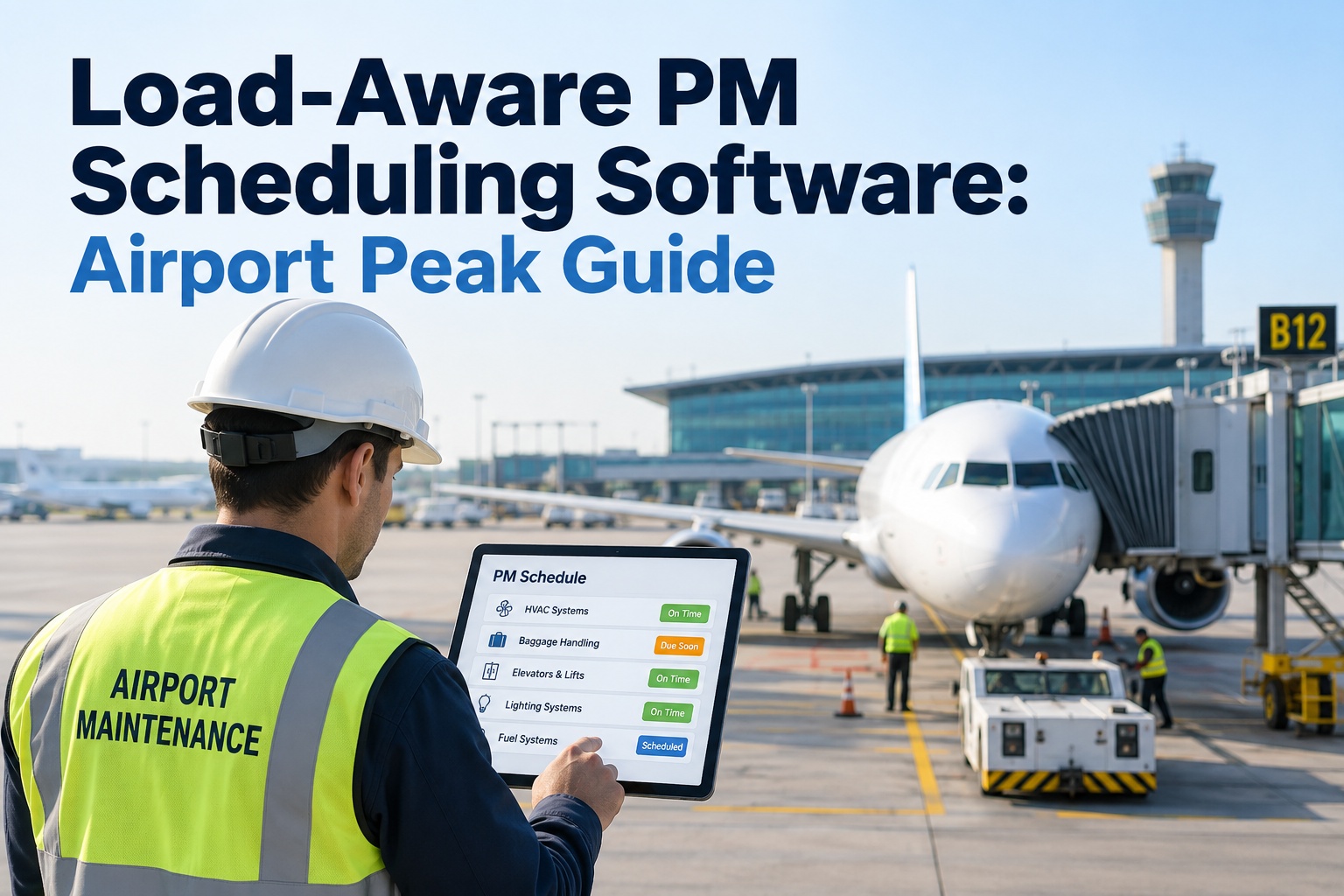
It's 5 PM on a Friday, three widebodies are on approach, and the jet bridge at Gate C14 just went into scheduled preventive maintenance — because the calendar said so, not because anyone checked what the terminal actually looked like today. This is the collision every airport maintenance team knows and few have solved: fixed-interval PM schedules don't know it's peak season, don't know a storm front just grounded four connecting flights, and don't know that pulling an escalator offline during a 40-minute connection window turns a routine service into a missed-flight complaint. Load-aware scheduling flips the logic — maintenance timing follows real traffic, weather, and asset criticality, not a static date on a calendar. This guide covers the signals a load-aware program tracks, how the schedule actually adjusts in practice, and what the best 2026 airport CMMS platforms do to make it automatic. Book a free peak-load scheduling review against your busiest terminal.
Fixed Schedules Don't Know It's Peak Season
The same PM window that's harmless on a slow Tuesday can trigger a complaint cascade on a packed Friday.
3-5x
Higher complaint rate when an asset goes offline during peak connection hours
Fixed
Calendar-based PM ignores real-time traffic, weather, and flight-bank load
Adaptive
Load-aware scheduling shifts the window instead of forcing the failure
The Peak-Hour Collision
A calendar-based PM schedule treats every Tuesday at 2 PM the same, whether the terminal is empty or slammed with a bank of six arriving widebodies. That mismatch is where most avoidable disruption comes from.
What the Calendar Says
Escalator PM due — scheduled 3 months ago
Assigned to today's shift, 4:30 PM slot
No visibility into today's flight bank
VS
What's Actually Happening
Six inbound widebodies land within 40 minutes
Connection windows already tight, storm delays stacking
Pulling the escalator now turns delay into missed flights
The Load Signals a Scheduling Engine Should Track
Load-aware scheduling isn't guesswork — it's a set of real signals that shift a PM window automatically, before a conflict happens instead of after a complaint is filed.
Flight Bank Density
Arrival and departure clustering pulled from the flight schedule, flagging the hours when terminal traffic peaks.
Weather & Delay Feeds
Live delay and weather data that reshuffles connection pressure — a ground stop changes which hours are actually "quiet."
Asset Criticality
The only jet bridge at a gate ranks differently than a redundant escalator — criticality decides how much load-shift a PM window gets.
Historical Foot-Traffic Patterns
Seasonal and day-of-week patterns from past terminal activity, so the schedule learns which windows are reliably low-impact.
See Your Schedule Against Real Peak Hours
Bring your current PM calendar — we'll overlay it against your busiest flight banks and show exactly which windows are set up to fail.
How the Schedule Actually Shifts
Load-aware scheduling doesn't cancel PM work — it moves the window to where it does the least damage, automatically, without a scheduler manually reshuffling a spreadsheet every morning.
1
PM Comes Due. An asset hits its service interval and enters the scheduling queue as normal.
2
Load Checked. The engine cross-references today's flight bank, weather feed, and asset criticality before locking a time.
3
Window Shifts. If the default slot lands in a peak window, the task reschedules to the nearest low-impact gap automatically.
4
Tech Notified. The updated window pushes to the technician's mobile app — no manual reshuffle, no missed PM.
Fixed Calendar vs. Load-Aware Scheduling
Same assets, same PM requirements — the difference is whether the schedule reacts to what's actually happening in the terminal.
Fixed-Interval Calendar
Same time slot every cycle, regardless of traffic
No visibility into today's flight bank or delays
Reschedules require a manual call from a supervisor
Peak-hour failures show up as passenger complaints
Load-Aware CMMS
Window shifts automatically around real traffic
Live flight bank and weather feeds built into scheduling
Reschedule happens before the conflict, not after
PM stays on schedule without ever hitting peak hours
How Oxmaint Runs Load-Aware PM Scheduling
Oxmaint gives airport maintenance teams a PM engine that reads traffic and criticality before it locks a time slot, then keeps every technician's mobile schedule current automatically.
Traffic-Aware Auto-Reschedule
PM windows shift automatically around peak flight banks, no manual spreadsheet reshuffling.
Criticality-Ranked Assets
Every asset carries a criticality score that decides how aggressively its schedule protects peak hours.
Mobile-Synced Crew Calendars
Technicians see the live, adjusted schedule on mobile — never working from a stale printed sheet.
Compliance-Safe Rescheduling
Windows shift within the allowed service interval, so load-aware timing never puts compliance at risk.
Stop Scheduling Maintenance Against Your Busiest Hours
See how Oxmaint reads flight-bank traffic and asset criticality to keep PM on time without ever colliding with peak passenger flow. Free forever plan available.
Frequently Asked Questions
What is load-aware PM scheduling?
Load-aware PM scheduling adjusts preventive maintenance timing based on real conditions — flight bank density, weather-driven delays, and asset criticality — instead of locking every asset to a fixed calendar interval. Rather than servicing an escalator at the same 4:30 PM slot every cycle regardless of what the terminal looks like, the schedule checks today's actual traffic and shifts the window to the nearest low-impact gap when a conflict is likely. The service interval itself doesn't change; only the timing within the compliant window does.
Book a scheduling review to see it against your terminal.
Why do fixed PM calendars cause peak-hour disruptions?
Fixed calendars have no awareness of what's happening in the terminal on any given day. A PM slot that's harmless on a quiet Tuesday afternoon can land in the middle of a six-flight arrival bank on a busy Friday, and the schedule has no mechanism to know the difference. When a jet bridge, escalator, or restroom goes offline during a tight connection window, the maintenance action itself becomes the source of the passenger complaint it was meant to prevent.
What signals does a load-aware scheduling engine use?
The core signals are flight bank density (how many arrivals and departures cluster in a given hour), live weather and delay feeds that reshape which hours are actually quiet, asset criticality (a sole jet bridge at a gate versus a redundant escalator), and historical foot-traffic patterns by day and season. Together these let the schedule identify low-impact windows automatically rather than relying on a supervisor to manually predict a quiet stretch.
Does shifting a PM window put compliance at risk?
No — a properly built load-aware system only shifts the timing within the asset's already-compliant service interval. It moves a PM from a peak-conflict slot to a lower-impact slot inside the same allowed window, rather than delaying the service past its due date. The interval itself is never overridden by the load-aware logic.
Does Oxmaint support load-aware PM scheduling for airports?
Yes. Oxmaint reads flight-bank traffic and criticality-ranked assets to auto-reschedule PM windows around peak passenger flow, syncs the adjusted schedule to technicians' mobile devices in real time, and keeps every reschedule inside the asset's compliant service interval. It runs as part of full maintenance management, so scheduling stays automatic across terminals and shifts. A free forever plan is available to trial the full workflow.
Sign up free and load your first PM calendar.