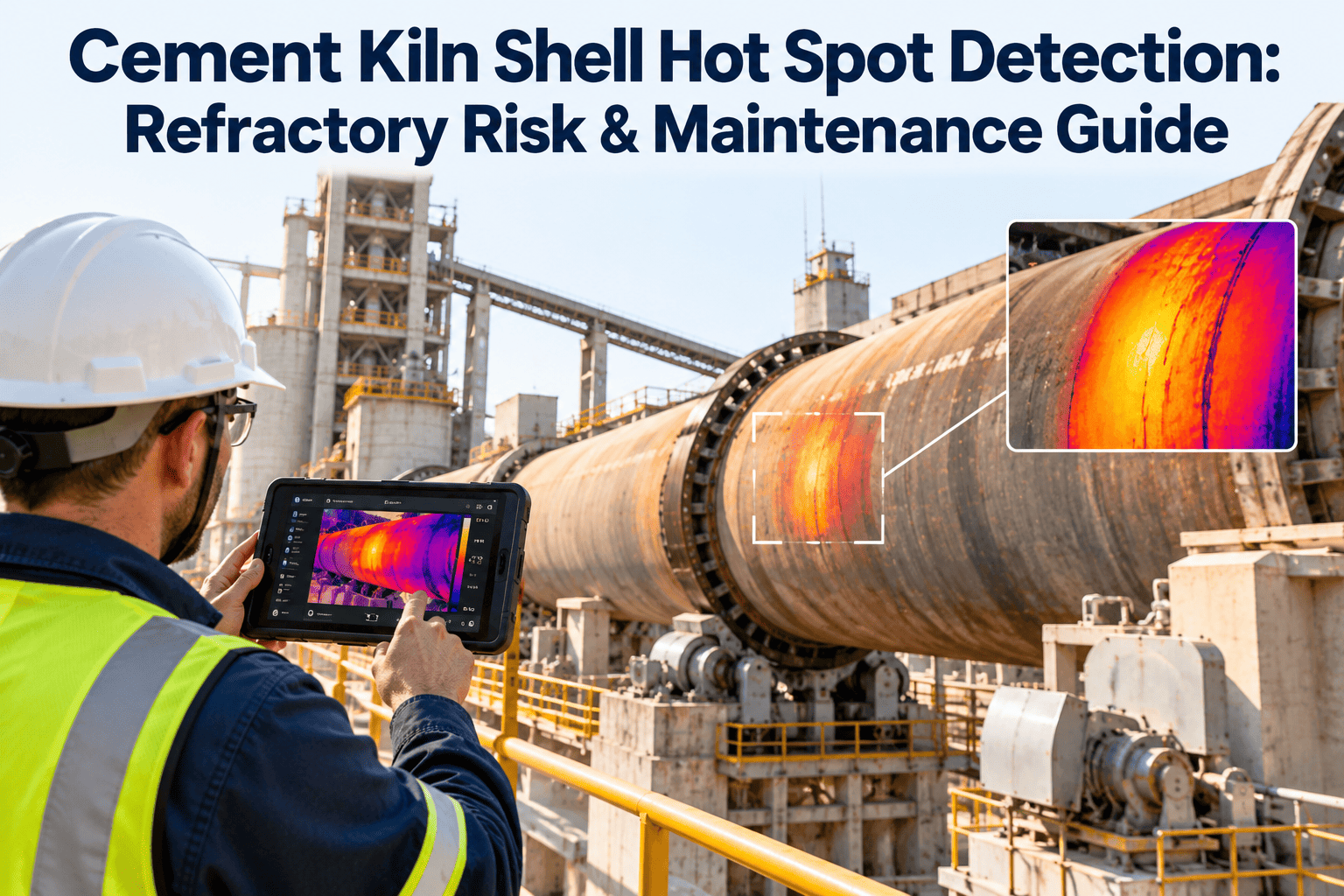
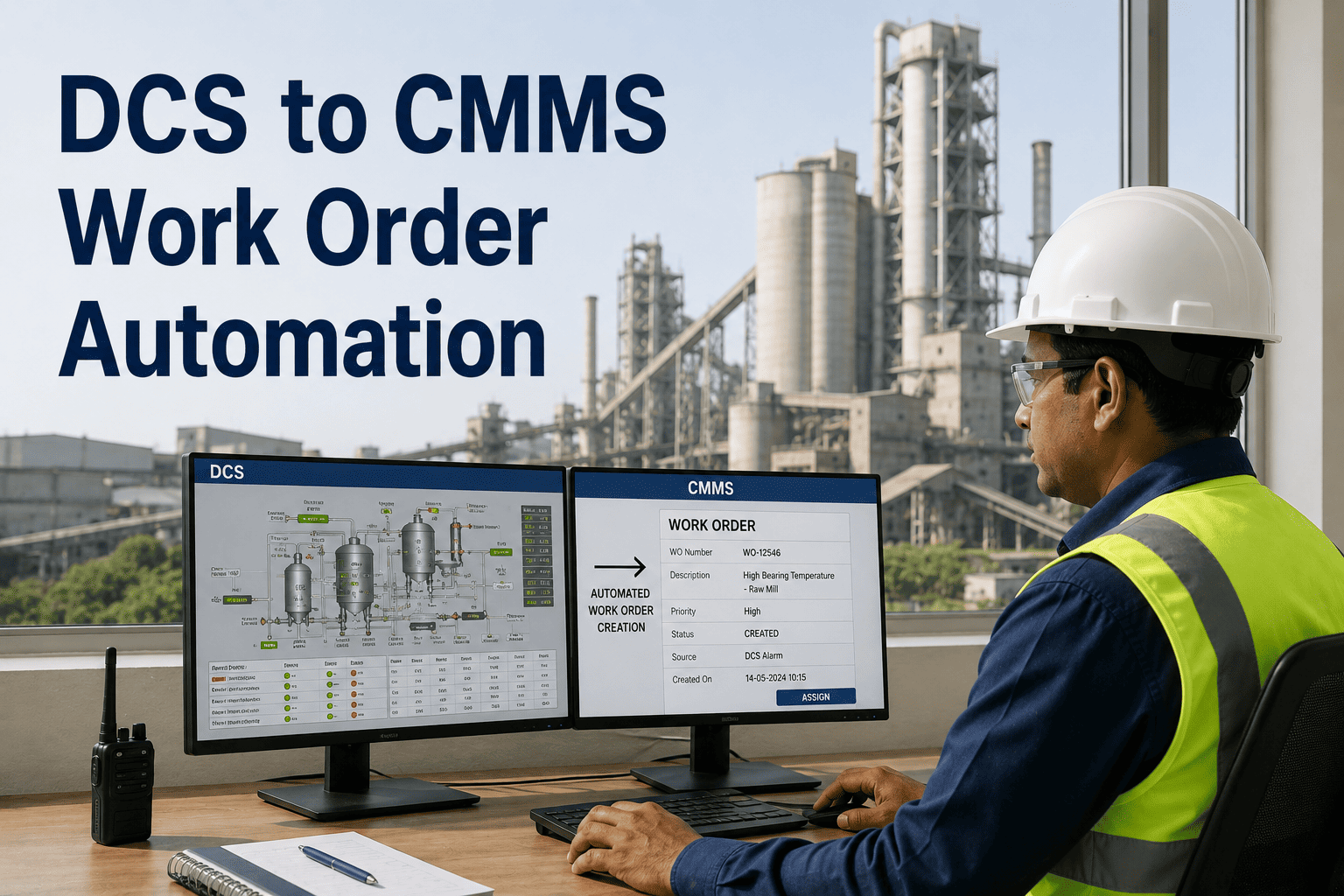
Kiln shell temperature is the most direct real-time indicator of refractory health in a cement plant. A 15°C temperature elevation above baseline in any single zone signals brick thinning, spalling, or coating loss — conditions that, if unaddressed, progress to a red shell emergency requiring an immediate kiln stop. Infrared scanning technology has existed for decades, but the critical gap has always been the step between a thermal reading and a maintenance action. Most plants today still capture thermal images manually, log readings on paper, and never link them to their CMMS for work order generation. OxMaint's AI CMMS closes that gap entirely — ingesting continuous shell temperature streams, building zone-level degradation models, and converting anomaly detections into prioritized work orders before conditions reach emergency thresholds. Reliability teams using OxMaint move from reacting to thermal events to planning interventions 30+ days ahead of them. Sign up free to connect your first kiln shell scanner.
IoT Sensor Integration · Kiln Maintenance
Kiln Shell Temperature Monitoring with AI CMMS
Convert every thermal anomaly on your kiln shell into a prioritized work order, inspection route, and maintenance action plan — automatically, with OxMaint.
+15°C
Zone deviation that triggers early anomaly alert in OxMaint
62 hrs
Estimated time-to-failure when AI detects gradual zone thinning pattern
3.2×
Cost premium of emergency refractory replacement vs. planned reline campaign
30%
Extended refractory campaign life when relines are scheduled on actual wear data
The Gap Most Plants Have
You Have Thermal Data. It Is Not Generating Work Orders.
Kiln shell scanners and infrared sensors produce rich thermal data every rotation. In most cement plants, that data lives in a standalone monitoring interface — completely disconnected from the CMMS where maintenance is planned and executed.
Without OxMaint
- Thermal readings logged on paper or standalone dashboards
- Anomalies emailed to planners — hours of response delay
- No link between shell temperature trend and work order history
- Refractory schedules driven by supplier estimates, not actual wear
- Red shell emergencies discovered during production rounds
- No campaign-to-campaign comparison of zone behavior
With OxMaint AI CMMS
- Continuous scanner feeds flow directly into kiln asset record
- AI detects anomaly, classifies failure mode, estimates time-to-failure
- CMMS work order auto-generated with priority, parts, and repair window
- Reline timing forecast from actual wear rate — not fixed intervals
- Hotspots flagged 30+ days before emergency threshold
- Full thermal history compared across all previous campaigns
How OxMaint Reads Your Kiln Shell
Zone-Level Monitoring Across the Full Kiln Length
Zone 1Normal
Zone 2Watch
Zone 3Normal
Zone 4Alert
Zone 5Normal
Zone 6Normal
Zone 7Watch
Live kiln zone health status — updated every rotation
Normal: Shell temperature within ±10°C of zone baseline. No action required.
Watch: Temperature trending +10–20°C above baseline. OxMaint schedules an inspection work order within 7–14 days.
Alert: Temperature trending +20°C or higher, rate accelerating. OxMaint generates priority work order with shutdown recommendation and estimated intervention window.
What OxMaint Does Automatically
Four Actions That Happen Without a Manual Handoff
01
Anomaly Classification
AI distinguishes gradual thinning patterns from sudden coating loss, fuel-related thermal shifts from genuine refractory anomalies. Each alert includes the failure mode classification and confidence score — so planners know exactly what they are dealing with.
02
Prioritized Work Order Creation
Every confirmed anomaly triggers a structured work order in the CMMS — severity level, affected zone, recommended action, historical context from previous campaigns, and a repair window aligned with the next planned kiln stop.
03
Inspection Route Scheduling
Watch-level zones generate scheduled inspection routes for maintenance teams. Each inspection updates the zone digital twin with thickness measurements, improving the wear-rate forecast and narrowing the uncertainty window on reline timing.
04
Reline Campaign Forecasting
OxMaint calculates refractory campaign endpoints from actual zone wear rates and projects CapEx requirements 3–6 months out. Finance and plant leadership get a defensible forecast instead of a supplier estimate.
Close the Gap Between Thermal Data and Maintenance Action
Your Shell Scanner Already Has the Data. OxMaint Turns It Into Work Orders.
Connect your IR scanner feeds to OxMaint in days — no control system replacement required. See your first zone-level anomaly alert and automatic work order within the first production week.
Common Questions
What Reliability Engineers Ask Before Connecting Their Shell Scanners
Which kiln shell scanner brands does OxMaint integrate with?
OxMaint integrates with all leading IR scanner platforms — including HGH, Thermoteknix, FLSmidth, and custom SCADA-connected systems — via OPC-UA, Modbus, or direct PI historian feeds. No proprietary hardware is required.
Book a demo to confirm your scanner model is supported.
How does OxMaint distinguish refractory anomalies from fuel-related thermal changes?
OxMaint's AI is trained on cement plant operating data including alternative fuel profiles. The model correlates thermal changes with fuel feed rates, kiln speed, and coating stability simultaneously — classifying the root cause before a work order is generated, not after.
Can OxMaint compare current campaign shell behavior against historical campaigns?
Yes. Full thermal history — shell temperature profiles, hot spot events, brick grade records — is stored in the kiln asset record. Engineers can overlay current campaign zone behavior against all previous campaigns to determine whether a pattern is new or within historical variation.
How are work orders routed when an alert fires during off-shift hours?
OxMaint routes alerts and work orders to the configured on-call engineer via mobile app notification. The work order includes the full sensor context so the engineer can assess severity remotely and decide whether an immediate response or a scheduled action is appropriate.
Sign up free to configure your alert routing.
Start Monitoring Smarter
Turn Kiln Shell Temperature Data Into Maintenance Decisions — From Day One
OxMaint connects to your existing scanner infrastructure and starts building zone-level thermal models immediately. The first anomaly that becomes a planned intervention instead of an emergency stop pays for the entire program.