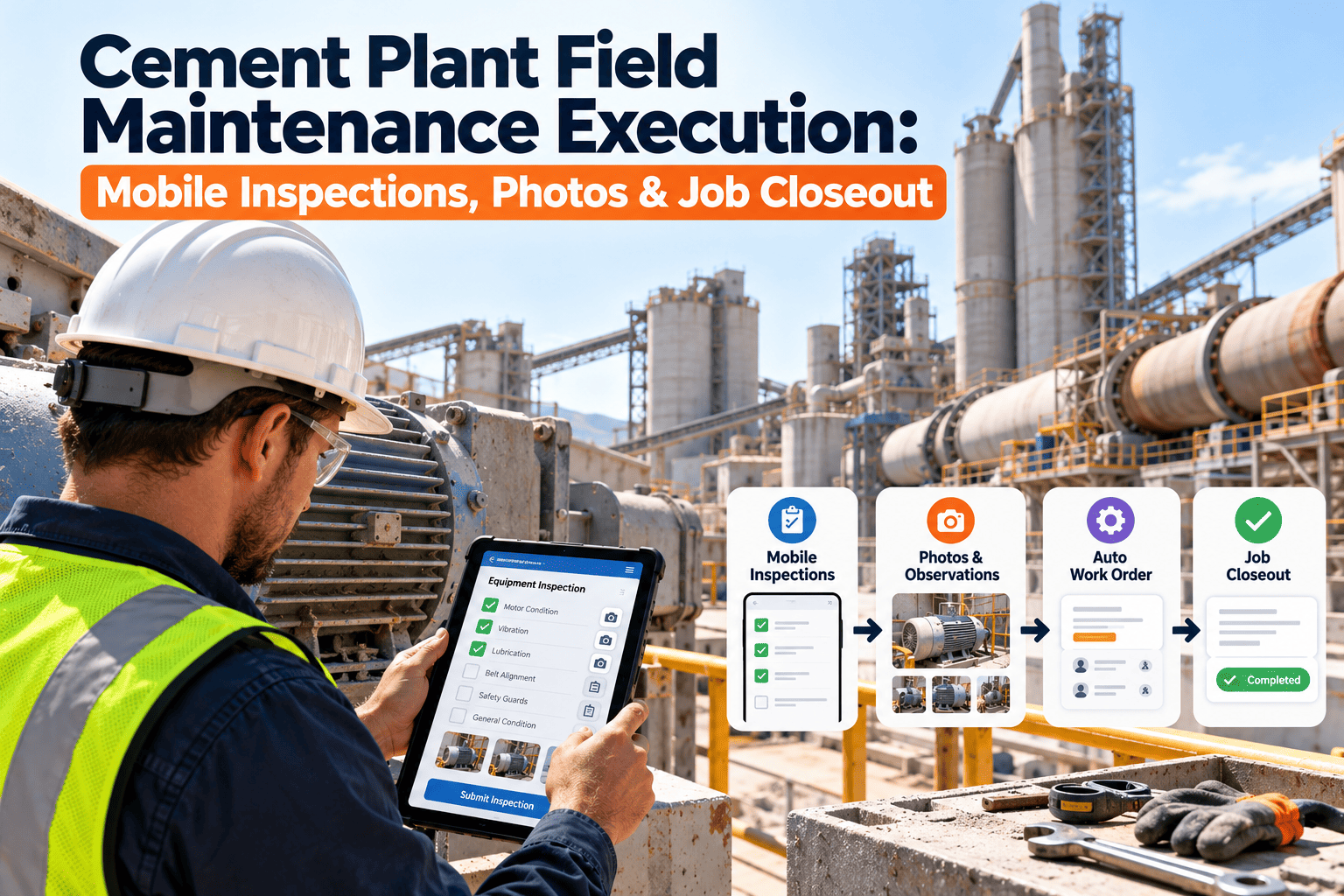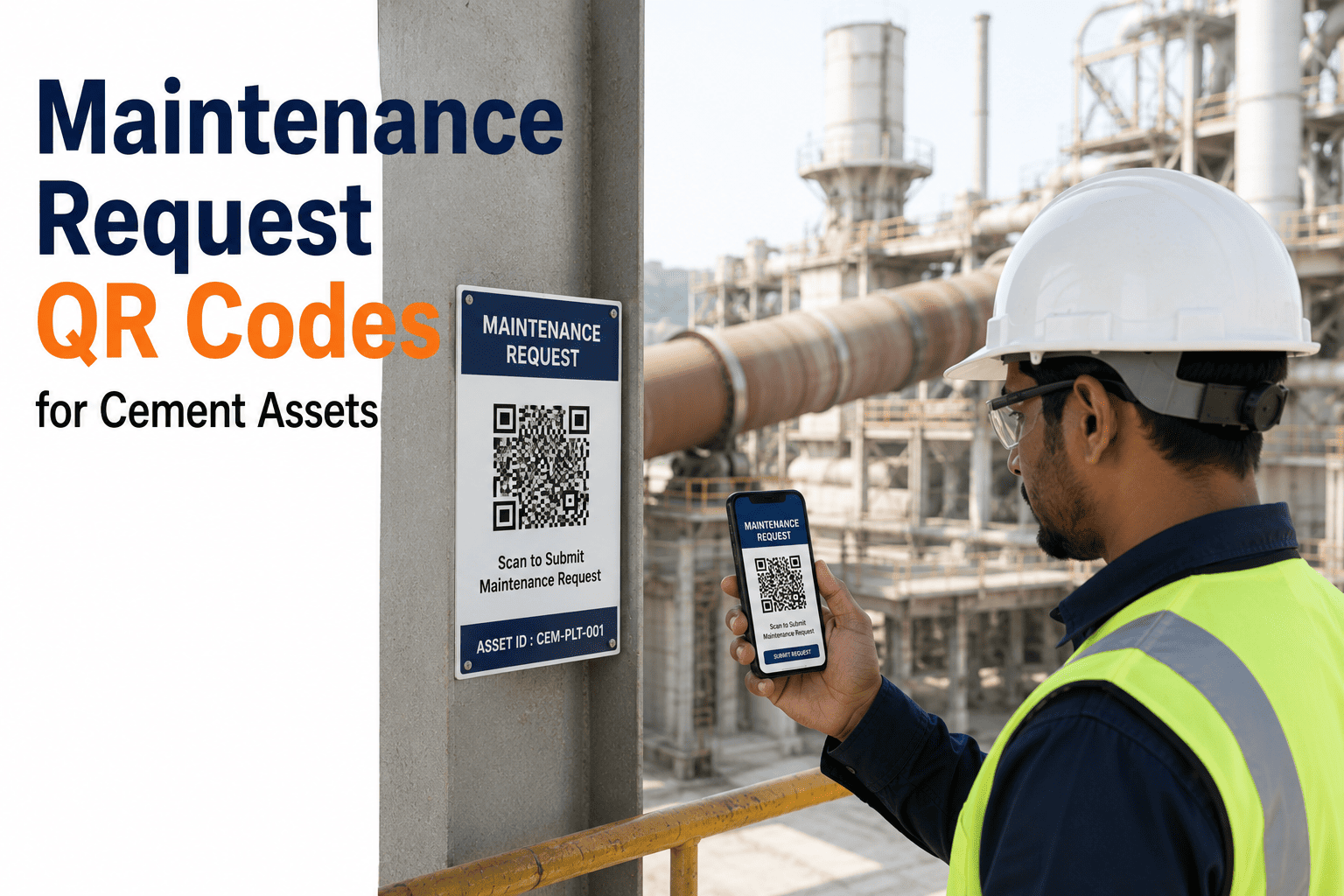
An operator walking past a vibrating fan or a leaking gearbox should be able to report it in the time it takes to read this sentence, not after finding a radio, a name, and a free minute. A QR code fixed to the asset turns that walk-by observation into a logged maintenance request in under thirty seconds, with the asset already identified and no manual data entry required. See how it works on your own equipment with a free OxMaint trial.
Scan, Describe, Done: QR-Based Maintenance Requests for Cement Assets
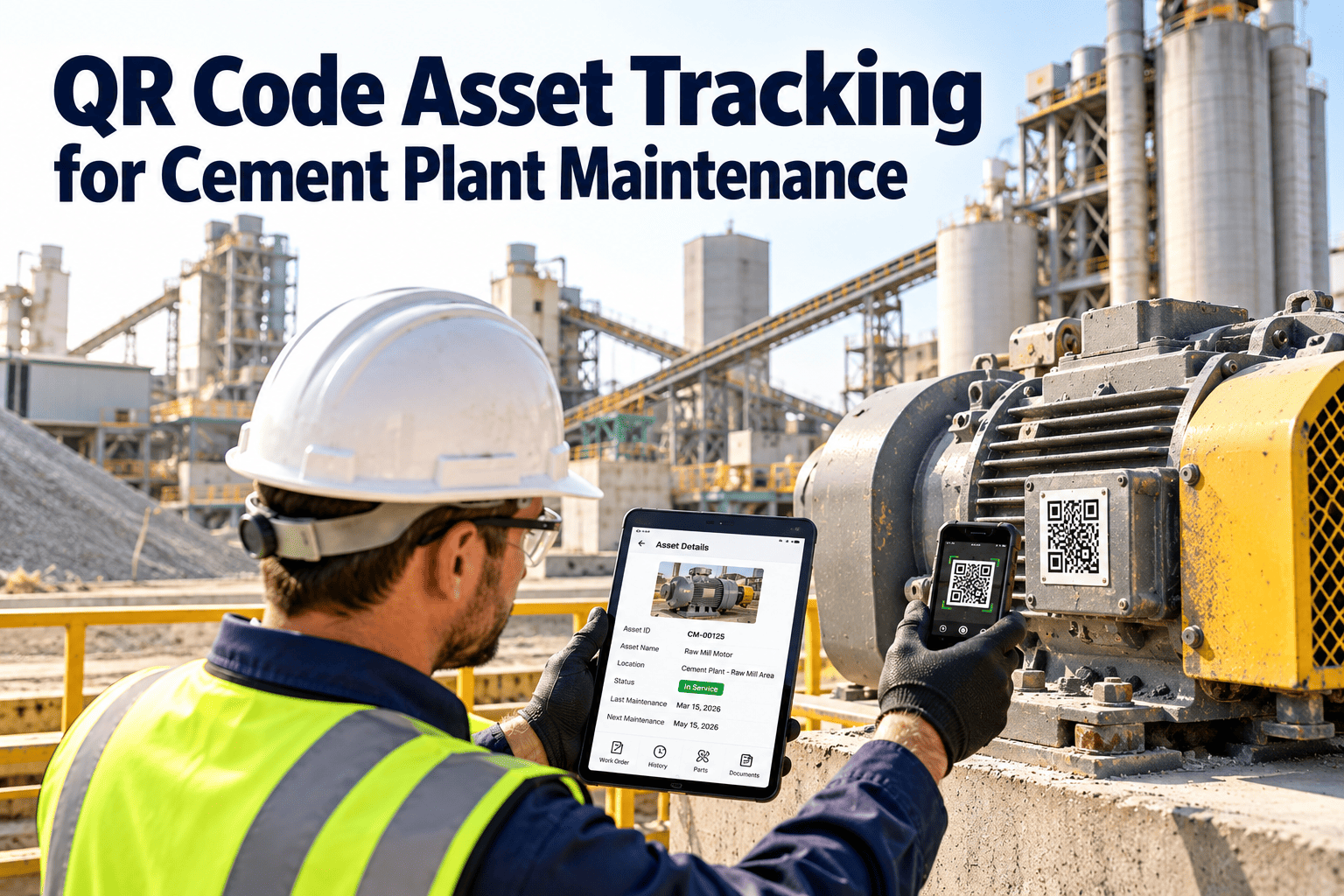
Every kiln section, conveyor run, and motor housing can carry its own QR code. One scan opens a request already linked to that exact asset, its location, and its full maintenance history.
What Happens in the Thirty Seconds After a Scan
Operator Scans the Tag
The asset, location, and equipment ID populate automatically — no typing an asset number from memory or guessing which conveyor section it was.
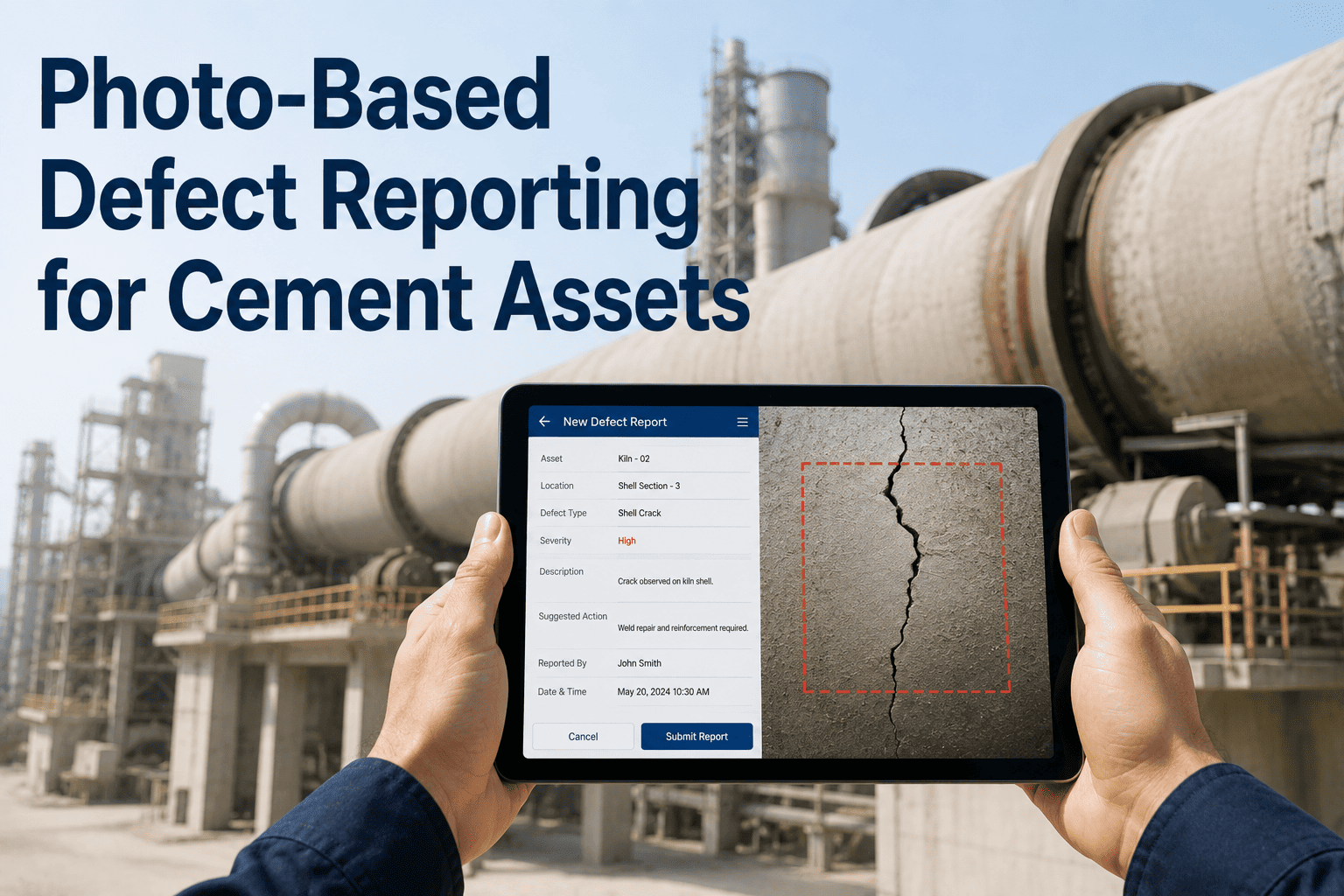
Defect Is Described in Seconds
A short description and an optional photo are added directly from the phone, capturing detail that gets lost in a verbal handoff to a passing supervisor.
Request Becomes a Work Order Instantly
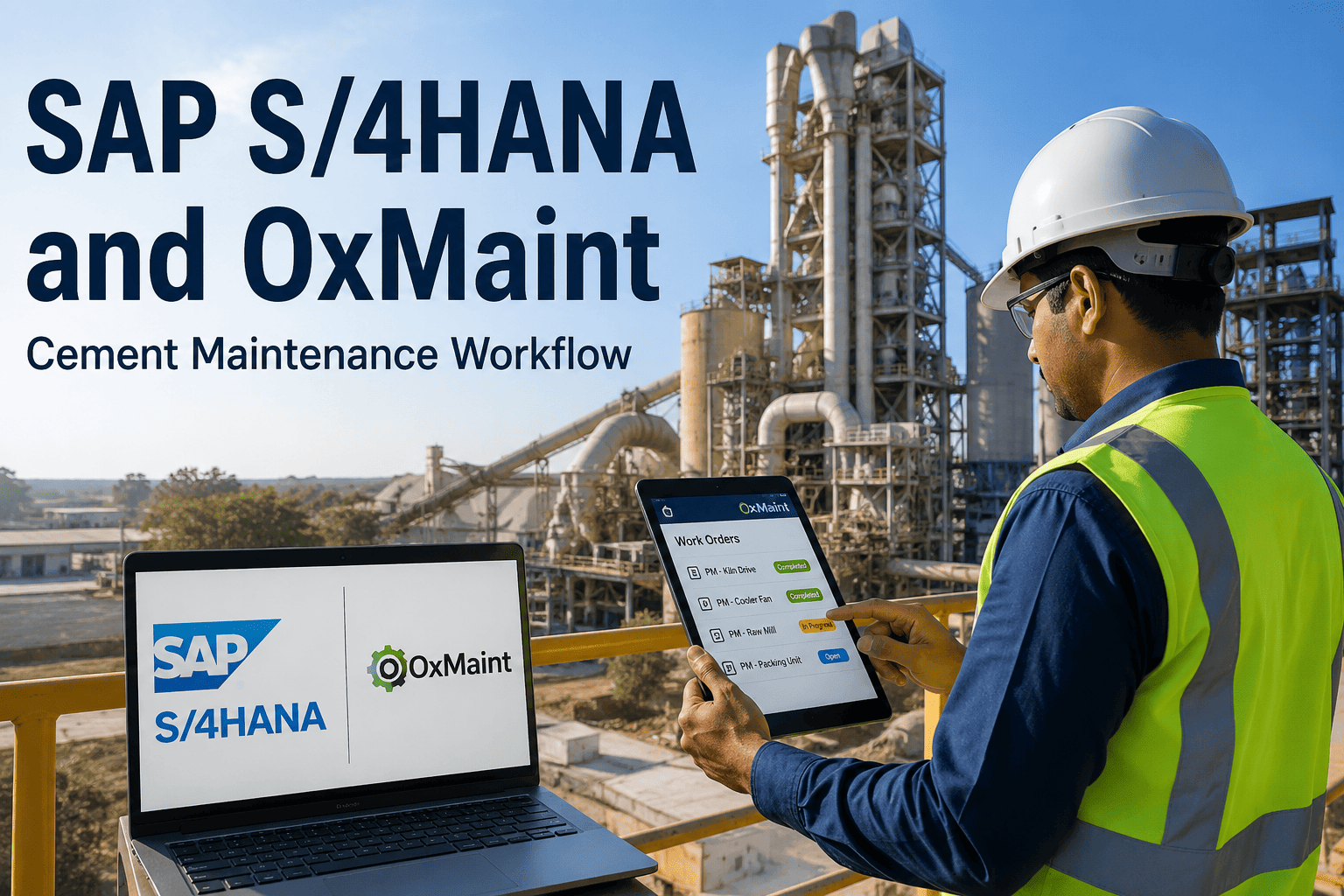
The report routes straight into the OxMaint work order queue with priority flagged by asset criticality, ready for the planner to review without re-entry.
History Builds With Every Scan
Each request adds to that asset's maintenance record, so the fifth scan on the same fan bearing surfaces as a pattern, not a fresh, disconnected complaint.
Why Plants Are Replacing Verbal Reporting With QR Tags
of minor defects reported informally never reach a documented work order, according to plant floor surveys on verbal reporting gaps
average time to log a defect via QR scan, versus several minutes for a verbal handoff and manual ticket entry
of QR-logged requests carry the correct asset ID, removing the misidentification common in manually typed reports
Tag Your First Ten Assets This Week
OxMaint generates and prints asset QR codes directly from your equipment list, ready to fix to the machine.
Where QR Tags Make the Biggest Difference in a Cement Plant
A cement plant that had vibration sensors installed but no fast path from observation to work order was losing an average of fourteen days between a detectable issue and a logged repair. After shifting to instant mobile reporting tied directly to assets, the plant cut unplanned production stops by 60% within twelve months, more than double its original target.
Frequently Asked Questions
No app installation is required for scanning — most phone cameras open the request form directly in a browser. This removes the adoption barrier of asking every operator to install and log into a separate app before they can report anything. Sign up free to generate your first set of asset tags.
Tags can be reprinted from the same asset record at any time, and many plants use durable, heat and dust-resistant labels designed for kiln and mill areas. The asset's history and QR mapping stay intact in OxMaint even if a physical tag needs replacing, so nothing is lost when a label wears out.
Requests created offline are queued on the device and sync automatically once connectivity returns, which matters around kilns and mills where signal can be inconsistent. The operator sees a confirmation the moment the request is captured, regardless of whether it has synced yet. Book a demo to see this tested in a low-signal scenario.
Individual logins are recommended so requests are attributed correctly, but lightweight guest or shared-device access can also be configured for high-traffic scan points. Either way, the asset, timestamp, and description are captured reliably without depending on manual sign-in sheets.
Every QR-submitted request is tagged to the same asset record used for work orders and failure analytics, so repeated scans on the same fault automatically feed into recurring failure detection. This is often how a pattern surfaces that informal verbal reporting would have missed entirely. Start your free trial to see this connection live.
Give Every Asset a Way to Speak Up
OxMaint's QR-based requests turn a walk-by observation into a logged, asset-linked work order in under thirty seconds — no app install, no manual asset lookup, no lost detail.