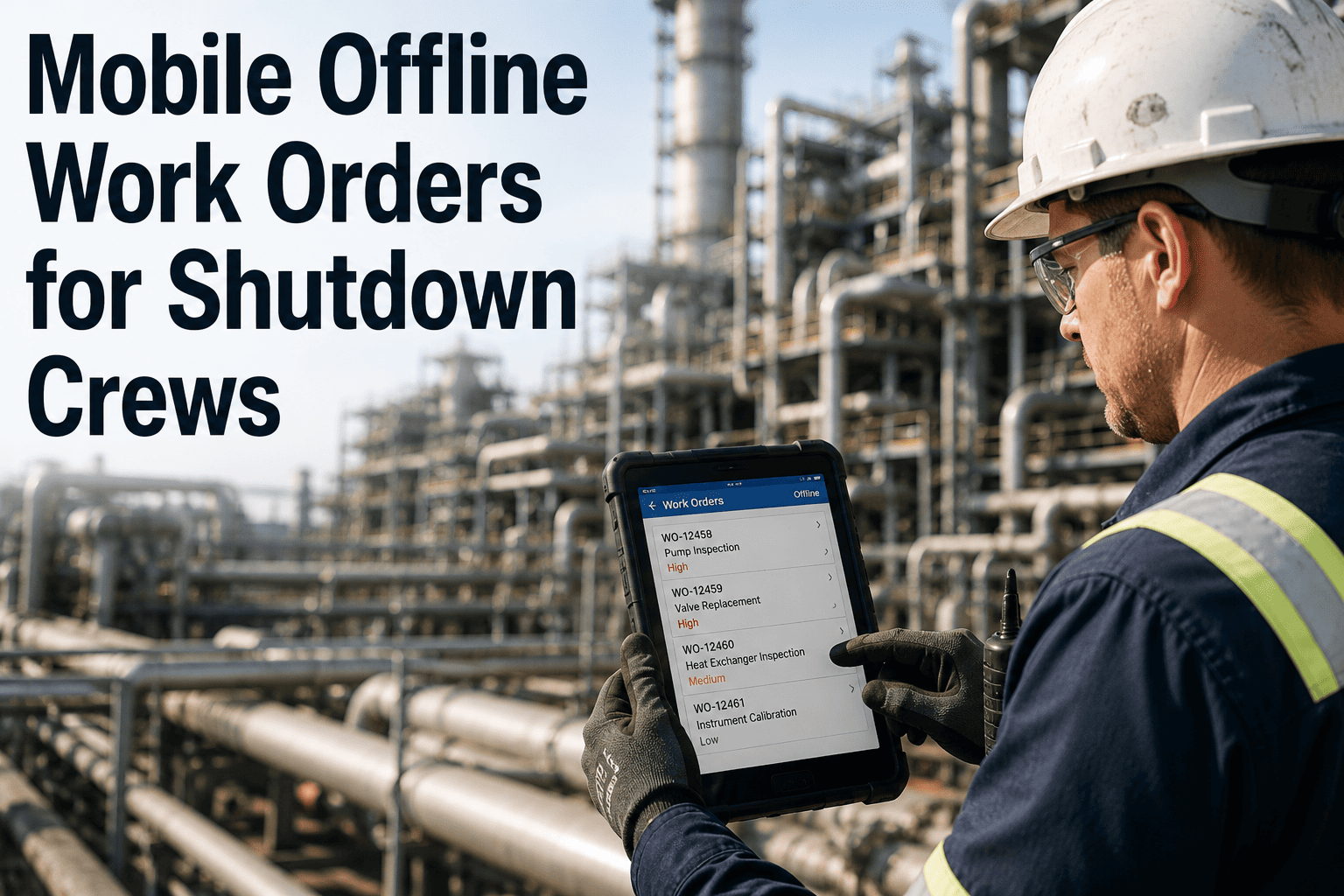
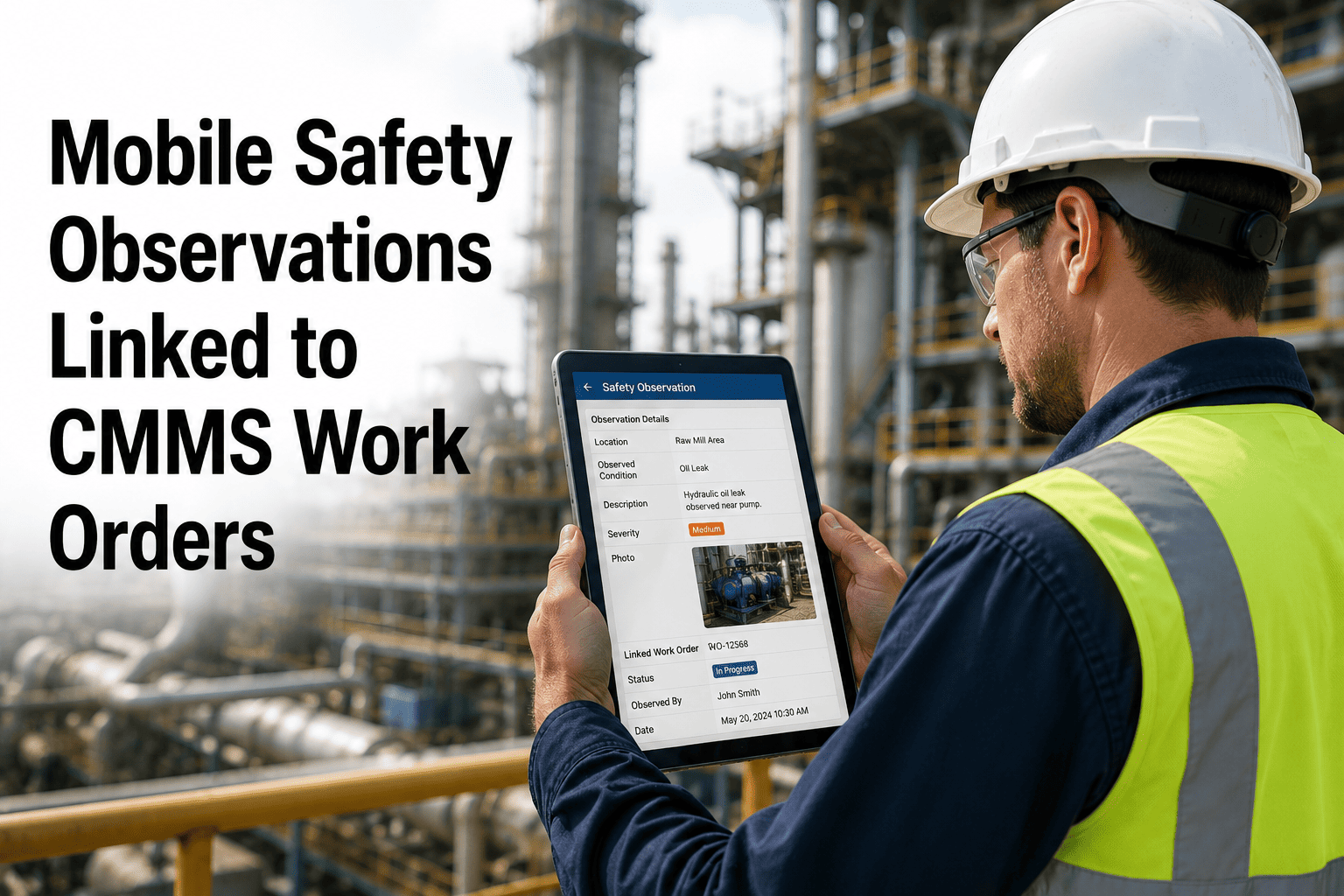
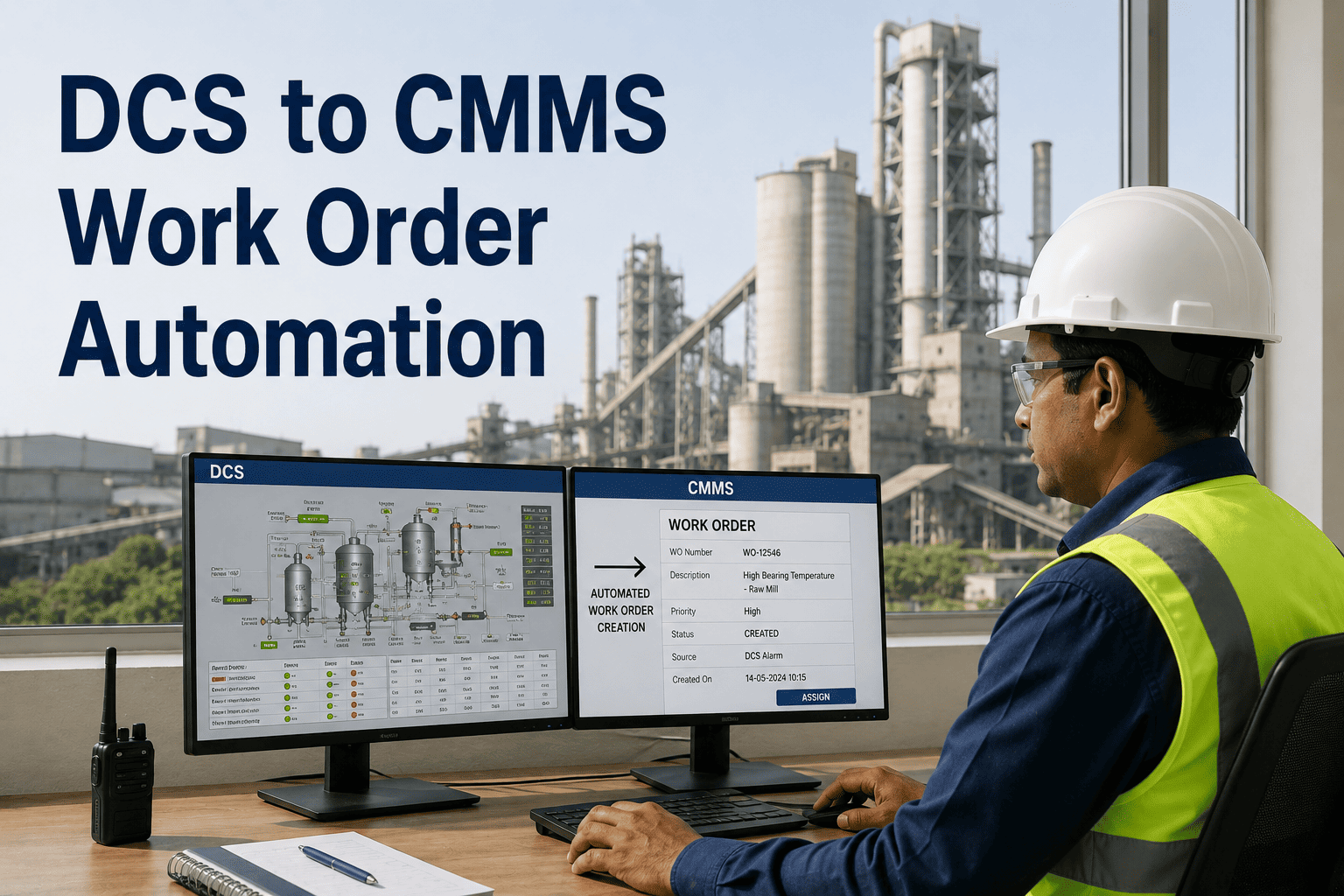
Ask any maintenance supervisor where their shutdown crew loses the most time and the answer is rarely the wrench work — it's the walk back to a terminal because the kiln shell, the preheater tower, or the underground conveyor tunnel has no signal at all. A mobile CMMS that requires connectivity to function isn't a field tool during a turnaround; it's a desktop terminal in disguise, and crews revert to paper the moment it fails them in a dead zone. The fix is an app built offline-first, not one with offline bolted on as an afterthought — work orders, asset history, and checklists cached on the device before the crew ever loses signal. See how that works inside OxMaint, or book a demo to test it in your own dead zones.
Cement Plant Maintenance / Mobile CMMS
Work Orders That Don't Stop When the Signal Does
Built offline-first for kiln shells, preheater towers, and underground tunnels — shutdown crews keep working, and everything syncs the moment connectivity returns.
800-2,000
Work orders running through a major kiln and mill shutdown
0 bars
Typical signal inside a preheater tower or conveyor tunnel
45-90 min
Wasted per trip when a crew walks back to a terminal to log work
100%
Of offline actions synced automatically once signal returns
Four Places a Shutdown Crew Loses Signal
A cement plant isn't a single connectivity zone — it's several, and the highest-traffic shutdown work happens inside the ones with the worst signal.
Kiln shell interior
No signal
Steel shell and refractory lining block cellular signal completely during internal inspection and reline work.
Preheater tower
No signal
Concrete structure and height make this one of the most consistent dead zones during a shutdown reline.
Underground tunnels
No signal
Conveyor and cable tunnels sit below grade, where cellular coverage rarely reaches at all.
Raw mill interior
Weak signal
Heavy steel housing and rotating components reduce signal to an unreliable trickle, if any.
Paper Didn't Disappear — It Just Moved to a Phone
Swapping a clipboard for an app that still needs a connection isn't progress; it's the same failure mode with a screen attached.
Connection-required app
Inside the kilnApp freezes or times out — crew falls back to a paper note
End of shiftNotes get re-typed from memory at a terminal, hours later
PhotosTaken on a personal phone, rarely make it into the work order
Supervisor viewSees yesterday's progress, not what's happening right now
Offline-first app
Same app, every zone
Work orders, checklists, and asset history are already on the device before the crew enters the dead zone — so nothing changes about how they work, signal or not.
From Pre-Shift Download to Closed Work Order
For the technician, offline mode is invisible — it just feels like the app always works. The structure happens underneath.
1
Pre-shift downloadThe next shift's work orders, asset data, and SOPs cache to the device while still in a connected area.
2
Fully offline workChecklists, photos, notes, and parts usage are logged normally — timestamped the moment they happen.
3
Automatic syncThe instant the device reconnects, every queued action uploads in the background — no manual step.
4
Live supervisor viewCompleted work appears on the dashboard in real time, with original field timestamps intact.
Test the Offline Mode in Your Own Dead Zones
Bring your kiln, preheater tower, or tunnel crew along — we'll show offline capture and sync working exactly where your current app fails.
What Stays Available With Zero Signal
Offline mode isn't a stripped-down fallback view — it's the same functionality the crew has online, just running locally on the device.
Full work order queue
Cached asset history
Digital checklists
Photo and note capture
Parts usage logging
Auto sync on reconnect
Every action is stored locally with the timestamp of when it actually happened — not when it eventually syncs — so the audit trail stays accurate regardless of how long the crew was out of signal range.
Expert Review
"The mistake plants make is buying a mobile CMMS that was designed for an office and adapted for the field. It looks fine in a demo with full Wi-Fi and falls apart the moment a technician walks into a preheater tower mid-shutdown — and that's exactly when you need it most, because that's where most of the work orders are. An offline-first design means the technician never has to think about signal at all. They open the app, the work order is there, they close it out, and somewhere later it syncs. That's the entire experience that actually gets adopted on a shutdown crew."
Reviewed by a Mobile Maintenance Systems Consultant, 12+ years deploying field CMMS across heavy industrial sites.
Frequently asked questions
What exactly does a technician get without any signal?
The complete work order queue, full asset history, digital checklists, SOPs, and cached parts data are all already on the device before the crew enters a dead zone — none of it requires a live connection to view or use. Technicians can open work orders, complete checklists, capture photos, log parts usage, and add notes exactly as if they were online. See the full offline feature set in
OxMaint.
What happens if the app is closed or the device restarts while offline?
Nothing is lost. Every action — readings, photos, notes, parts usage — is written to local storage on the device the moment it's entered, not held in temporary memory that disappears if the app closes or the phone restarts. When connectivity returns, the queued data uploads automatically with its original timestamp intact.
Book a demo to see the offline storage behavior firsthand.
How long can a crew stay offline before there's a problem?
There's no practical time limit — the device simply queues every action until it reconnects, whether that's for an hour inside a preheater tower or an entire multi-day reline with no signal at all. The pre-shift download window is configurable, so longer offline stretches just mean a larger initial cache rather than a different mode of operation. Start a
free trial to test it against your longest dead-zone job.
What happens if two technicians edit the same work order while both are offline?
Field actions like time logged, photos, and readings are merged by timestamp rather than one overwriting the other. If the same field, such as completion status, is changed differently by both technicians, the system flags the conflict for a supervisor to resolve rather than silently discarding either update. In practice this is rare since work orders are typically assigned to a single technician. See conflict handling in
a demo.
Does the offline app need rugged or specialized hardware?
No. The offline-first design runs on standard Android and iOS phones and tablets — the same devices crews already carry — with no rugged-device purchase or specialist hardware required. The app is built for gloved hands, dust, and poor lighting on a regular smartphone screen. Try it on your current devices with a
free trial.
Give Your Shutdown Crew an App That Works Everywhere They Do
Stop losing data — and time — every time a crew walks into a kiln, a tower, or a tunnel. Offline-first mobile work orders that sync automatically when signal returns.