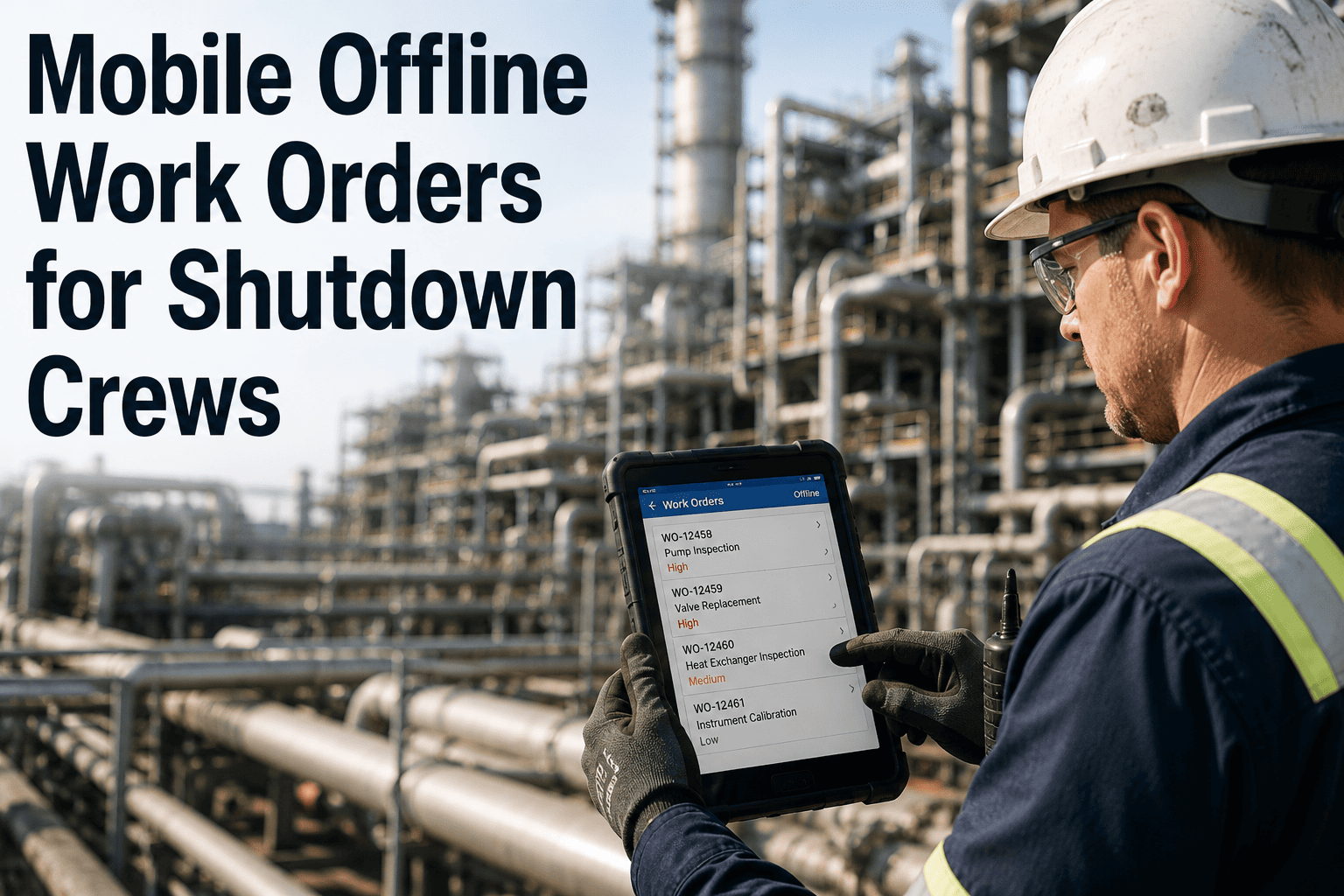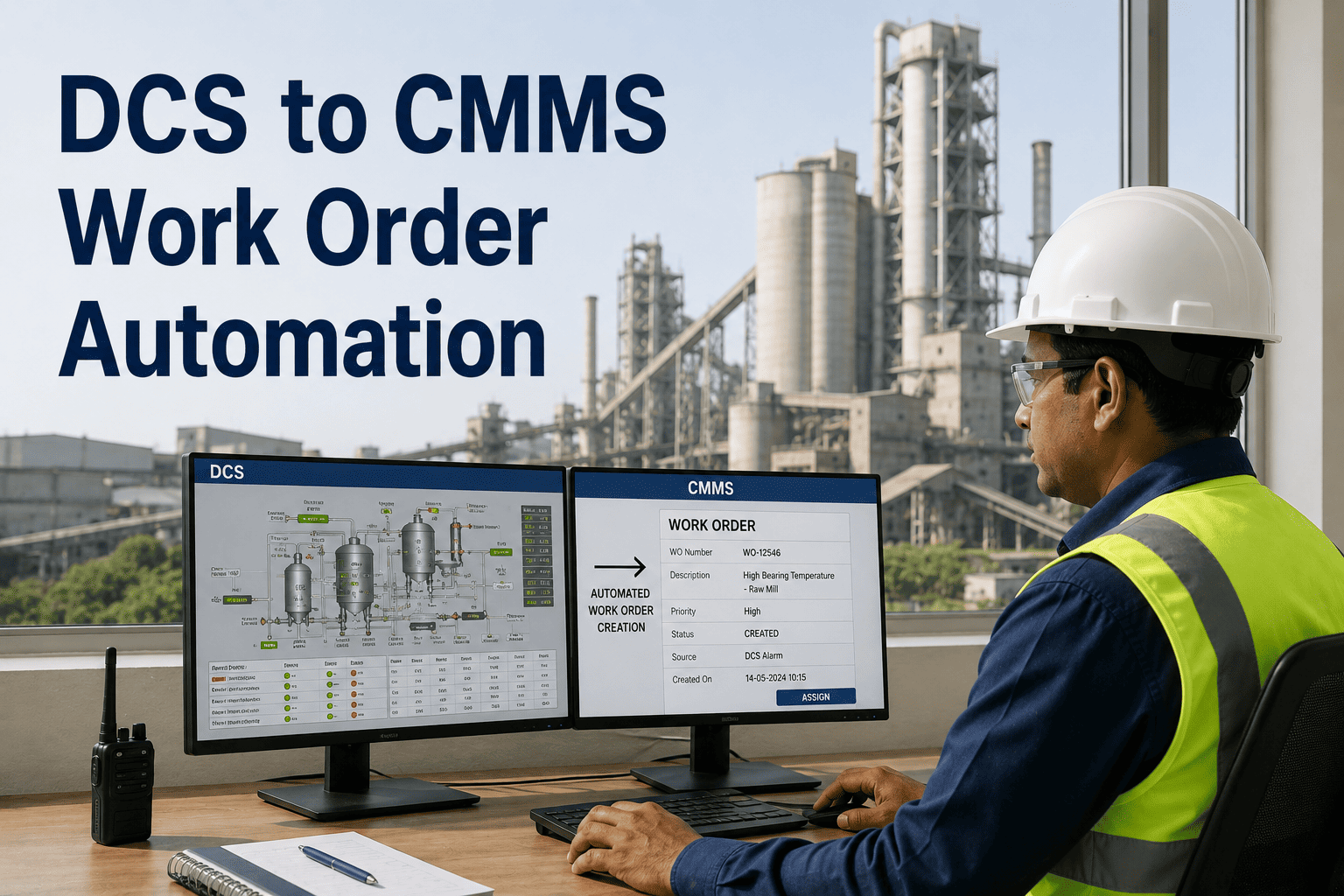
Remote cement plants operate where cellular signals drop to zero and satellite connectivity costs more than the monthly maintenance budget for an entire crusher section. Field technicians walk into kiln galleries, cooler enclosures, and raw mill pits carrying clipboards and printed work orders because the CMMS they pay for cannot function without a stable Wi-Fi connection. Every inspection checklist filled on paper, every vibration reading scribbled on a notepad, and every spare part request phoned in from a dead zone represents data that never enters the maintenance system until someone drives back to the control room. This gap between the field and the database is where maintenance records die, audit findings are born, and unplanned outages grow silently. OxMaint mobile CMMS eliminates this gap by letting field teams work fully offline and syncing everything the moment connectivity returns.
Your Kiln Deck Has No Wi-Fi. Your Maintenance Records Should Not Care.
Mobile work orders, asset histories, inspection checklists, and spare part requests available on a tablet or phone inside dead zones with automatic sync when signal returns.
62% of cement plants have maintenance dead zones where online CMMS simply stops working
Cement plants are built where limestone and clay deposits exist, not where fiber-optic cables run. The kiln deck, cooler enclosure, ball mill foundation pit, preheater tower platforms, and quarry crusher station are routinely beyond cellular reach. When field teams lose connectivity, the entire digital maintenance programme pauses and reverts to paper, creating a parallel data system that never fully merges back into the CMMS.
Four steps from control room to dead zone and back — without losing a single data point
Everything your field team needs on a single device, even at zero bars
An offline CMMS is not a limited version of the platform with a few forms downloaded. It is the full maintenance workflow rebuilt for local execution. OxMaint caches the exact data each technician needs based on their assigned route, asset list, and work order queue, then re-integrates every action into the central system on sync.
Paper logs versus online-only CMMS versus OxMaint offline mobile — side by side
Most cement plants are stuck between two broken options: paper-based systems that lose data, or online-only CMMS platforms that stop working in dead zones. The comparison below shows why offline-capable mobile CMMS is the only option that closes the field-to-database gap for remote cement operations.
| Capability | Paper-Based System | Online-Only CMMS | OxMaint Offline CMMS |
|---|---|---|---|
| Work order access in dead zones | Printed copies only | No access at all | Full access with updates |
| Data entry timing | Hours to days after the task | Real-time but only online | Immediate, syncs later |
| Photo and attachment capture | Personal phone, never tagged | Only with connectivity | Tagged to asset, stored locally |
| Audit-ready maintenance trail | Paper trails get lost or damaged | Complete if always online | Complete with offline timestamps |
| Data synchronization | Manual re-entry by clerk | Automatic but breaks offline | Automatic with conflict resolution |
| Field training time | Minimal but error-prone | 2-3 days with connectivity issues | 1-2 days, works everywhere |
| Risk of lost records | Very high, 73% never digitized | High in dead zones | Near zero with local storage |
| Monthly compliance reporting effort | 40-60 hours of manual compilation | 8-12 hours if fully online | 2-4 hours with auto-sync |
What changes on the shop floor when dead zones stop killing your data
Technician carries a printed checklist and a personal phone. Photos are taken but never reach the CMMS. Shell temperature readings are written on the back of the form. Data gets entered 6 hours later by a clerk who misreads two values and skips three fields. The next FMEA review has a 6-week gap in thermal trending data.
Technician opens OxMaint on a rugged tablet. The kiln shell inspection form loads instantly with all zone references pre-populated. Temperature readings are entered directly into structured fields. Photos are captured, tagged to the kiln asset, and stored locally. On return to the control room, everything syncs in under 30 seconds with zero manual re-entry.
The maintenance planner radios the stores with a part description. The storekeeper pulls what sounds right. Wrong grade grate plates arrive at the cooler. The replacement is delayed 8 hours while the correct parts are located. The work order is updated the next morning by the planner working from memory.
The technician opens the offline spare parts catalog inside the cooler enclosure, searches by cooler model and grate zone, pulls the exact part number, and submits the requisition. The store receives it on sync and stages the correct parts. The work order closes with accurate parts consumption logged automatically.
Operator detects a pressure differential change on cyclone stage 3. No drawings are available on the platform. The operator descends 60 meters to the control room to pull up the duct layout, then climbs back up with a printed sketch. By then the blockage has progressed and the kiln trip is 20 minutes closer.
The operator opens OxMaint on the preheater platform. The cyclone stage 3 drawing, historical blockage records, and the air-cannon firing sequence are all cached on the device. The response begins immediately with full context. Every action taken is logged to the work order in real time, offline.
Your technicians are doing the work. Your CMMS should capture it, even without signal.
OxMaint mobile CMMS downloads exactly what each field technician needs before they walk into the dead zone, captures every action locally, and syncs it all back automatically. No paper, no re-entry, no gaps in your maintenance record.
Ten weeks from paper-dependent to fully offline-capable across your cement plant
What maintenance managers and reliability engineers ask before going offline-capable
How does OxMaint sync data when connectivity returns after working offline?
What maintenance tasks can field teams complete without any network connection?
Can offline CMMS handle photo evidence and failure documentation in dead zones?
How long does it take to deploy OxMaint offline CMMS across a cement plant field team?
What happens if a technician device runs out of storage while working offline in a remote area?
Your field team already does the work in dead zones. Give them a CMMS that does too.
OxMaint mobile CMMS is built for cement plants where connectivity is not guaranteed but maintenance quality must be. Pre-loaded work orders, offline inspections, local photo capture, and automatic sync that closes every gap between the field and your maintenance database.