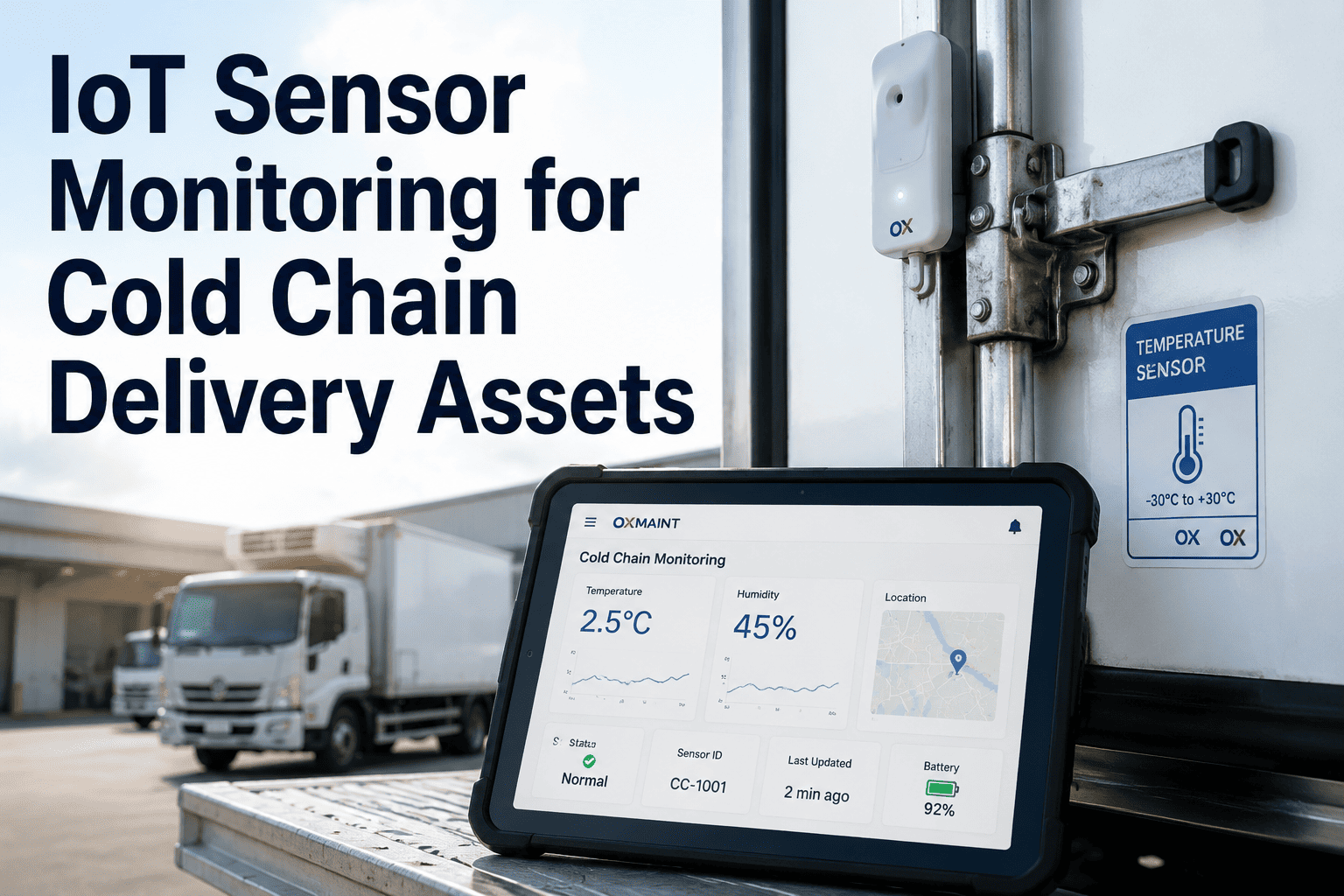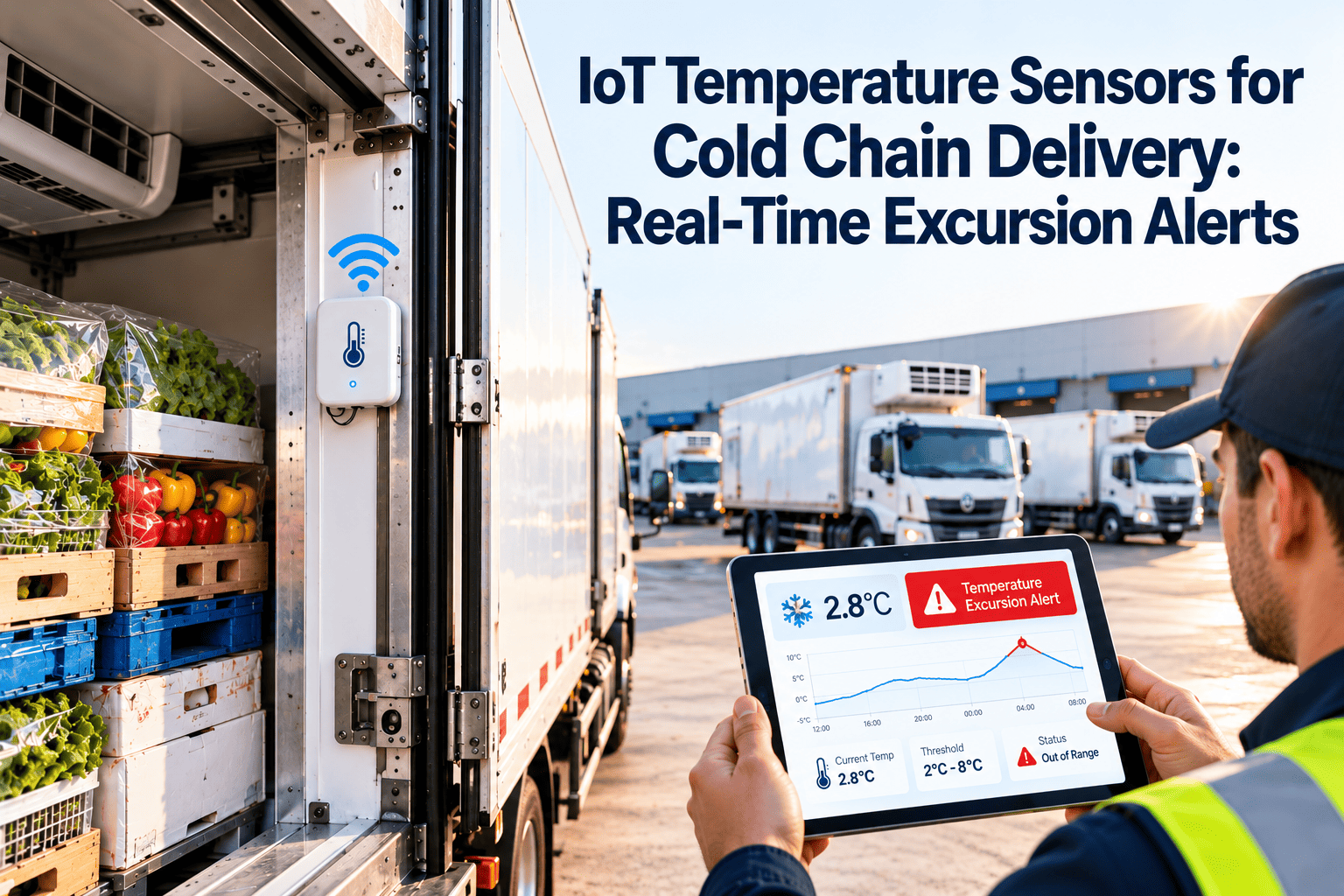
In a paper-based cold chain, a temperature problem is discovered when someone reads a logger at the end of a route, long after the product has been exposed. IoT temperature sensors change that timeline by reporting readings continuously and raising an alert while there is still time to act. The technology is only part of the answer, because sensors, thresholds, escalation, and equipment upkeep all have to work together. This guide covers each layer, and how Oxmaint connects excursions to inspections and corrective work.
IoT Temperature Sensors for Cold Chain Delivery: Real-Time Excursion Alerts
Catch temperature drift in minutes, route the alert to the right person, and fix the equipment cause before product is lost.
Below 2 C
2 C to 8 C
Above 8 C
Sustained, alert fires
Why Paper Logs and End-of-Route Readings Fall Short
Manual temperature checks capture a moment, while product spoils over a period. Gaps between readings are where excursions hide.
- Readings taken at set times, so events between checks are missed
- Data reviewed after the delivery is complete
- Handwritten records are easy to lose or misread
- Door-open events and equipment faults go unnoticed
- Audit preparation means collecting paper from many sources
- Frequent readings reveal short and slow excursions alike
- Alerts reach staff while the vehicle or room can still be corrected
- Records are time-stamped and stored without manual entry
- Patterns point to failing doors, seals, and refrigeration units
- Compliance reports are generated from stored data
The Sensor Architecture, Layer by Layer
A reliable monitoring system is built from layers, and a weakness in any one of them can leave a blind spot.
Turn Every Alert Into a Tracked Action
Oxmaint helps teams convert excursions into work orders and inspection records, so each event ends with a documented fix.
Selecting Sensors for Each Point in the Chain
| Location | What to measure | Selection considerations |
|---|---|---|
| Cold rooms and freezers | Air temperature, door open time, sometimes humidity | Place probes at warmest and coldest points, away from evaporator airflow |
| Refrigerated vans and trailers | Cargo-area temperature at several heights, door status | Rugged mounting, cellular connectivity, and battery or vehicle power |
| Insulated shipper boxes and totes | Product-zone temperature for last-mile parcels | Small, low-cost, and recoverable or single-use depending on route |
| Dock and staging areas | Ambient temperature, dwell time | Detects heat exposure during loading and handoff |
| Refrigeration equipment | Compressor status, defrost cycle, current draw | Early warning of equipment trouble before air temperature moves |
Accuracy and calibration
Choose sensors with documented accuracy for your product class, and schedule calibration checks on a fixed interval. An uncalibrated sensor that reads two degrees off can hide a real excursion or trigger false alarms.
Designing Alert Thresholds That People Trust
Too many false alerts train people to ignore them, while too few miss real events. Good design balances both.
Escalation: From Alert to Resolution
An alert only helps if someone responds. Define who is notified, how fast they must act, and what happens if they do not.
Where Temperature Data Meets Maintenance
Most excursions have a mechanical cause. Linking the two data streams helps maintenance fix the source instead of repeating the same response.
Compliance and Documentation
Food, pharmaceutical, and healthcare cold chains each carry their own requirements, so confirm the rules that apply to your products and region. Continuous records support these needs in common ways.
Integrating With Your CMMS and Quality Systems
Practical integration steps
- Register every monitored room, vehicle, and refrigeration unit as an asset.
- Set preventive tasks for coil cleaning, seal checks, and sensor calibration.
- Define which alert categories automatically open a work order.
- Review excursion patterns monthly alongside repair history.
Choosing Network Technology for Real Routes
The best sensor is useless if its data cannot reach the platform. Match connectivity to where each sensor actually lives and travels.
| Option | Strengths | Limits | Typical fit |
|---|---|---|---|
| Cellular | Wide coverage, direct to cloud, no local gateway | Data cost, coverage gaps in basements and rural areas | Vehicles and remote units |
| Bluetooth with gateway | Low power, inexpensive tags, suits many small sensors | Needs a gateway nearby, short range | Totes, pallets, and cold rooms with a hub |
| Wi-Fi | Uses existing network, high data rate | Higher power use, depends on site network quality | Fixed sites with solid wireless coverage |
| Low-power wide-area radio | Long range, long battery life | Low data rate, gateway deployment needed | Large yards, campuses, sparse layouts |
| Wired probes | Very stable, no battery changes | Installation cost, less flexible | Permanent cold rooms and freezers |
Plan for dead zones
Choose sensors that store readings locally and upload when connection returns. A van passing through a tunnel or a rural gap should lose only the live view, not the temperature record that auditors will later ask for.
Sensor Placement and Installation Mistakes
Poor placement produces readings that look reassuring but do not reflect product temperature. Each mistake below has a simple fix.
Test before relying
Before go-live, open doors, load product, and run a full route while comparing sensor readings with a reference thermometer. Gaps found in testing are cheap to fix, while gaps found during an excursion are not.
Quality and Audit Readiness Workflow
Sensor data supports compliance only if the surrounding process is documented. A repeatable workflow keeps records consistent from one excursion to the next.
Rollout Plan for a Cold Chain Fleet
A staged rollout limits risk and builds confidence. Use this checklist to sequence the work.
Alert Examples and Response Actions
Practical playbooks help staff react quickly and consistently. These examples show how common alerts map to first checks and maintenance work.
| Alert | Likely cause | First action | Follow-up work |
|---|---|---|---|
| Slow rise in a cold room | Door left open, seal wear, or high traffic | Check the door and recent activity, and confirm the setpoint | Inspect seals and door closers |
| Sudden temperature spike in a vehicle | Unit shutdown or door ajar | Stop, inspect the cargo area, and protect product | Diagnose the reefer unit and review run logs |
| Repeated spikes at the same time daily | Defrost cycle or loading pattern | Compare alerts against the defrost schedule and shift activity | Adjust defrost settings or loading practice |
| Temperature below range | Setpoint error or sensor fault | Verify setpoint and cross-check with a reference thermometer | Calibrate or replace the sensor |
| Sensor offline | Battery, connectivity, or damage | Confirm physical sensor status and switch to a backup logger | Replace the battery or repair the gateway |
| Humidity out of range | Door seal or ventilation problem | Check the door, seals, and airflow | Schedule seal and ventilation inspection |
Close the loop on every alert
Whatever the cause, the alert record should end with a documented decision on product, a finding on the cause, and a work order if equipment was involved. This builds the history that shows which assets keep causing problems and which sensors need replacing.
Routine Care for the Sensor Network Itself
The monitoring system is also an asset that needs maintenance. Treat sensors and gateways with the same discipline as the refrigeration they protect.
- Check battery levels on a schedule and replace before they fail, not after.
- Calibrate or verify sensors against a reference at the interval your quality plan sets.
- Inspect probes and cables for damage, moisture, and wear, especially in vehicles.
- Test gateway power and connectivity after any site works or network changes.
- Confirm every sensor reports on time and flag any that have gone silent.
- Keep spare sensors and batteries on site so replacements take minutes.
- Record each replacement, calibration, and repair against the sensor asset record.
- Review alert history quarterly to find sensors that produce repeated false alarms.
Cold Chain Sensor Questions
Protect Product From the First Degree of Drift
Pair real-time sensor alerts with scheduled inspections and tracked repairs, so excursions are caught early and causes are fixed for good.