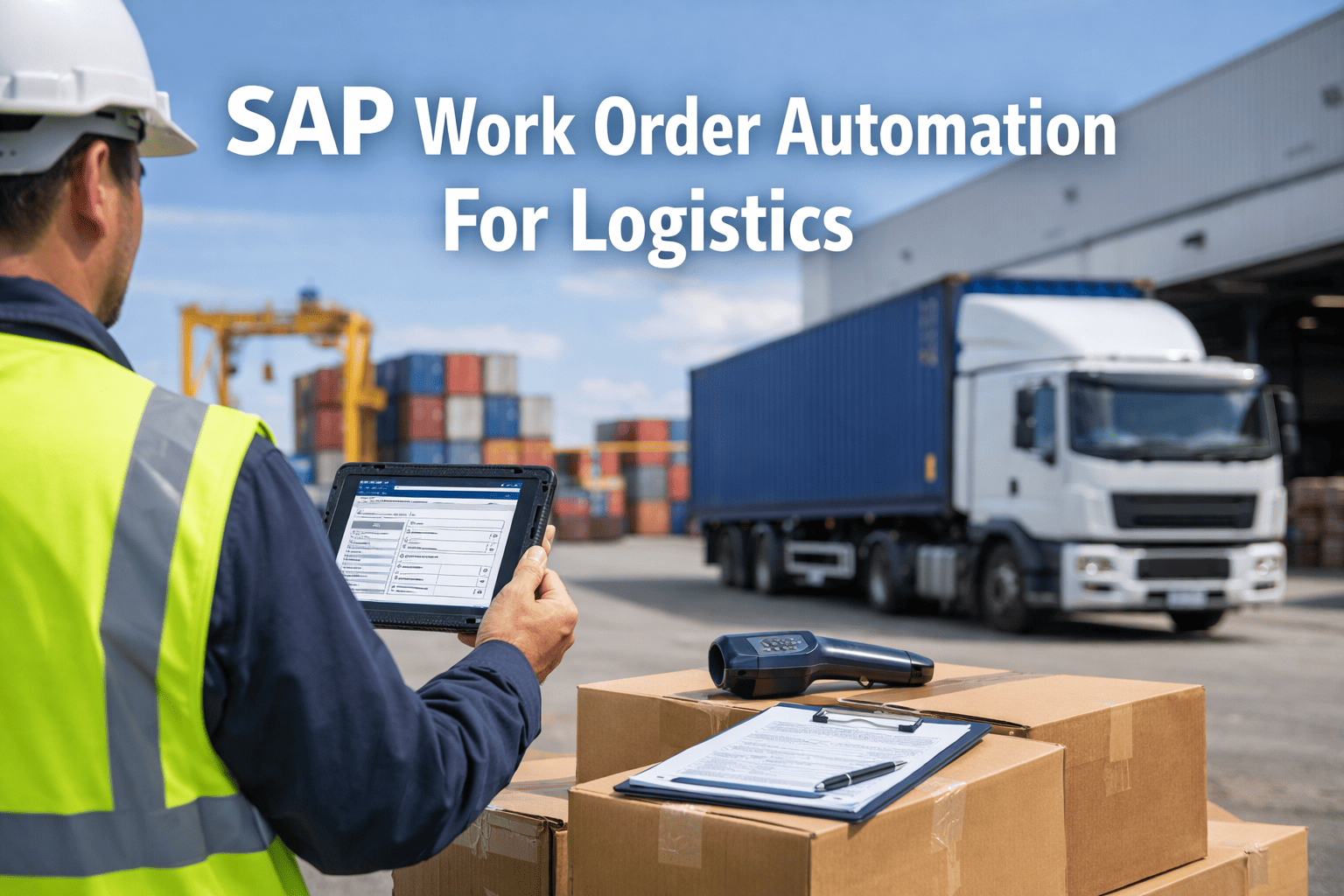
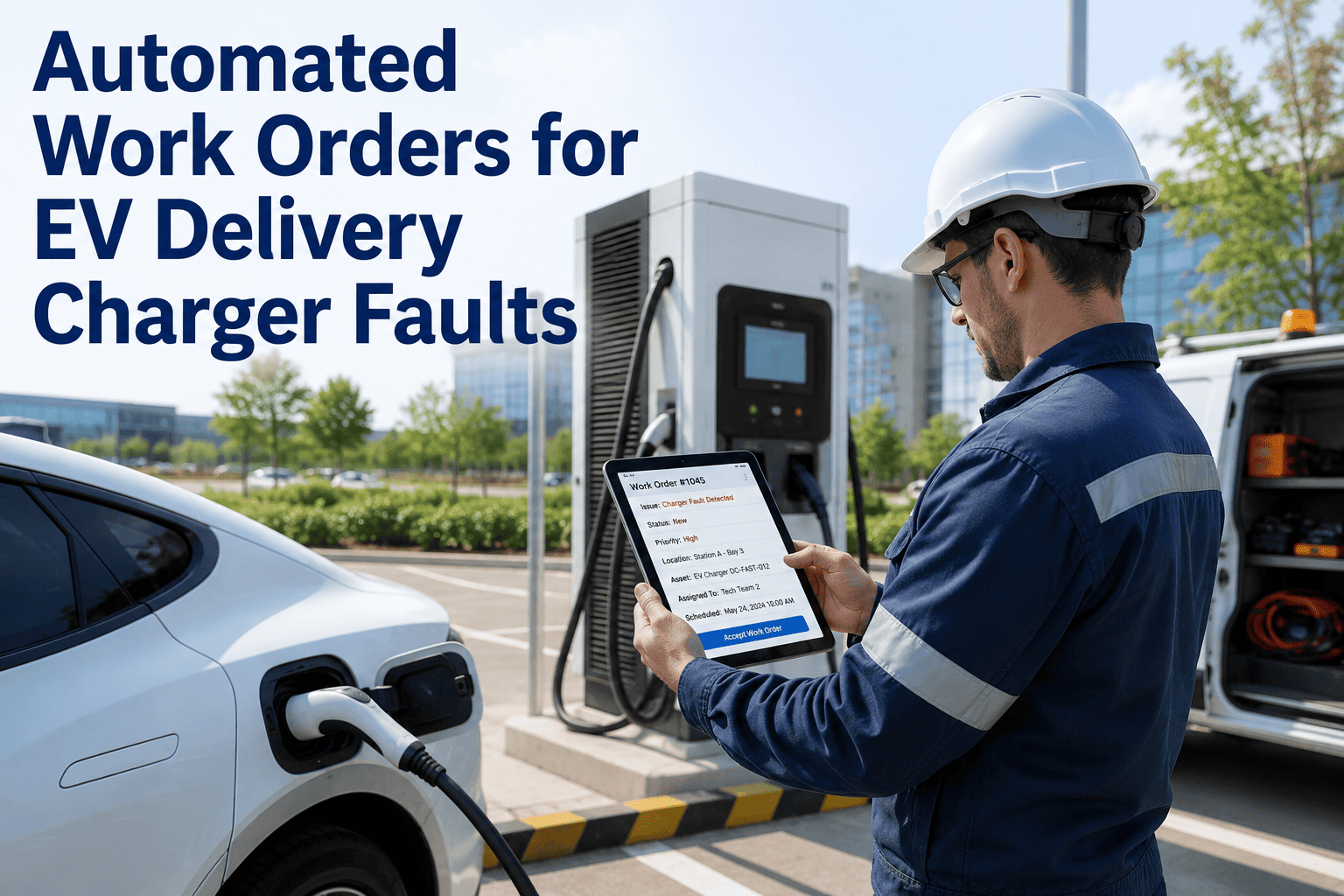
The maintenance planner at a 780,000 sq ft logistics campus outside Atlanta started every morning the same way. She opened SAP, navigated to transaction IW21, and began typing. A conveyor motor that a night-shift technician had flagged on a sticky note became Notification Type M2, Priority 3, Functional Location ATL-DC2-CONV-07, Equipment Number 10042891, Planning Plant 1200, Maintenance Plant 1200, Work Center MECH01. Fourteen fields. Seven minutes per notification. Then she converted it to a work order — transaction IW31 — adding operation details, material reservations from the BOM, and scheduling data. Another eleven minutes. By 9:30 AM, she had processed the eight maintenance requests that accumulated overnight. By 10:00 AM, three more had come in by email. By noon, two urgent ones arrived by radio call that jumped the queue and required her to stop planned work order creation to handle emergencies. She spent 4.2 hours per day — 52% of her working time — performing data entry in SAP. Not planning. Not analyzing failure trends. Not optimizing maintenance schedules. Typing. Every field she entered manually was a field that could have been populated automatically by the equipment itself. The conveyor motor that the night-shift tech noticed sounding wrong had been running 11% above its baseline current draw for six days. An IoT sensor connected to a CMMS would have generated that work order automatically on day one — with the correct equipment ID, fault classification, priority score, recommended repair action, and parts reservation — in zero seconds of planner time. Instead, it waited for a human to hear it, write a sticky note, and hope the planner found the sticky note the next morning. The $94,000 annual salary of a maintenance planner spending half her time on data entry is the most expensive typing job in logistics.
SAP work order automation transforms the maintenance workflow from a human-bottlenecked, manual-entry process into a sensor-triggered, data-populated, automatically-prioritized system that creates work orders faster than any planner can type. IoT sensors detect equipment anomalies and generate notifications automatically. AI vision inspection systems identify quality defects and create corrective maintenance requests. Preventive maintenance plans release work orders on schedule without manual intervention. And every automatically-generated work order arrives complete — with equipment data, fault codes, priority classification, labor estimates, material reservations, and cost center allocation already populated from master data. The planner's role shifts from data entry to decision-making: reviewing auto-generated work orders, adjusting priorities based on operational context, and focusing analytical time on failure patterns and reliability improvement. For logistics operations where every hour of equipment downtime costs $14,000-$125,000, the speed difference between a 7-minute manual notification and a 0-second automated notification is not administrative convenience — it is operational survival.
52%
Of maintenance planner time consumed by manual SAP data entry in typical logistics operations
18 min
Average time to manually create a single maintenance work order through SAP GUI — from notification to release
0 sec
Time for an IoT-triggered automated work order to appear in SAP — fully populated, prioritized, and ready for scheduling
Why Manual Work Orders Are Killing Your Maintenance Operation
Manual work order creation in SAP is not just slow — it introduces systematic errors, delays response to critical failures, and traps your most valuable maintenance professionals in administrative tasks that add zero reliability value. Every logistics facility running SAP Plant Maintenance with manual work order workflows experiences these compounding problems.
01
Detection-to-Action Delay
A technician notices an equipment anomaly at 11:00 PM. A sticky note reaches the planner at 7:00 AM. The notification enters SAP by 8:30 AM. The work order is released by 10:00 AM. Parts are reserved by noon. The repair starts at 2:00 PM — fifteen hours after detection. With automated triggering, the work order exists within seconds of detection, parts are reserved instantly, and the repair can begin on the next available maintenance window.
02
Data Entry Errors Compound
Manual entry into 14+ SAP fields per notification produces an average error rate of 8-12%. Wrong equipment numbers misattribute maintenance history. Wrong functional locations break cost center allocation. Wrong priority codes bury urgent work orders behind routine tasks. These errors do not just create administrative rework — they corrupt the maintenance data that drives every reliability decision your organization makes.
03
Invisible Failure Backlog
Equipment problems that do not get reported never become work orders. The technician who hears a slight bearing whine but does not bother writing a sticky note because the planner is already overwhelmed. The operator who notices a belt running slightly slower but assumes it is normal. Without automated detection, these invisible failures accumulate until they become emergency shutdowns that nobody saw coming — because nobody was looking.
04
Planner Capacity Ceiling
A single maintenance planner manually processing work orders can handle approximately 15-20 per day at quality. A 500,000 sq ft logistics facility generates 25-40 maintenance events daily. The math creates a permanent backlog. Planners triage by urgency, and anything below "critical" waits — often until it becomes critical. Automation eliminates the capacity ceiling by generating unlimited work orders at zero planner time cost.
Every one of these problems has the same root cause: humans as the bottleneck between equipment condition and maintenance action. Schedule a demo to see how automated work order workflows eliminate the human bottleneck while keeping planners in control of maintenance decisions.
The Four Automation Triggers That Replace Manual Entry
SAP work order automation does not require a single technology — it requires connecting multiple trigger sources into a unified workflow that generates complete, accurate work orders without manual data entry. Each trigger source addresses a different category of maintenance need.
IoT Sensor Anomaly Detection
How It WorksVibration, temperature, current, and speed sensors continuously monitor equipment. When readings exceed learned baseline thresholds, the IoT platform classifies the fault type and severity, then pushes an API call to SAP that creates a PM notification with equipment ID, fault code (from catalog), priority based on severity score, and recommended repair action — all within seconds of anomaly detection.
ExampleConveyor drive bearing vibration exceeds 6.5 mm/s threshold. IoT platform classifies as inner race defect, severity 3. Auto-creates SAP notification M2, equipment 10042891, catalog code BRG-IR, priority 2, with text "Bearing inner race defect detected — estimated 21 days to functional failure."
AI Vision Quality Defect Patterns
How It WorksAI vision inspection systems detect parcel damage and label defects. When defect patterns indicate an equipment-caused root cause — crush damage from a specific conveyor zone, label scuffing from a particular belt section — the vision platform generates a corrective maintenance notification in SAP targeting the equipment causing the defects, not just rejecting the defective parcels.
ExampleVision system detects 340% increase in bottom-panel crush damage on parcels from Sortation Lane 7. Auto-creates SAP notification targeting functional location ATL-DC2-SORT-07 with catalog code CONV-TRAN, text "Transfer point causing parcel damage — inspect transition plate alignment and gap distance."
Time & Counter-Based PM Plans
How It WorksSAP maintenance plans configured with single-cycle or strategy plans automatically generate work orders at defined intervals — calendar-based (every 30 days), counter-based (every 500 operating hours), or condition-based (when measurement document value exceeds threshold). The call object triggers work order creation with pre-defined task lists, material reservations, and scheduling parameters without any planner intervention.
ExampleForklift hour meter reaches 250-hour PM threshold. SAP maintenance plan auto-generates work order PM01 with task list containing 12 inspection steps, material reservation for filter set and hydraulic fluid, estimated 90 minutes labor, and scheduling window aligned with shift change.
Mobile Technician Requests
How It WorksCMMS mobile apps replace sticky notes and radio calls. Technicians and operators scan equipment QR codes, select defect type from a pre-configured catalog, add a photo, and submit. The mobile platform auto-populates all SAP fields — equipment number, functional location, cost center, planning plant, work center — from the QR code lookup. Total submission time: 30 seconds versus 7+ minutes of planner data entry.
ExampleNight-shift technician hears abnormal conveyor noise. Scans QR code on drive housing. Selects "Abnormal Noise — Mechanical" from defect catalog. Snaps photo. Submits in 25 seconds. SAP notification created with correct equipment, location, work center, and attached photo — planner sees it instantly on her morning dashboard.
When all four triggers operate simultaneously, your SAP system receives a continuous stream of automatically-generated, correctly-populated maintenance notifications that convert to work orders with minimal planner review. Sign up free to experience how mobile work request submission replaces sticky notes and radio calls overnight.
Anatomy of an Automated SAP Work Order
An automated work order is not a blank template — it arrives in SAP already populated with every data field the planner would normally enter manually. Here is exactly what automation fills versus what the planner still controls.
Equipment NumberFrom IoT sensor registration or QR code scan
Functional LocationInherited from equipment master hierarchy
Notification TypeMapped from trigger source (M1/M2/M3)
Priority CodeCalculated from fault severity score
Damage Code / CatalogClassified by IoT/AI fault detection model
Fault Description TextGenerated from sensor data + fault classification
Work CenterDerived from equipment master assignment
Planning/Maintenance PlantInherited from functional location
Material ReservationsPulled from equipment BOM based on fault type
Cost Center AllocationFrom cost center master linked to functional location
Estimated Labor HoursHistorical average for same fault type on same equipment
Sensor Data AttachmentVibration trend, temperature log, or defect image
Scheduling WindowAligned with operational throughput and labor availability
Technician AssignmentBased on skill match and current workload balance
Priority OverrideAdjust if operational context requires reprioritization
Bundling DecisionCombine with nearby work orders for efficiency
Twelve fields auto-populated. Four fields requiring planner judgment. That is the difference between 18 minutes of data entry and 90 seconds of decision-making. The planner's value shifts from typist to strategist. Book a demo to see the automated work order workflow from sensor trigger through SAP work order release.
Manual SAP Workflow vs. Automated Work Order Pipeline
| Workflow Stage |
Manual SAP Process |
Automated Pipeline |
| Problem detection |
Human senses (sight, sound, smell) — misses 40-60% of developing faults |
IoT sensors + AI vision — detects 91-99% of faults weeks before failure |
| Notification creation |
Planner types 14+ fields in IW21 — 7 min avg, 8-12% error rate |
API auto-populates all fields from trigger data — 0 seconds, 0% entry errors |
| Work order generation |
Planner converts in IW31, adds operations and materials — 11 min avg |
Notification-to-order conversion with pre-configured task lists — automatic |
| Parts reservation |
Planner manually searches BOM and creates reservation — 5 min avg |
BOM parts auto-reserved based on fault type + availability check — instant |
| Total time: detection to work order release |
8-15 hours (overnight delay + morning processing queue) |
Under 60 seconds from anomaly detection to fully-populated work order |
| Planner daily capacity |
15-20 work orders per day (4+ hours consumed by data entry) |
Unlimited auto-generated + planner focuses on 40+ decisions per day |
| Data quality (equipment/location accuracy) |
88-92% — manual errors corrupt maintenance history and cost analysis |
99.5%+ — data pulled directly from equipment master records |
| Annual planner labor cost for WO creation |
$94,000+ per planner (52% of time on data entry) |
$0 for WO creation — planner salary redirected to reliability analysis |
ROI of SAP Work Order Automation for Logistics
These numbers represent a mid-size logistics operation: 3 distribution centers, 500,000+ combined sq ft, 360 maintenance-managed assets, running 18-hour operations with a combined maintenance team of 22 technicians and 3 planners.
| ROI Category |
Annual Impact |
How It's Calculated |
| Downtime reduction from faster response |
$540,000 |
Detection-to-action reduced from 8-15 hrs to under 60 sec — 38% fewer emergency events |
| Planner productivity recovery |
$146,000 |
3 planners x 52% time recovered from data entry = 1.56 FTE redirected to reliability work |
| Data quality improvement savings |
$89,000 |
Eliminated misattributed costs, duplicate work orders, and wrong-equipment repairs |
| Spare parts optimization |
$175,000 |
Auto-BOM reservations reduce emergency procurement premium by 60% |
| Preventive maintenance compliance gain |
$210,000 |
PM completion rate from 74% to 96% — auto-scheduled, auto-released, auto-tracked |
| Extended equipment life from earlier detection |
$280,000 |
IoT-triggered WOs catch faults 21-90 days earlier — prevents cascading damage |
| Total Annual Value |
$1,440,000 |
3-site logistics operation, 360 managed assets, 22 technicians, 3 planners |
Against implementation and platform costs of $120,000-$220,000 for IoT integration, CMMS deployment, SAP configuration, and first-year subscription, the first-year ROI ranges from 6.5x to 12x. The second-year cost drops to platform subscription only ($35,000-$55,000), pushing ongoing ROI above 26x. Schedule a demo to model the ROI for your SAP environment and asset profile.
Implementation Roadmap: From Manual to Automated in 12 Weeks
SAP Master Data Preparation
Audit and cleanse equipment master records — eliminate duplicates, fill missing fields
Standardize damage and cause code catalogs for automated fault classification
Validate equipment BOMs linked to material master records for auto-reservation
Configure notification-to-work-order conversion rules with pre-defined task lists
Integration Layer Deployment
Deploy IoT sensors on critical equipment and configure threshold-to-notification mapping
Install CMMS mobile app for technician work requests with QR code equipment lookup
Build API integration between IoT platform, CMMS, and SAP PM module
Configure automated priority scoring algorithm based on equipment criticality and fault severity
Parallel Run & Validation
Run automated and manual work order creation in parallel to validate data quality
Compare auto-generated vs manually-created work orders for field accuracy
Train planners on new workflow — review and approve instead of create and enter
Fine-tune priority algorithms and notification routing rules based on operational feedback
Full Automation Activation
Transition to automated-first work order creation — manual entry becomes exception only
Activate cross-site dashboards for work order volume, response time, and backlog tracking
Begin monthly automation performance reviews — measure planner time savings and data quality
Expand trigger sources: add AI vision integration, counter-based PM plans, compliance triggers
Case Study: 3-Site Logistics Operator Eliminates 78% of Manual Work Orders
A national logistics operator running three distribution centers across the Southeast — totaling 1.4 million sq ft with 480 maintenance-managed assets — had a maintenance planning team of four planners processing an average of 85 work orders per day across all sites. Each planner spent an estimated 4.5 hours daily on SAP data entry. The combined maintenance backlog fluctuated between 180 and 340 open work orders because planners could not process requests fast enough. PM compliance was 71% — meaning nearly one-third of scheduled preventive maintenance was never executed or executed late. Detection-to-action time for equipment anomalies averaged 14 hours because problems reported on night shifts waited until morning planner processing.
Over 12 weeks, the organization deployed IoT sensors on 120 critical drive units and dock equipment assets, implemented a CMMS mobile app for all 28 technicians, configured SAP API integration for automated notification and work order creation, and activated 340 time-based and counter-based maintenance plans. After 90 days at full automation: 78% of all work orders were generated automatically with zero planner data entry. Detection-to-action time dropped from 14 hours to 23 minutes average. PM compliance rose from 71% to 97%. The maintenance backlog dropped from an average of 260 to 45 open work orders. Planners reclaimed 3.8 hours per day previously consumed by data entry — redirected to failure analysis, reliability engineering, and capital planning. Total first-year maintenance cost reduction: $1.2 million across three sites.
78%
Of work orders now auto-generated — zero planner data entry required
14 hrs to 23 min
Detection-to-action time reduction across all three distribution centers
97%
PM compliance rate — up from 71% through automated plan release
$1.2M
First-year maintenance cost reduction across the 3-site logistics network
Key Capabilities for Automated Maintenance Workflows
SAP work order automation combined with a CMMS execution layer delivers end-to-end maintenance workflow digitization — from equipment signal through completed repair. Sign up free to start automating your maintenance workflows alongside your existing SAP investment.
01
IoT-to-SAP Notification Bridge
Sensor anomaly detection auto-generates SAP PM notifications with equipment ID, fault code, severity, and recommended action. Zero manual entry. Zero detection delay. Every developing fault becomes a trackable maintenance event the moment it is detected.
02
Smart Priority Scoring Engine
Automated priority calculation weighing equipment criticality, fault severity, estimated time to failure, operational impact, and parts availability. High-priority work orders surface immediately. Low-priority items queue for planned maintenance windows.
03
Auto-BOM Parts Reservation
Work orders auto-check equipment BOM for required parts, verify SAP MM inventory availability, create reservations for available stock, and trigger purchase requisitions for unavailable items — all before a technician picks up a wrench.
04
Mobile-First Execution Layer
Technicians receive auto-assigned work orders on mobile devices with attached sensor data, defect images, equipment history, and step-by-step task lists. Time confirmation, material consumption, and completion reporting happen on the floor — not back at a SAP terminal.
05
Cross-Site Automation Dashboard
Real-time visibility into automated vs manual work order ratios, detection-to-action times, PM compliance, backlog depth, and planner utilization across every site. Identifies automation gaps and benchmarks performance across your logistics network.
06
Compliance Auto-Documentation
Every automated work order carries a complete audit trail — trigger source, timestamp, classification logic, approval workflow, and completion evidence. OSHA, insurance carrier, and client SLA compliance documentation generates itself.
Stop Typing. Start Automating.
Your maintenance planner is spending $49,000 a year doing work that a properly configured system does in zero seconds. Your equipment is waiting 14 hours for a work order that should exist in 60 seconds. Close the gap in 12 weeks.
Frequently Asked Questions
Does SAP work order automation require replacing our existing SAP system?
No — automation works with your existing SAP ECC or S/4HANA environment. The integration layer sits between trigger sources (IoT sensors, AI vision, mobile CMMS) and SAP Plant Maintenance, using standard SAP APIs (BAPIs, IDocs, or OData services) to create notifications and work orders within your existing SAP landscape. No SAP module replacement is required. The automation adds capability to your current system rather than replacing it. Your existing equipment master data, functional location hierarchies, work centers, and maintenance plans remain unchanged — the automation simply populates them faster and more accurately than manual entry.
What happens when the automated system creates a work order that the planner disagrees with?
Planners retain full authority over every work order. Automated work orders are created in "CRTD" (created) status — not immediately released for execution. The planner reviews auto-generated work orders on their planning dashboard, can modify priority, adjust scheduling, reassign technicians, add or remove operations, or reject the work order entirely. The system handles the data entry; the planner makes the decisions. Most organizations configure high-severity work orders (imminent failure risk) to auto-release for immediate response while lower-severity items wait in the planner's review queue. This preserves planning judgment while eliminating the detection-to-action delay for critical equipment.
How accurate are IoT-triggered work orders compared to manually created ones?
IoT-triggered work orders are consistently more accurate than manually created ones. Equipment ID accuracy is 99.5%+ because the sensor is physically mounted on the equipment — there is no possibility of selecting the wrong equipment number from an SAP dropdown menu. Fault classification accuracy ranges from 88-95% depending on the sensor type and ML model maturity, which improves with every verified repair outcome. Priority accuracy is calibrated against actual failure outcomes and refined over time. By contrast, manually created notifications carry an 8-12% error rate across key fields because planners work from verbal descriptions, handwritten notes, and memory. The most common manual errors — wrong equipment number and wrong functional location — are the most damaging because they corrupt maintenance history and cost allocation permanently.
Can OXmaint work alongside SAP as the mobile execution layer for automated work orders?
Yes — this is the recommended architecture for most logistics operations. SAP serves as the system of record for equipment master data, cost allocation, procurement integration, and enterprise reporting. OXmaint serves as the mobile execution layer that technicians and operators interact with daily — submitting work requests via QR code, receiving auto-assigned work orders on mobile devices, documenting repairs with photos and time stamps, and confirming material consumption. Data syncs bidirectionally between OXmaint and SAP, ensuring that work order status, completion data, and cost postings flow through to SAP while equipment master data and BOM information flow from SAP to the mobile platform. This complementary approach solves the user adoption problem that prevents most logistics teams from fully utilizing SAP PM.
What is the typical implementation timeline and cost for SAP work order automation?
Full implementation from master data preparation through automation activation takes 10-14 weeks for a typical logistics operation with existing SAP landscape. Phase 1 (master data, weeks 1-3) costs $25,000-$45,000 depending on data quality. Phase 2 (integration deployment, weeks 4-6) costs $40,000-$75,000 for IoT sensors, CMMS mobile app, and SAP API configuration. Phase 3 (parallel run, weeks 7-10) costs $20,000-$35,000 for validation and training. Phase 4 (activation, weeks 11-12) costs $15,000-$25,000 for cutover and optimization. Total first-year investment: $120,000-$220,000 including platform subscriptions. Annual renewal: $35,000-$55,000 for platform subscriptions and support. Against $1.44M in annual savings for a 3-site operation, first-year ROI ranges from 6.5x to 12x.
How does automation handle compliance-required maintenance documentation?
Automated work orders create stronger compliance documentation than manual processes because every step is timestamped and traceable. The trigger source (sensor reading, PM schedule, inspection finding) is recorded with the notification. The work order creation timestamp, approval workflow, technician assignment, and scheduling decisions are all logged. During execution, mobile completion reporting captures time stamps, photos, measurement readings, and technician sign-off. When the work order closes, SAP QM integration can trigger inspection lot creation for safety-critical equipment. The complete chain — from trigger through completion — forms an audit-ready record that satisfies OSHA, insurance carrier, and client SLA requirements. Unlike manual documentation where inspectors must remember to record results, automated documentation happens as a byproduct of the workflow itself.
18 Minutes Per Work Order. 85 Work Orders Per Day. Do That Math.
That Atlanta planner typed for 4.2 hours every day while equipment failures waited in a queue. Your planners are doing the same thing right now. Give them their time back. Give your equipment faster response. Close the automation gap in 12 weeks.