Ask a facilities director how many projectors, HVAC units, or lab benches their district owns, and most cannot answer without pulling three different spreadsheets from three different campuses. Across multiple buildings, the same cart gets logged twice, a transferred asset vanishes from both records, and grant-funded equipment becomes impossible to trace back to its funding source at audit time. Consistent asset tagging fixes that by giving every item district-wide one identity, one location, and one history that any campus can pull up instantly. The best practices below are not a staffing problem to solve — they are a standards problem, and standards only have to be set once. Districts ready to unify their register can Sign Up Free and start tagging across every site from a single system.
One Tag Standard. One Live Register. Every Campus.
OxMaint gives your district one tagging standard and one searchable register, so any campus, department, or funding source can be filtered in seconds instead of reconciled across spreadsheets. Transfers stay logged, audits stay defensible, and duplicate purchases stop before they happen.
The Hidden Costs of Inconsistent Tagging
None of these show up on a maintenance invoice, which is exactly why they are so easy to underestimate until they compound across every building.
Best Practice 1 — Classify Before You Tag
The first step in a district-wide program is not buying labels. It is classifying assets by category and funding source so every tag maps to a consistent record structure from day one.
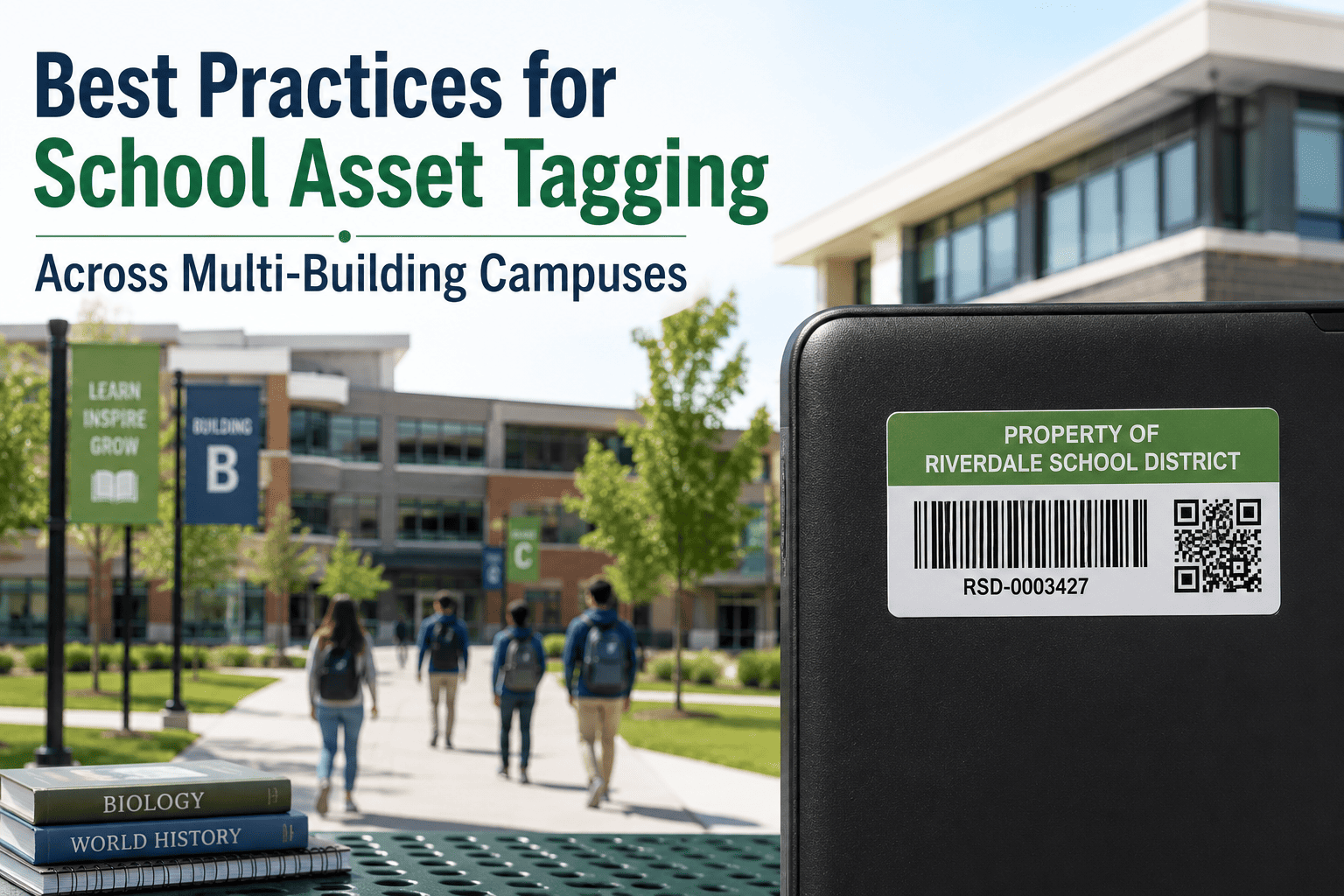
Best Practice 2 — Match the Tag Type to the Asset
Many districts mix formats by asset class. The right tag depends on value, mobility, and how often the item is scanned.
| Tag Type | Best For | Why |
|---|---|---|
| Barcode | Furniture, fixed equipment | Simple, low cost, long lifecycle items with low turnover |
| QR Code | Devices, AV carts, tools | Richer data, smartphone-scannable for field updates |
| RFID | High-value, high-volume assets | High-speed scanning for fast district-wide audits |
| Tamper-Evident | Theft-prone portable items | Discourages unauthorized transfer or removal |
| Multi-Quantity | Low-dollar bulk items | Tracks groups, like 500 desks, without serializing each |
Best Practice 3 — Protect the Record Through Every Transfer
Tags will come off, get covered, or cycle through repairs. The discipline is keeping the asset record intact even when the physical tag changes — and logging every move between buildings.
When a tag is damaged, look up the asset by serial, confirm the existing record, and link the new tag ID to it — so service history, assignment, and audit data are never lost. Book a Demo to see a transfer logged live.
Set the Right Audit Cadence by Asset Class
Not everything needs the same audit frequency. Match cadence to turnover and value so staff time goes where it matters.
Filter Any Campus, Department, or Funding Source in Seconds
Stop juggling three spreadsheets to answer one question. OxMaint centralizes intake, transfers, and audit history across every campus, so a filtered report for an auditor — or a check before a purchase — takes seconds, not days.
Frequently Asked Questions
What's the first step in a district-wide tagging program?
Should every campus use the same tag format?
How does tagging prevent duplicate purchases?
What happens when a tag gets damaged or removed?
Can OxMaint manage tagging and transfers across multiple sites?
Give Every Asset One Identity Across Every Building
A district with five, ten, or thirty campuses cannot survive on per-building spreadsheets — the same gaps multiply with every site added. OxMaint gives the whole district one tagging standard and one live register, so transfers, audits, and growth never break your records again.