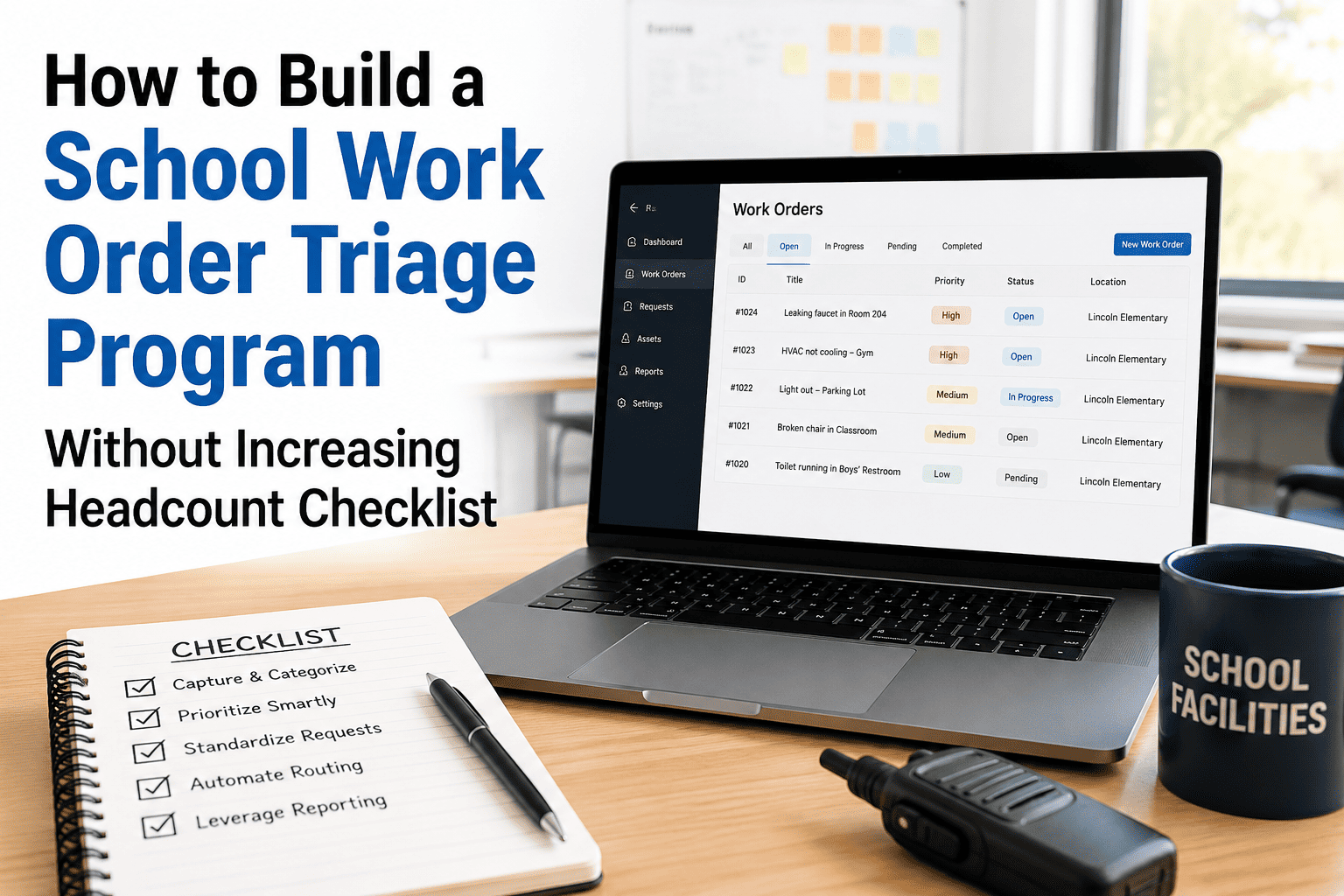
A facilities team with 300 open work orders and six technicians does not have a staffing problem — it has a triage problem. When every request lands in the same backlog with no ranking, the loudest caller gets served first, yesterday's emergency gets forgotten, and scheduled preventive maintenance keeps sliding until it becomes tomorrow's emergency. This checklist walks your school or district through building a structured triage program using the staff you already have, so safety issues get handled first and routine requests stop disappearing into the void. Use OxMaint to apply this exact tier system automatically the moment a request comes in.
Work Orders · Inspection Management · CMMS
How to Build a School Work Order Triage Program Without Increasing Headcount
A four-tier priority framework, a 30-day rollout plan, and a CMMS workflow that ranks every maintenance request by real risk instead of who called loudest — built for facilities teams who need more order, not more people.
45%
Of Tech Time Lost to Untriaged Emergencies
4
Priority Tiers
30
Day Rollout
The Real Problem
Without Tiers, Three Bad Habits Take Over
01
Loudest Caller Wins
The department that calls the front office three times in an hour gets served first, regardless of whether their issue actually outranks a quiet but serious one sitting untouched two buildings over.
02
Memory Replaces a System
Whatever the supervisor remembers from this morning's walk-through gets assigned next. Anything not top-of-mind waits — sometimes for weeks — until someone complains again or the asset fails.
03
PM Always Loses
Preventive maintenance has no one calling on its behalf. It gets pushed every time a reactive request lands, until deferred PM becomes the next emergency the team is trying to avoid.
The Four-Tier Framework
Rank Every Request Before It Reaches a Technician
Tier 1
Emergency
Respond Immediately
Any hazard to life, health, or building safety: fire or alarm system in alarm state, total loss of power to a building, an uncontained leak, a security or structural failure. These jump every other request in the queue without exception. If two Tier 1 requests land at once, safety exposure outranks property or operational cost every time.
Tier 2
Urgent
Within 24-72 Hours
Issues that severely impair operations without an immediate safety threat: a classroom HVAC failure in extreme weather, a partial power loss, a single broken exit door that can be secured another way in the meantime. A Tier 2 item left open past its window escalates to Tier 1 automatically, regardless of who is watching it.
Tier 3
Routine
Scheduled Within 2 Weeks
Standard repairs and requests that can be planned into the existing schedule: a flickering hallway light, a sticking door, minor plumbing fixes. These fill the calendar after Tier 1 and Tier 2 work is placed, and age tracking flags any item drifting past the two-week window for review.
Tier 4
Scheduled PM
Protected Calendar Slot
Preventive maintenance tasks triggered by date or usage. These hold a protected slot that reactive work cannot bump without a documented reason, because PM pushed today is the emergency you are triaging next month. A PM task overdue by a defined margin escalates to Tier 2 to force a decision instead of silently sliding further.
Stop Reacting, Start Ranking
Teams using OxMaint score every incoming request against this exact tier system automatically, so the facilities director sees a ranked queue instead of a pile of equally urgent-sounding requests.
30-Day Rollout
Build the Program With the Staff You Already Have
Week 1
Classify Assets by Criticality
Tag every building system and asset as A, B, or C criticality — fire alarms and electrical panels rank higher than a break room appliance. This classification is what the tier system scores against later.
Week 2
Define the Four Tiers in Writing
Write down exactly what qualifies as Emergency, Urgent, Routine, and Scheduled PM, with examples for your own buildings. Share it with every staff member who can submit a request, not just the maintenance team.
Week 3
Apply Tiers to the Existing Backlog
Run every open work order through the new tier definitions and re-rank the backlog. This is usually the moment a few "urgent" items quietly drop to routine, and a few ignored ones jump to the top.
Week 4
Protect the PM Slot and Review Weekly
Lock a recurring calendar block for Tier 4 PM work that reactive requests cannot bump without a documented reason. Review the backlog by tier and age every week to catch anything drifting too long.
Avoid These
Three Mistakes That Quietly Break a New Triage System
01
Tiers Defined But Never Shared
The maintenance team agrees on four tiers internally, but teachers and staff submitting requests never see the definitions, so they still describe every request as urgent to get faster service.
02
No Escalation Rule for Aging Items
A Tier 3 request sits for six weeks because nothing forces it to escalate. Without an automatic age-based promotion rule, the tier system just becomes a slower way to lose track of requests.
03
Criticality Set Once and Forgotten
Asset criticality ratings are set during rollout and never revisited, even as new equipment is added or a building's use changes — a renovated wing or a new server room needs its ratings updated, not inherited from the old layout.
Track the Result
Four Numbers That Prove the Triage System Is Working
| Metric |
What It Tells You |
Healthy Direction |
| Emergency Work Order Rate |
Share of total work orders that are true emergencies |
Trending Down |
| PM Completion Rate |
Scheduled PM completed on time vs. total scheduled |
Trending Up |
| Backlog Age by Tier |
Average days a request sits open within its tier |
Stable or Falling |
| Reactive-to-Planned Ratio |
Reactive work hours vs. planned work hours |
Shifting Toward Planned |
Self-Audit
Five Questions Before You Start
Does every building asset have a documented criticality level, or is ranking left to whoever picks up the request?
Can staff submitting a request see which tier it landed in, or does it disappear into an unranked queue?
Is there a protected calendar slot for preventive maintenance that reactive work cannot silently bump?
Does anyone review the backlog by tier and age on a weekly basis, or only when something fails?
Could two different technicians look at the same request today and rank it at two different priority levels?
Do teachers and staff submitting requests actually know what separates an emergency from a routine request, or are they guessing?
When was your asset criticality list last reviewed against new equipment or renovated spaces added since then?
FAQs
Frequently Asked Questions
Can a small facilities team really run a triage program without hiring more staff?
What counts as a Tier 1 emergency versus a Tier 2 urgent request?
Tier 1 covers an immediate hazard to life, health, or building safety, such as an active alarm or total power loss. Tier 2 covers issues that severely impair operations but where the immediate danger can be contained or worked around.
How do we stop preventive maintenance from always getting pushed back?
Give PM its own protected calendar slot that reactive work cannot bump without a documented reason. Once PM has a rule protecting it instead of relying on goodwill, completion rates rise and emergency rates fall.
How long does it take to see results after rolling out a tier system?
Most facilities teams see a visible shift in their emergency-to-planned ratio within 60 to 90 days, as deferred PM stops compounding into new emergencies and the backlog stops growing unchecked.
What's the first step if our current system is just "first come, first served"?
Built for School & District Facilities Teams
Rank Every Request the Same Way, Every Time
OxMaint scores every incoming work order against your tier system the moment it lands, so safety issues never wait behind a louder phone call and preventive maintenance keeps its protected place on the calendar.