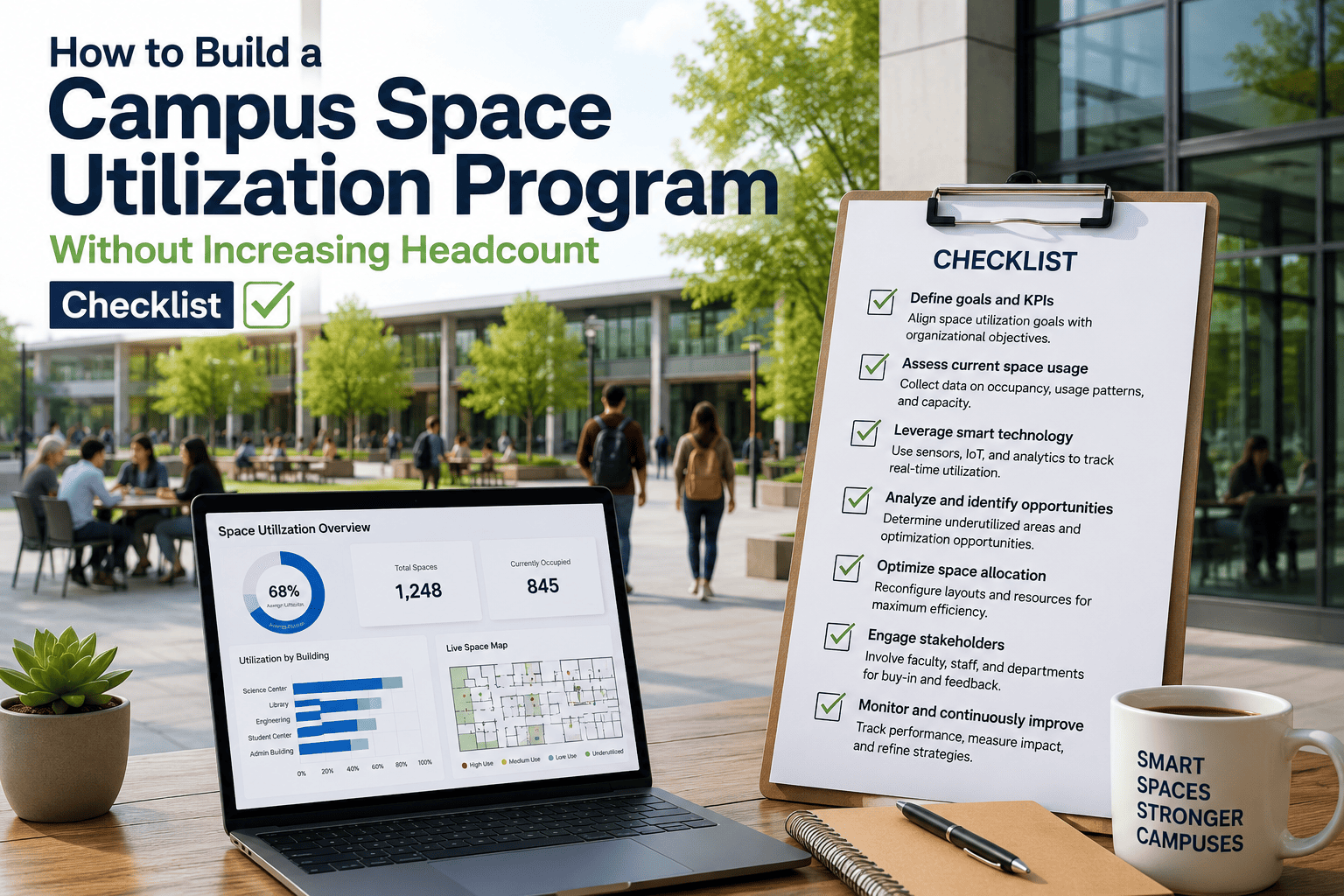
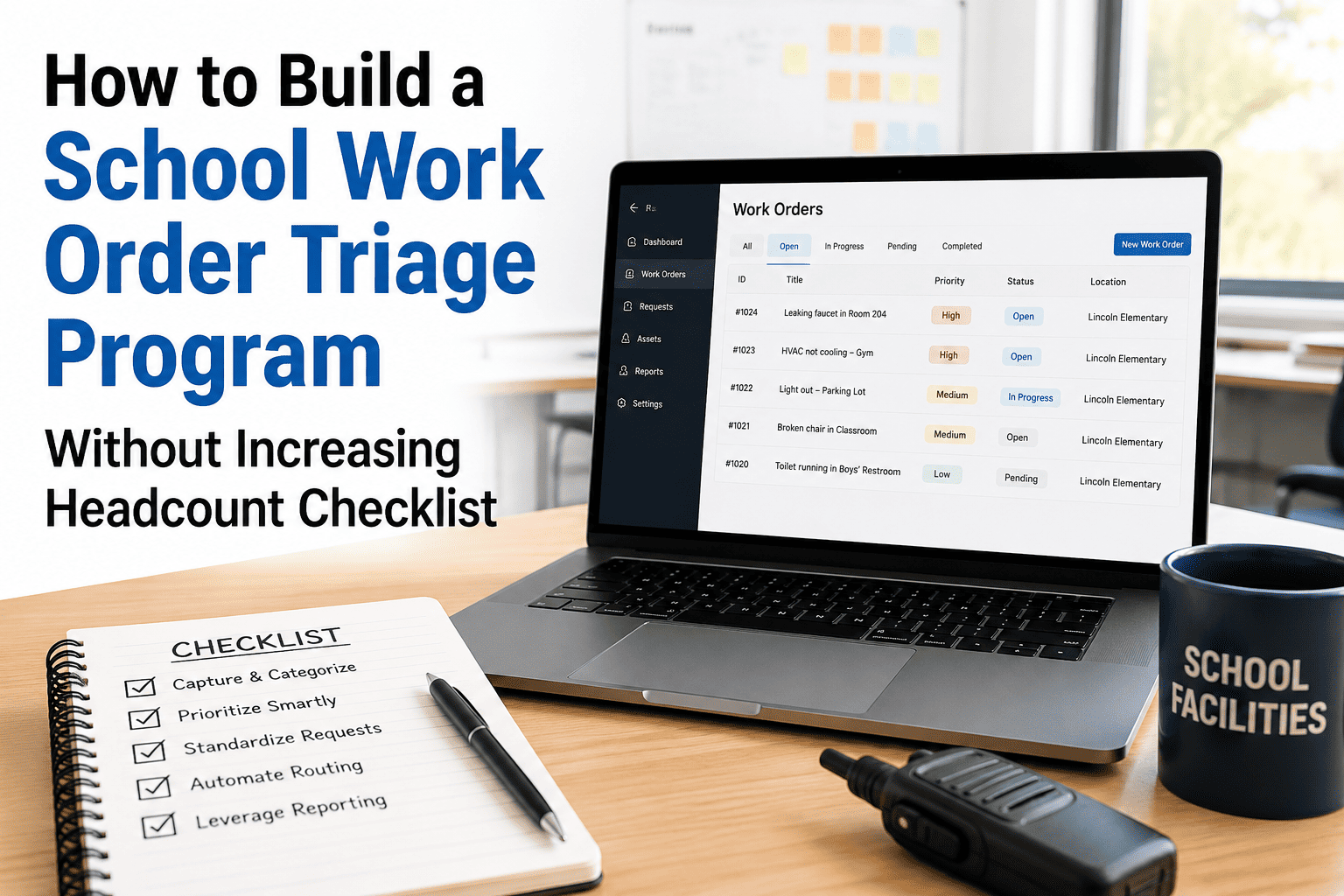
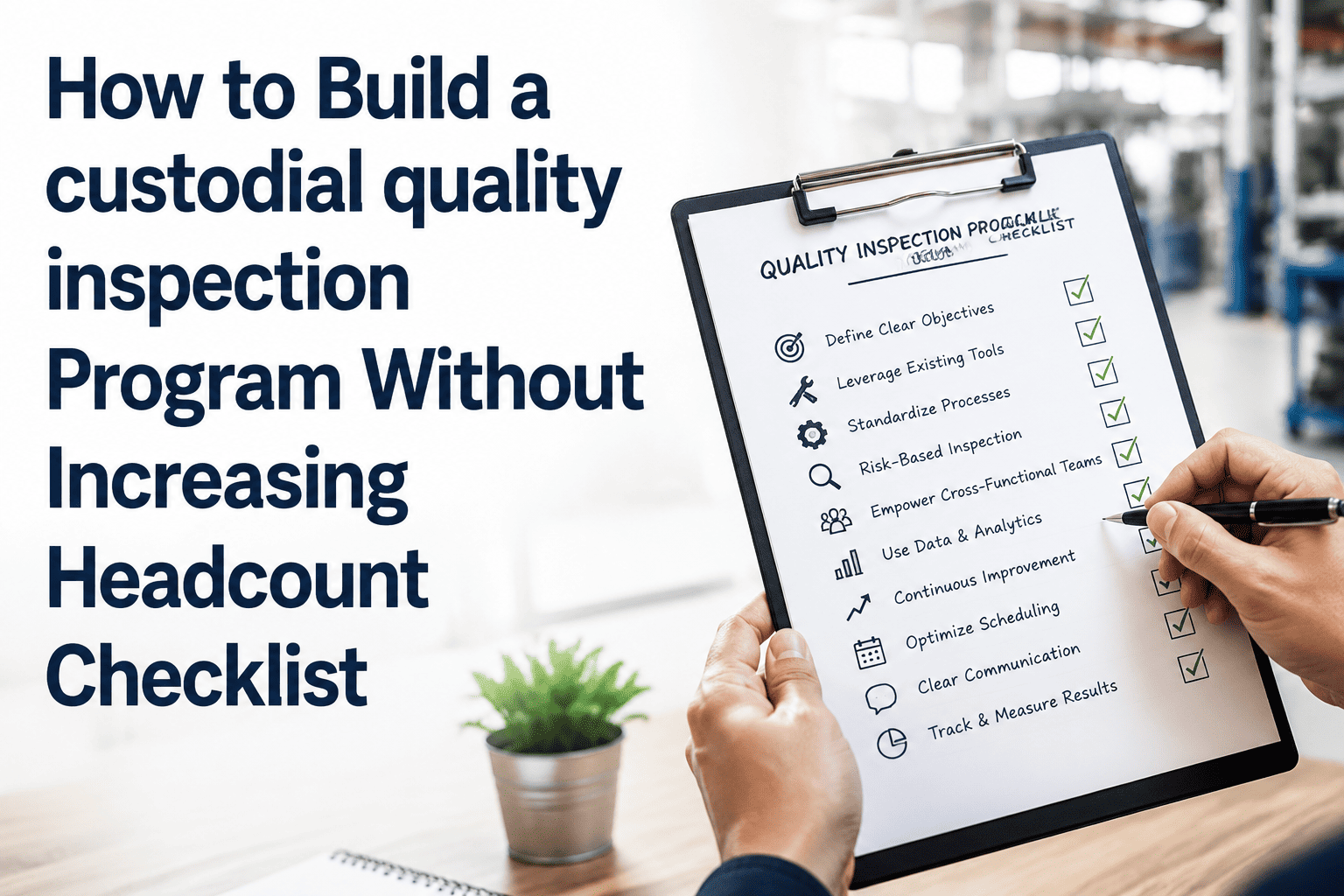
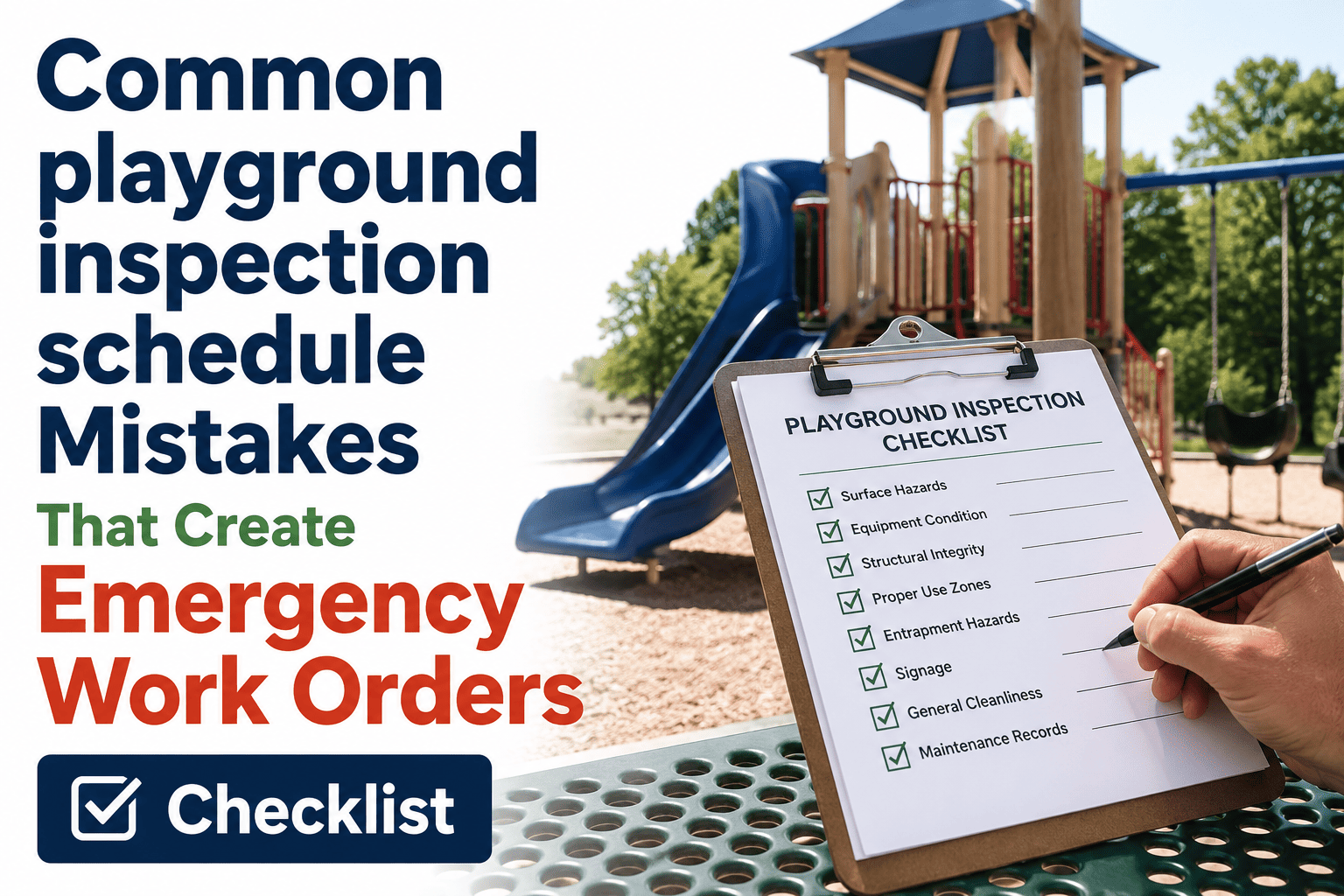
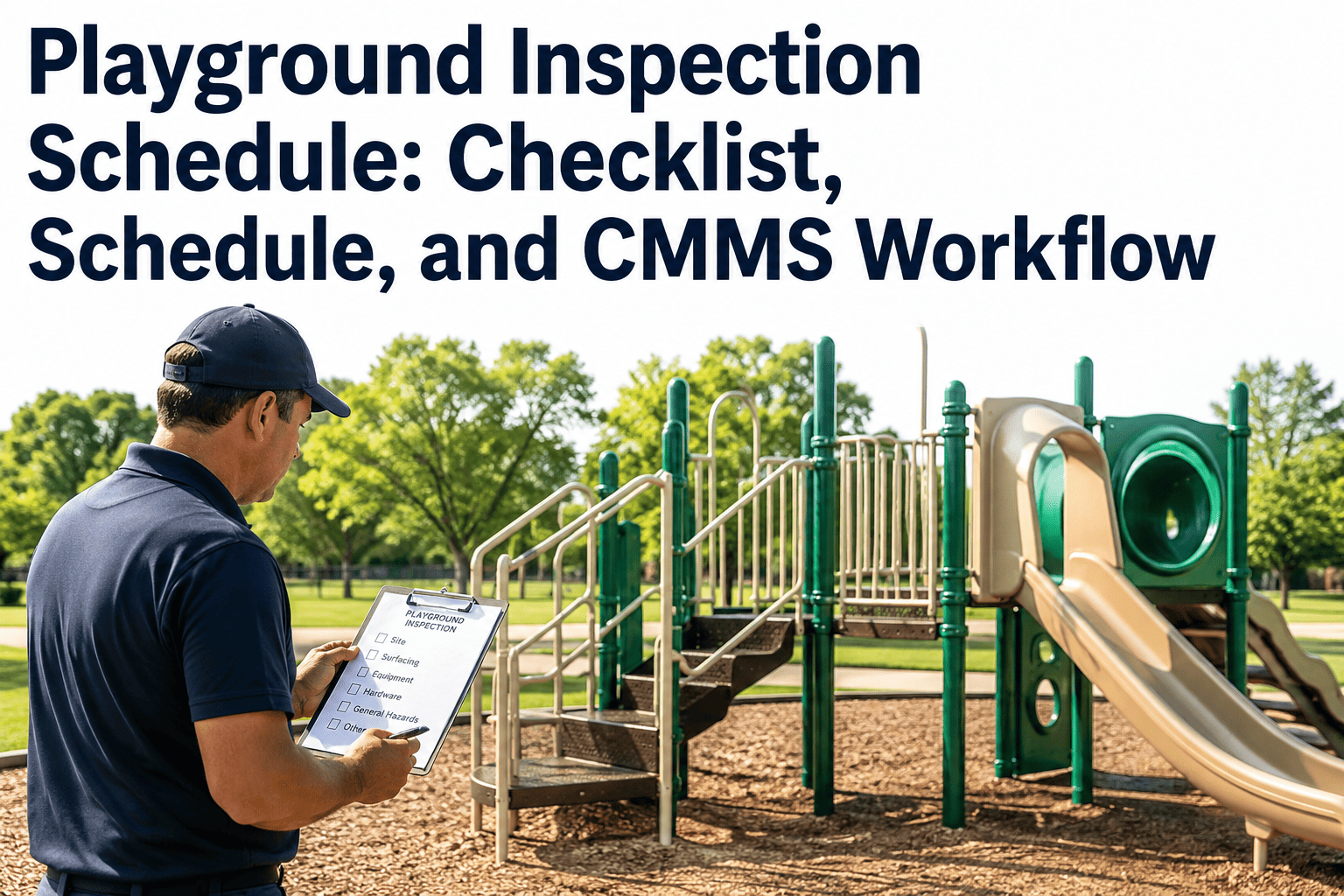
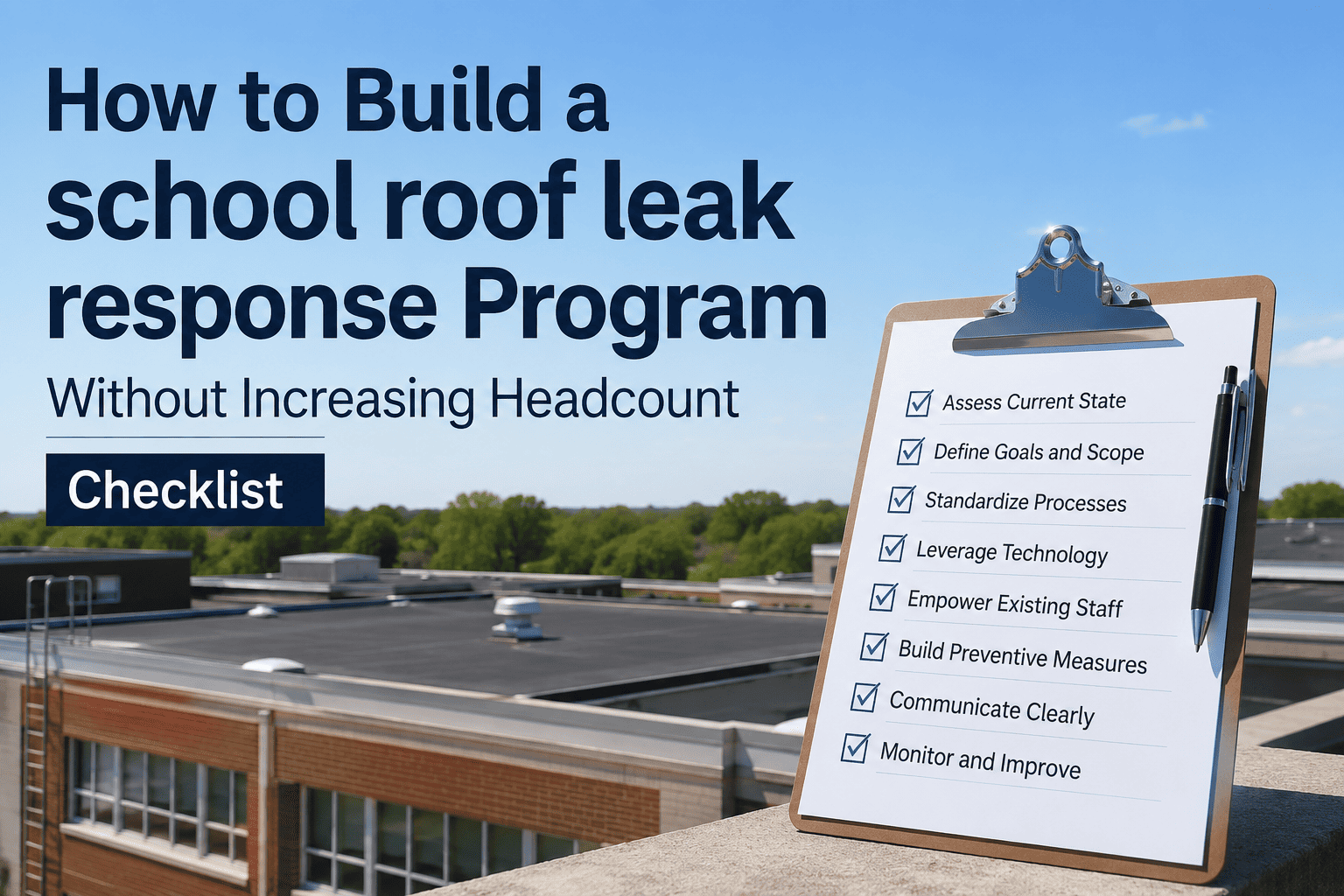
Most school districts do not have a playground inspection problem because they lack staff — they have one because every inspection still depends on a person remembering to do it, write it down, and tell someone else about it. A district running 40 playgrounds across 12 schools with the same two groundskeepers it had five years ago is not understaffed, it is unscheduled. This checklist walks through building a playground inspection program that scales across your entire portfolio without adding a single new position, using OxMaint's inspection management platform to do the remembering, routing, and escalating for you.
Build a Playground Inspection Program Without Increasing Headcount
A four-phase checklist for scaling playground inspection coverage across every school in your district using scheduling, mobile workflows, and automatic escalation instead of additional staff.
Inventory Every Playground Asset Once
A program cannot scale across a portfolio nobody has fully listed. Before any schedule is built, every play structure across every school needs a record — equipment type, install date, and manufacturer service life — entered exactly one time.
Assign the Three Required Tiers to Existing Roles
CPSC and ASTM F1487 require daily, monthly, and annual inspection tiers — but none of those tiers require a dedicated headcount. Daily checks fit inside a staff member's existing pre-open routine; monthly checks fit inside the facilities team's normal site visits.
Assigning the right tier to the right role only works if nobody has to remember the schedule manually. OxMaint generates every recurring inspection automatically, sends it to the right person's phone on the right day, and escalates anything left incomplete — no dispatcher and no extra hire required.
Replace the Clipboard With a Mobile Checklist
The hours your team loses are rarely spent inspecting — they are spent transcribing paper notes back at a desk, hunting for last month's record, or driving back to a site because a finding was written down incompletely. A mobile checklist removes every one of those non-inspection hours.
Let the System Chase What a Person Used to Chase
The part of an inspection program that actually consumes headcount is not the checking — it is the chasing. Following up on an overdue monthly visit, compiling the annual compliance review, and pulling records for a board meeting are administrative tasks that a connected system performs without anyone's time.
A parent came in with photos of their child's injury and a question about when the surfacing under the climbing frame was last depth-tested. The full inspection history was pulled in two minutes — every reading above the required minimum, every one signed by the technician who took it. That is what a structured system gives a small team that a clipboard never could.
Five Metrics That Prove the Program Scales Without More Staff
| Metric | How to Measure | Target | Frequency |
|---|---|---|---|
| Inspection Completion Rate | Logged inspections / Scheduled inspections | 100% | Monthly |
| Average Resolution Time | Hours from finding to work order closure | Under 48 hours | Per finding |
| Sites per Inspector per Day | Completed site visits / Inspector-day | Higher than prior year | Quarterly |
| Record Retrieval Time | Time to produce a requested compliance record | Under 5 minutes | As needed |
| Annual CPSI Coverage | Sites inspected / Total district sites | 100% | Annual |
Frequently Asked Questions
How long does it take to roll out a district-wide playground inspection program?
Most districts complete asset registration, template configuration, and staff training in about three weeks, with the first digital inspections running within days of the start date. See how OxMaint speeds up rollout.
Can existing staff really cover all three inspection tiers without a new hire?
Yes, when daily and monthly checks are folded into roles staff already hold and the scheduling, reminders, and escalation are automated rather than tracked manually.
What is the biggest time cost in a manual playground inspection program?
Non-inspection work — transcribing paper notes, hunting for past records, and chasing overdue checks — typically consumes more staff time than the physical inspection itself.
How does a digital system reduce travel time between school sites?
Route-optimized scheduling groups nearby sites into the same visit instead of dispatching a separate trip per school, so inspectors cover more ground in the same working day.
What happens when a playground finding requires immediate closure?
A Priority 1 finding automatically opens a work order and the equipment is quarantined from use until the repair is recorded and signed off. Book a demo to see the workflow in action.
Cover Every Playground in Your District With the Team You Already Have
OxMaint automates the scheduling, reminders, escalation, and reporting that used to require extra hands — so your existing facilities team inspects more sites, closes findings faster, and walks into every board meeting with a record that is already built.