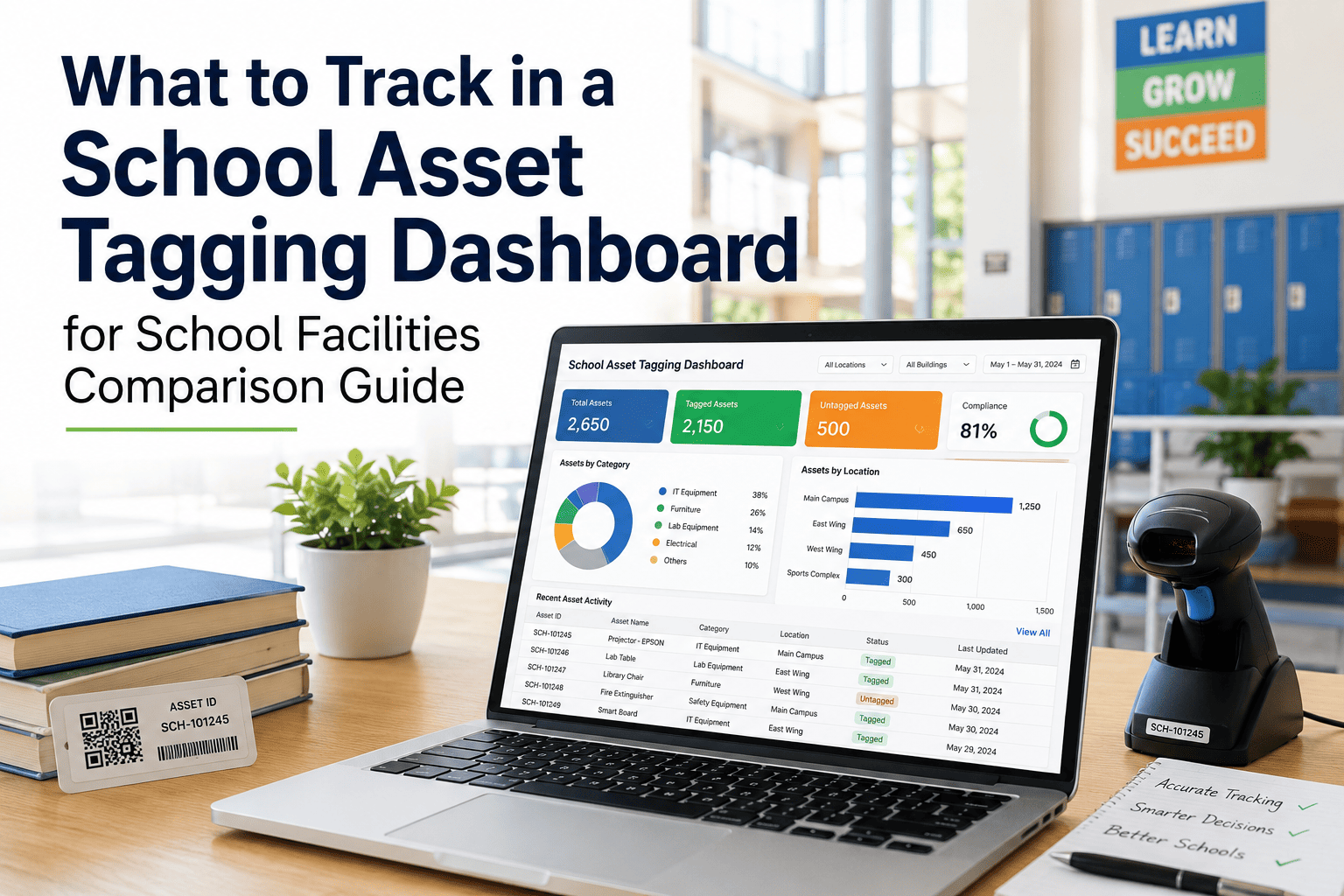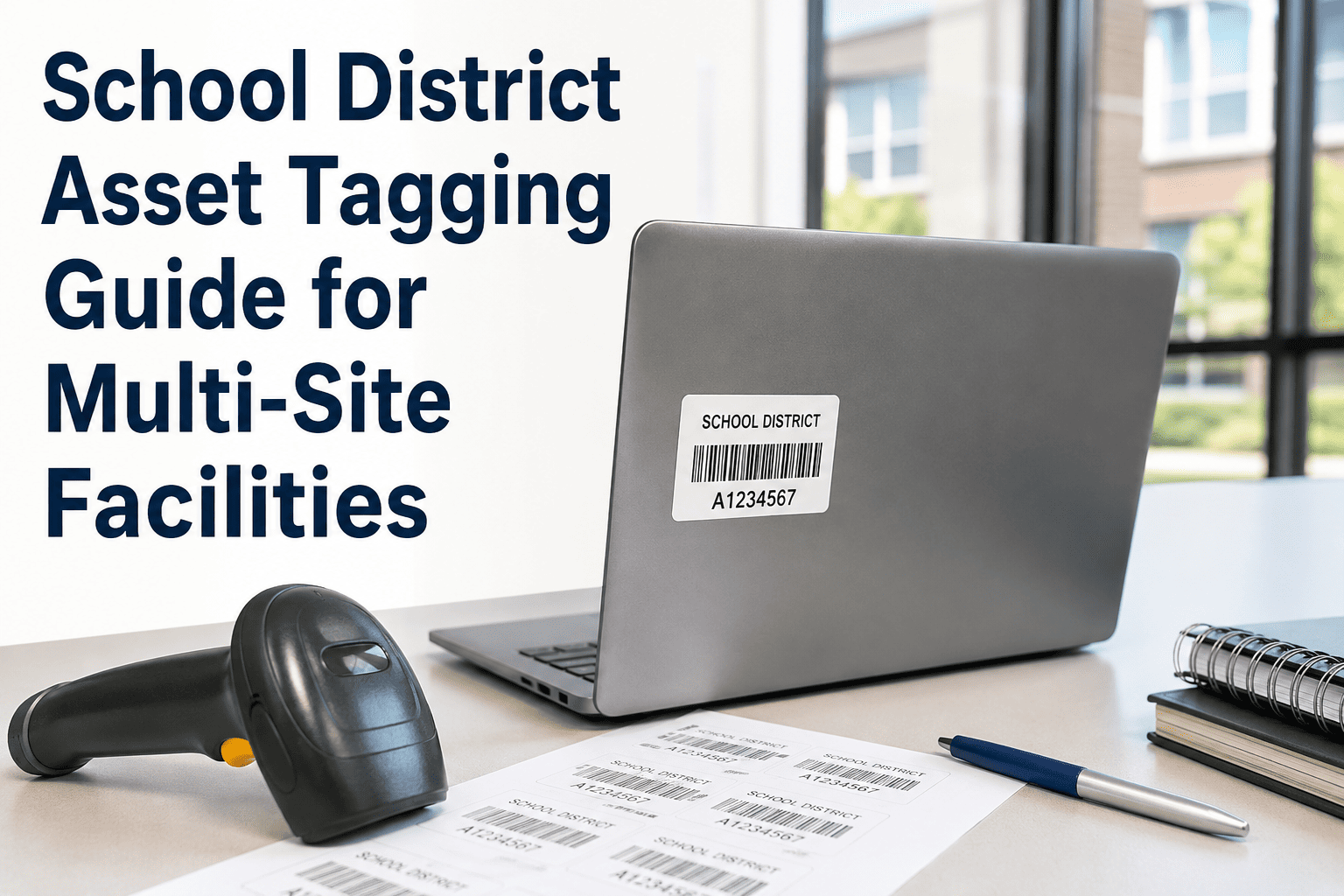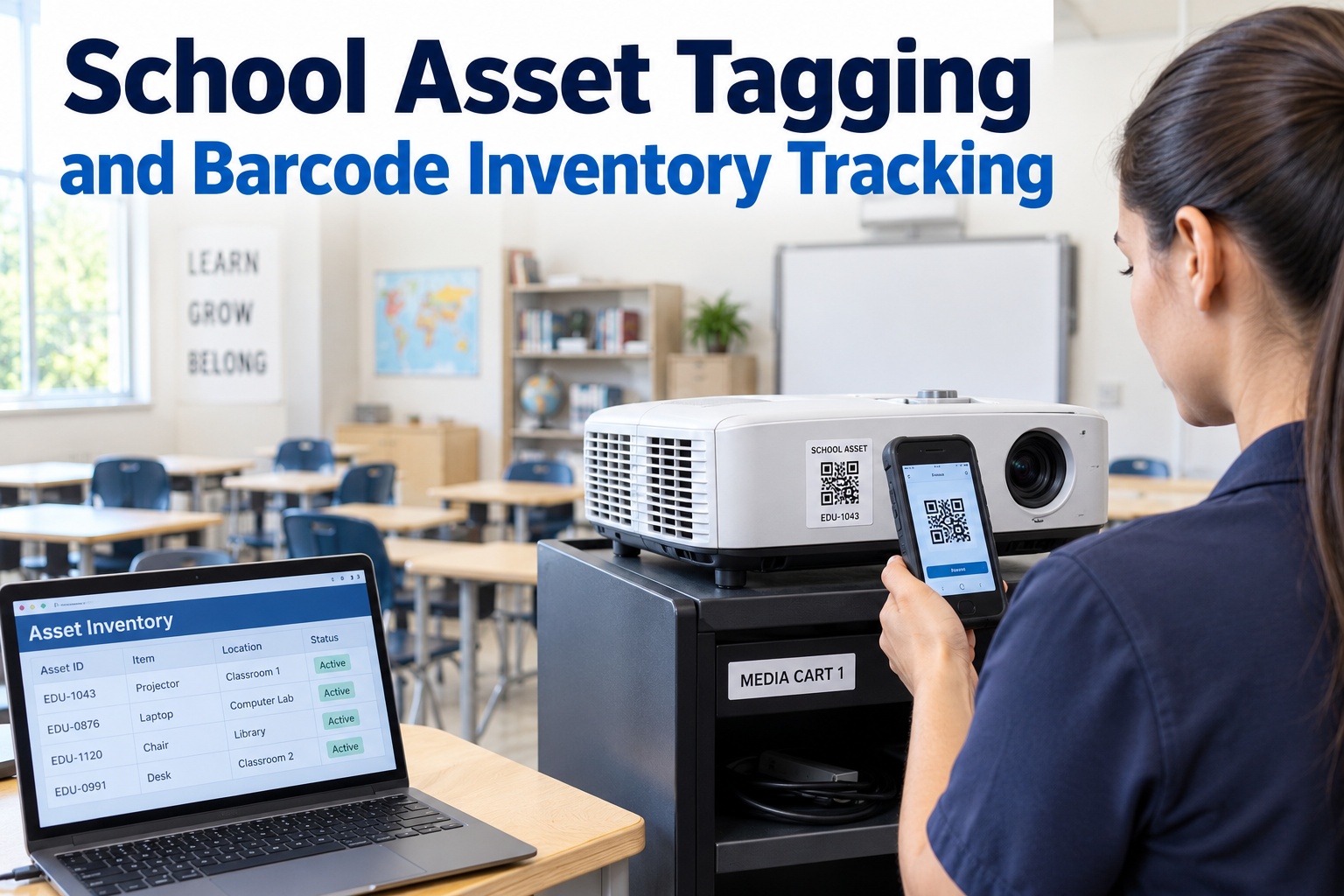
Ask a school facilities director how many projectors, HVAC units, or lab benches the district owns, and most can't answer without pulling three spreadsheets from three campuses. The same AV cart gets logged twice, a transferred SMART Board vanishes from both buildings' records, and grant-funded equipment becomes impossible to trace to its funding source at audit time. The fix isn't glamorous — it's asset tagging, the boring foundation that makes every other facility technology work. You can't maintain, audit, or even find an asset you can't identify. This guide covers school asset tagging and barcode inventory tracking: choosing between barcode, QR, and RFID, setting tagging conventions that survive across campuses, the mobile scan workflow, and the CMMS structure that turns a pile of labels into district-wide asset intelligence. Start free or book a demo.
School Asset Tagging: The Boring Foundation Every Facility Program Is Built On
Every scan, every work order, every audit, every refresh decision depends on one thing being true first: the asset has a unique identity, a known location, and a single history. That's what tagging delivers — and it's a standards problem you solve once, not a staffing problem you fight forever.
"How Many Do We Own?" Shouldn't Take Three Days
Untagged assets create a compounding tax: duplicate purchases because no one can check existing stock, failed audits because a transferred item shows up nowhere, denied insurance claims, and a technician who calls the office 15–20 times a day just to ask what a unit is and when it was last serviced. Tagging ends that by giving every item — across every building — one identity, one location, one history any campus can pull up in seconds. You can't manage what you can't identify. Sign up free — no credit card and start building one district-wide register from the first tag.
Barcode, QR, or RFID? Match the Tag to the Asset
There's no single winner — the best districts mix formats by asset class, as long as every tag links back to one register. Here's how the three compare on what actually matters: cost, data richness, scan speed, and best fit. Schedule a 30-minute demo to see all three scanning into one asset record.
| Tag type | Best for | Data richness | Scan style | Cost |
|---|---|---|---|---|
| Barcode | High-volume, fixed, low-turnover items — furniture, lab benches, built-in equipment | Simple ID lookup | One at a time, line-of-sight | Lowest |
| QR Code | Devices and anything needing richer data — Chromebooks, projectors, SMART Boards | Links to full record, printable on-site | One at a time, any smartphone camera | Low |
| RFID | High-value or bulk-audited sets — AV carts, projector carts, loaner pools | ID + movement/location tracking | Bulk / no line-of-sight, many at once | Highest |
A common, proven mix: barcodes on furniture, QR on student and instructional devices, RFID on high-value carts you audit by the bulk scan. The format can vary by asset class — the register underneath must not.
Set the Conventions Before You Print a Single Label
This is where tagging programs succeed or quietly fail. Consistency isn't a nice-to-have — it's the whole point. Classify assets and lock naming and location codes before rolling out tags, so every label maps to the same record structure from day one across all campuses. Create your free account and configure the taxonomy once, district-wide.
The District Bought Forty Projectors It Already Owned.
Nobody could check existing stock across eleven buildings, so a campus ordered new — while identical units sat unused two schools over. That's the untagged tax: duplicate spend, vanished transfers, and audit findings nobody can explain. OxMaint centralizes intake, transfers, and history across every campus, so a purchase check — or a filtered report for an auditor — takes seconds, not days, and every asset carries its funding source for the life of the item.
What to Tag First — and the Order That Wins
Don't try to tag everything at once. Start where visibility pays off fastest — the items that move most, get lost most, and generate the most help tickets — then expand as the team gets comfortable. Schedule a live walkthrough to map your district's tagging sequence.
The Scan Workflow: Where Tagging Pays Off Daily
A tag is only worth the label it's printed on if scanning it does something useful. The payoff is the loop: a technician scans, the full record loads, and every action they take is timestamped against the right asset — no phone calls, no guessing, no re-keying. Sign up free in minutes and put the asset's whole history one scan away.
Phone camera reads the QR or barcode at the asset
Full record opens — history, manuals, location, status
Raise a work order or log the task on the spot
Every action timestamped against the right asset
From Labels to District-Wide Asset Intelligence
Tags are the input; a CMMS is what turns them into answers — accurate counts, instant history, clean audits, and refresh decisions grounded in data. This is where the boring foundation becomes real leverage. Try OxMaint free and unify every campus in one register.
Set the conventions once, tag the high-movement assets first, make every scan load the full record, and the labels quietly become the most useful data your facilities team owns — accurate counts, clean audits, and smarter budgets. Sign up free or schedule a demo to see it across your district.
We have 4,200 assets tagged across 31 buildings. Before QR codes, our technicians were calling the office fifteen to twenty times a day just to ask for asset history. Now they scan and know — the full record and a work-order screen come up on the phone at the equipment. Our work-order completion time dropped 21% in the first month, and the ROI was obvious before we even ran the numbers. The tagging felt tedious going in; it turned out to be the best facilities decision we made all year.
Frequently Asked Questions
Give Every Asset One Identity, One Location, One History.
OxMaint centralizes intake, transfers, and audit history across every campus, opens any tagged asset's full record and work-order screen on a scan, supports barcode, QR, and RFID, and ties every item to its funding source — turning asset tagging from a tedious chore into district-wide asset intelligence. Start free — no credit card, unlimited users, forever. Or book a demo.