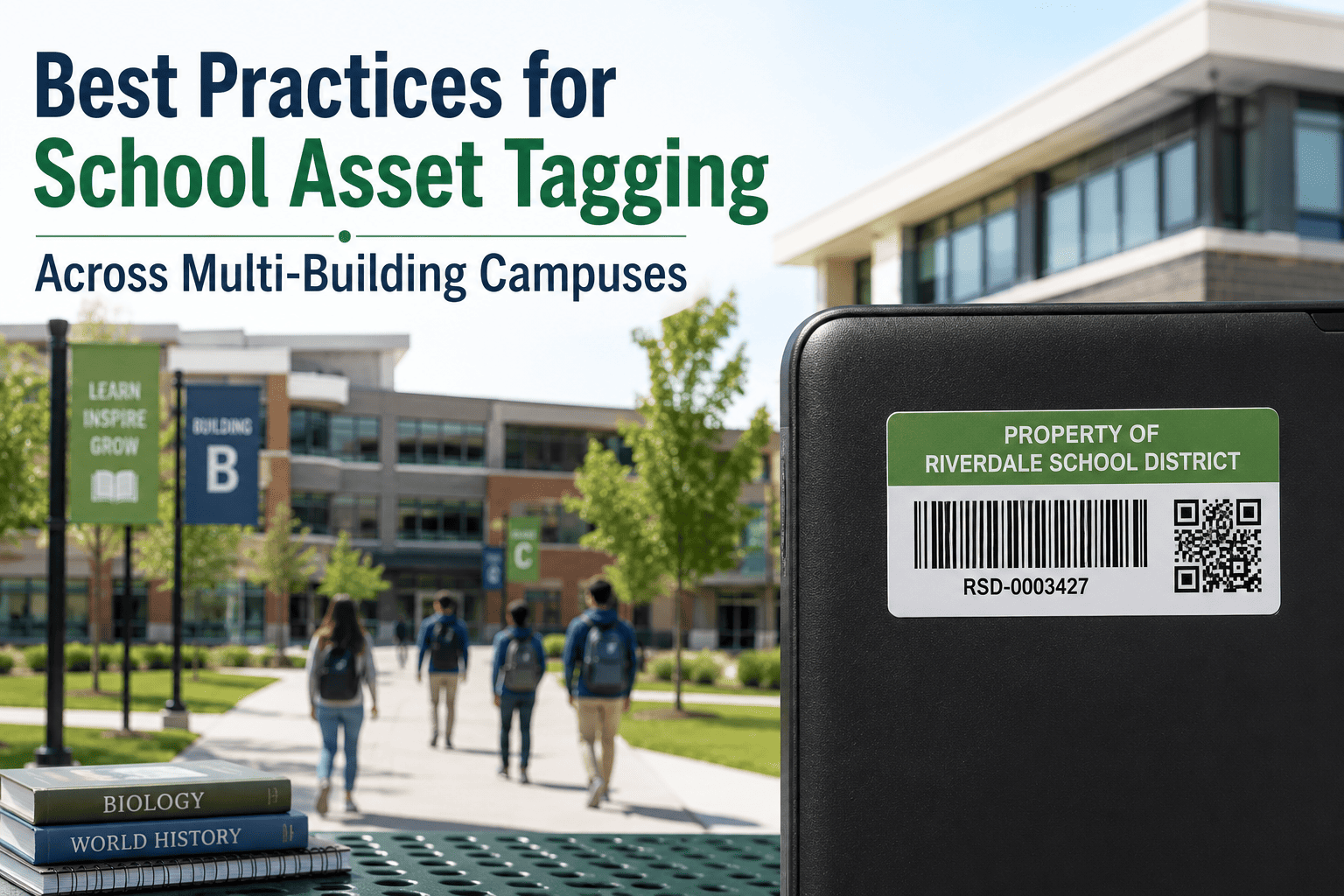
Ask a facilities director how many projectors, HVAC units, or lab benches their district owns, and most can't answer without pulling up three different spreadsheets from three different campuses. Without one shared tagging system, the same cart gets logged twice, a transferred asset disappears from both records, and grant-funded equipment becomes impossible to trace back to its funding source come audit season. A consistent asset tagging program closes that gap by giving every item district-wide one identity, one location, and one history that any campus can pull up instantly. OxMaint's asset management platform is built specifically for districts running this across multiple sites at once.
One Tagging Standard, Every Campus, Zero Spreadsheets
A practical guide to building a district-wide asset tagging system that survives transfers, audits, and growth across every building you manage.
Why Multi-Site Districts Hit a Wall That Single Schools Don't
A single school can usually get away with a shared spreadsheet for a while. A district with five, ten, or thirty campuses cannot, because the same gaps multiply by every building added. Equipment purchased under a federal grant for one school shows up unlabeled at another after a transfer. Two sites buy identical projector carts independently because neither could see what the other already owned. None of this is a staffing problem — it's a standards problem, and it only gets fixed once.
Stop Reconciling Spreadsheets From Five Different Campuses
OxMaint gives your district one tagging standard and one live register, so any campus, department, or funding source can be filtered in seconds instead of chased down by email.
A Six-Step Tagging Rollout That Works Across Multiple Campuses
Districts that succeed at this don't try to tag everything at once. They build the standard first, prove it on one campus, then scale it — in this order.
Spreadsheets vs. a Centralized Tagging System
The difference shows up most clearly the moment an asset crosses a campus boundary or a grant auditor asks a question.
| Situation | Spreadsheet-Based Tracking | Centralized Tagging System |
|---|---|---|
| Asset transferred between campuses | Often goes unlogged until next count | Logged instantly, visible at both sites |
| Auditor asks for grant-funded items | Manual cross-reference across files | Filtered report in seconds |
| New equipment purchase request | No visibility into existing district stock | Instant check against current inventory |
| Annual physical inventory count | Days of manual reconciliation | Bulk scan completes in hours |
What Belongs on Every Asset Tag, District-Wide
Frequently Asked Questions
The Hidden Costs of Skipping a Tagging Standard
Districts that delay a unified tagging system rarely notice the cost until it shows up somewhere unexpected — a failed audit, a denied insurance claim, or a budget meeting where nobody can explain where last year's technology refresh actually went. None of these costs appear on a maintenance invoice, which is exactly why they're so easy to underestimate until they compound.
Choosing the Right Tag Technology by Asset Type
Not every asset needs the same tag, and picking the wrong format for the wrong item is one of the most common rollout mistakes. The right mix usually comes down to scan volume, asset value, and how often the item moves.
| Tag Format | Best Suited For | Tradeoff to Consider |
|---|---|---|
| Barcode | Furniture, low-value bulk items | Low cost, but requires direct line of sight to scan |
| QR Code | Devices, classroom technology | Holds richer data, scannable by any smartphone |
| RFID | High-value equipment, bulk audits | Faster bulk scanning, higher per-tag cost |
Give Every Campus the Same Asset Record, Automatically
OxMaint replaces scattered spreadsheets with one tagging standard, one transfer log, and one audit-ready register across your entire district.