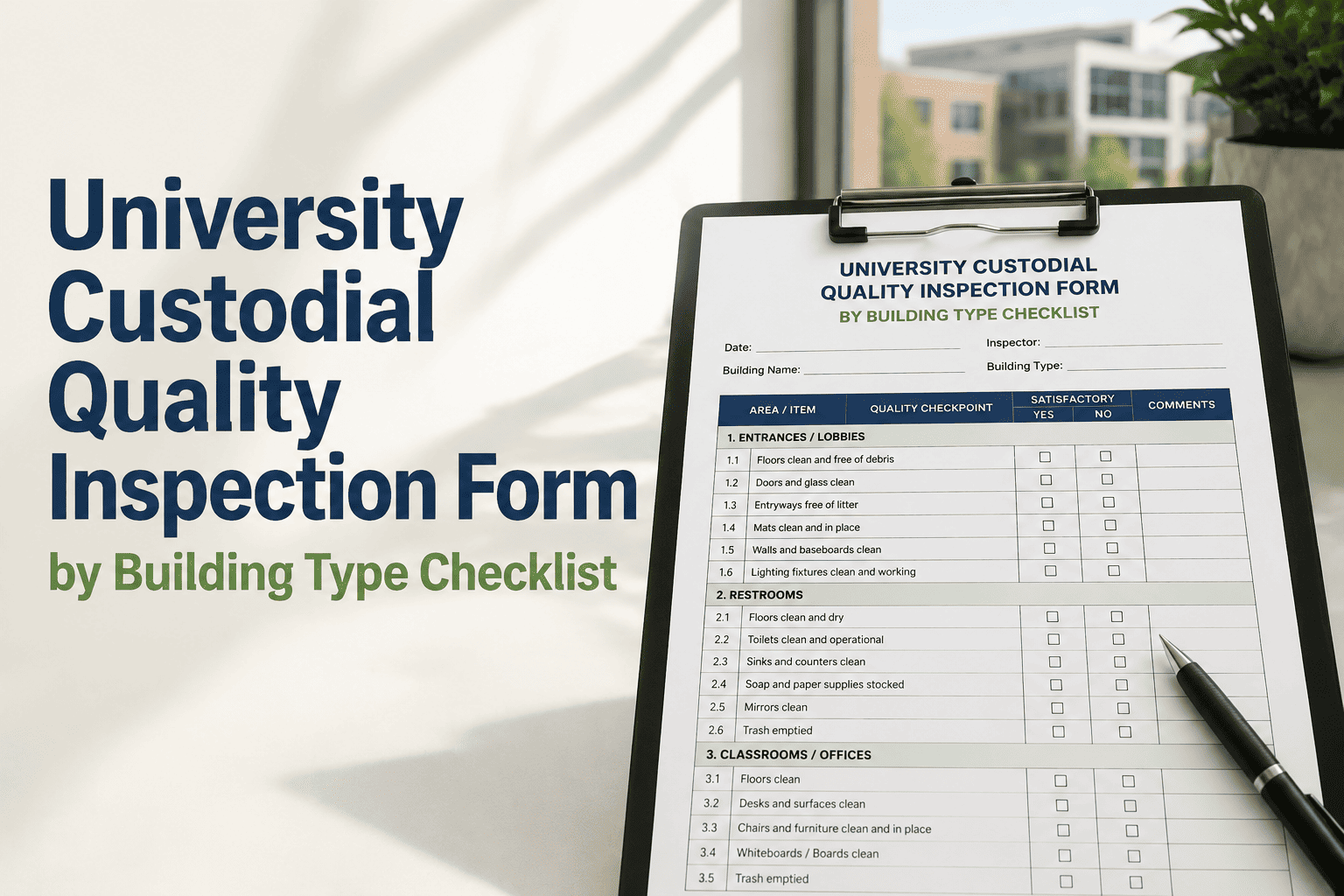
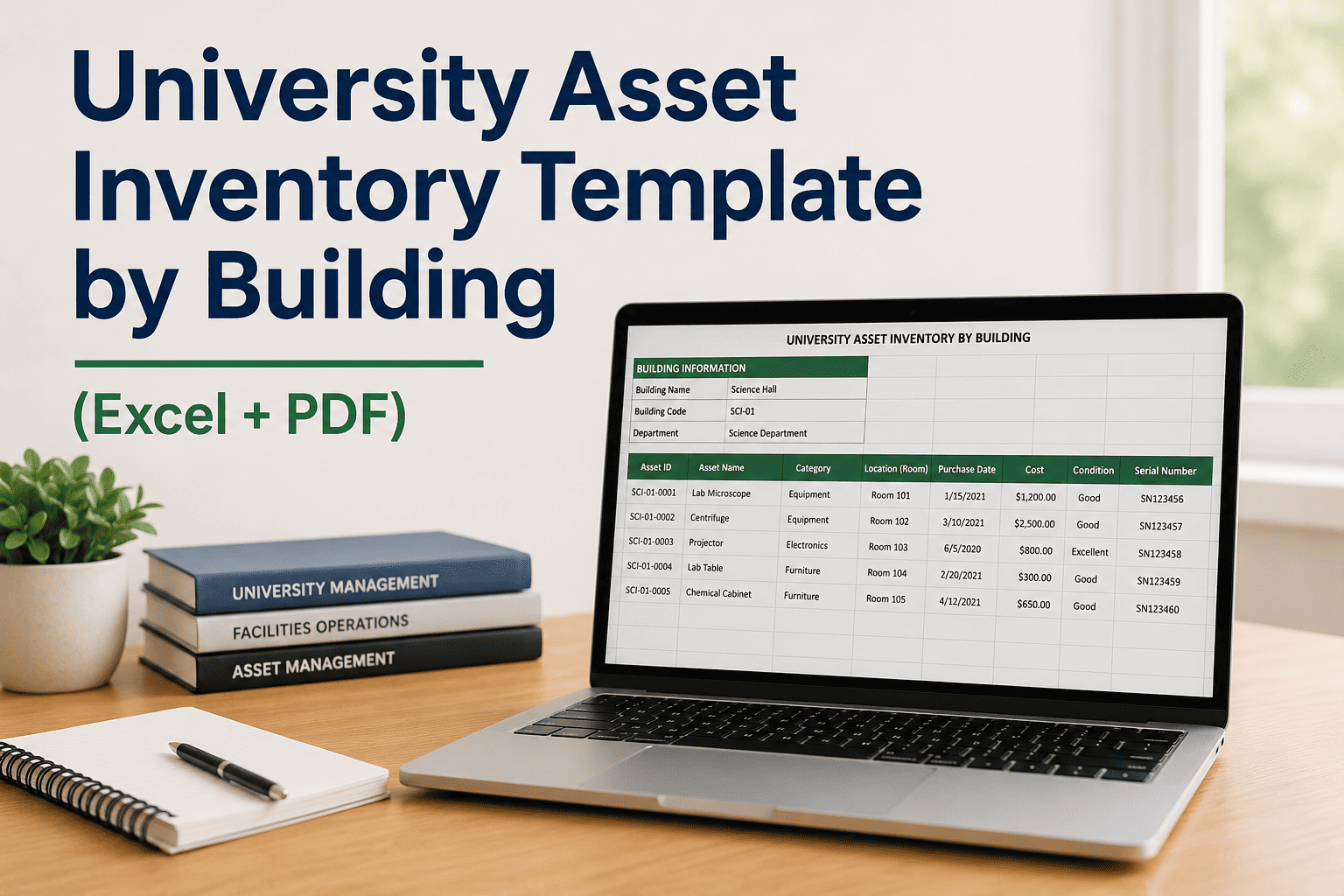
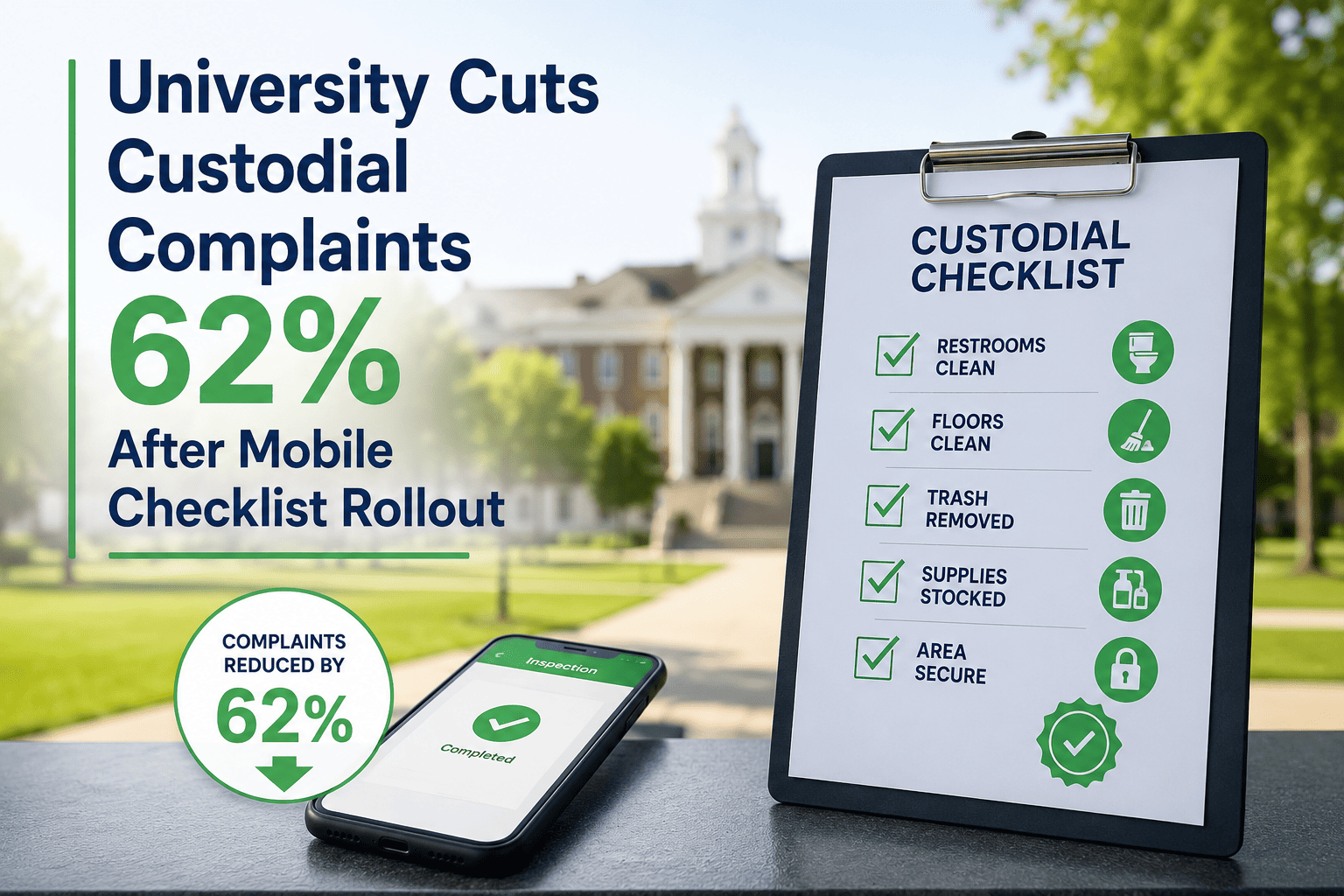
University facilities teams conduct thousands of inspections annually — building condition assessments, life safety equipment checks, laboratory compliance walkthroughs, deferred maintenance surveys, and regulatory compliance audits — and the shift from paper checklists to mobile inspection apps has exposed a new problem: poorly configured mobile inspection templates that produce inconsistent data, missing photos, and routing failures that prevent findings from reaching the right work order queue. Sign Up Free to see how Oxmaint's mobile inspection module enables conditional logic, photo requirements, GPS stamping, and CMMS routing in fully configurable templates. A well-designed university mobile inspection configuration template does more than digitize a paper form — it enforces consistent data capture through mandatory fields, guides inspectors through conditional follow-up questions when deficiencies are found, requires photo documentation for specific failure conditions, and automatically routes findings to the correct work order queue based on asset type, severity, and building assignment. Book a Demo to walk through mobile inspection template configuration for your specific facility types — residence halls, research buildings, athletic facilities, or utility infrastructure. Whether your inspection program covers 10 buildings or 200, the configuration decisions you make in your mobile template determine whether your inspection data drives maintenance decisions or fills a database no one reviews and configure your first mobile inspection template with conditional logic and automatic CMMS routing in under 30 minutes.
Mobile Inspections That Route Findings Directly to Work Orders
Oxmaint's configurable mobile inspection templates support conditional logic, mandatory photo capture, GPS stamping, and automatic CMMS routing — purpose-built for university facilities inspection programs.
The Six Configuration Layers of a University Mobile Inspection Template
Effective mobile inspection templates are not simple digitized checklists — they are configured data-capture instruments. Each configuration layer determines what data is collected, when it's required, how it's validated, and where it goes after submission.
Mobile inspection templates support multiple field types that must be configured by inspection category: pass/fail toggle for binary compliance checks, numeric entry for measured values (pressure readings, temperature, clearance distances), dropdown selection for condition ratings (1–5 scale or Good/Fair/Poor/Critical), text entry for narrative observations, date/time stamps for calibration or last-service entries, and barcode/QR scan for asset identification. Field type selection determines data quality and downstream analysis capability.
Conditional logic displays additional questions or required fields based on previous answers. A fire extinguisher inspection that marks a unit as "failed" should automatically reveal follow-up fields: failure type (pressure, damage, tag, location), estimated service date, and immediate safety risk assessment. Without conditional logic, inspectors either capture incomplete follow-up data or wade through irrelevant questions on every inspection line item.
Photo capture should be configured at three levels: always required (asset identification photos for new assets, as-found condition documentation for regulatory inspections), conditionally required (triggered when a finding is marked as a deficiency or failure — cannot submit without photo), and optional (available for supplemental documentation but not required for form completion). Photos must be GPS-stamped and time-stamped, with a minimum resolution requirement configured to ensure usable documentation.
GPS configuration for university mobile inspections includes three settings: location stamp (records GPS coordinates at inspection submission — verifies inspector was on-site), geofence restriction (prevents inspection submission if inspector is not within a defined radius of the asset location), and asset location verification (flags discrepancies between the app's GPS reading and the registered asset location, prompting correction or confirmation).
Routing rules determine how inspection findings generate and assign work orders: finding severity threshold (only deficiencies rated 3+ out of 5 generate work orders automatically), asset type routing (HVAC findings route to mechanical maintenance queue; electrical findings route to electricians), building assignment (findings in Building A route to Zone A maintenance team), and priority escalation (findings marked "immediate safety risk" generate emergency work orders with supervisor notification).
University inspection templates change when regulatory requirements update, new asset types are added, or field configurations are refined based on data quality review. Version control tracks which template version produced each inspection record — critical for compliance audits that span multiple years. Rollout management controls which inspector groups receive updated templates and when, with validation testing on a subset before campus-wide deployment.
Mobile Inspection Configuration Failures That Produce Bad Data
These configuration failures are the most common sources of poor inspection data quality in university facilities programs. Each is a template design problem, not an inspector performance problem.
An eyewash station inspection marks 14 units as "needs service" with no follow-up fields configured. The resulting work order queue contains 14 line items with no information about what service is needed, where the unit is located relative to the building entry, or whether it was tested and failed. Technicians must return to each location for diagnosis before any repair can begin — doubling labor hours.
Roof condition inspections log 22 deficiencies across 8 buildings. Photos were optional in the template. Inspectors documented 60% of findings with photos — the other 40% have only text descriptions. When capital planning requests documentation for the roofing replacement proposal, 9 findings have no visual evidence, weakening the funding request and requiring a second inspection walkthrough.
A 200-building campus runs weekly safety inspections. All 340 findings from the latest cycle route to the general maintenance request queue where they mix with reactive work orders. High-priority fire safety findings wait alongside routine paint touch-ups. An emergency exit light that failed inspection sits unaddressed for 11 days because no priority escalation routing was configured.
A quarterly building systems inspection program discovers during an internal audit that 23% of inspection records were submitted from off-campus IP addresses during the review period. Without GPS geofencing, inspectors were completing forms remotely based on prior inspection knowledge. Compliance audit findings are voided for those inspection cycles pending re-inspection.
University Mobile Inspection Template: Configuration Field Reference
Use this reference to configure or audit your mobile inspection templates across different university facility inspection types.
| Inspection Type | Recommended Field Types | Photo Requirement | Routing Rule | GPS Setting |
|---|---|---|---|---|
| Life Safety (Fire Extinguisher, Exit Lights) | Pass/fail, dropdown (failure type), date (last service), text | Required on all failures | Failures → emergency queue with supervisor alert | Geofence required |
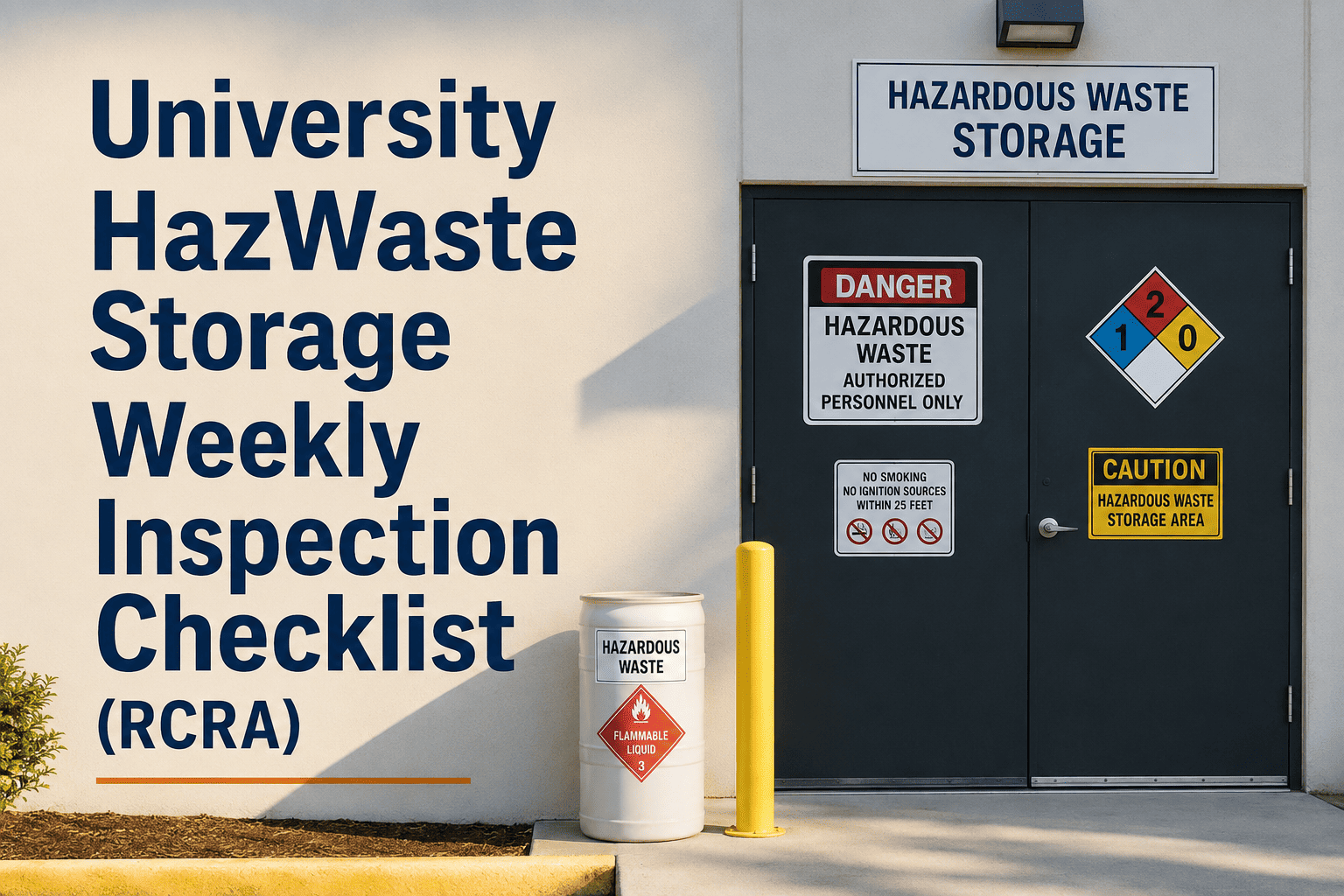
| Laboratory Compliance (BSL-2/3, Fume Hoods) | Numeric (pressure, face velocity), pass/fail, dropdown, text, date | Required on all deficiencies | Deficiencies → EHS queue + PI notification | Geofence required |
| Building Condition Assessment | Rating scale (1–5), photo, text narrative, dropdown (system type) | Required for ratings 1–2 | Ratings 1–2 → capital planning queue by system | Location stamp |
| Preventive Maintenance Verification | Pass/fail, numeric, date, barcode scan, technician ID | Optional (required for first-time asset) | Failures → corrective maintenance queue by trade | Location stamp |
| Residence Hall Safety Walk | Pass/fail, dropdown (violation type), text, photo | Required on violations | Violations → housing maintenance queue | Geofence required |
| Utility Infrastructure Survey | Numeric (readings), dropdown (condition), photo, date, GPS coordinates | Required for all condition changes | Critical conditions → facilities director immediate alert | GPS coordinates recorded |
Configure Mobile Inspection Templates With Logic, Photos, and Auto-Routing
Oxmaint lets your facilities team build inspection templates with conditional branching, mandatory photo capture, GPS verification, and automatic work order routing — all configurable without code.
How Oxmaint Configures University Mobile Inspection Templates
Oxmaint's inspection module provides full template configuration without requiring technical development resources — facilities managers configure templates directly in the platform using a drag-and-drop form builder.
Build inspection checklists using a visual form builder that supports 12 field types — pass/fail, numeric with range validation, dropdown, multi-select, text, date, photo, signature, barcode scan, GPS stamp, asset lookup, and calculated fields. Reorder fields, set required/optional status, and add field-level instructions visible to inspectors on mobile without writing code.
Configure conditional field display rules with a visual IF/THEN builder: if field X equals value Y, show fields A, B, and C; if numeric value falls below threshold, mark finding as deficiency and require photo. Logic rules can chain across multiple fields for complex inspection flows — a single failed item can trigger a branching sub-inspection capturing all relevant follow-up data before the main checklist continues.
Set photo requirements at the field level: always required, required when response equals specific value (required when rating is 1 or 2), or optional. Configure minimum photo count per finding, minimum resolution, and whether photos must be taken with the device camera (preventing upload of library photos). Photos are GPS and timestamp stamped automatically and stored in the asset record.
Define routing rules that automatically generate work orders from inspection findings based on: finding severity (configurable thresholds), asset type (routes to corresponding trade queue), building or zone (routes to assigned maintenance team), and finding category (safety findings escalate to supervisor notification). Multiple routing rules can apply to a single finding, ensuring it reaches both the work queue and the notification recipient simultaneously.
Configure GPS requirements per template: location stamp only (records inspector location at submission), geofence restriction (prevents submission outside defined radius of asset location), or strict asset verification (requires GPS match with registered asset coordinates within a configurable tolerance). Geofence radius is configurable per inspection type — tighter for indoor asset inspections, wider for outdoor infrastructure surveys.
University facilities include areas with no cell coverage — mechanical rooms, utility tunnels, basement labs, and rooftop equipment areas. Oxmaint's mobile app captures full inspection data including photos in offline mode. Submissions queue automatically and sync when connectivity is restored, with timestamp preservation from the time of actual inspection completion, not sync time.
Paper vs. Configured Mobile Inspection Templates
- Same questions shown regardless of finding status — no conditional branching
- Photo capture optional — inconsistent deficiency documentation
- No GPS verification — remote submission undetectable
- Manual transcription to CMMS — findings delayed 1–5 days before work order creation
- All findings route to same general queue regardless of severity or trade
- Template changes require reprinting or spreadsheet redistribution
- Conditional logic shows follow-up fields only when deficiency is identified
- Photo required automatically when finding meets configured severity threshold
- GPS geofence prevents off-site submission for compliance-sensitive inspections
- Inspection submission generates work orders instantly — zero transcription delay
- Routing rules send findings to correct trade queue with correct priority automatically
- Template updates deploy to all mobile devices instantly without reprinting
Frequently Asked Questions
How do you configure conditional logic in a university mobile inspection template?
Can Oxmaint enforce photo capture only when an inspection finding fails?
How does GPS geofencing work for university mobile inspections?
What happens when a mobile inspection finds a critical deficiency — how does routing work?
Can university mobile inspection templates work offline in areas without cell coverage?
Your Inspection Data Is Only as Good as Your Template Configuration
Oxmaint gives university facilities teams a no-code mobile inspection template builder with conditional logic, mandatory photo capture, GPS geofencing, and automatic CMMS routing — so every inspection finding reaches the right work queue with the right documentation attached.