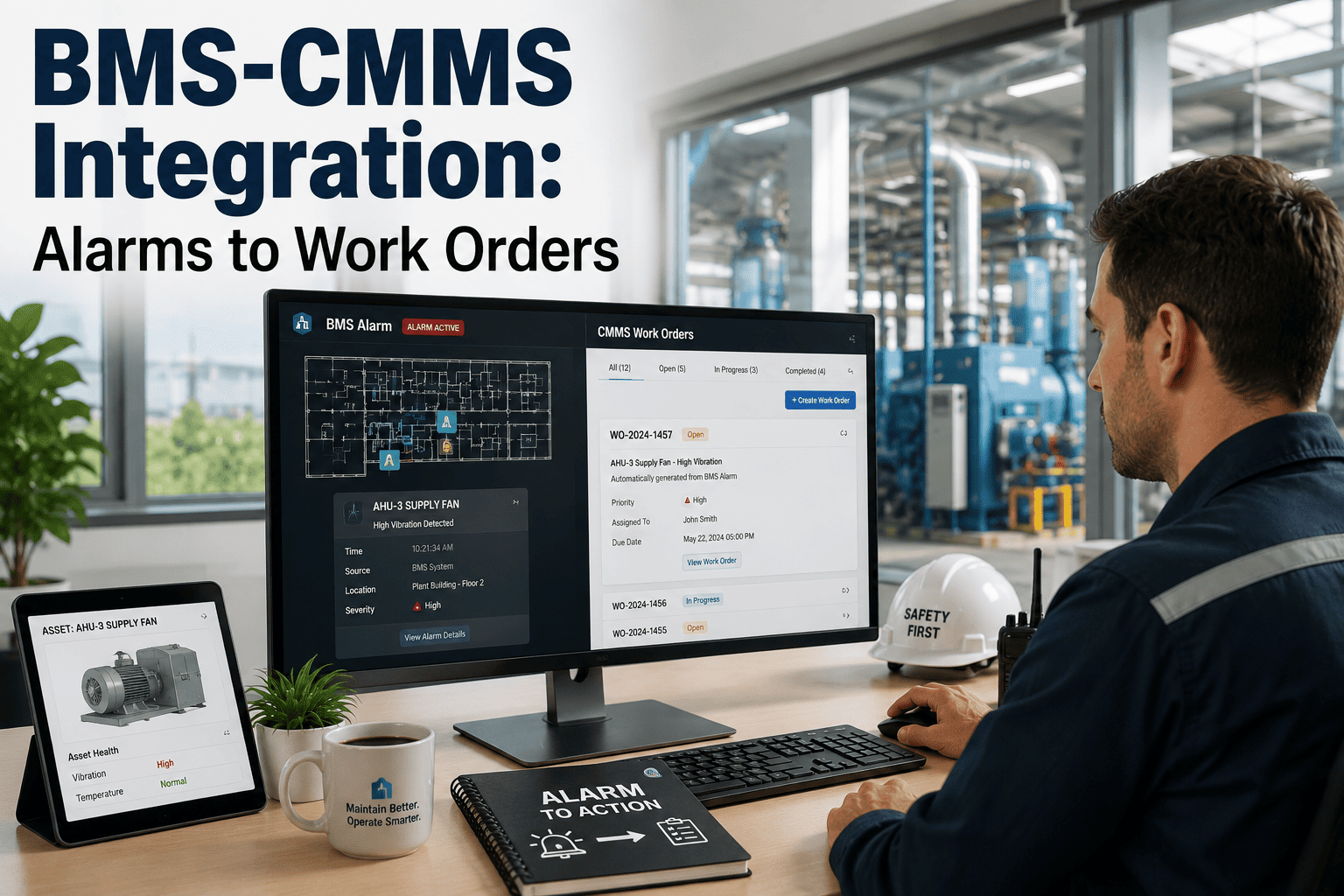
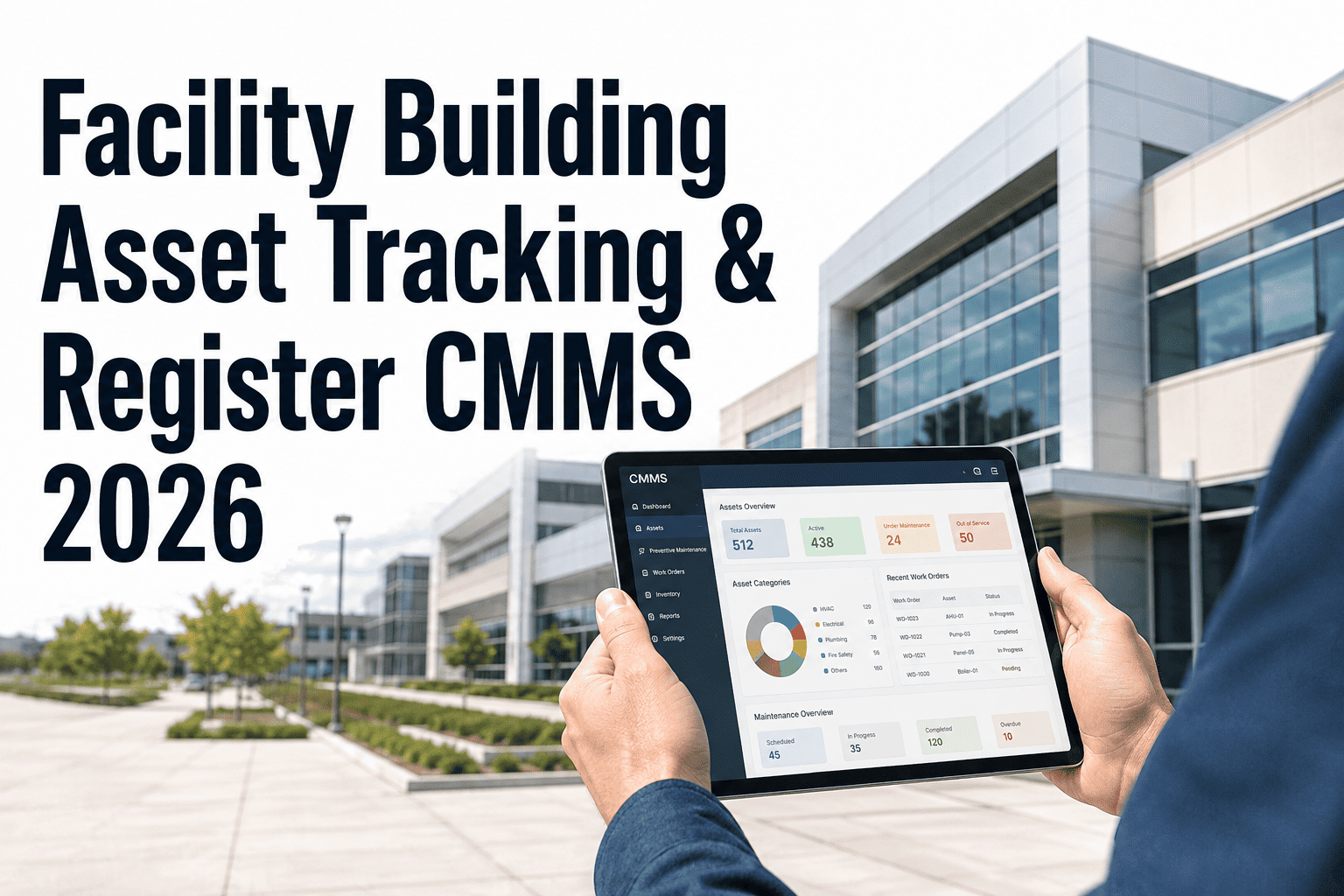
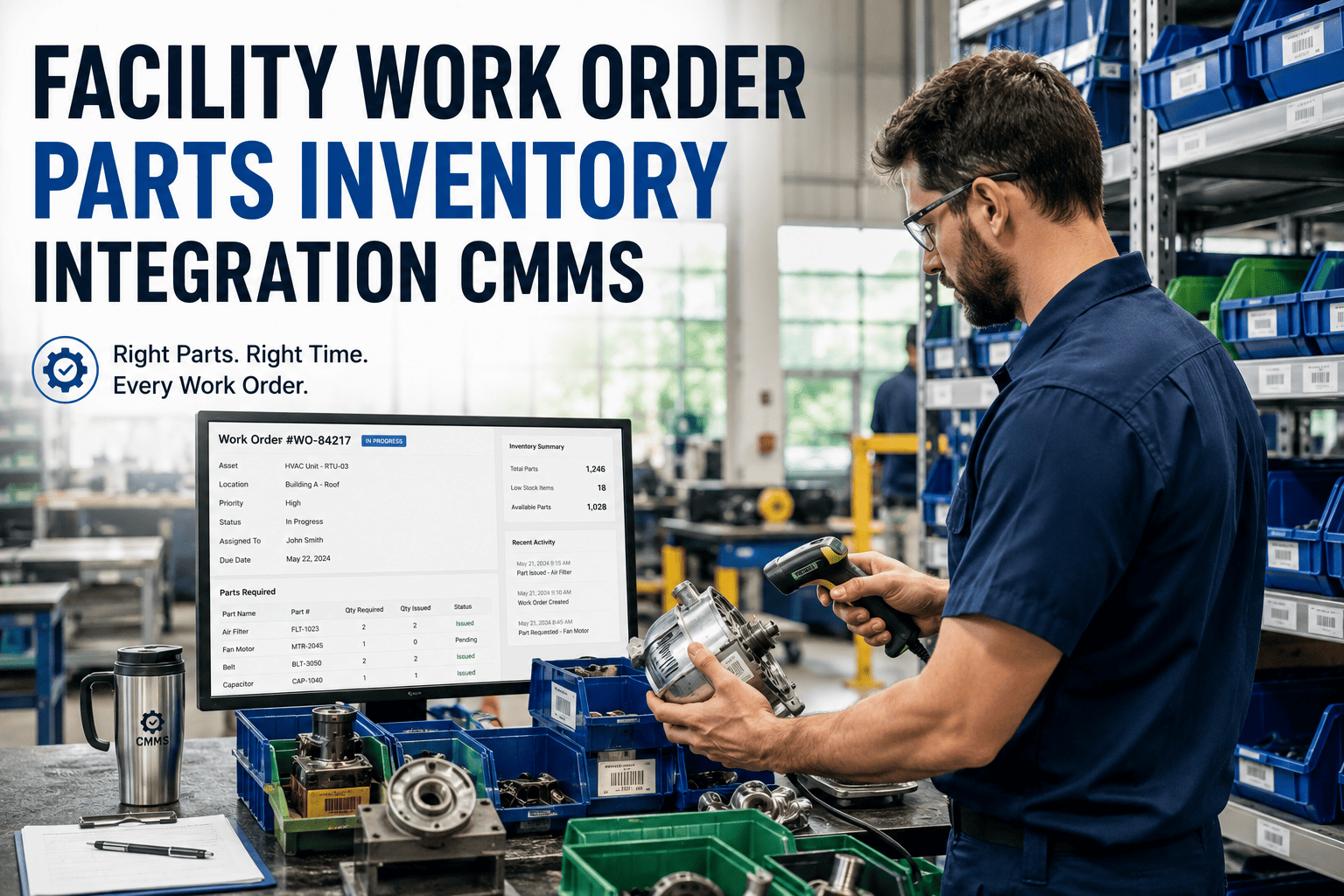
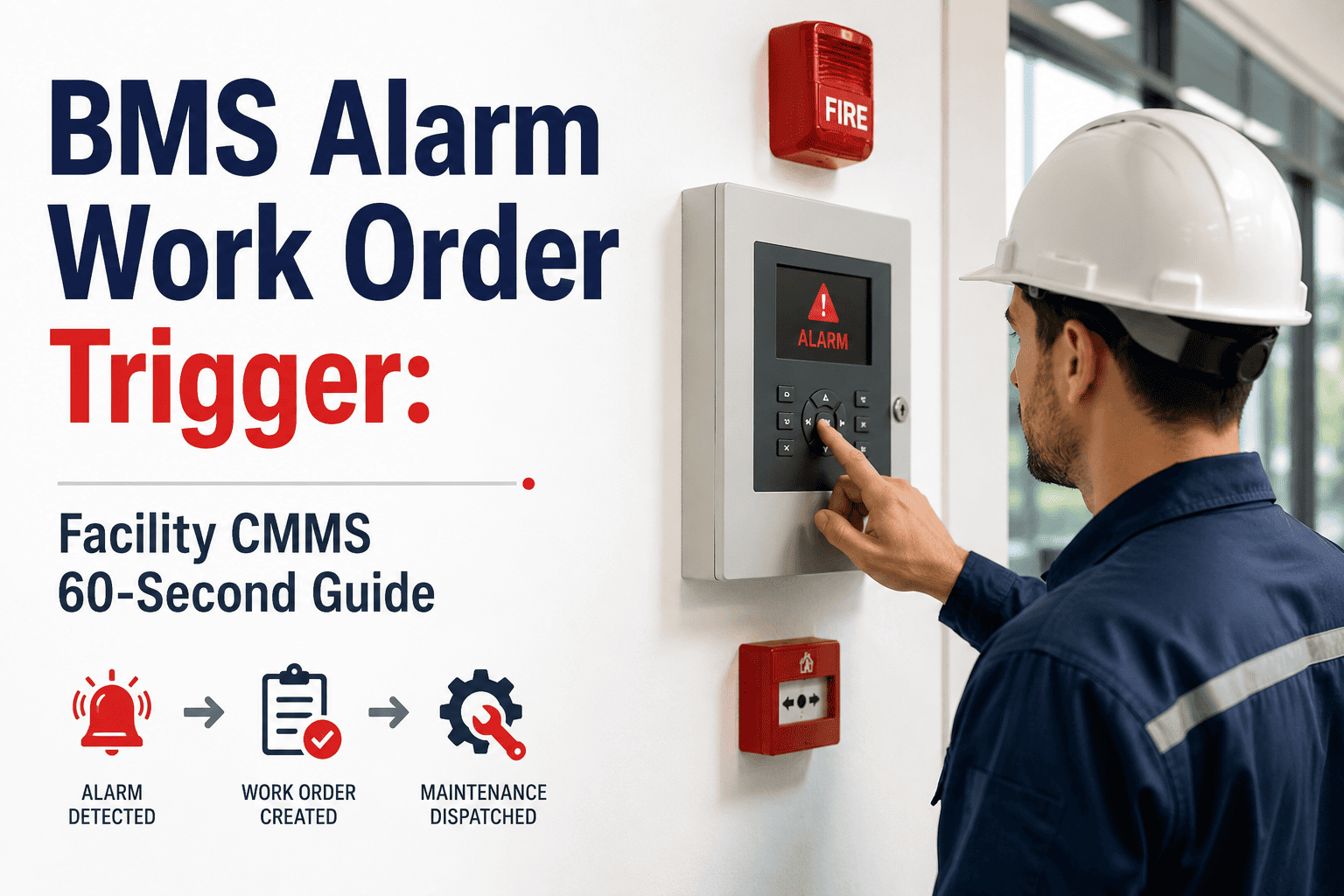
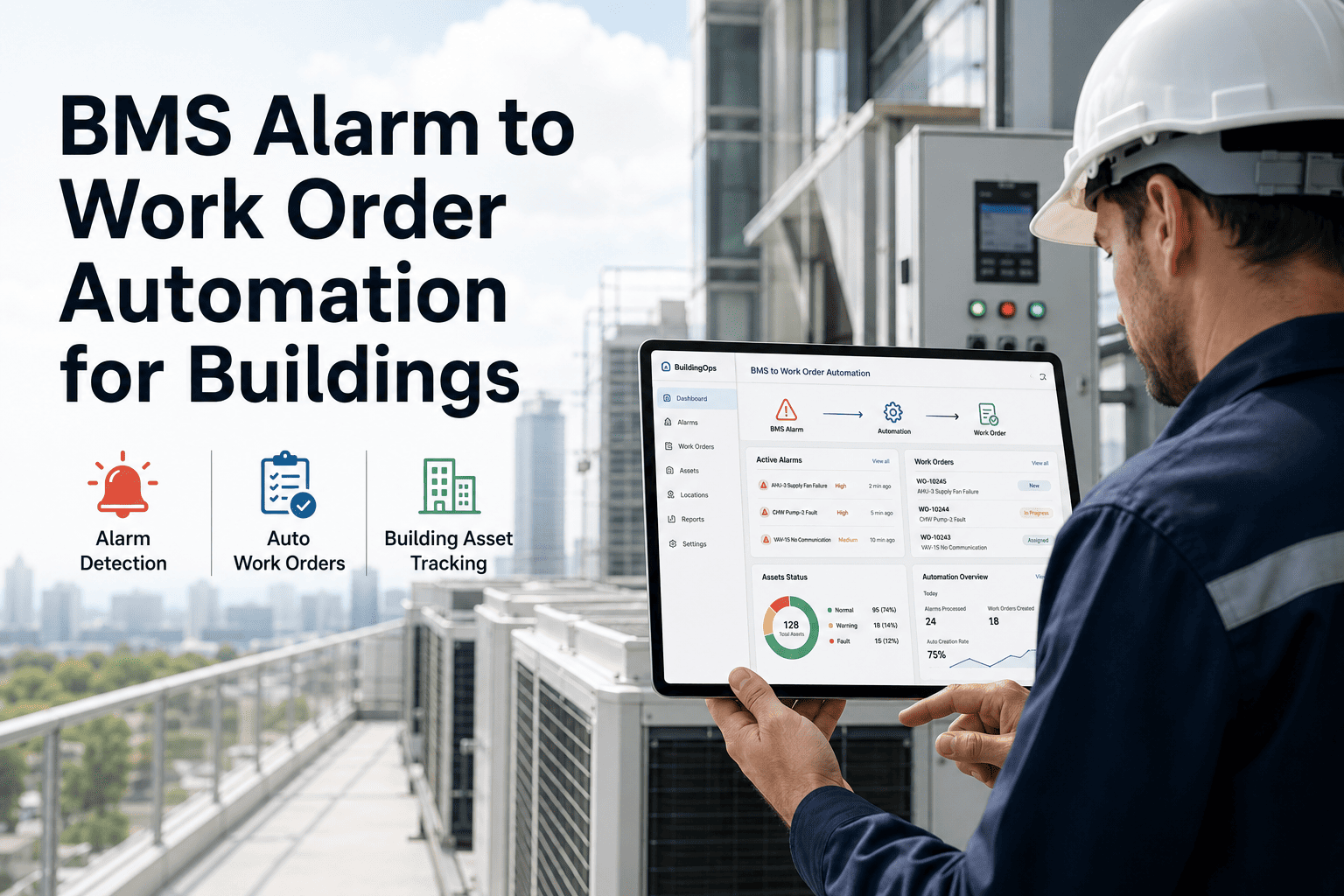
A BMS alarm that fires at 2 AM is worth nothing if no one acts on it before the chiller fails at 9 AM. The gap between alarm and action — measured in hours or even days in most facilities — is exactly where equipment damage, tenant complaints, and emergency repair costs accumulate. Oxmaint closes that gap by converting every HVAC alert and BMS alarm into a prioritized, asset-linked work order with full repair history in under five minutes — automatically, without a coordinator in the loop. If your team is still triaging BMS alarms manually through email chains or phone calls, book a demo to see how AI-driven alarm routing changes that workflow entirely.
HVAC Alarms to Prioritized Work Orders — Automatically
Every BMS alert becomes a structured work order with asset history, severity classification, technician assignment, and repair tracking — without a coordinator in the loop.
Why Manual Alarm Triage Breaks Down at Scale
The average commercial building generates 40–80 BMS alarms per day. A 500,000 sq ft campus can produce over 300 daily. Most are nuisance alarms — but mixed into that volume are the 3–5 alarms that, if unacted upon, lead to equipment failure. Manual triage means a coordinator reviewing an alarm queue, cross-referencing asset records, deciding priority, finding a technician, and creating a work order — a process that takes 20–45 minutes per actionable alarm. AI-driven routing eliminates every manual step.
HVAC Alarm Categories — What AI Routes and How
| Alarm Type | Example Fault Codes | AI Severity | WO Response Time Target | Auto Action |
|---|---|---|---|---|
| Chiller trip / lockout | High discharge pressure, low refrigerant | Critical | Immediate | Emergency WO + supervisor alert |
| AHU supply air temp fault | SAT too high / too low vs setpoint | High | Within 2 hours | WO created + tech notified |
| VAV box communication loss | BACnet device offline | Medium | Within 4 hours | WO created, queued for next shift |
| Cooling tower fan fault | Motor overload, vibration threshold | High | Within 1 hour | WO + parts availability check |
| Filter differential pressure high | DP switch tripped across AHU filters | Low | Next scheduled PM | PM work order generated |
| Condenser water pump fault | Flow switch failure, seal leak | Critical | Immediate | Emergency WO + chiller interlock check |
Teams managing 200+ alarms per week through email and phone lose an average of 18 coordinator hours to alarm triage alone. See how Oxmaint AI routing eliminates that overhead and ensures every critical alarm becomes an acted-on work order — not a missed notification.
AI HVAC Alarm Routing — Common Questions
Oxmaint AI turns your BMS alarm stream into a structured, prioritized maintenance workflow — automatically. No missed alerts, no manual triage, no after-hours gaps. Book a 30-minute demo to see how alarm-to-work-order automation works in your facility type.