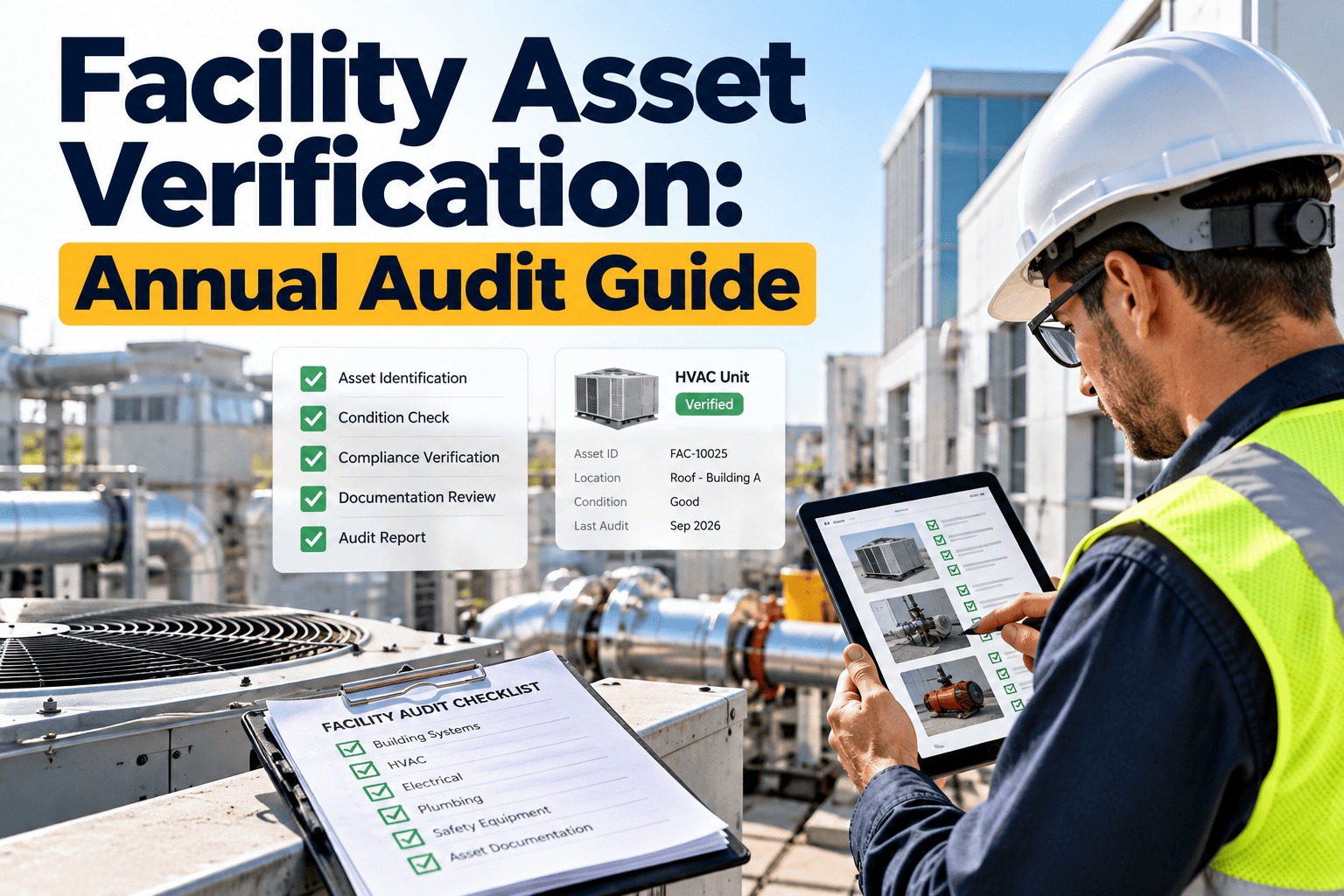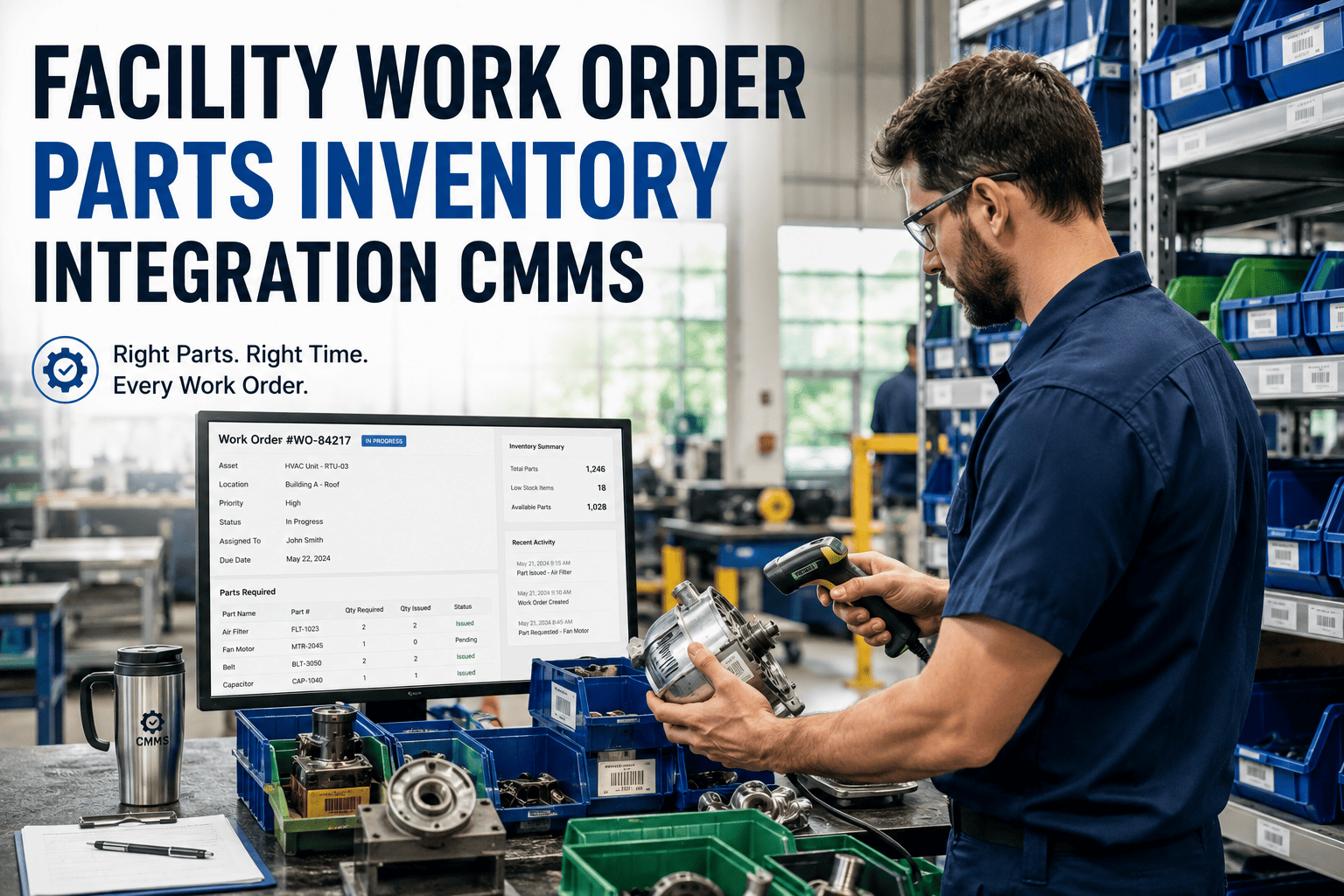
Facility teams waste hours during audits searching for asset records, chasing down maintenance history, and manually reconciling equipment lists. OxMaint turns every tagged asset into a live data point — scan a QR code, see the full record, launch a checklist, or raise a work order in seconds. Book a demo to see QR-powered audits in action.
Asset Management · QR Audit Software
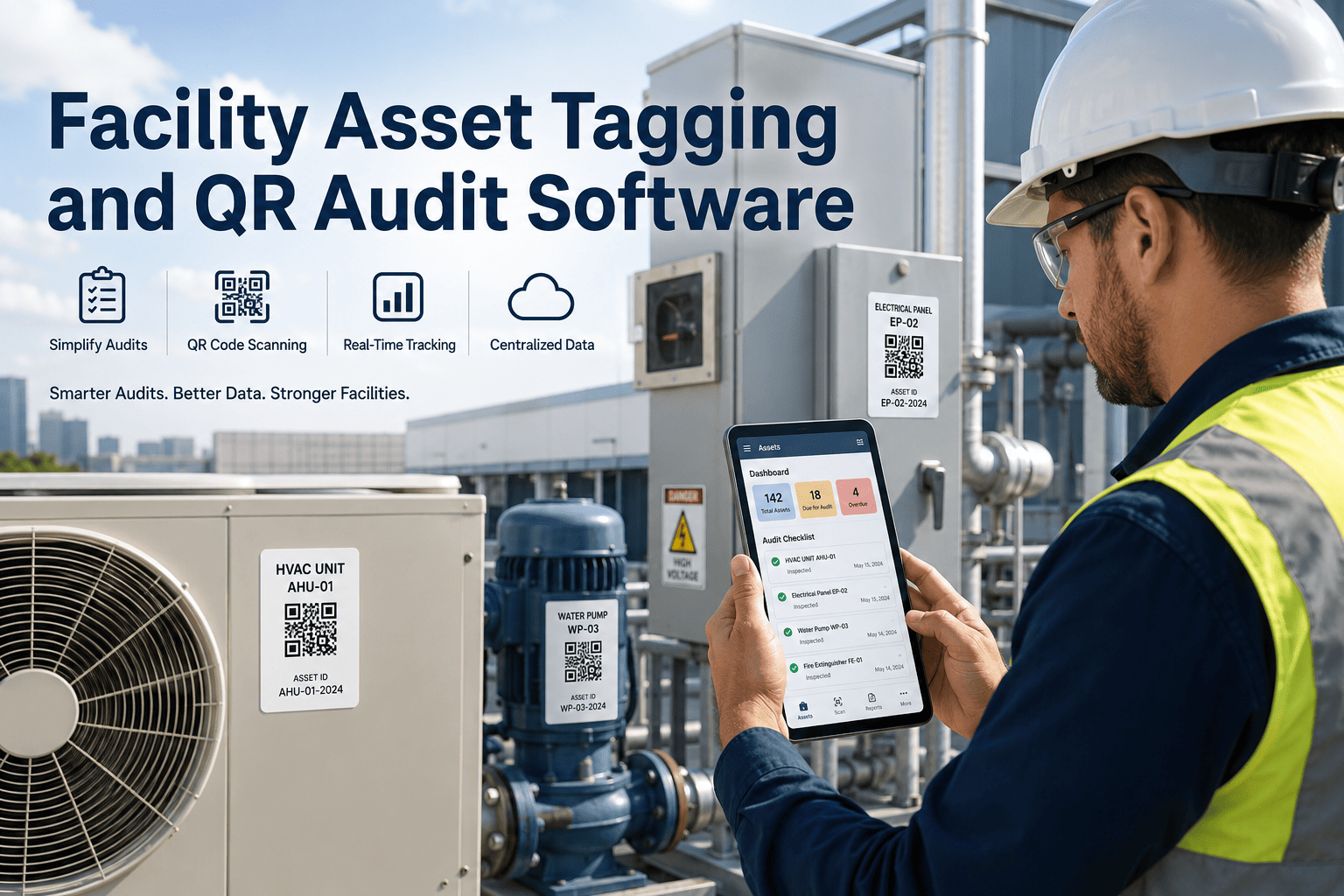
Facility Asset Tagging and QR Audit Software
Scan. Verify. Update. Every asset in your building becomes instantly accessible — location confirmed, history visible, checklist launched — from a single QR scan on mobile.
4x
faster audit completion with QR-linked asset records vs paper-based methods
91%
of missed maintenance events traced to assets with no scheduled PM record
0 sec
to pull full asset history, photos, and open work orders from a QR scan
100%
location-verified records when technicians scan on-site rather than update from memory
The Audit Gap
Why Facility Audits Break Down Without Asset Tagging
01
No Physical Link
Assets exist in spreadsheets but technicians in the field have no way to confirm they are looking at the right piece of equipment. Identical-looking units get mixed up, records get assigned to the wrong asset.
02
History Buried in Files
Maintenance history stored in shared drives requires desktop access. A technician standing in front of a failing pump cannot pull last service date, parts used, or open faults without walking back to the office.
03
Manual Work Order Creation
Faults found during audits get noted on paper or text messages. Half never become formal work orders. Repair priority gets set by whoever remembered to follow up, not by asset criticality or compliance deadline.
04
Checklist Disconnected from Asset
Inspection results recorded on generic paper forms have no direct link to the specific asset inspected. When auditors ask for the inspection record for Unit AHU-07, there is no reliable way to produce it.
How It Works
QR Audit Workflow in OxMaint
1
Tag Every Asset
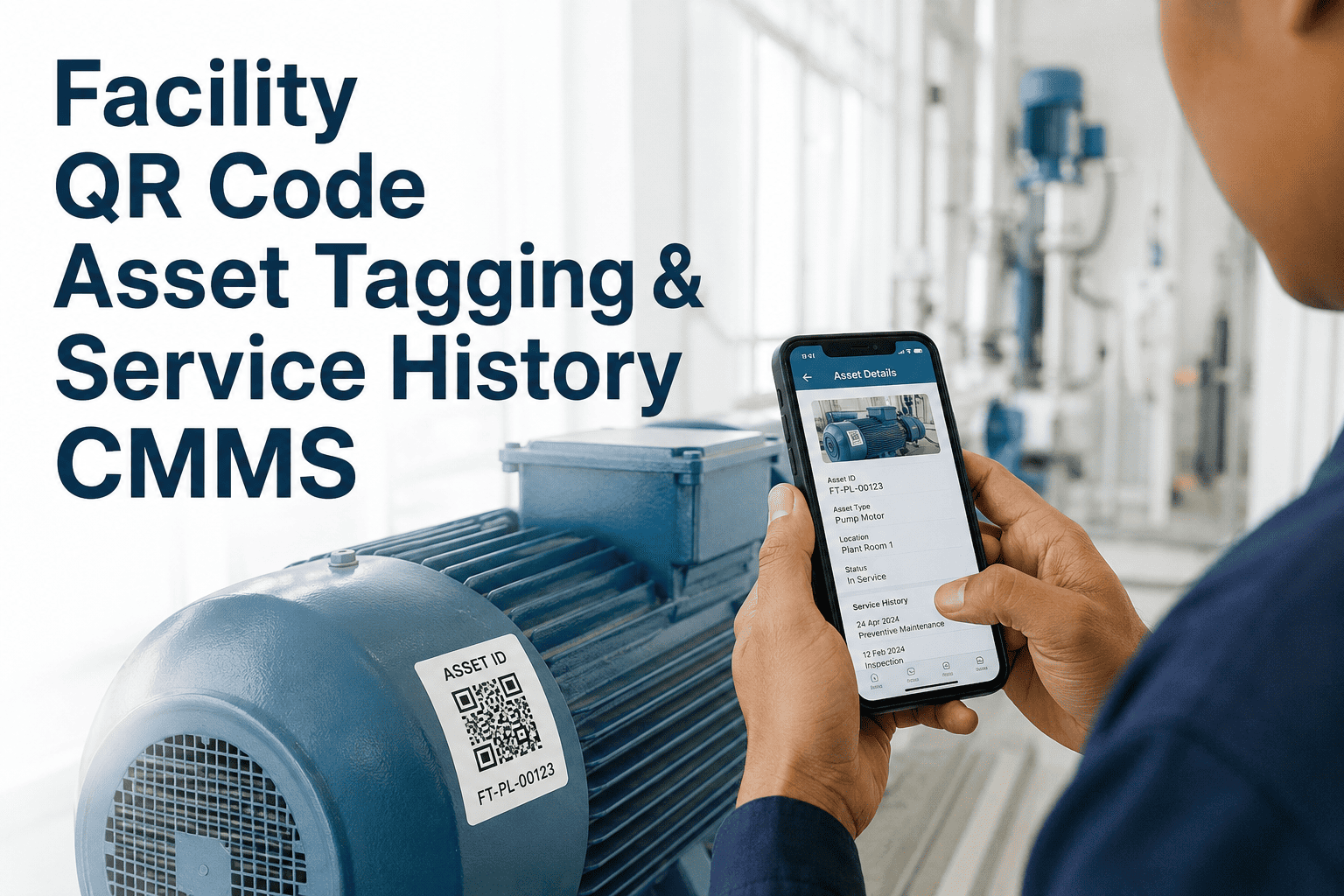
Generate and print QR labels from OxMaint. Attach to equipment. Each tag is permanently linked to that asset's full record in the system.
2
Scan on Mobile
Technicians scan the QR code using the OxMaint mobile app. Asset name, location, last PM date, open work orders, and full service history appear instantly.
3
Launch Checklist
The assigned inspection checklist for that asset opens directly. Technician completes pass/fail items, adds photos, and submits — all linked to that specific asset record.
4
Raise Work Order
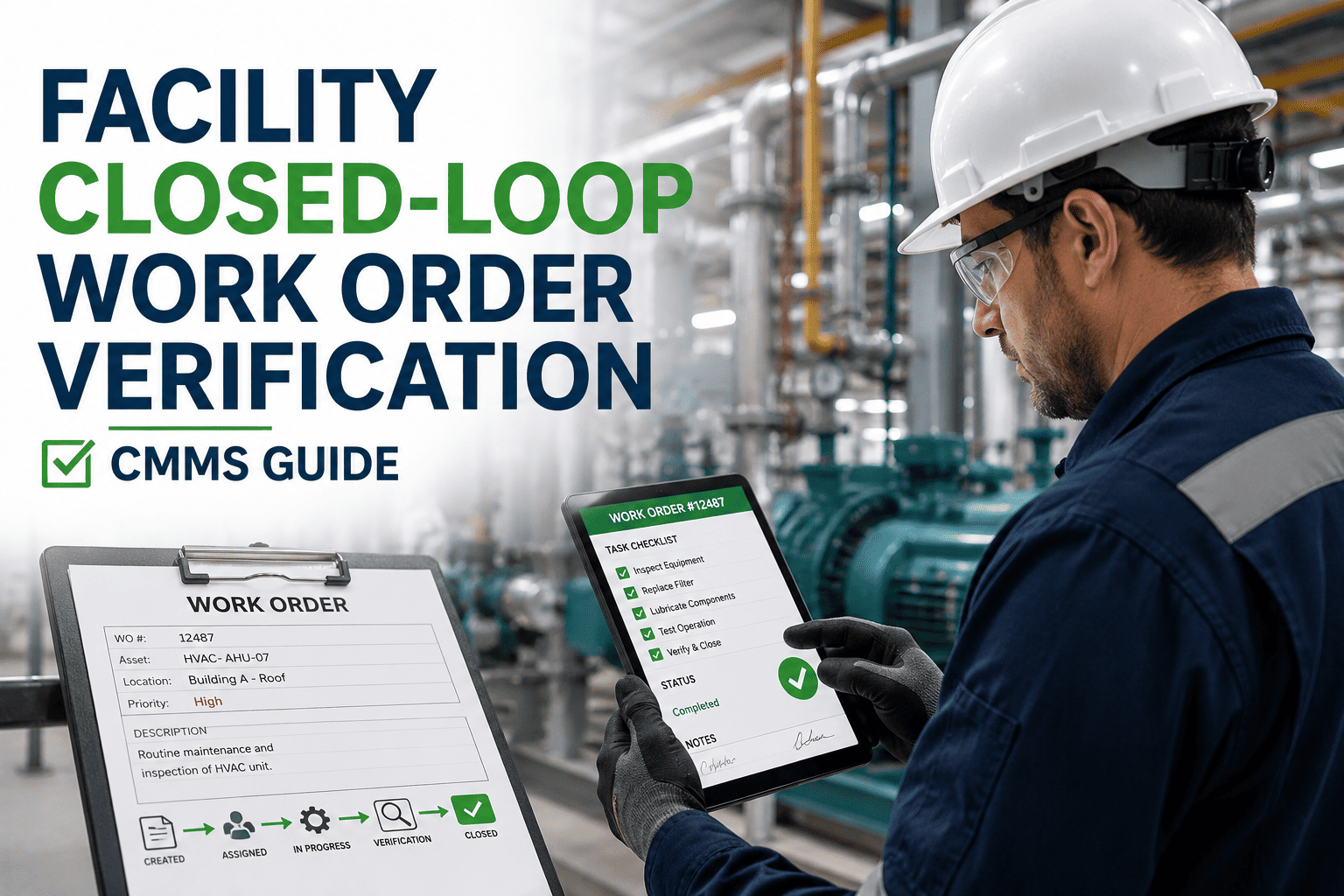
Any failed item automatically prompts a work order. Asset ID, location, fault description, and photo evidence pre-populate. One tap to assign and submit.
5
Audit Trail Built
Every scan is timestamped and GPS-confirmed. Inspection results, work orders, and updates are tied to the asset record — ready for any audit request.
Comparison
Paper Audit vs QR-Linked Audit — Time and Accuracy
| Audit Task | Paper / Spreadsheet | OxMaint QR Audit | Time Saved |
|---|---|---|---|
| Locate asset record | 8–15 min per asset | Instant on scan | 90%+ |
| Complete inspection checklist | Paper form, re-entered later | Digital, linked on scan | 70% |
| Create work order from fault | Manual write-up, often missed | Auto-prompted, one tap | 85% |
| Produce audit evidence pack | 1–2 days of collation | Exported in minutes | 95% |
| Verify asset location | Not verifiable | GPS + timestamp on scan | 100% |
Ready to run your next audit in half the time?
OxMaint generates QR tags, links them to your asset register, and builds the audit trail automatically — no manual re-entry, no missing records.
Use Cases
Where QR Asset Tagging Delivers the Most Value
HVAC and Mechanical Plant
Tag every AHU, chiller, pump, and fan coil. Technicians scan before each PM visit — history, filter schedule, and last fault all visible before they open the panel.
Fire and Life Safety Equipment
Extinguishers, sprinkler heads, emergency lighting — each tagged and on a recurring inspection cycle. Evidence photos and pass/fail results captured at the asset, not at a desk.
Electrical and Switchgear
Panel boards and switchgear tagged with service history, voltage ratings, and warranty expiry. Fault reporting from the field takes 30 seconds instead of a phone call and follow-up email chain.
Building Fabric and Fixtures
Doors, rooftop access hatches, drainage gullies, and structural anchor points — all trackable assets with their own inspection cycle and condition record.
Expert Review
What Facility Managers Say About QR-Driven Audits
5 / 5
We had over 600 assets across two buildings with no consistent tagging system. Every audit meant someone spending two days pulling spreadsheets together and hoping the records were current. After deploying OxMaint QR tags, our last full building audit took four hours. The auditor scanned twenty assets at random and every one pulled up a complete history with photo evidence. That has never happened before in twelve years of managing this facility.
PW
Paul Whitmore, CFM
Head of Facilities, Regional Government Office Complex · 12 yrs facility operations
5 / 5
The biggest change was work order creation. Before, faults found during inspections would get a sticky note or a text to the supervisor. Maybe thirty percent became actual work orders. Now when a technician scans an asset and fails an inspection item, the work order is raised on the spot with the asset ID, location, and photo already attached. Our open fault backlog dropped by half in the first quarter because nothing falls through the cracks anymore.
LL
Laura Livingston
Maintenance Manager, University Campus Facilities · 8 yrs higher education FM
Frequently Asked Questions
QR Asset Tagging — Common Questions
What type of QR tags does OxMaint support and how durable are they?
OxMaint generates printable QR codes that can be produced on standard label stock or ordered as industrial-grade polyester labels rated for outdoor, high-temperature, and chemical-exposure environments. For mechanical plant rooms and rooftop equipment, heavy-duty labels rated to 150°C are available. Each code links permanently to the asset record in OxMaint, so even if a label is replaced, the asset history remains intact. Stainless steel and anodised aluminium tag options are available for permanent installations.
Can technicians complete inspections without internet access on-site?
Yes. The OxMaint mobile app supports offline mode for field use in basements, plant rooms, and areas with poor signal. Technicians scan the QR tag, complete the checklist, add photos, and raise work orders — all stored locally on the device. When connectivity is restored, all records sync automatically to the central asset register with the original timestamps preserved. This means GPS-verified, timestamped audit evidence even in signal-dead zones. Book a demo to see the offline workflow demonstrated.
How do we migrate our existing asset register into OxMaint for QR tagging?
OxMaint supports bulk import from CSV and Excel spreadsheets, so your existing asset list — however it is currently formatted — can be uploaded directly. The import maps asset name, location, category, serial number, and any custom fields you define. Once imported, QR codes are generated in bulk and can be printed in one batch. For large facilities with complex location hierarchies, the OxMaint implementation team provides a structured onboarding process to ensure every asset lands in the right building, floor, and zone. Most teams complete their full asset import and initial QR tag print run within the first week on the free trial.
What compliance evidence does a QR audit produce for external auditors?
Every QR scan creates a timestamped, GPS-confirmed event in the asset record. Inspection results — pass/fail per checklist item, technician name, photos, and any work orders raised — are permanently linked to that asset. For compliance audits, OxMaint generates an exportable audit pack per asset or per building that includes the full inspection history, work order status for any corrective actions, and a signature trail. This format is accepted by insurance carriers, local authority building inspectors, and ISO 55001 auditors as sufficient documented evidence of a managed maintenance programme.
QR Asset Tagging · OxMaint CMMS
Turn Every Asset into a Live Audit Record
Stop reconciling paper checklists and spreadsheet exports after every audit. Tag your assets once, and every inspection, fault, and work order links to that record automatically — ready for any auditor, any time.