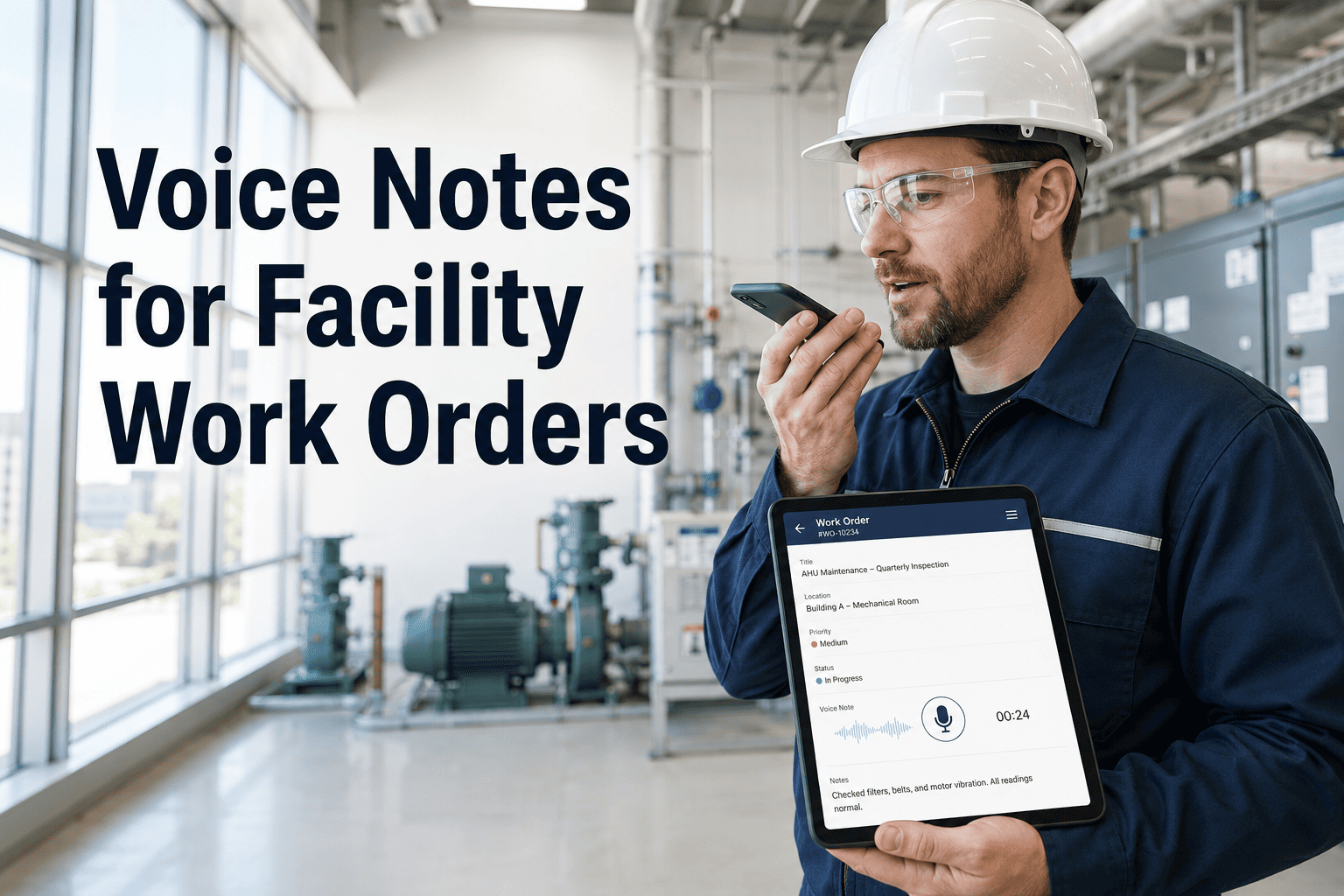
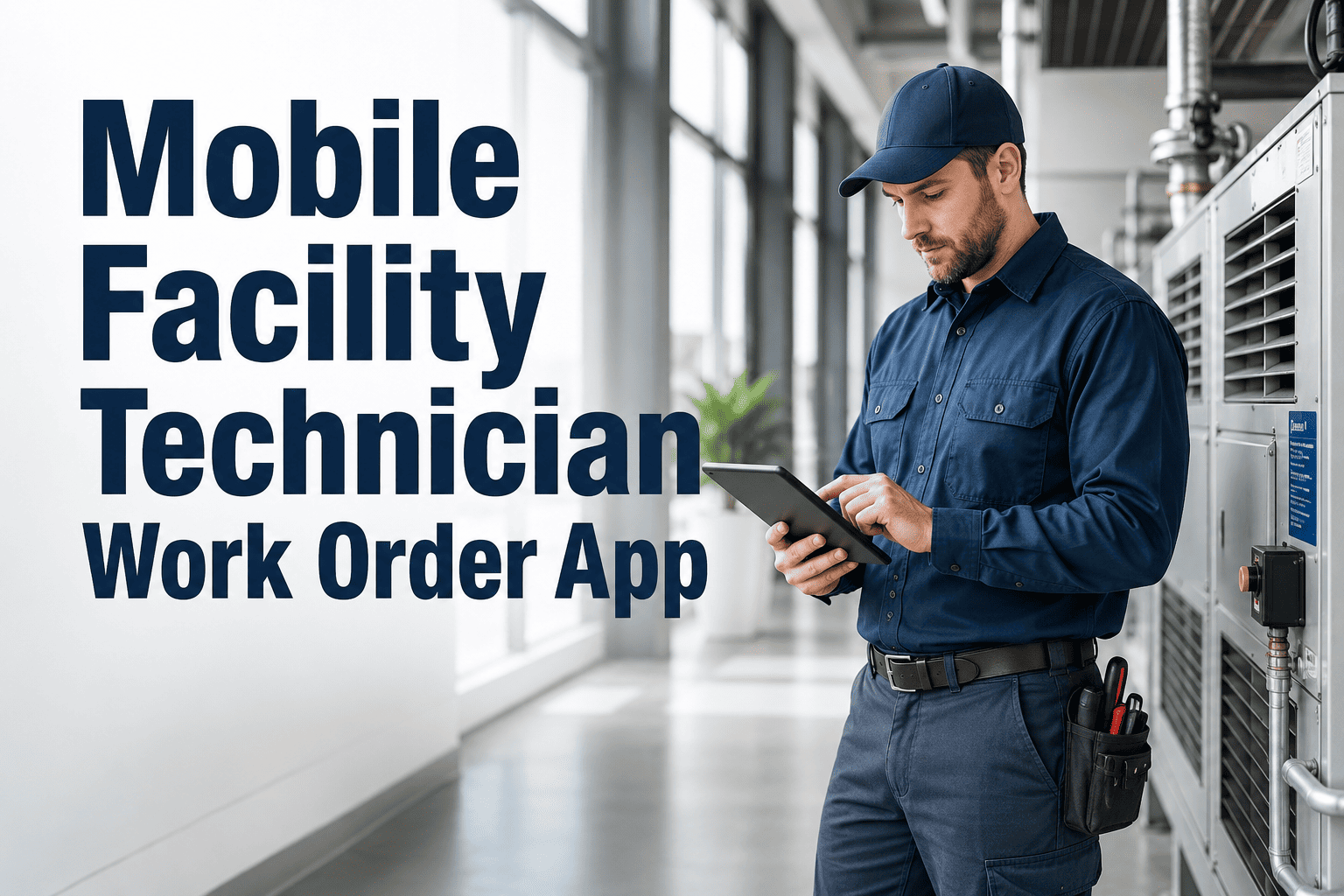
A facility technician crawling under a raised floor to replace a PDU breaker cannot stop, remove their gloves, navigate a mobile app, and type a work order update. A HVAC tech halfway up a roof ladder balancing a refrigerant gauge and a flashlight cannot stop to log findings in a CMMS. These are not edge cases — they are the operational reality for maintenance professionals who spend the majority of their working day in confined spaces, elevated positions, dirty environments, and time-pressured situations where the administrative overhead of digital work order management competes directly with the physical work itself. OxMaint's AI Copilot eliminates that conflict. Technicians speak — OxMaint listens, understands, and acts. Work orders created, updated, parts requested, notes logged, and jobs closed — entirely hands-free, from any position, in any environment, without breaking the physical workflow that actually gets the building running.
AI Copilot · Hands-Free · Voice CMMS
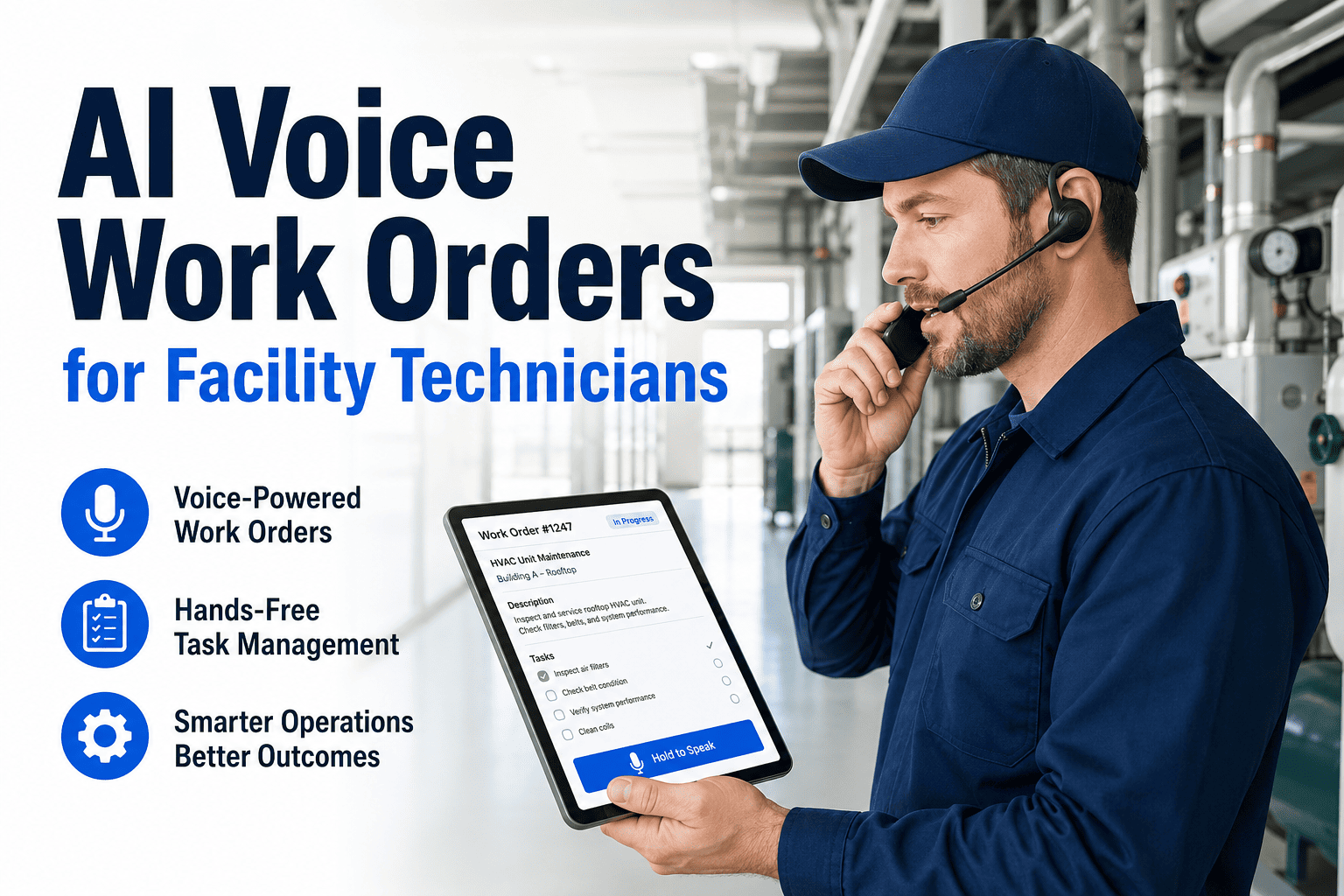
AI Voice Work Orders for Facility Technicians
Say it. Log it. Move on. OxMaint's AI Copilot turns natural speech into structured work orders, parts requests, and completion records — so your technicians spend less time managing the CMMS and more time fixing the building.
Try a voice command
"AHU-03 supply fan bearing noise — open a P2 work order"
"Close WO-4471 — replaced contactor, all running normal"
"Log two hours on the chiller PM, need a new service valve"
"Flag B3 cold room for QA — temp hit 11 degrees at 02:40"
Work order WO-4491 created · Asset: AHU-03 · Priority: P2 · Assigned: HVAC Team · Parts check: Bearing 6205-2RS in stock (qty 3) · Estimated response: 4 hours
58 min
Saved per technician per day with mobile-first workflows vs. desktop CMMS return trips — Frost & Sullivan research
38%
Reduction in administrative work order effort within 6 months for plants using AI-assisted work order generation — Capgemini 2025
90–120 min
Per technician per day currently lost to administrative re-work that voice commands eliminate from the field workflow
6 weeks
New technician ramp time with AI knowledge capture — down from 6 months when tribal knowledge is undocumented
What Facility Technicians Can Do With Their Voice in OxMaint
Every function a technician needs during the field workflow is available through natural speech — no structured command syntax, no memorised keywords. OxMaint's AI understands context, resolves asset references from partial descriptions, and confirms actions before executing them.
Create
"Roof unit 2 is making a grinding noise — create a work order"
Creates WO with asset identified from description, priority suggested by AI based on failure type, assigned to HVAC team
"Emergency — boiler lockout in mechanical room B"
Creates P1 emergency WO, notifies shift supervisor and on-call engineer simultaneously, starts response clock
"Log a safety observation — trip hazard by loading dock 3"
Creates safety WO with location pre-filled, routes to EHS officer for immediate review
Update
"I'm on WO-4471 — parts aren't here yet, need to reschedule"
Updates work order status to Parts Awaited, notifies planner, prevents job from appearing as overdue
"Add a note to the chiller PM — found corrosion on the flange"
Appends timestamped note to active work order, flags for QA review, creates follow-up inspection recommendation
"I need a 6205 bearing for AHU-03 — can someone bring it up?"
Creates parts request linked to active WO, notifies storeroom, confirms stock availability by voice response
Close & Record
"Done on WO-4471 — replaced bearing, AHU running normal, took 90 minutes"
Closes work order with completion note, labour time logged, asset history updated, PM compliance recorded
"Close the sprinkler inspection — all heads clear, no deficiencies"
Closes checklist work order with all items marked compliant, generates compliance certificate, schedules next inspection
"Log the filter change — fourth floor east wing, two F7 filters replaced"
Logs parts consumed against PM work order, deducts stock, triggers reorder if below minimum quantity
Query
"What work orders do I have due today?"
Reads back active work orders by priority, estimated duration, and location — allowing the technician to plan their route without looking at the screen
"When was the last service on chiller unit 2?"
Retrieves asset service history and reads back last PM date, what was done, and who completed it
"Do we have the pump seal for the cooling tower?"
Checks stock levels for matching part by description, confirms quantity and location by voice response
A Technician's Shift — Before and After Voice
The friction of CMMS administration does not appear in any productivity report — but it accumulates across every task, every day. This is what a typical 8-hour facility maintenance shift looks like with and without voice-enabled work orders.
07:30
Walk to supervisor's office to collect paper work orders. Wait 12 minutes for briefing.
07:52
First job: AHU-03 bearing. Diagnose fault. Fix takes 35 minutes.
08:40
Walk back to workshop to log completion in desktop CMMS. 11 minutes.
08:55
Discover parts for next job are wrong spec. Return to storeroom. 18 minutes round trip.
09:20
Second job: valve replacement. 45 minutes of actual work.
10:15
Phone call from supervisor asking for status update. Verbal update given, nothing recorded.
10:30
Back to CMMS to update work order. 9 minutes of typing on small screen.
11:00
Third job: roof inspection. 55 minutes actual work, 6 findings noted on paper.
12:10
Transcribe roof inspection findings into CMMS manually. 22 minutes.
Admin time consumed
~2.1 hrs (26% of shift)
07:30
OxMaint reads today's 6 work orders by priority and location. Technician plans route. AI
07:38
First job: AHU-03 bearing. AI confirmed parts in stock before departure. Fix takes 35 minutes.
08:13
"Done on WO-4471 — 35 minutes, bearing replaced, running normal." Closed by voice. AI
08:16
Second job: valve replacement. 45 minutes actual work. Parts confirmed correct by voice before starting.
09:01
"WO-4472 complete, valve replaced, 45 minutes, no issues." Closed. Next job location read back. AI
09:05
Third job: roof inspection. 55 minutes actual work. 6 findings logged by voice on-site as discovered.
10:02
All 6 findings logged during inspection. WO closed. 2 follow-up WOs created automatically. AI
10:05
On route to Job 4 — 55 minutes earlier than without voice.
Admin time consumed
~12 min (2.5% of shift)
58 minutes recovered per technician per day is the equivalent of adding a part-time maintenance team member — without hiring.
Across a team of 12 technicians, that's 11.6 hours of additional productive maintenance capacity every single day.
Six Technical Situations Where Voice Changes Everything
Confined Space Entry
Technician inside a duct or crawlspace cannot physically operate a touchscreen. Voice logging allows them to document findings, request parts, and update work order status without exiting the confined space.
Elevated Work — Ladders and Lifts
A technician on a scissor lift or roof ladder has both hands occupied with tools and safety. Voice commands allow CMMS interaction without the safety risk of single-handed phone operation at height.
Time-Critical Response
During a P1 equipment failure, every second of admin overhead is operational downtime. Voice-created emergency work orders notify the right people in under 20 seconds — faster than any typed alternative.
Chemical and Wet Environments
Gloved hands in HVAC, plumbing, or industrial cleaning work cannot operate touchscreens accurately. Voice removes the only barrier to real-time CMMS interaction in chemically hazardous or wet conditions.
Multi-Task Inspections
During a full roof or plant room inspection, a technician may identify 8–12 items across 45 minutes. Voice logging each finding as it is discovered prevents the transcription session at the end that corrupts finding accuracy and sequence.
Out-of-Hours Emergency Response
A technician responding to a 2am boiler alarm is groggy, cold, and working alone. Voice interaction reduces cognitive load and documentation errors during high-stress out-of-hours callouts where CMMS accuracy matters most.
"
The resistance to CMMS adoption among experienced facility technicians is almost universally about friction, not about capability. These are skilled professionals who learned their trade before smartphones existed — and when we ask them to stop what they're doing, navigate a multi-screen mobile app, and type structured data with their thumbs while standing in a plant room, we are asking them to context-switch from physical expertise to data entry administrative work. That context switch is expensive, and the more experienced the technician, the more they resist it — because experienced technicians know that every minute they spend typing is a minute they're not fixing. Voice changes the economics completely. Logging a finding by speaking it takes three seconds. The same information typed on a touchscreen takes ninety seconds. Across thirty logging events in a shift, that's forty-four minutes recovered. When I piloted voice work orders with a team of twelve technicians across three buildings, their CMMS data quality went up — because the friction of logging was removed, so they actually did it in the moment rather than reconstructing from memory at the end of the day.
Dominic Ferreira, CFM, IFMA Fellow
Certified Facility Manager · IFMA Fellow · 26 years facility management operations and technology · Former VP Facilities, commercial real estate portfolio (8.5M sq ft, 220 technicians) · Specialist in mobile CMMS adoption, field technician productivity, and AI-augmented maintenance operations
Frequently Asked Questions
Does OxMaint voice work offline — in plant rooms and basements without signal?
Yes. OxMaint's mobile app supports offline voice logging — voice commands are processed locally and queued for sync when connectivity is restored. Technicians working in basement plant rooms, confined spaces, or areas with poor signal can speak work order updates, findings, and closures in real time. Everything queues locally and uploads automatically when the device reconnects, with all timestamps preserved from the moment of capture — not the moment of sync. Start your free trial to test offline voice functionality on your facility's mobile devices.
How does OxMaint AI identify which asset a technician is referring to by description rather than ID?
OxMaint's AI Copilot resolves asset references using contextual matching against the asset register — combining location context (technician's current building and floor), asset type keywords (AHU, chiller, pump, VAV), and number references ("unit 3", "the big one on the east side"). When a technician says "the roof unit by the comms room," OxMaint identifies the asset from location and type context and asks a single confirmation question before creating the work order. For ambiguous references, the AI offers the two most likely candidates and the technician confirms by saying "first one" or "the second." No asset ID numbers needed. Book a demo to see contextual asset resolution in action for your building's asset register.
What happens if OxMaint misunderstands a voice command?
OxMaint always reads back the interpreted action before executing — "I'll create a P2 work order for AHU-03, bearing noise, assigned to HVAC team. Confirm?" The technician says "yes" or "confirm" to proceed, or "no" or "cancel" to try again. No action is taken without explicit confirmation. If the AI is uncertain about an element (priority, specific asset, or action type), it asks a specific clarifying question rather than guessing. Voice logs are also editable in the standard app UI after the fact — so any error can be corrected within seconds without affecting the timestamp or attribution of the original record. Start your free trial to experience the confirmation workflow firsthand.
Can multiple technicians use voice work orders simultaneously across a large building portfolio?
Yes. Each technician operates their own named OxMaint account on their device — voice commands are attributed to the individual technician, not to a shared team account. Work orders created by voice are attributed to the specific technician who spoke them, with their identity, location, timestamp, and device recorded. In multi-building portfolios, each technician's voice commands are scoped to their assigned site and asset register — so a technician in Building A cannot accidentally create work orders for Building B's assets. For shared device environments, OxMaint supports rapid voice-authenticated session switching between technicians. Book a demo to configure the multi-technician voice workflow for your team size and site structure.
AI Copilot · Voice CMMS · Facility Technician · OxMaint
Your Best Technicians Hate the CMMS. That's a System Problem — Not a People Problem.
OxMaint's AI Copilot removes the friction that makes field data entry feel like administrative punishment — turning three-second voice commands into structured, attributed, time-stamped work order records that your planners, supervisors, and QA reviewers can actually trust.