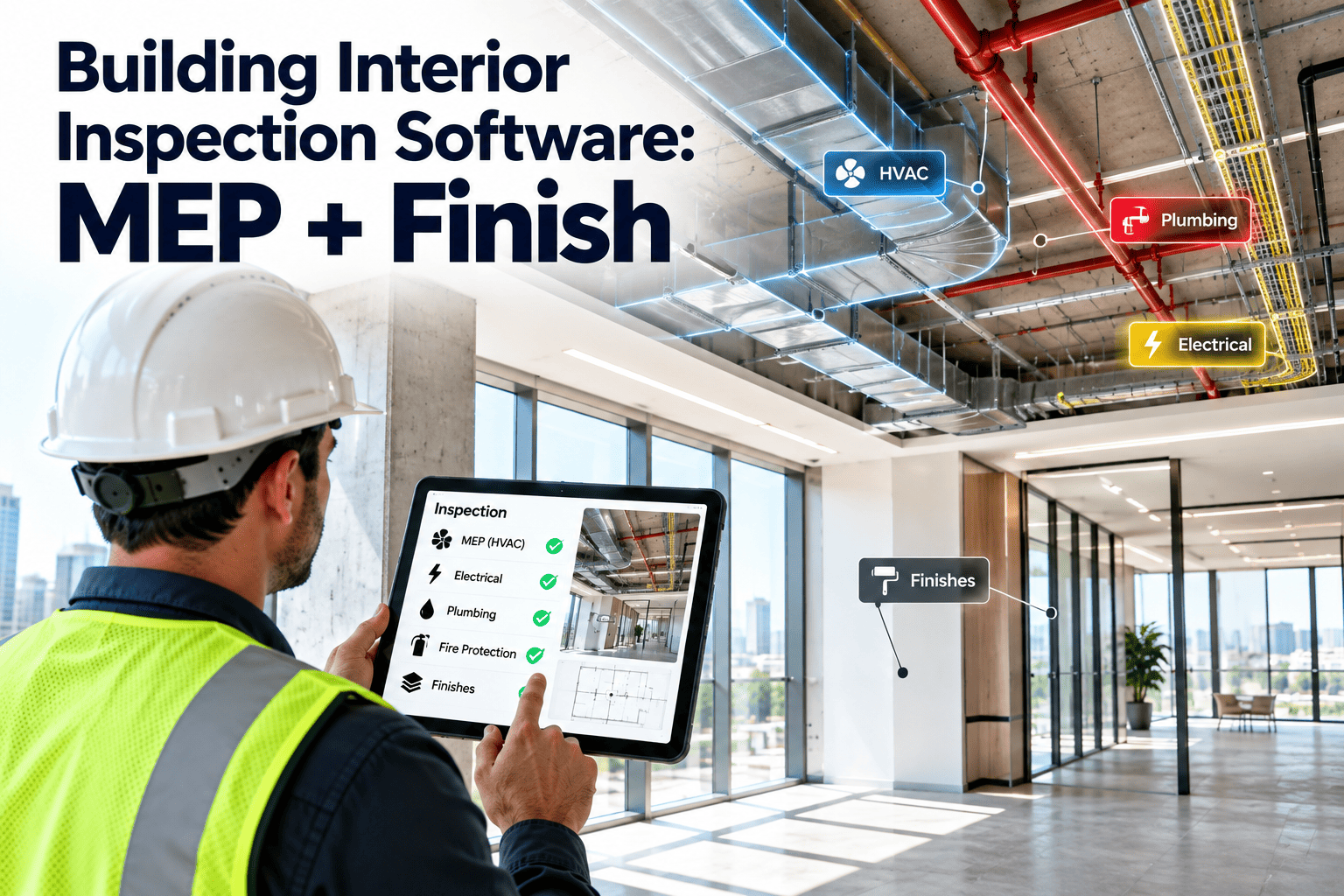
Walk any commercial interior and you are really looking at two different buildings at once — the MEP systems hidden behind walls and ceilings, and the finishes everyone actually sees and touches every day. Most facility teams inspect these separately, on paper, with no shared scoring system, which means a cracked tile and a failing exhaust fan get logged with the same vague severity or, worse, not logged at all. OxMaint's interior inspection software gives facility managers one mobile checklist that covers MEP rooms and finish conditions side by side, scores every defect by severity, and turns flagged items into assigned work orders before the next tour even ends. Build your first interior inspection checklist free and score your next walkthrough in minutes.
One Inspection, Every Room, Every Finish, Every MEP Point
OxMaint combines MEP room checks and finish condition surveys into a single mobile walkthrough, with severity-based defect scoring that routes straight into maintenance work orders instead of sitting in a report nobody reopens.
Two Sides of the Same Interior Walkthrough
- Mechanical rooms, AHU access panels, exposed ductwork
- Electrical panels, breaker rooms, emergency lighting
- Plumbing risers, water heaters, backflow preventers
- Fire suppression heads, pull stations, panel status lights
- Flooring wear, tile cracks, carpet seams and staining
- Wall and ceiling condition, paint, drywall, tile grout
- Door hardware, closers, signage, and glazing
- Restroom fixtures, common area furniture, lighting fixtures
Every Finding Gets a Consistent Severity Score
How a Flagged Item Becomes a Closed Work Order
Recommended Interior Inspection Intervals by Area
| Area Type | Primary Focus | Recommended Interval | Typical Scorer |
|---|---|---|---|
| Mechanical / Electrical Room | MEP condition, access clearance, panel status | Monthly | Facility Technician |
| Common Areas / Lobby | Flooring, wall finish, lighting, signage | Weekly | Facility Staff |
| Restrooms | Fixtures, finish, plumbing condition | Daily | Janitorial Lead |
| Tenant / Office Suites | Ceiling, carpet, doors, HVAC vents | Quarterly | Facility Manager |
| Fire / Life Safety Points | Extinguishers, pull stations, panel lights | Monthly | Certified Technician |
Intervals shown are OxMaint recommended defaults for commercial interiors and can be configured per building, floor, and lease requirement.
See Your First Scored Interior Walkthrough
Bring one floor, one checklist, and thirty minutes — we will show exactly how MEP and finish findings turn into routed work orders in OxMaint.
Questions on Interior Inspection Scoring
Stop Losing Interior Findings to Paper Checklists
OxMaint scores every MEP and finish defect the same way, every time, and turns the ones that matter into tracked work orders automatically.