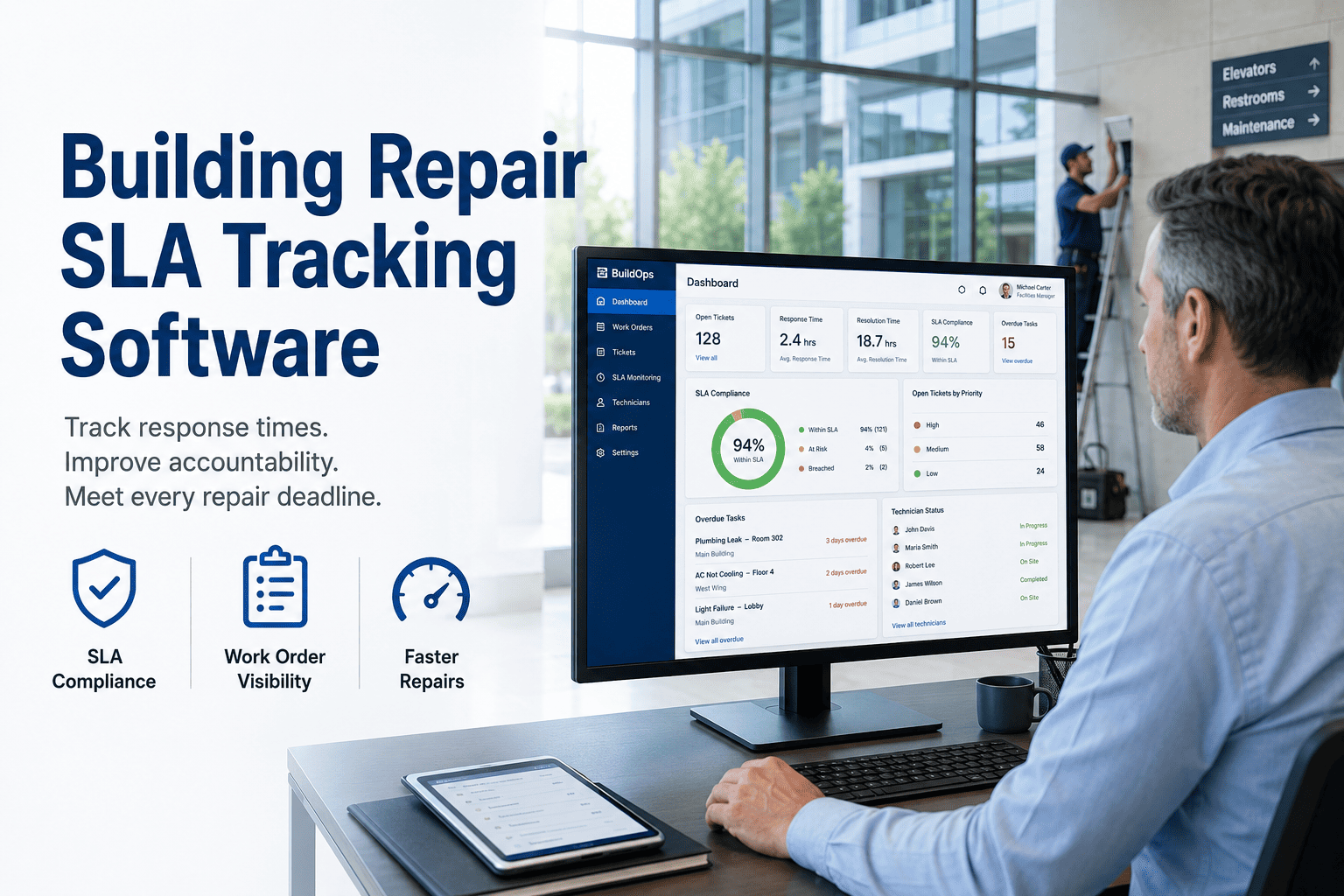
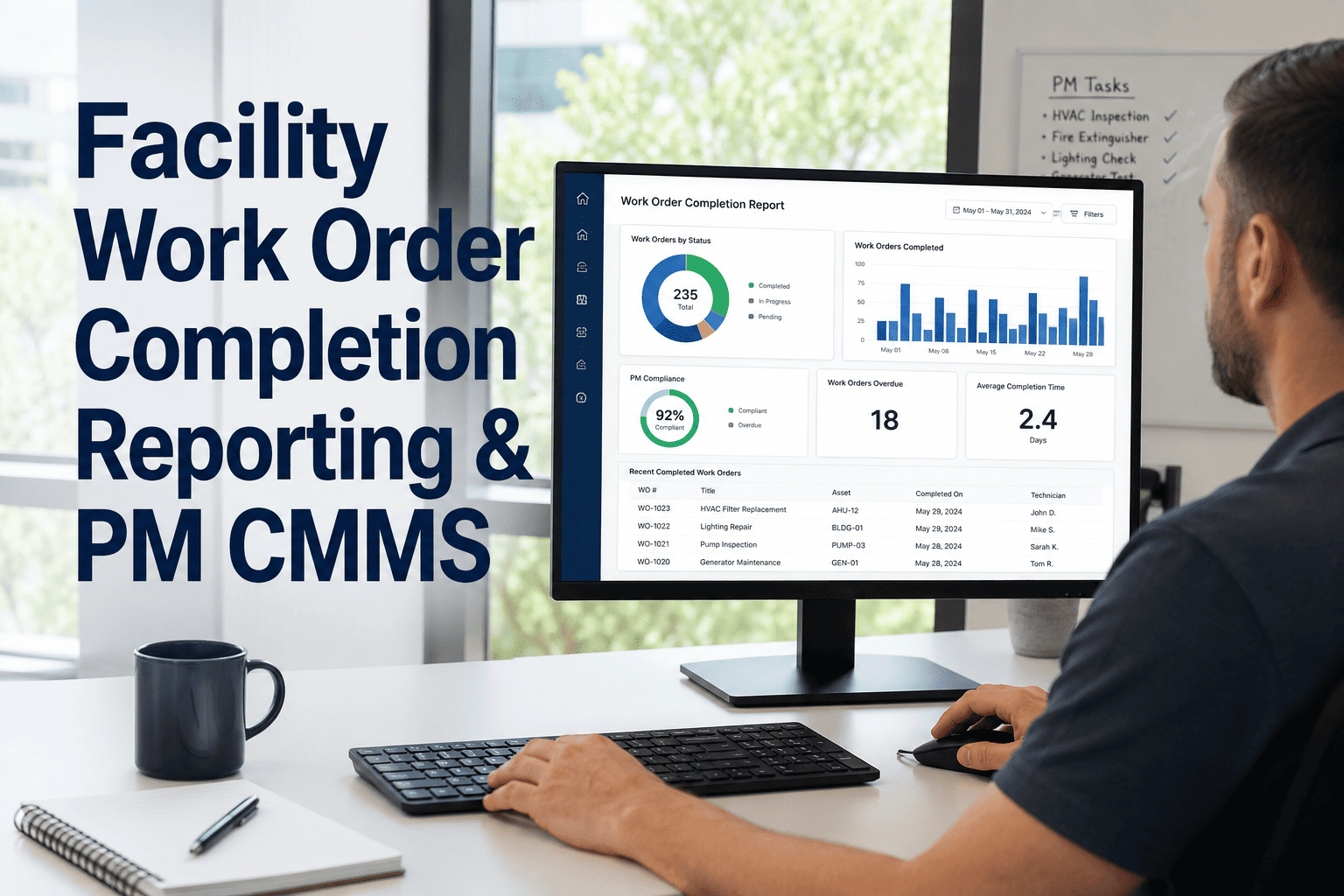
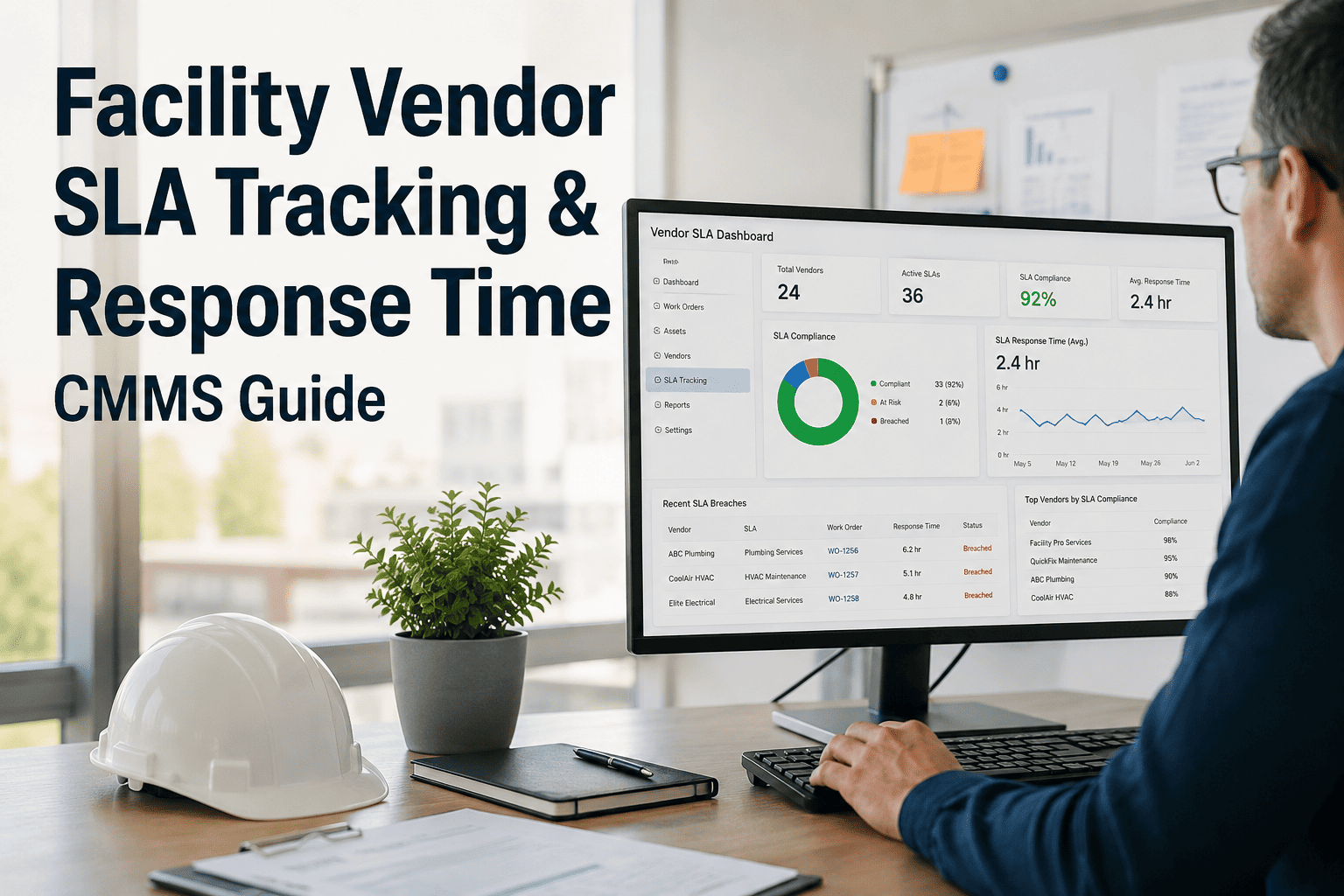
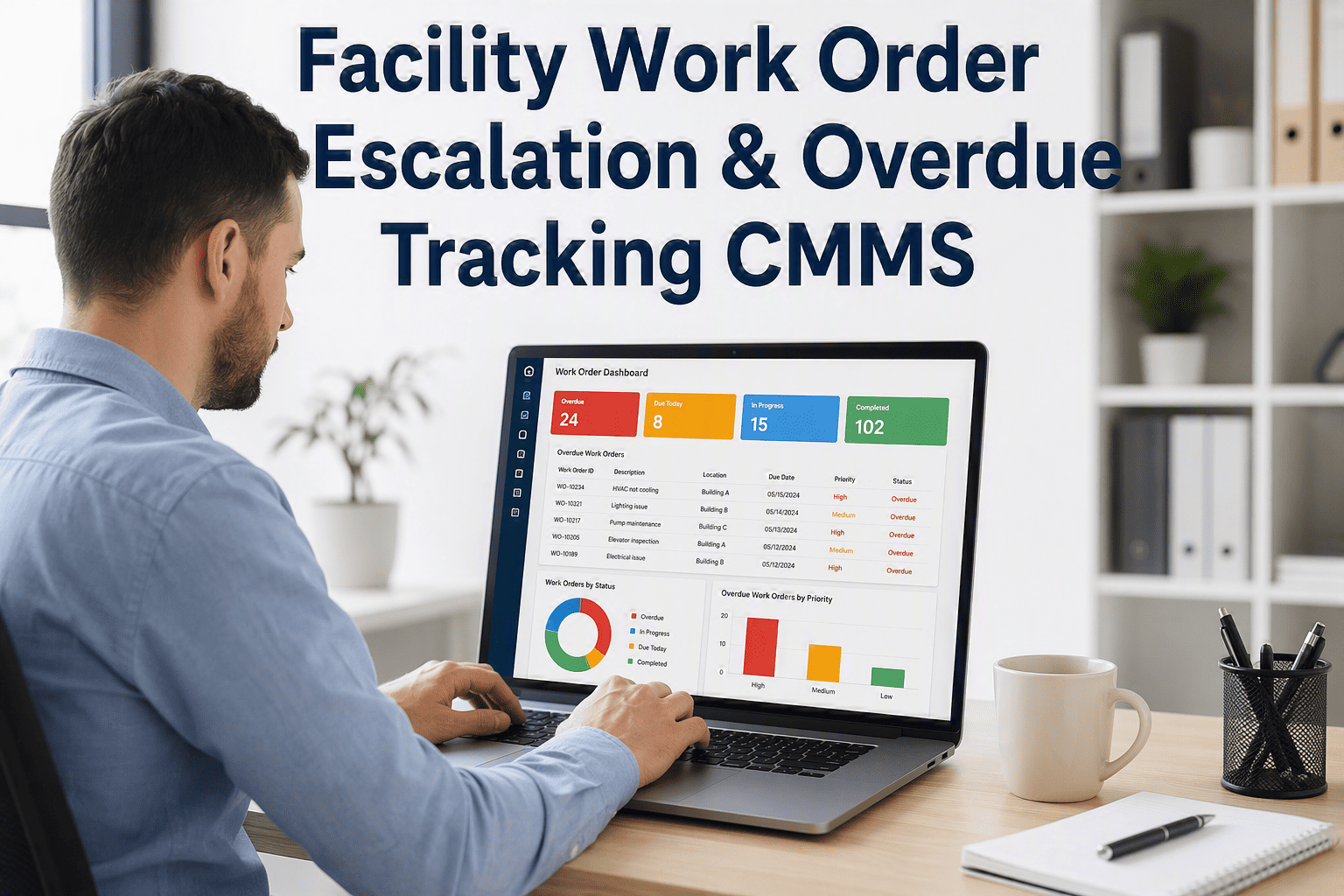
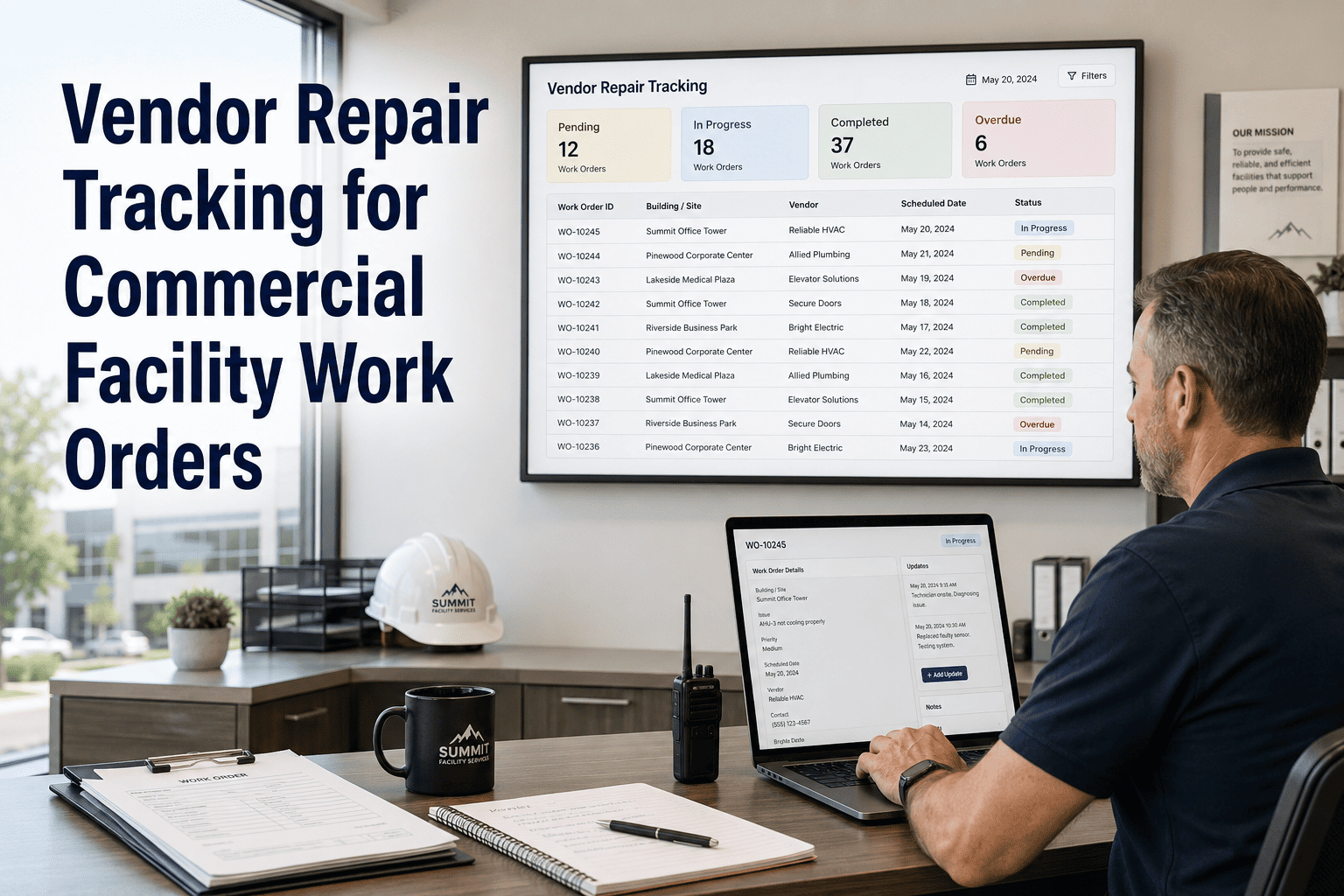
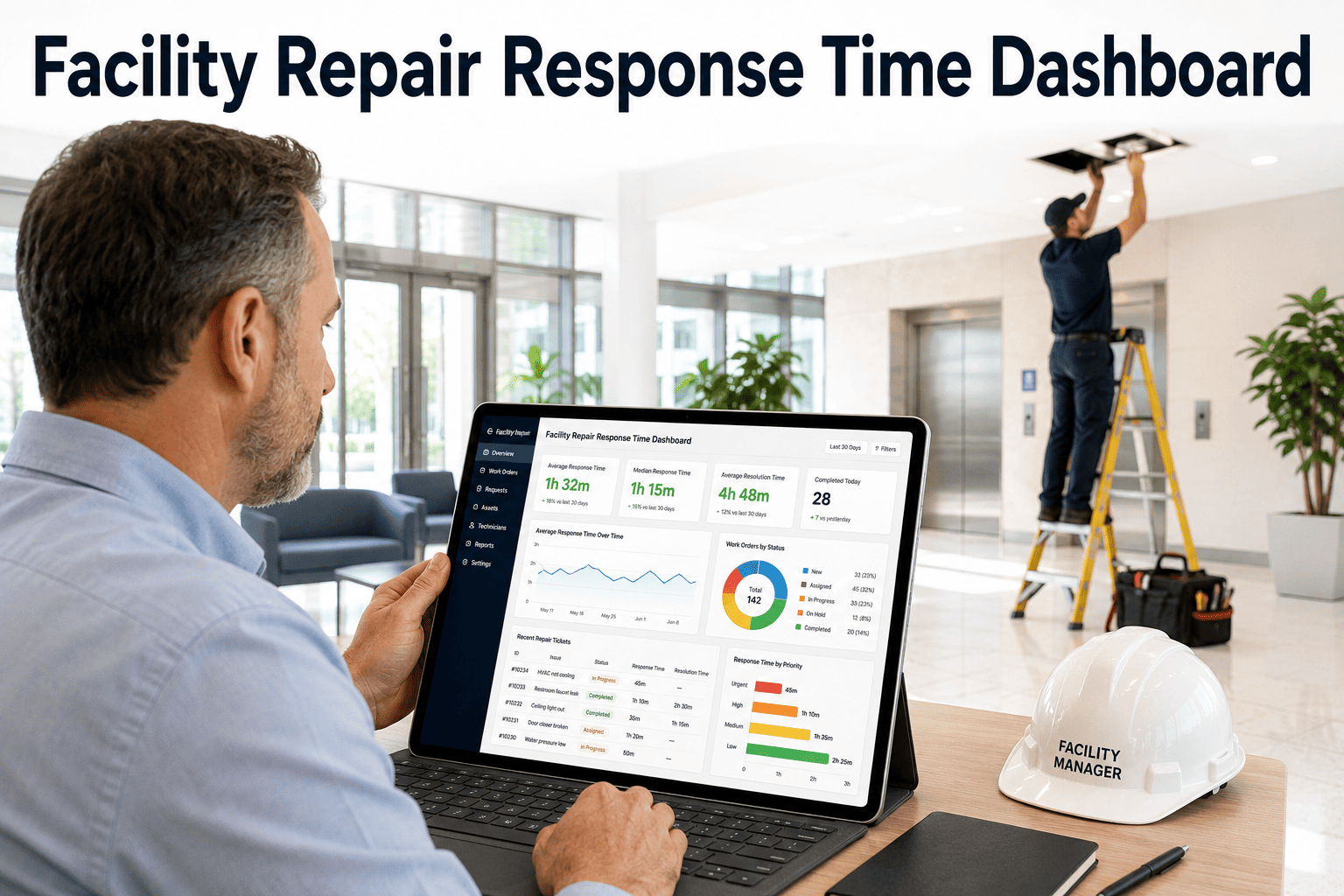
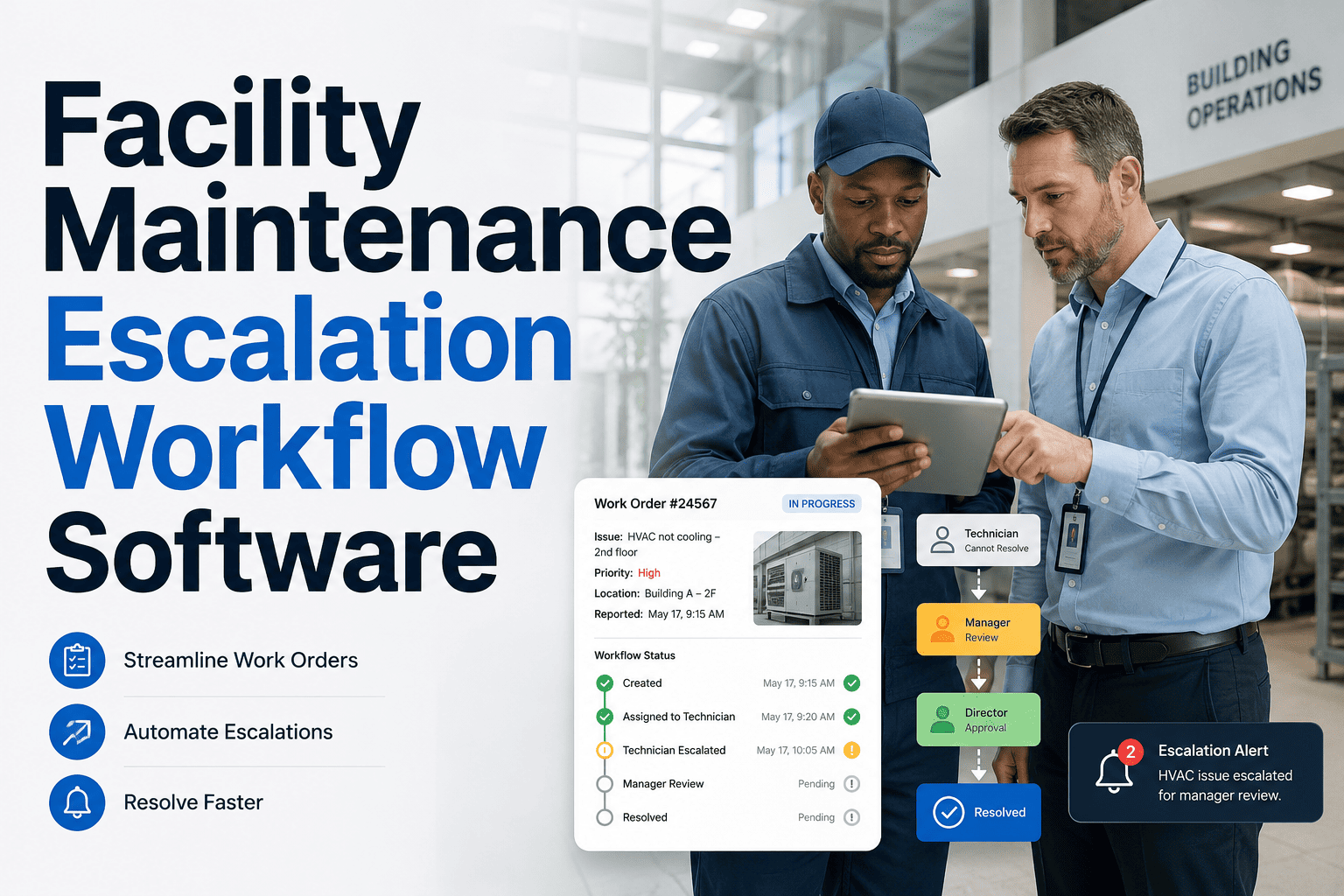
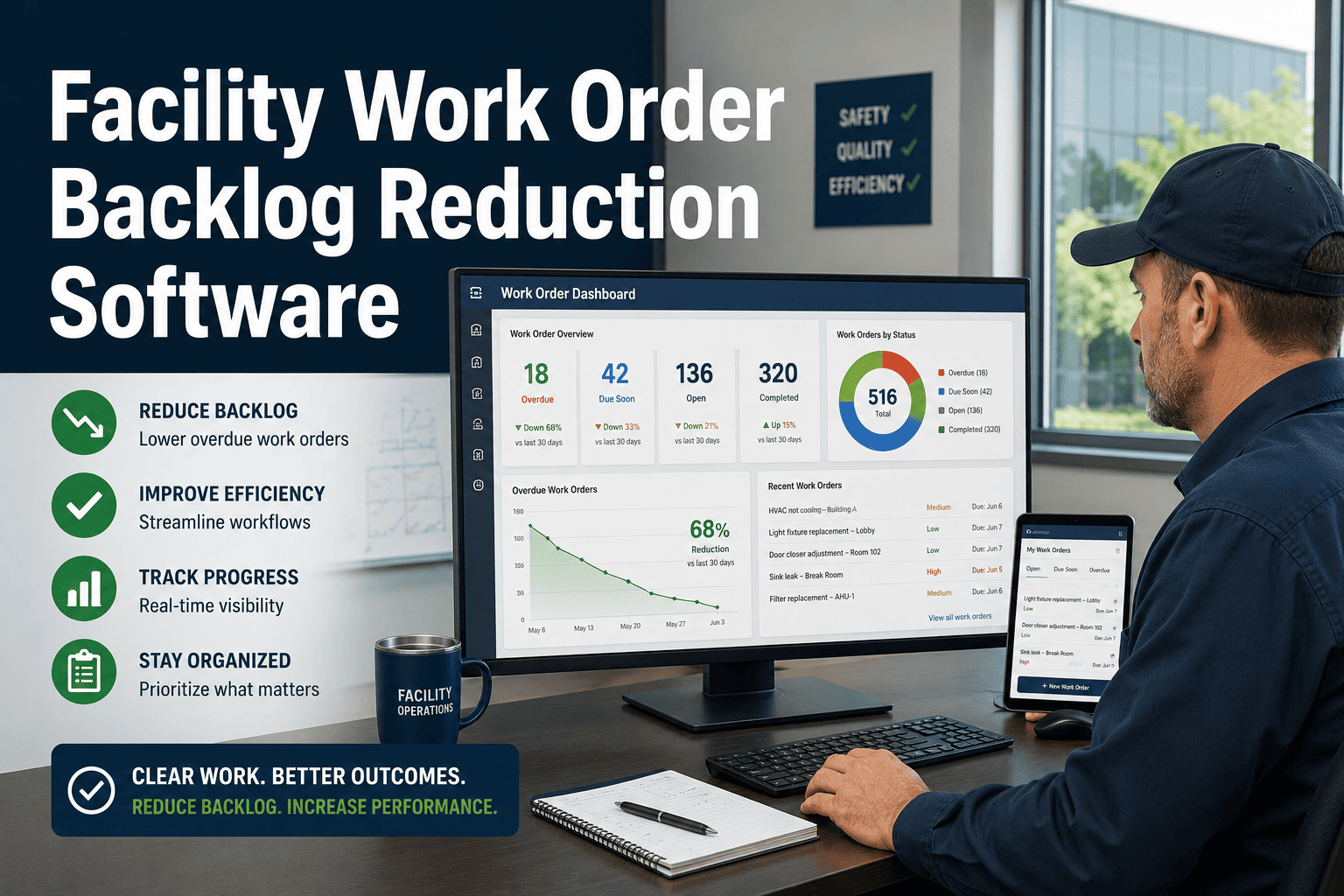
A repair SLA is only as valuable as your ability to measure and enforce it. Most facility teams discover SLA breaches after the fact — when a tenant complaint lands, when a lease renewal fails, or when a monthly report shows response times that no one caught in real time. OxMaint's building repair SLA tracking software gives operations teams live visibility into every open repair, countdown timers on approaching deadlines, automatic escalations when jobs go overdue, and completion proof that satisfies even the most demanding tenant contracts and regulatory audits.
74%
of SLA breaches occur because no one was watching the deadline in real time
2.3x
more tenant complaints in facilities without automated SLA alerts
89%
of SLA breaches are preventable with 4-hour advance warning
How OxMaint Tracks SLAs Across Every Repair and Building
OxMaint assigns a response and completion SLA to every work order at the moment of creation, based on repair category, building zone, tenant contract terms, or custom rules you define. From that point, a live countdown tracks every job — color-coded by urgency — and automatically alerts the responsible technician and supervisor when a job is approaching or breaching its threshold. No manual checking, no missed deadlines buried in email threads.
On Track
75% of SLA window remaining
Alert Fired
25% remaining — technician + supervisor notified
Escalated
10% remaining — manager escalation triggered
Breached
0% — executive alert + breach logged to report
SLA Tracking Features That Prevent Breaches
01
Configurable SLA Rules by Repair Type
Set different SLAs for emergency vs. routine vs. preventive repairs, with separate thresholds by building, floor, or tenant zone. Rules apply automatically at job creation with zero manual setup per ticket.
02
Live Color-Coded Job Dashboard
Every open repair is displayed on a single dashboard with real-time SLA status: green (on track), amber (approaching), red (overdue). Managers see the full picture at a glance without opening individual records.
03
Automated Escalation Chains
Define multi-level escalation sequences: first alert goes to the technician, second to the supervisor, third to facility management. Each level fires automatically when the previous one fails to produce a response.
04
Completion Proof Attachment
Every job closure includes photo documentation, technician sign-off, and a timestamped completion record — defensible evidence for tenant contracts, warranty claims, and compliance audits.
ELIMINATE SLA BREACHES
Stop Discovering SLA Failures in a Monthly Report. See Every Breach Risk the Moment It Forms.
OxMaint's live SLA dashboard, automated alerts, and completion proof tracking give your operations team the visibility to prevent breaches — not just document them after they happen. Book a demo today.
SLA Performance Benchmarks by Building Type
| Repair Category |
Industry Avg Response |
OxMaint Client Avg |
SLA Compliance Rate |
| Emergency (Life-Safety) |
45 min |
18 min |
97% |
| HVAC & Mechanical |
6 hours |
2.4 hours |
93% |
| Plumbing |
4 hours |
1.8 hours |
95% |
| Electrical |
5 hours |
2.1 hours |
94% |
| General Maintenance |
3 days |
1.1 days |
91% |
Expert Review
Sandra Okonkwo — Facility Manager, Class-A Commercial Tower Portfolio, 17 Years Experience
"We had three major tenants threaten lease non-renewal because of our repair response times. The issue wasn't that our team was slow — it was that no one knew which jobs were at risk until they were already overdue. After six months with OxMaint's SLA tracking, we went from a 71 percent SLA compliance rate to 94 percent. The color-coded dashboard and automated alerts changed the behavior of the entire operations team — nobody wants to see a red card with their name on it. Our tenant satisfaction scores improved by 28 points in the same period."
Frequently Asked Questions
Can I set different SLA rules for different tenants or contracts?
Yes. OxMaint allows fully custom SLA configurations by tenant, building zone, repair category, or any combination you define. A premium tenant with a 2-hour emergency response clause can have different thresholds than a standard tenant with a 4-hour requirement — and each job routes, alerts, and escalates according to the right rule automatically.
Sign up free to explore SLA configuration options for your portfolio.
How does OxMaint generate SLA compliance reports for tenant reviews?
OxMaint automatically generates SLA compliance reports showing response times, completion times, breach events, and photo-documented job closures for any date range, building, or repair category. Reports can be filtered by tenant, exported as PDF or CSV, and scheduled for automatic delivery on a weekly or monthly basis. These reports are built to satisfy tenant contract reviews, property management audits, and corporate governance requirements.
What counts as a valid SLA completion in OxMaint?
A valid completion requires technician sign-off, an attached before-and-after photo (configurable), a timestamp, and — optionally — a tenant or manager acknowledgment signature. All completion records are immutable and time-stamped at the point of closure, providing tamper-proof evidence for disputes. If a job is closed without meeting the required proof fields, the system will block closure and prompt the technician to complete all required steps before submitting.
Book a demo to see the full closure workflow.
Can SLA tracking work across multiple buildings managed by different teams?
Yes. OxMaint's SLA tracking is designed for multi-building and multi-team operations. Each building can have its own SLA rules, escalation chains, and performance dashboards while still feeding into a consolidated portfolio-level compliance view for senior management. Individual building managers see only their building's SLA data, while property directors and executives can monitor SLA performance across all locations in a single dashboard view.