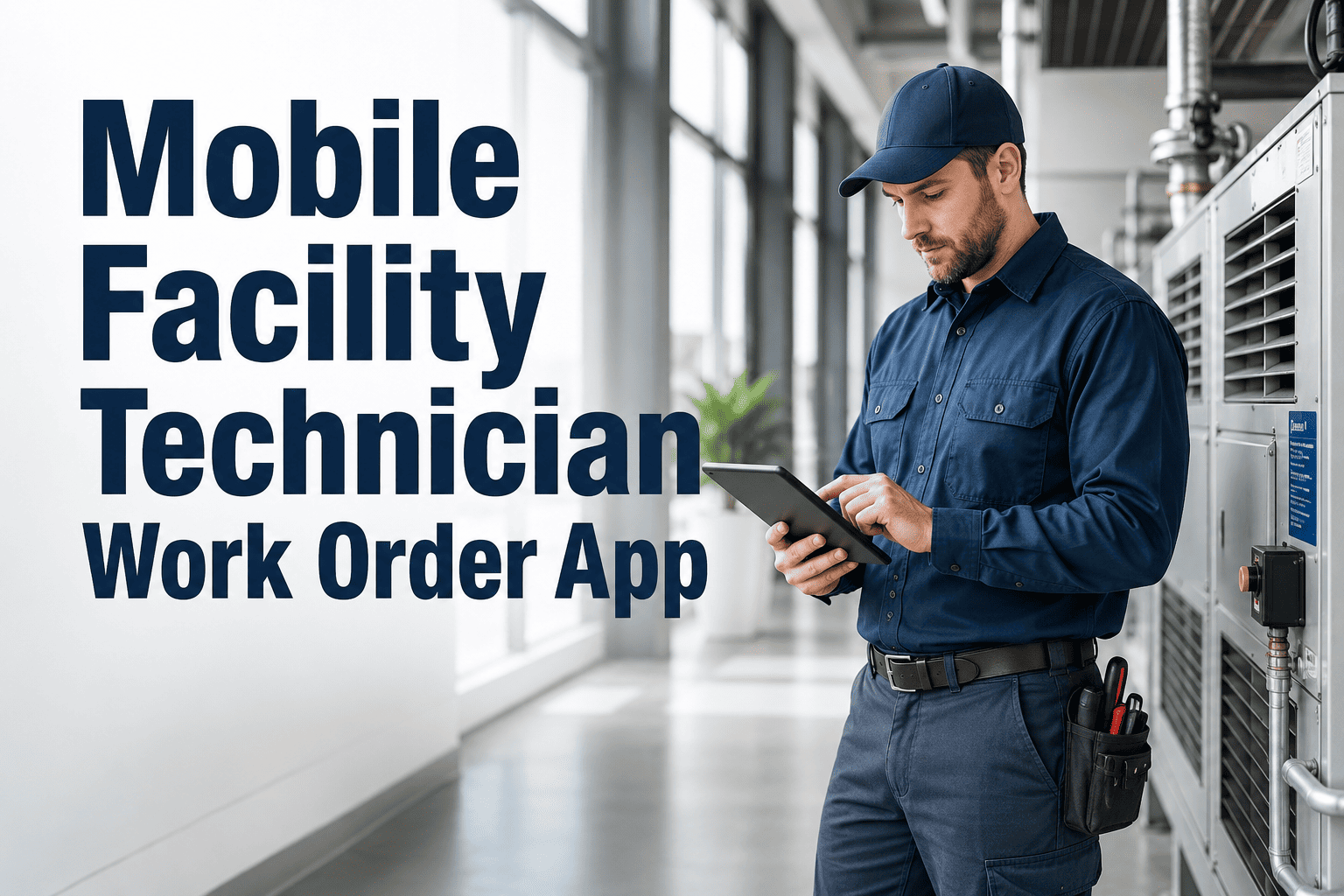
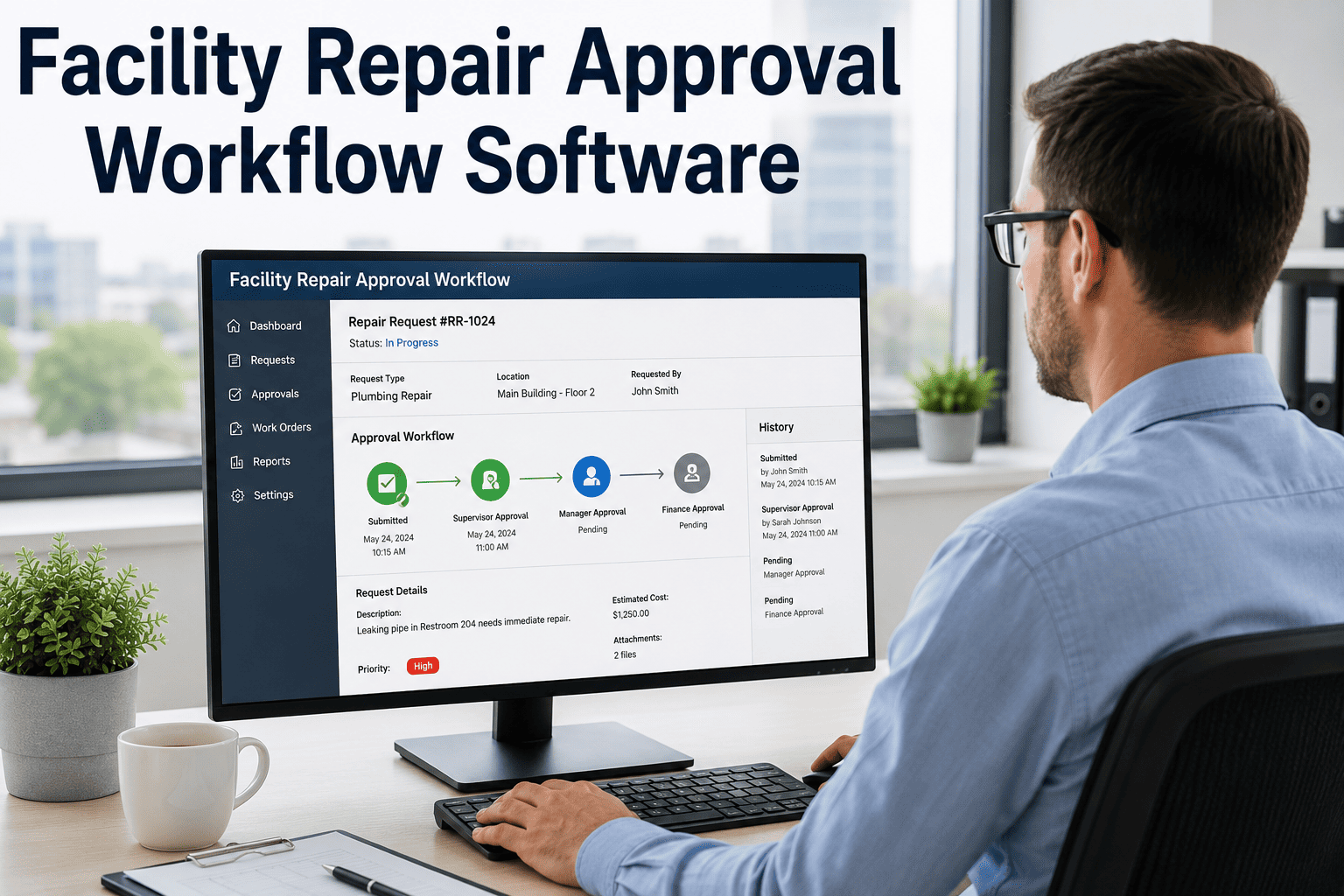
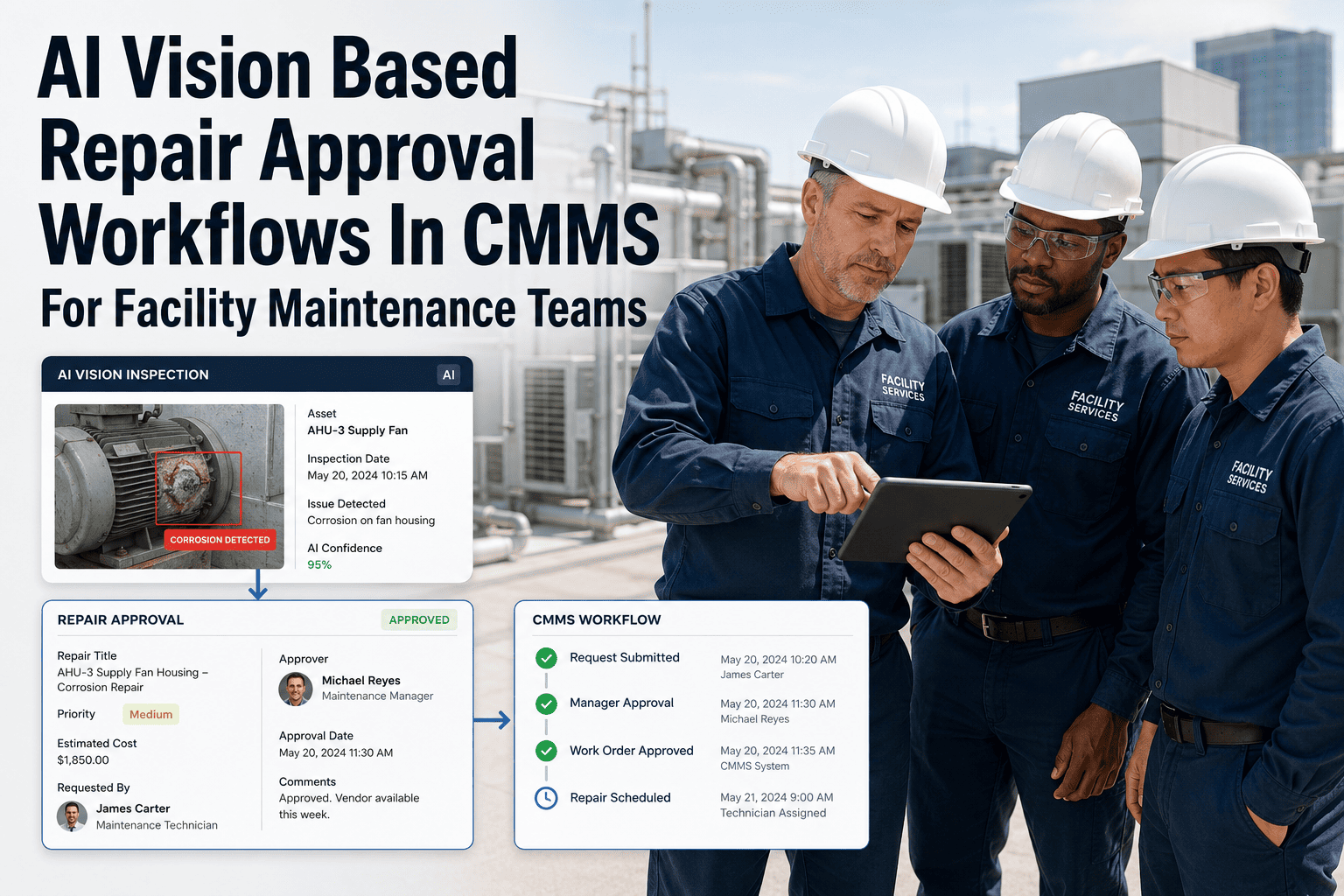
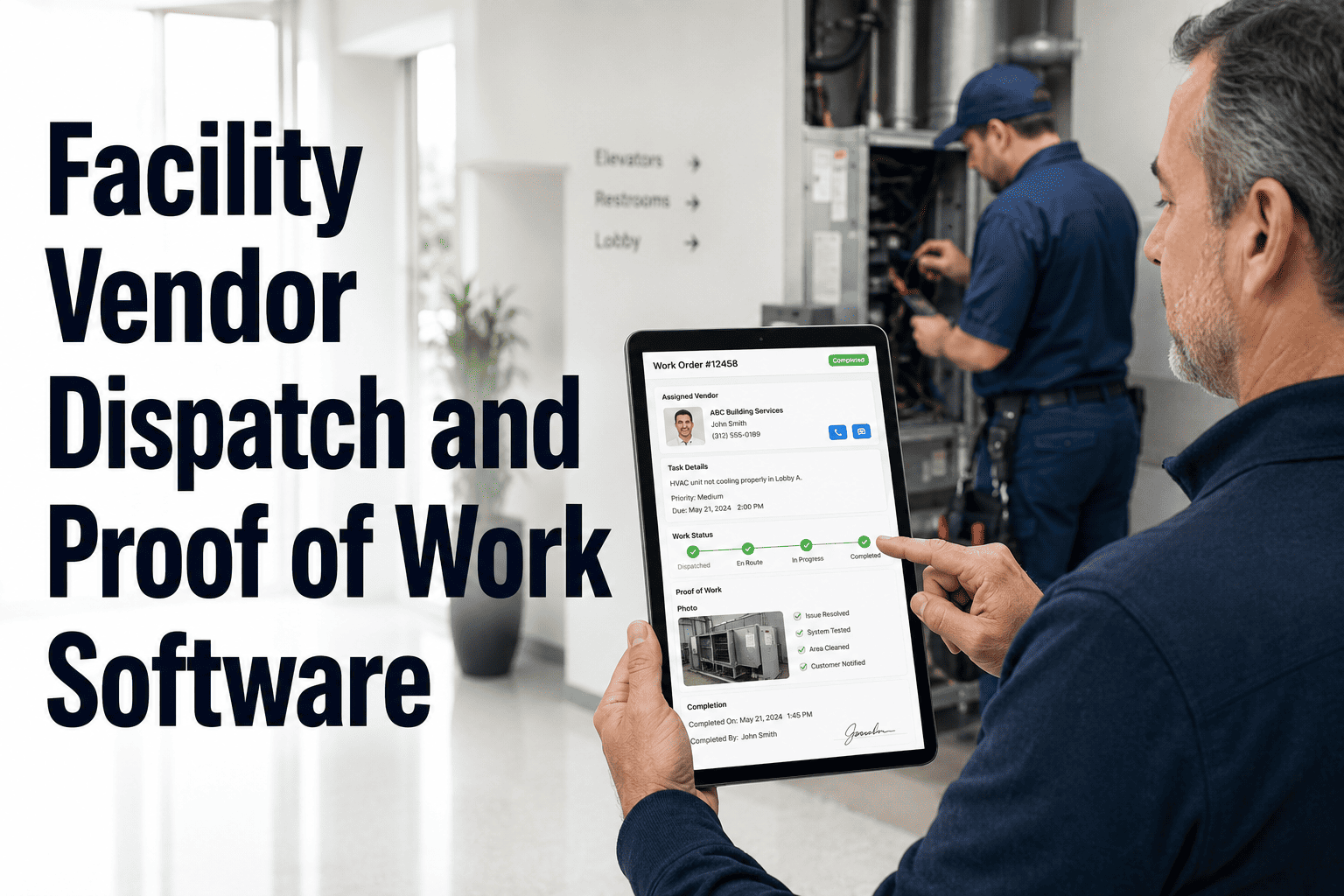
Field technicians spend an average of 90 minutes per shift on paperwork, verbal status updates, and office check-ins — time that belongs on the floor, not behind a desk. OxMaint's mobile facility technician app puts the full work order lifecycle in a technician's pocket: scan assets with a QR code, receive job assignments with asset context, update status in real time, capture photo proof, and close tasks — all from a smartphone, with or without internet. The result is faster repairs, cleaner records, and zero back-and-forth.
90 min
saved per technician daily
QR
scan-to-asset in under 2 sec
100%
photo-documented job closure
Offline
mode — syncs on reconnect
What a Technician Can Do With OxMaint Mobile
Scan Assets via QR Code
Point the phone camera at any QR-tagged asset to instantly pull up full repair history, open work orders, and scheduled PMs — no manual lookup, no login required per asset.
Receive and Accept Job Assignments
Work orders arrive as push notifications with asset location, priority level, job description, and previous repair notes pre-loaded — no verbal briefing needed.
Update Job Status in Real Time
Technicians tap to mark jobs in progress, on hold (with reason), or completed — managers see every status change live on the dashboard without making a single phone call.
Capture Photo and Video Proof
Before and after photos attach directly to the work order record, creating an auditable completion trail that satisfies both operations management and tenant dispute resolution.
Request Parts and Materials
Submit part requests directly from the job screen — stores and inventory managers receive requests instantly with asset context and job priority attached.
Close and Sign Off Tasks
Digital job closure with technician signature, time stamp, and optional client sign-off creates a complete record without paper forms or manual data entry.
EQUIP YOUR FIELD TEAM TODAY
Your Technicians Are Ready — Give Them a Tool That Matches Their Speed in the Field.
OxMaint mobile is built for how technicians actually work — fast, physical, and disconnected half the time. See the full mobile demo and try it with your team's real work order flow.
Before vs After: Technician Workday Impact
Without Mobile App
Receive jobs via radio, calls, or paper list
Walk to office to pull asset manual or history
Update status by calling supervisor
Carry paper forms for every job
End-of-shift manual data entry in office
No proof of completion except verbal sign-off
With OxMaint Mobile
Instant push notification with full job detail
Scan QR — full asset history loads in 2 seconds
One tap updates status visible to everyone
Digital forms auto-populate from asset data
Auto-sync on job close — zero data entry
Photo proof attached to permanent job record
Expert Review
David Osei — Chief Engineer, Commercial Property Management, 22 Years Experience
"Our technicians resisted going digital for years because every app we tried slowed them down more than the paper system did. OxMaint mobile was different — within two weeks, the team stopped asking for paper work orders entirely. The QR scan feature is the single biggest time saver: scanning a chiller and getting a full repair history in two seconds versus spending ten minutes finding the maintenance binder is a completely different world. We also eliminated our end-of-day log-in session entirely because every update happens at the asset, in real time."
App Compatibility and Deployment
| Feature |
iOS |
Android |
Offline Mode |
| Work Order Management |
Full |
Full |
Supported |
| QR / Barcode Scanning |
Full |
Full |
Supported |
| Photo & Video Capture |
Full |
Full |
Queued on reconnect |
| Push Notifications |
Full |
Full |
Delivered on reconnect |
| Digital Sign-Off |
Full |
Full |
Supported |
| Parts Request |
Full |
Full |
Queued on reconnect |
Frequently Asked Questions
How long does it take to onboard technicians to the OxMaint mobile app?
Most technicians are fully operational within one to two hours of initial setup. The app is designed for field users, not office workers — the interface uses large tap targets, clear job cards, and a minimal number of steps to complete any action. OxMaint provides guided onboarding videos and a mobile-first help system. Teams of 20 or more technicians can be onboarded in a single training session.
Book a demo to see the onboarding process from technician's perspective.
Can technicians see only their assigned jobs, or the full work order list?
Access is configurable by role. Technicians by default see only their own assigned jobs to keep the app focused and uncluttered. Senior technicians and team leads can be granted visibility into team queues to assist with coverage decisions. Supervisors and managers have full dashboard access across all technicians and buildings. Role-based permissions can be adjusted at any time through the admin portal without requiring app reinstallation.
What happens to job data if a technician's phone is lost or replaced?
All work order data is stored on OxMaint's secure cloud servers, not on the device. If a technician's phone is lost or replaced, logging in to the app on a new device immediately restores access to all job history, assignments, and asset data. No data is lost, and there is no need to manually transfer records or rebuild job histories. Security administrators can remotely revoke access to lost devices through the admin portal.
Does the mobile app integrate with existing CMMS or building management systems?
Yes. OxMaint connects with major CMMS platforms, building management systems, and ERP tools via API and native integrations. Work orders created in existing systems can flow into OxMaint mobile automatically, and job completions sync back to the source system. This allows facilities to extend mobile capabilities to their existing workflows without replacing their core management platform.
Sign up free to explore available integrations for your current stack.
EQUIP YOUR FIELD TEAM TODAY
Your Technicians Are Ready — Give Them a Tool That Matches Their Speed in the Field.
OxMaint mobile is built for how technicians actually work — fast, physical, and disconnected half the time. See the full mobile demo and try it with your team's real work order flow.