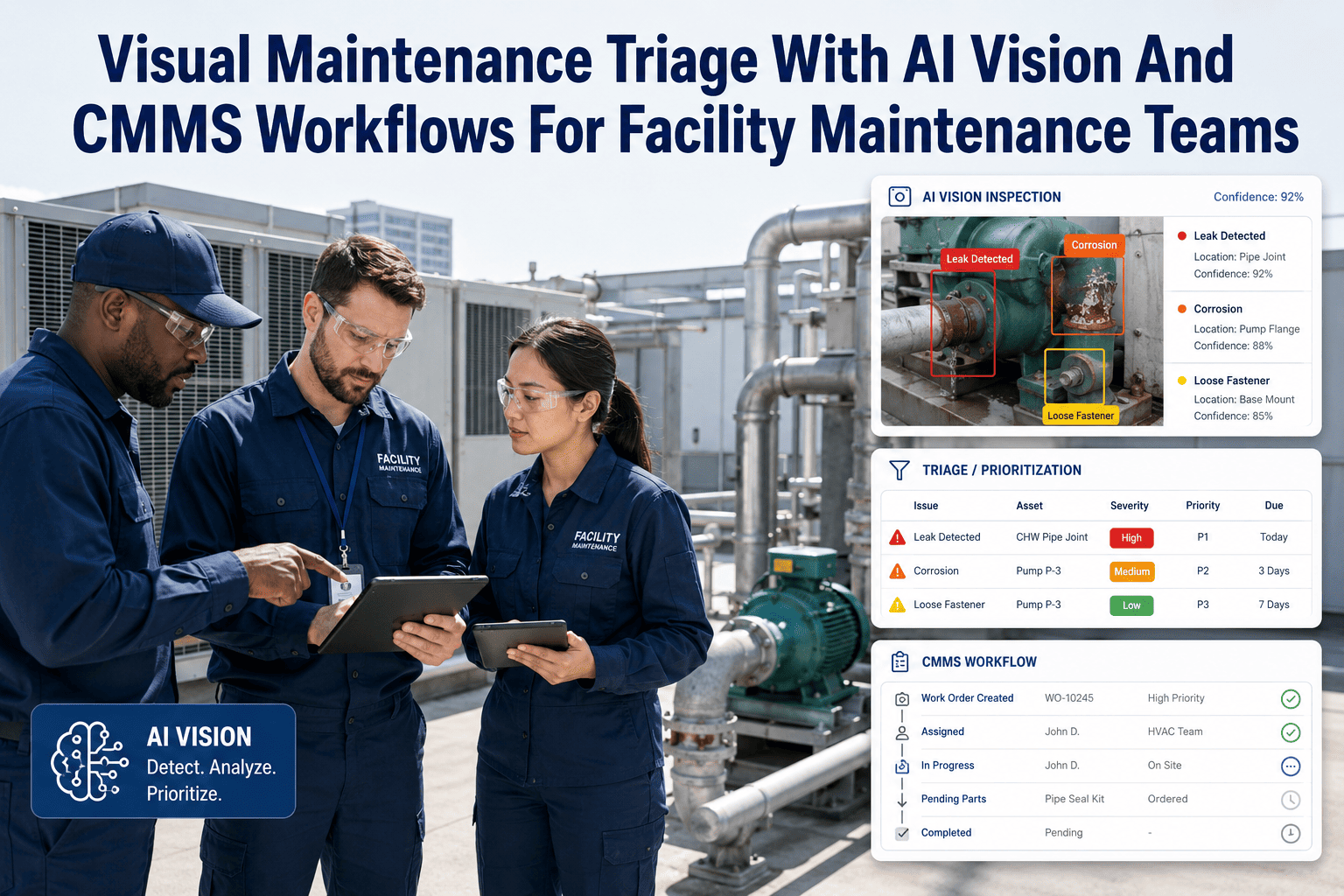
School and university facilities teams are sitting on thousands of unreported defects every semester — cracked stair treads, exposed wiring, failing exit signs — because the people who walk past them every day have no fast way to report what they see. Most K-12 districts and campuses still rely on paper logs or email chains that lose photo evidence by the time a technician arrives. OxMaint's AI Vision architecture closes that gap by turning any phone camera into a structured CMMS input — classifying the defect, opening a work order, and attaching the photo as permanent audit evidence. Book a demo to see the integration mapped to your campus systems.
Integration Guide · Education Facilities
CMMS Integration Architecture for AI Vision Maintenance in Schools and Campuses
71%
Of campus safety defects are reported late or not at all under manual logging
3.2x
Faster work order creation when a photo auto-classifies into the CMMS
100%
Photo-evidence trail retained for compliance and insurance review
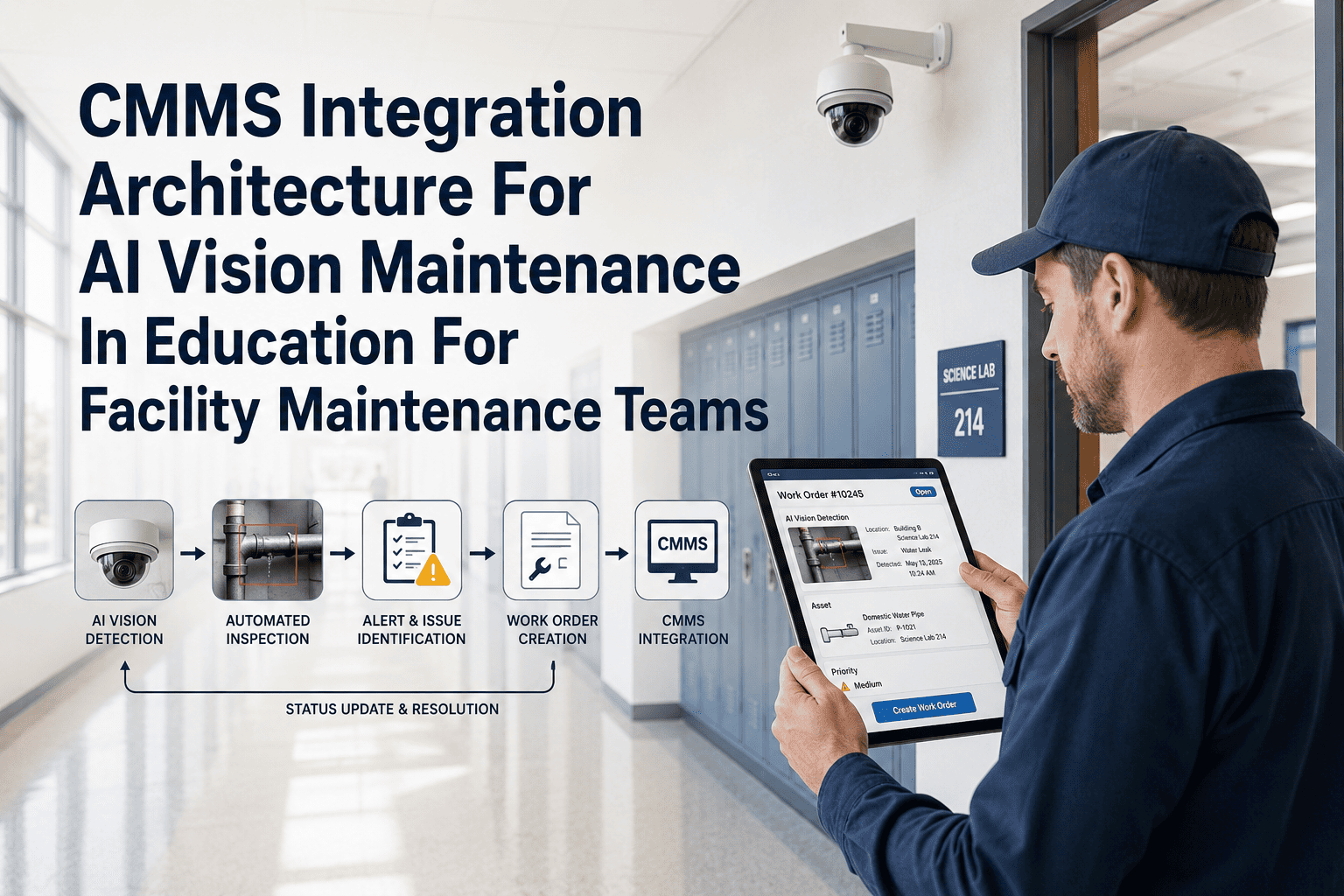
How The Pipeline Connects
From Hallway Photo to Closed Work Order: The Four-Layer Architecture
01
Capture Layer
Staff, custodians, or campus security capture a photo through the mobile app or a fixed corridor camera feed. No special hardware is required beyond an existing smartphone.
02
AI Classification Layer
Computer vision models trained on facility defect categories — structural, electrical, plumbing, life-safety — tag the image and assign a preliminary priority score in under two seconds.
03
CMMS Routing Layer
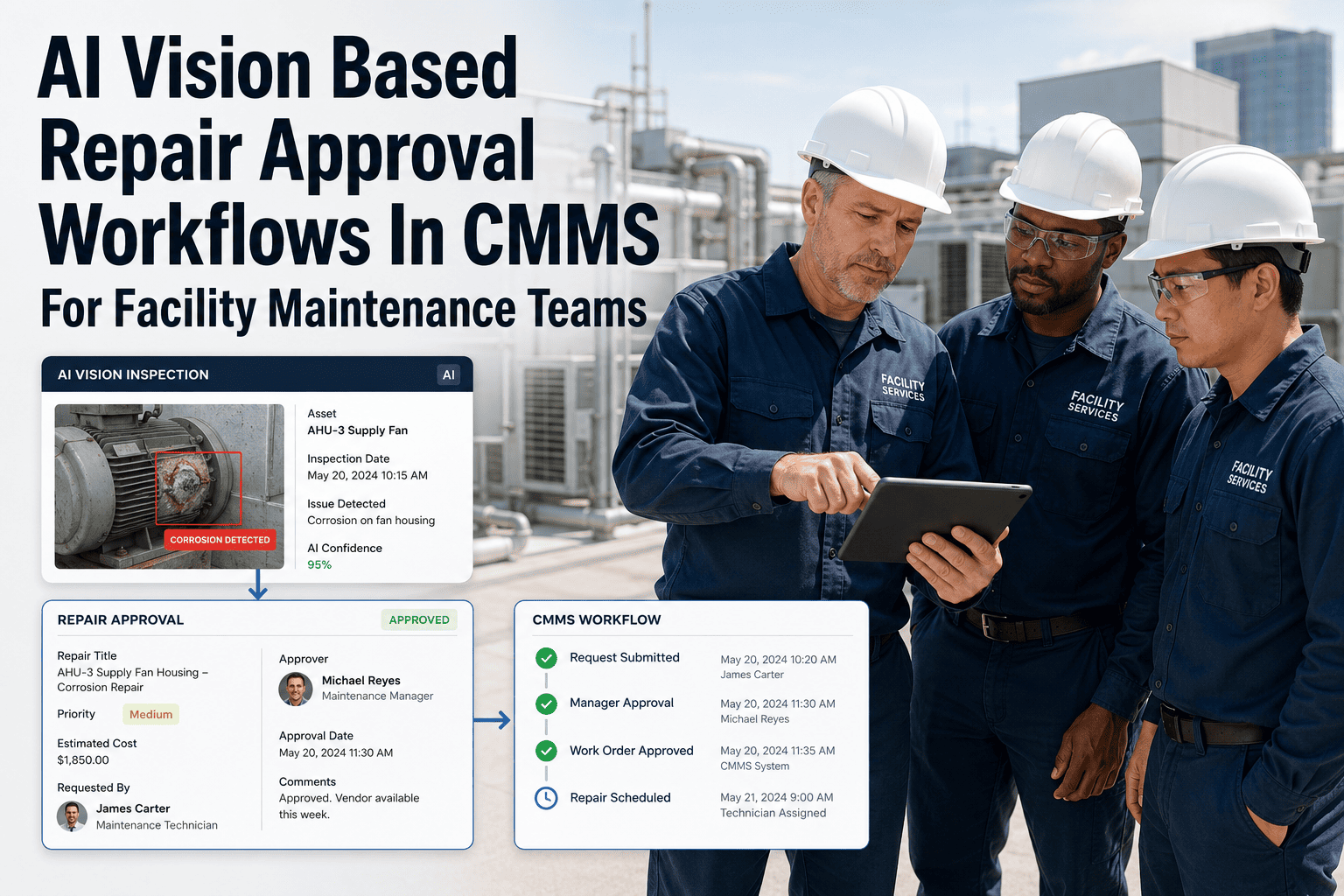
OxMaint matches the classified defect to the correct building, asset record, and trade-qualified technician, then opens a work order with the photo attached as evidence.
04
Audit and Closure Layer
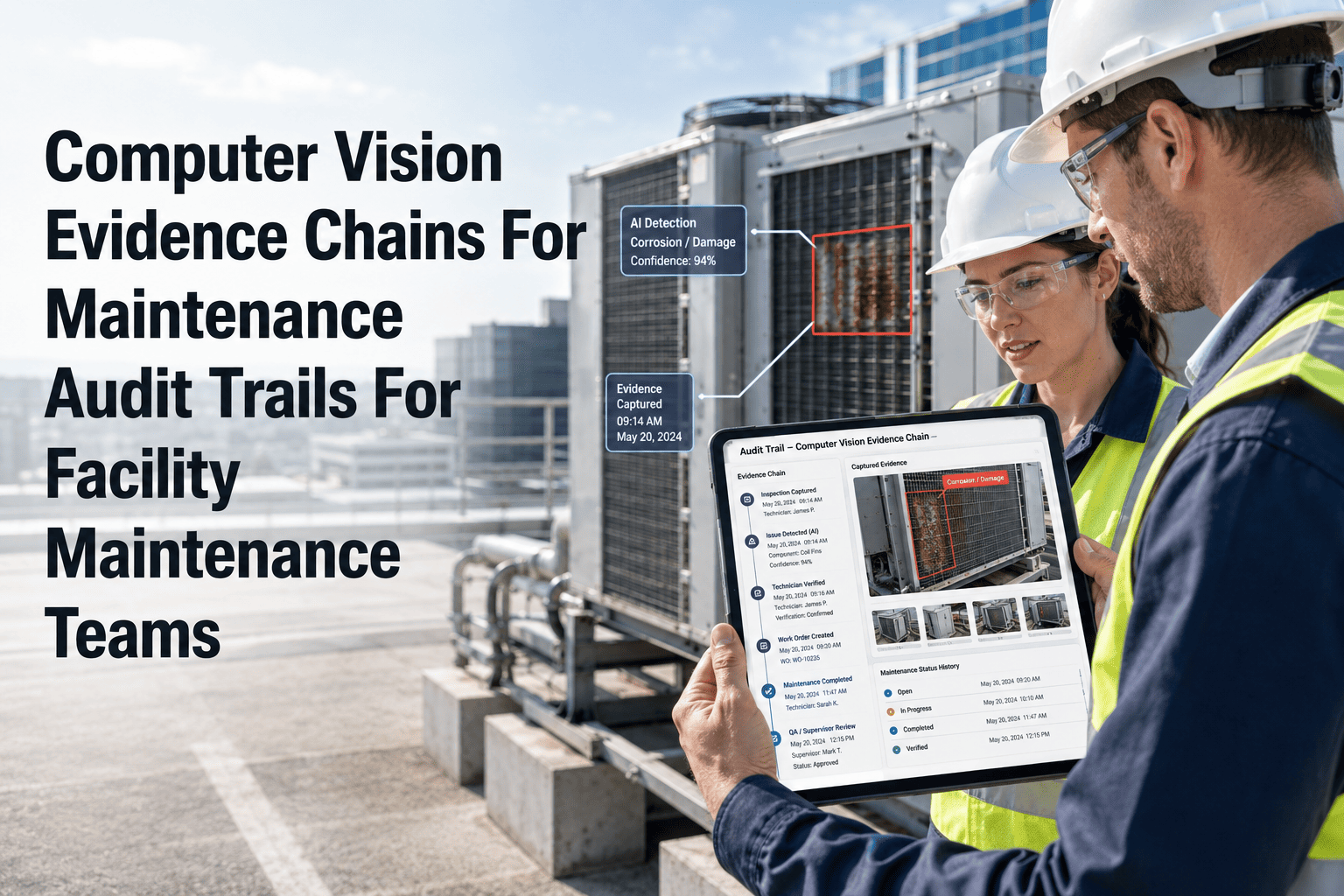
A second photo at completion is matched against the original defect, creating a before-and-after evidence pair stored permanently for compliance reporting.
See This Architecture Running on Your Campus Buildings
OxMaint maps every classroom, hallway, and mechanical room to a live asset register so AI-flagged defects route to the right work order automatically.
Where It Plugs In
Education-Specific Defect Categories the AI Model Recognizes
| Defect Category |
Example on Campus |
Default Priority |
Routed To |
| Life-Safety |
Blocked fire exit, dead exit sign |
Critical |
Facilities Safety Lead |
| Structural |
Cracked stair tread, ceiling tile sag |
High |
Building Trades Tech |
| Electrical |
Exposed wiring, flickering panel light |
High |
Licensed Electrician |
| Plumbing |
Restroom leak, fountain malfunction |
Medium |
Plumbing Technician |
| Cosmetic |
Scuffed wall, peeling paint |
Low |
General Maintenance |
Integration Requirements
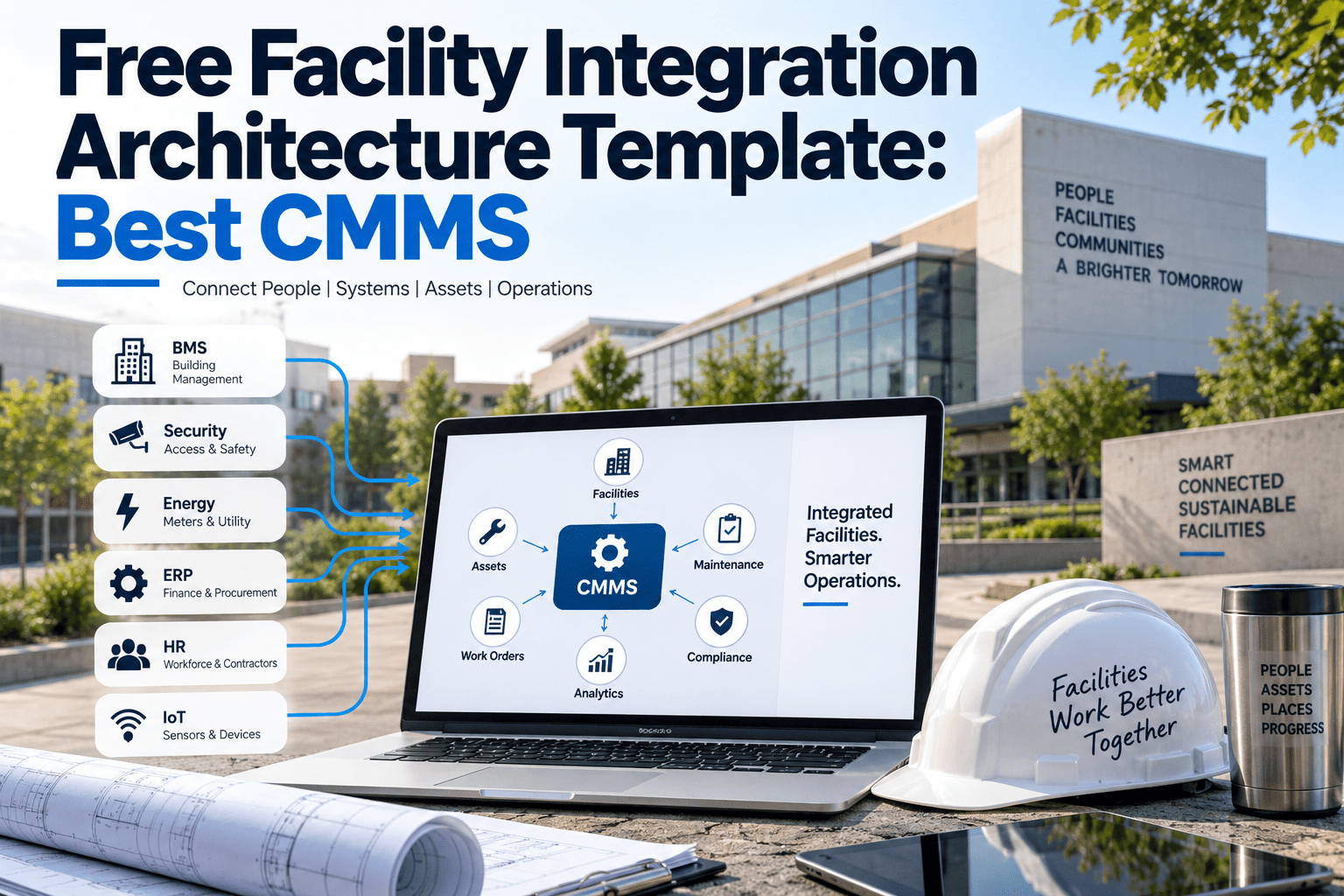
What's Needed to Connect Existing Campus Systems
01
Asset Register
Buildings, rooms, and equipment mapped once during onboarding so every photo can be matched to a physical location.
02
API Connection
OxMaint's API accepts image and metadata payloads from mobile devices or existing camera infrastructure without custom development.
03
Alert Routing Rules
District-defined escalation paths so a life-safety classification reaches the right staff member within minutes, not days.
04
Evidence Dashboard
A single view for facilities directors to review open defects, closure photos, and response times across every campus building.
Expert Review
What Facilities Researchers Say About Visual-First Reporting
School facility condition assessments consistently find that the gap between defect occurrence and defect reporting is the single largest driver of deferred maintenance backlogs. Campuses that lower this gap through photo-based reporting tools see measurably faster work order initiation and fewer repeat safety incidents tied to the same unresolved issue.
— Journal of Facilities Management, School Infrastructure Studies
Computer vision classification of facility defects has matured to the point where general-purpose models can reliably distinguish life-safety issues from cosmetic ones, making automated triage a practical addition to existing CMMS workflows rather than a future concept.
— International Journal of Building Pathology, AI in Facilities Research
FAQs
Frequently Asked Questions
Does staff need training to use the AI vision capture feature?
Minimal training is required since the workflow is just taking a photo through the existing OxMaint mobile app. Most districts run a 15-minute orientation covering how to add a short note alongside the photo for context.
Start a free trial to test the capture flow with your own staff before rolling it out campus-wide.
Can the system connect to cameras we already have installed in hallways?
Yes, OxMaint's API can ingest still frames from existing corridor camera feeds where permitted by district policy, in addition to mobile photo capture. This is typically configured during onboarding alongside your asset register setup.
Book a demo to discuss your specific camera infrastructure.
How does OxMaint avoid false alerts from harmless photos?
The classification model assigns a confidence score alongside each defect tag, and low-confidence results route to a human review queue rather than auto-opening a work order. This keeps technician workloads focused on verified issues. Districts can also adjust confidence thresholds during setup.
Is the photo evidence trail useful for insurance or compliance audits?
Yes, every defect record retains the original report photo, the work order history, and the closure photo in one permanent file, which districts commonly export during insurance claims or state safety audits.
Sign up free to see how the evidence file is structured before your next audit cycle.
AI Vision Architecture
Give Every Hallway Photo a Direct Path to a Closed Work Order
OxMaint connects capture, classification, routing, and audit evidence into one architecture built for how campus facilities teams actually work.