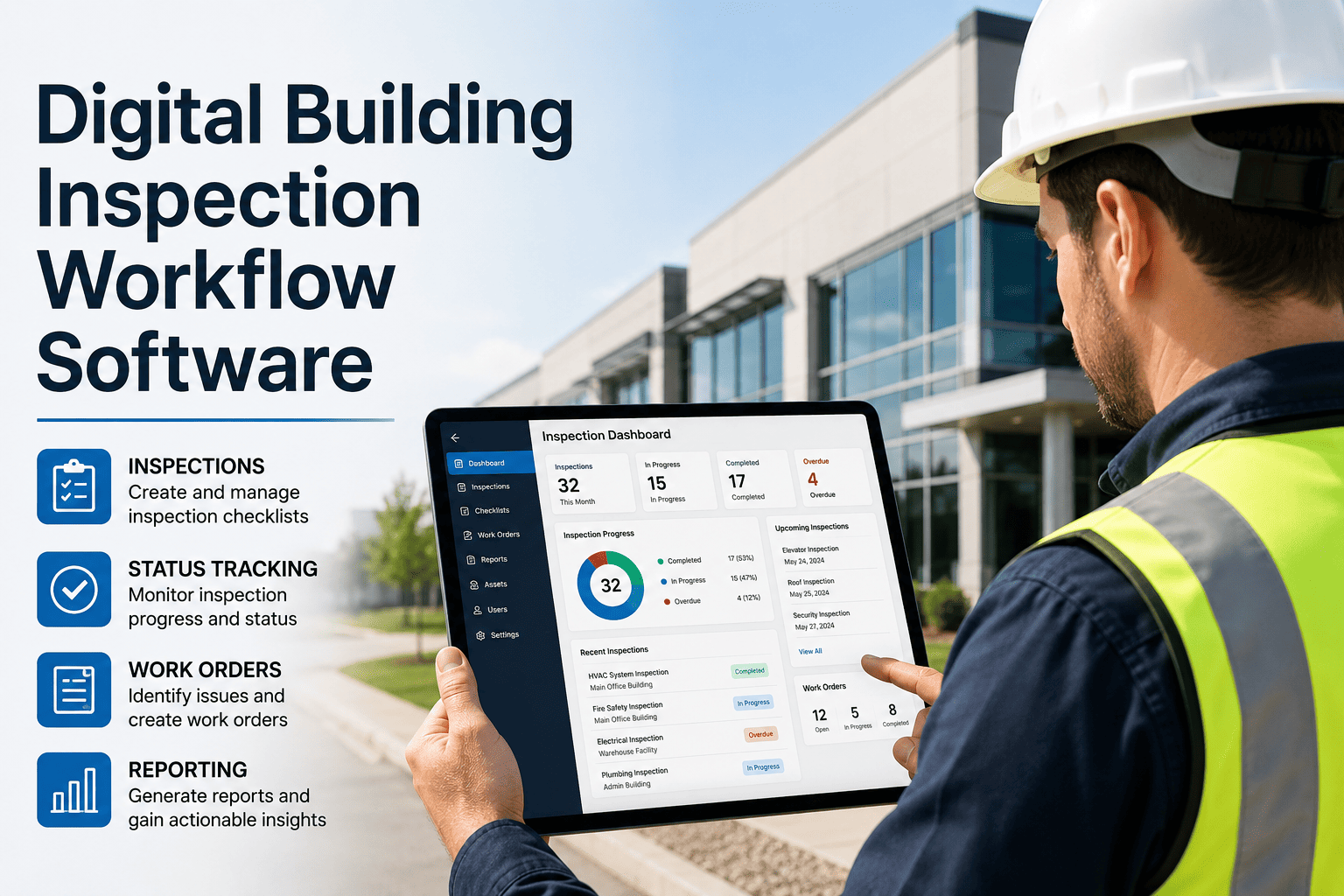
Paper inspections lose information the moment they leave the clipboard. Handwriting is misread, findings sit in a folder until someone types them up, and photos end up on a personal phone. By the time a defect reaches the maintenance team, the context is weeks old. A mobile-first workflow captures the finding, the evidence, and the follow-up at the point of inspection, and a digital inspection app inside a CMMS connects those findings to action.
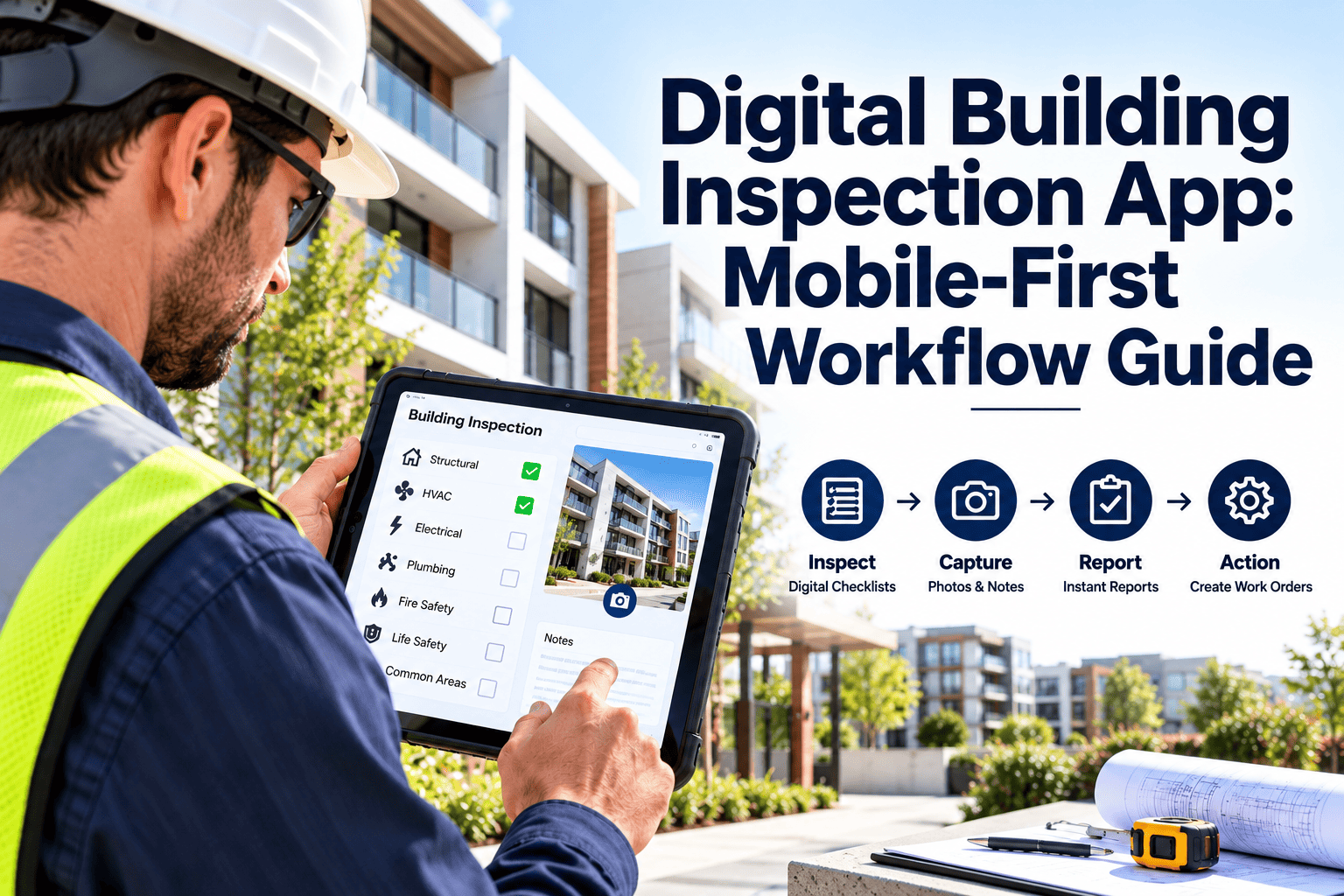
Digital Building Inspection App: Mobile-First Workflow Guide
Move building inspections from clipboards to handheld devices, with structured checklists, photo evidence, and findings that become work orders before the inspector leaves the room.
Where information is lost between the floor and the system
Free-text and shorthand
Missing evidence
Delayed transcription
No searchable history
Five stages of a mobile-first inspection
Assign
Inspect
Flag
Convert
The fifth stage is review: supervisors see completion rates, open findings, and repeat issues in one place.
Seven rules for forms inspectors will actually finish
One purpose per form
Prefer structured answers
Order by walking route
Require evidence selectively
Capture readings as numbers
Keep it short
Review and retire items
Capture findings where they happen
What matters in a mobile inspection tool
| Capability | Why it matters | What to check |
|---|---|---|
| Offline use | Plant rooms, basements, and stairwells often have poor signal | Can inspections be completed offline and synced later without loss? |
| Photo and annotation | Evidence speeds decisions and protects against disputes | Are photos stored against the finding and the asset? |
| Scan-to-open | Reduces wrong-asset errors and speeds navigation | Does scanning a tag open the right checklist? |
| Conditional questions | Keeps forms short while capturing detail on failure | Do follow-up questions appear only when needed? |
| Signature and timestamp | Provides an audit-ready record of who checked what and when | Are time and location recorded automatically? |
| Instant work order creation | Prevents findings from sitting in a queue | Is the finding linked to the new work order? |
| Role-based access | Contractors and staff need different permissions | Can vendor inspectors see only their own work? |
Practical issues to settle before rollout
Offline sync
Device choice
Battery and charging
Security
Routing inspection results into maintenance
- Link each finding to the asset so repeated failures are visible.
- Set due dates by severity so critical items do not wait with minor ones.
- Close the loop by re-inspecting before marking an item resolved.
A 30-60-90 day adoption path
Pilot one building
Refine and extend
Standardize
Paper habits that survive digitization
What goes wrong
- Digitizing a poor paper form without redesign
- Training once and never revisiting
- Making every field mandatory
- Ignoring inspector feedback
- Letting paper and digital run in parallel indefinitely
What works
- Redesign forms around decisions
- Short refresher sessions after launch
- Mandatory fields only where they matter
- Regular form review with the people using it
- Set a clear paper retirement date
Questions to ask during a demonstration
Indicators that show the workflow is working
- Inspection completion rate
- Rounds finished by due date, divided by rounds scheduled. A fall suggests forms are too long or routes unrealistic.
- Time from finding to work order
- Should shrink to minutes. Delays point to manual steps still in the process.
- Findings with evidence
- Share of failures that include a photo or reading.
- Repeat findings by asset
- Recurring failures that justify a deeper repair or replacement review.
- Inspector feedback
- Short, regular surveys on form clarity, device performance, and missing questions.
Supporting the full inspection workflow
Inspections deliver value only when findings reach the people who can fix them. Oxmaint keeps inspections, assets, and work orders in the same record.
- Mobile inspections with customizable checklists, photos, and sign-off.
- Asset management that links each inspection to equipment and location.
- Work orders and preventive maintenance schedules created from findings.
- Compliance records and reports ready for audits and internal review.
- Dashboards for completion, overdue rounds, and recurring issues.
Digital building inspection app FAQ
Do inspectors need to be technical to use a mobile app?
No. Well-designed forms use simple choices and photos. Short training and a pilot group usually suffice.
Can inspections work without internet access?
Many tools support offline completion with later sync. Test this in your building before rollout.
How do inspection findings become work orders?
A failed item can create a work order linked to the asset. Start free to try the workflow.
What should we digitize first?
Start with high-risk or high-frequency rounds such as safety, plant rooms, and compliance checks.
Can contractors use the same app?
Yes, with role-based access to limit what they see. Book a demo to see how permissions work.
Matching workflows to inspection purpose
| Inspection type | Typical content | Design emphasis |
|---|---|---|
| Safety and compliance rounds | Fire doors, exits, extinguishers, emergency lighting, signage | Evidence, timestamps, and sign-off for audits |
| Plant room and equipment rounds | Pressures, temperatures, leaks, noise, alarms | Numeric readings and trend visibility |
| Condition assessments | Building fabric, roofs, finishes, services condition | Photos, severity ratings, and location detail |
| Cleaning and presentation audits | Washrooms, lobbies, common areas, amenity condition | Short forms and scoring that is easy to repeat |
| Contractor handover checks | Completed work, defects, cleanliness, documentation | Accept or reject decision with defect photos |
How a mobile round differs from a paper round
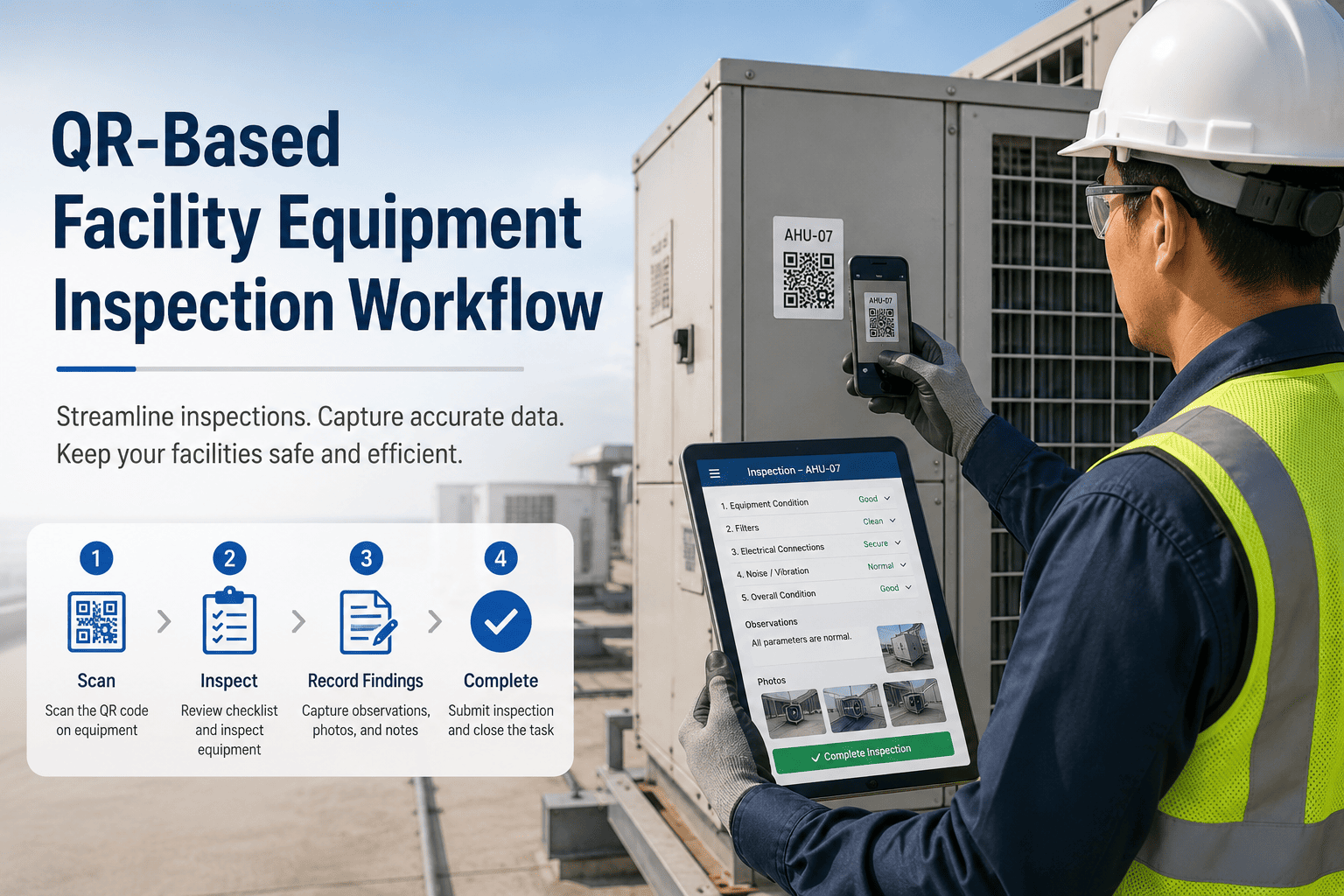
Scan the entry tag
Check and photograph
Record readings
Submit and sync
Giving inspectors a shared language
Vague severity labels are a major cause of disagreement. Define each level with examples, and keep the scale small.
| Level | Meaning | Example | Expected response |
|---|---|---|---|
| Critical | Immediate risk to people or property | Blocked fire exit, active leak near electrics | Same-day action and escalation |
| Major | Affects safety margin or service | Failed emergency light, faulty door closer | Repair within an agreed short period |
| Minor | Cosmetic or low-risk fault | Worn signage, scuffed finish | Schedule into routine maintenance |
| Observation | Worth tracking, no action yet | Early corrosion on a bracket | Monitor and re-inspect next round |
Getting inspectors comfortable in the first month
Show the benefit first
Train on real rounds
Name a local champion
Respond to feedback quickly
Controlling forms, access, and records
- Form ownership
- Name an owner for each checklist, with a review date and a record of changes.
- Version control
- Retire old versions cleanly, so inspectors never complete an outdated form.
- Access levels
- Limit who can edit forms, delete records, or close findings, and review permissions periodically.
- Retention
- Keep inspection records for the period required by regulation and internal policy, and store them against the asset.
Using digital records to support audits
Auditors and insurers look for consistent evidence that checks happened on time, by competent people, with action taken on failures. Digital records make that evidence easier to produce.
| Audit question | Digital evidence | Why paper struggles |
|---|---|---|
| Was the inspection done on schedule? | Timestamped completion against due date | Dates are often written after the fact |
| Who performed it? | User account and signature | Initials are hard to verify |
| What was found? | Structured answers and photos | Notes vary in detail and legibility |
| What was done about it? | Linked work order with completion record | Follow-up lives in a separate file |
| Is the history complete? | Searchable records by asset and date | Binders get lost or split between sites |
Keeping inspection data useful
A mobile app makes it easy to collect data, but easy to collect poor data too. Protect quality at the source.
- Use controlled lists for locations and assets so names are consistent.
- Validate numeric readings against sensible ranges, and prompt a note for outliers.
- Require a photo and a note only when an item fails.
- Audit a sample of completed forms each month to check for tick-through behavior.
- Review comments for common issues that deserve a new checklist question.
Extending the workflow beyond staff
Shared forms
Limited access
Independent verification
Evidence requirements
Where mobile inspections pay off first
Multi-site portfolios
Hospitals and care settings
Offices and retail
Industrial and mixed-use sites
Small design choices that raise completion rates
- Pre-fill location, date, and inspector so the first screen is the first question.
- Use large touch targets for gloved or cold hands.
- Allow voice or short notes for quick detail on a failure.
- Show progress through the round, so inspectors know how much is left.
- Let the inspector reopen and edit a draft within the shift, but lock records after submission.