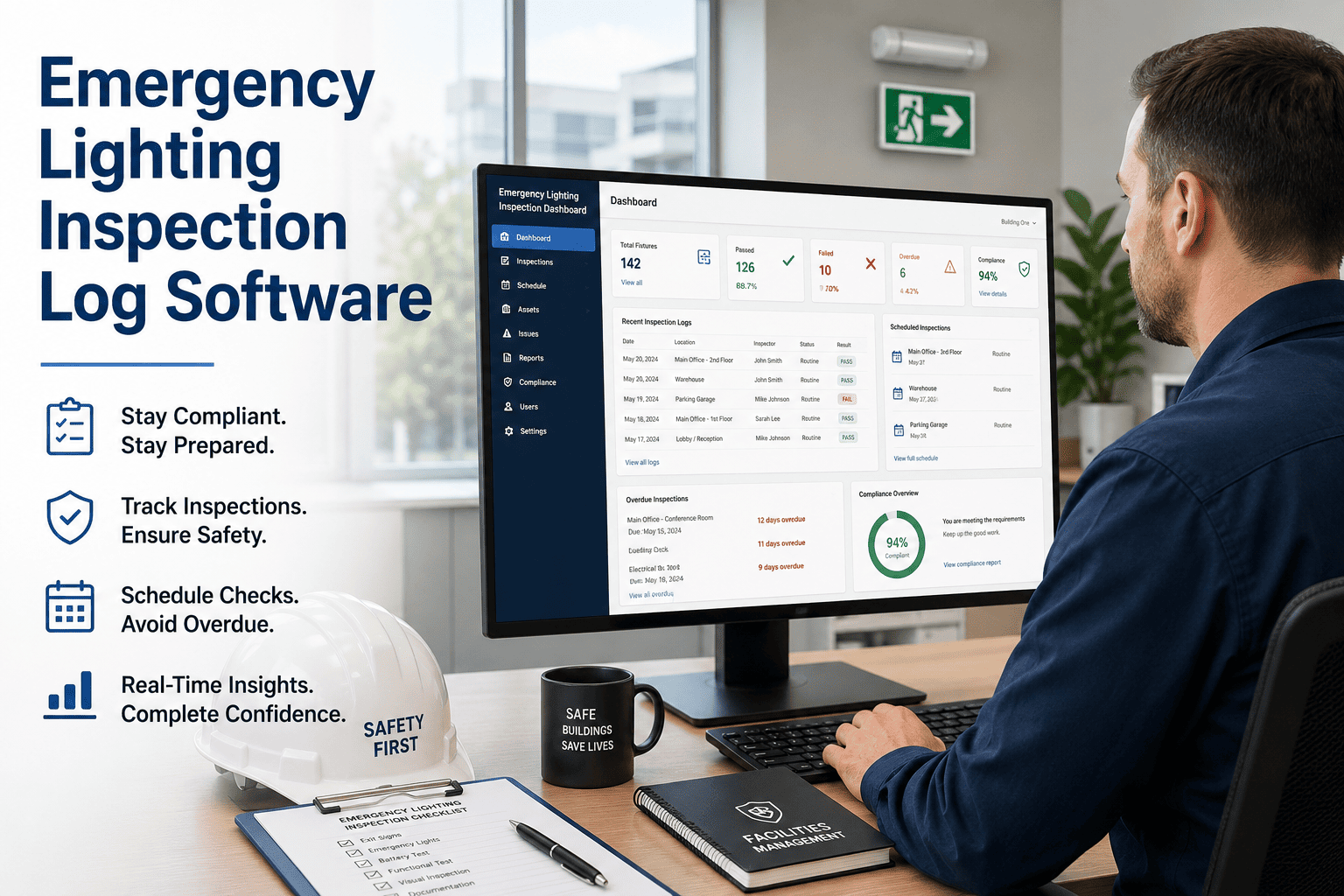
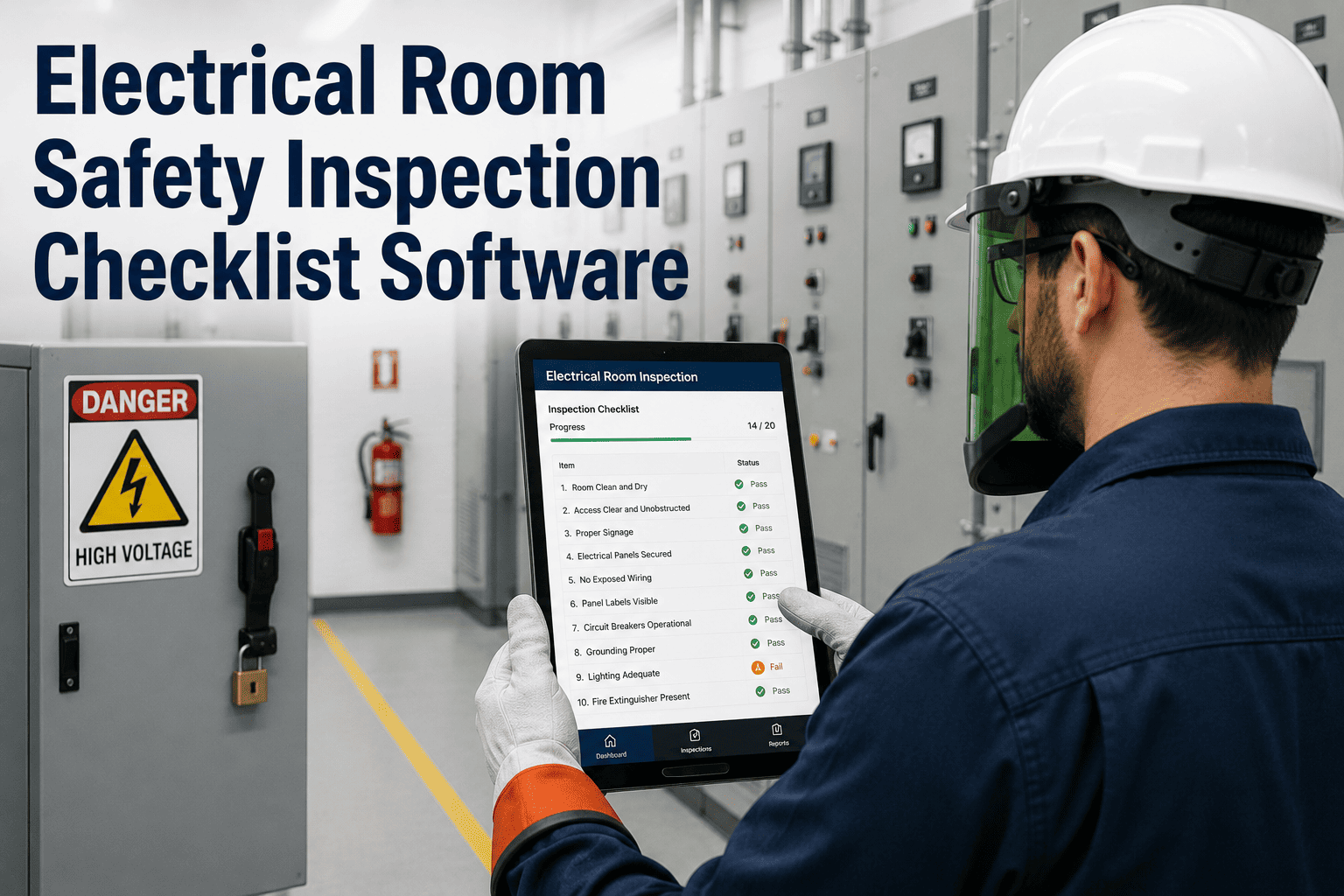
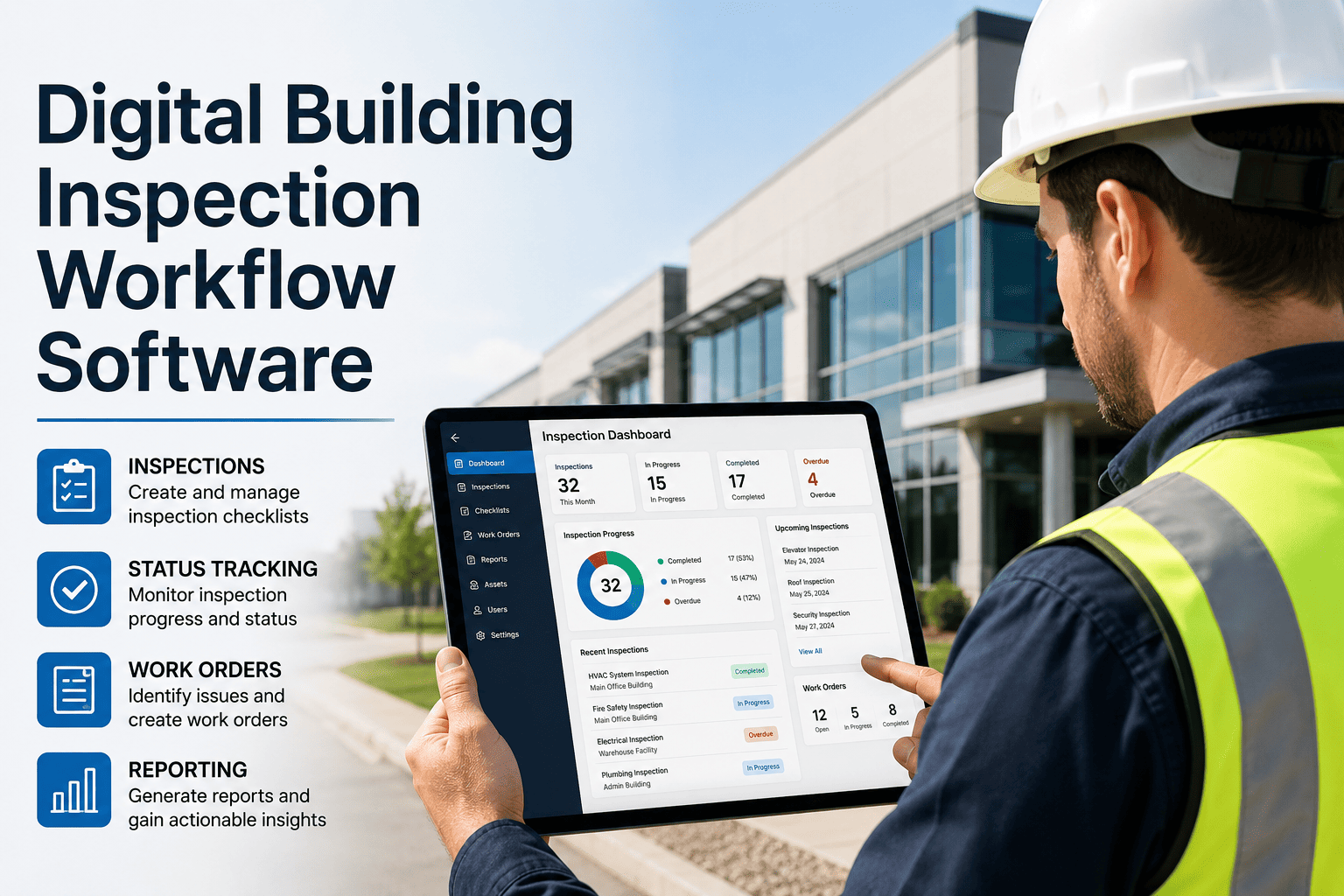
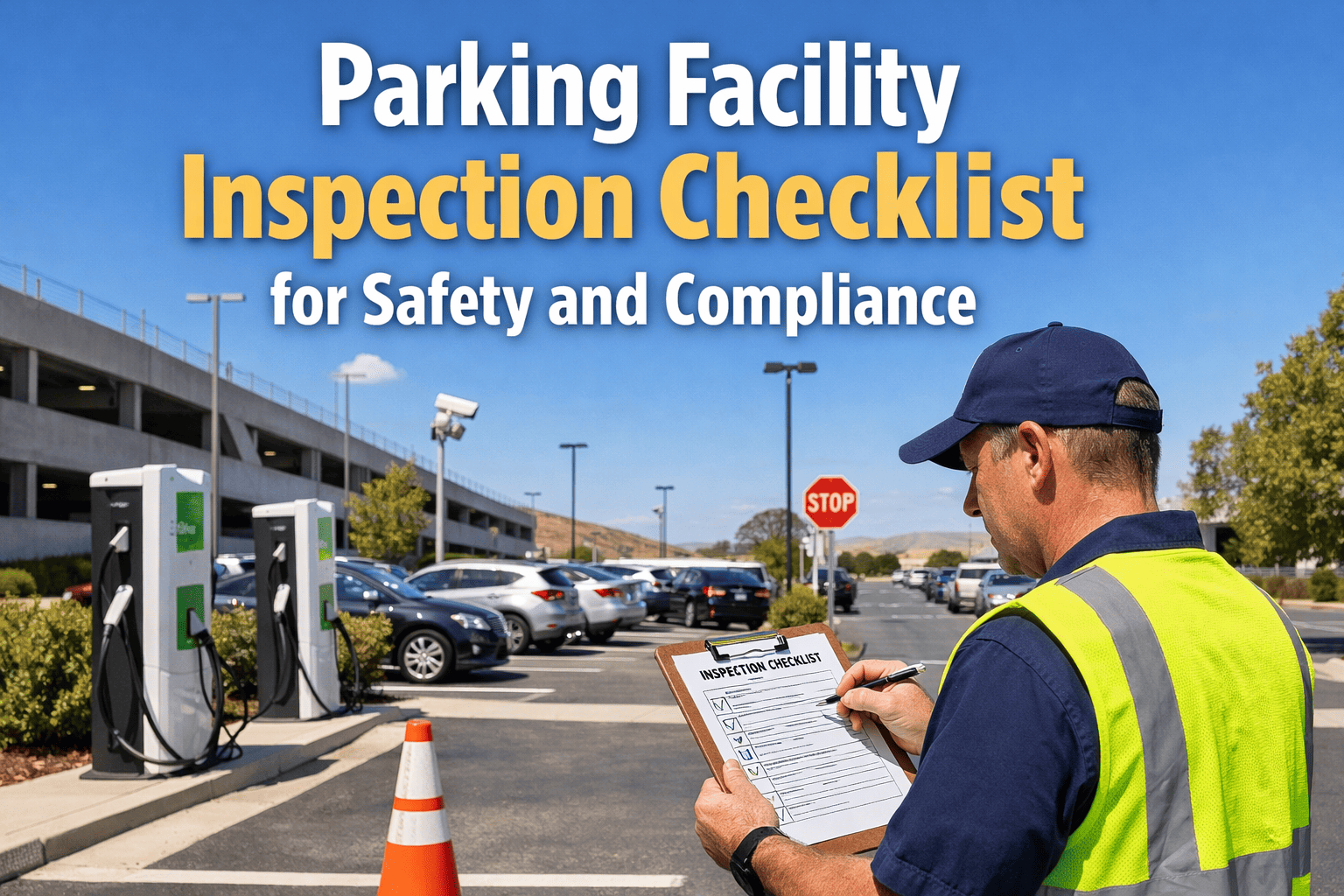
Emergency lighting is one of the most commonly failed life safety inspection items — not because batteries aren't replaced, but because test logs go missing, corrective jobs are never opened, and the next inspection finds the same units still failed. OxMaint gives facility and safety teams a structured system to run monthly and annual emergency lighting tests, log every failure with photo evidence, generate corrective work orders automatically, and maintain a 5-year compliance archive that survives any AHJ inspection.
LIFE SAFETY COMPLIANCE
Emergency Lighting Inspection Log Software
Test, log, and correct — every emergency light, every month, with the compliance proof your Authority Having Jurisdiction requires.
43%
of fire marshal violations in commercial buildings involve emergency egress lighting
NFPA 101
requires written records of all emergency lighting tests — verbal logs do not satisfy this requirement
$5,000+
typical AHJ fine for missing emergency lighting inspection records per facility
NFPA 101 Emergency Lighting Test Checklist
Use this checklist for both 30-second monthly tests and 90-minute annual tests. OxMaint timestamps each test, captures technician sign-off, and auto-generates repair work orders for any unit that fails.
Emergency Lighting Test Log — NFPA 101 / IFC Compliant
Monthly + Annual
PRE-TEST SETUP
Pull asset list of all emergency lighting units by zone
Access the emergency lighting asset register in OxMaint to confirm total unit count, last test date, and any units with open defect status before beginning. This prevents skipped units — a common cause of failed AHJ inspections.
Confirm test method — manual push test or automated test switch
For manual push tests, walk each unit with the OxMaint mobile app open. For automated self-test systems, download the test report and upload to OxMaint's document attachment field to complete the log entry.
30-SECOND MONTHLY TEST
Activate each unit — confirm lamp illuminates and holds
Record pass or fail for each unit by ID number in OxMaint. Any unit that fails to illuminate, flickers, or shows reduced output is logged as a defect — triggering an immediate battery or lamp replacement work order.
Photograph failed units — capture unit ID, location, and defect type
OxMaint geo-tags and timestamps the photo automatically. Failed unit photos are attached to the corrective work order and stored in the unit's compliance history — satisfying the written record requirement under NFPA 101 §7.9.3.
90-MINUTE ANNUAL TEST
Simulate power failure — confirm all units activate and sustain 90 minutes
The annual test must be logged with start time, end time, and result per unit. OxMaint's inspection form captures this with a built-in timer field, eliminating manual stopwatch records that are routinely challenged by inspectors.
Record illumination level at test completion — confirm meets 1 foot-candle minimum
Units that pass the 90-minute duration but fall below minimum lux at completion are still a code failure. Log light meter reading per unit in OxMaint to demonstrate due diligence beyond simple pass/fail entries that inspectors increasingly reject.
POST-TEST CLOSEOUT
Restore all units to normal charging mode — confirm indicator light active
Units left in test mode are not charging. Log confirmation that all tested units returned to standby charging status before leaving the floor — a step frequently missed and a repeat violation source.
Close inspection log in OxMaint — export PDF for AHJ records
Closing the test in OxMaint generates a timestamped PDF log showing every unit tested, pass/fail results, technician sign-off, and open corrective actions — formatted for AHJ submission without additional preparation.
Failure Type and Corrective Action Guide
| Failure Type |
Likely Cause |
Corrective Action |
Resolution Window |
| No illumination on activation |
Dead battery or failed lamp |
Battery/lamp replacement |
24–48 hours |
| Unit dims before 90 min |
Depleted battery capacity |
Battery replacement |
48–72 hours |
| Unit fails to activate on test |
Faulty test switch or charger |
Unit repair or replacement |
72 hours |
| Illumination below 1 fc at test end |
Battery degradation |
Battery replacement + retest |
48 hours + retest |
| Missing unit (relocated or removed) |
Renovation without update |
Reinstall + asset register update |
7 days |
■
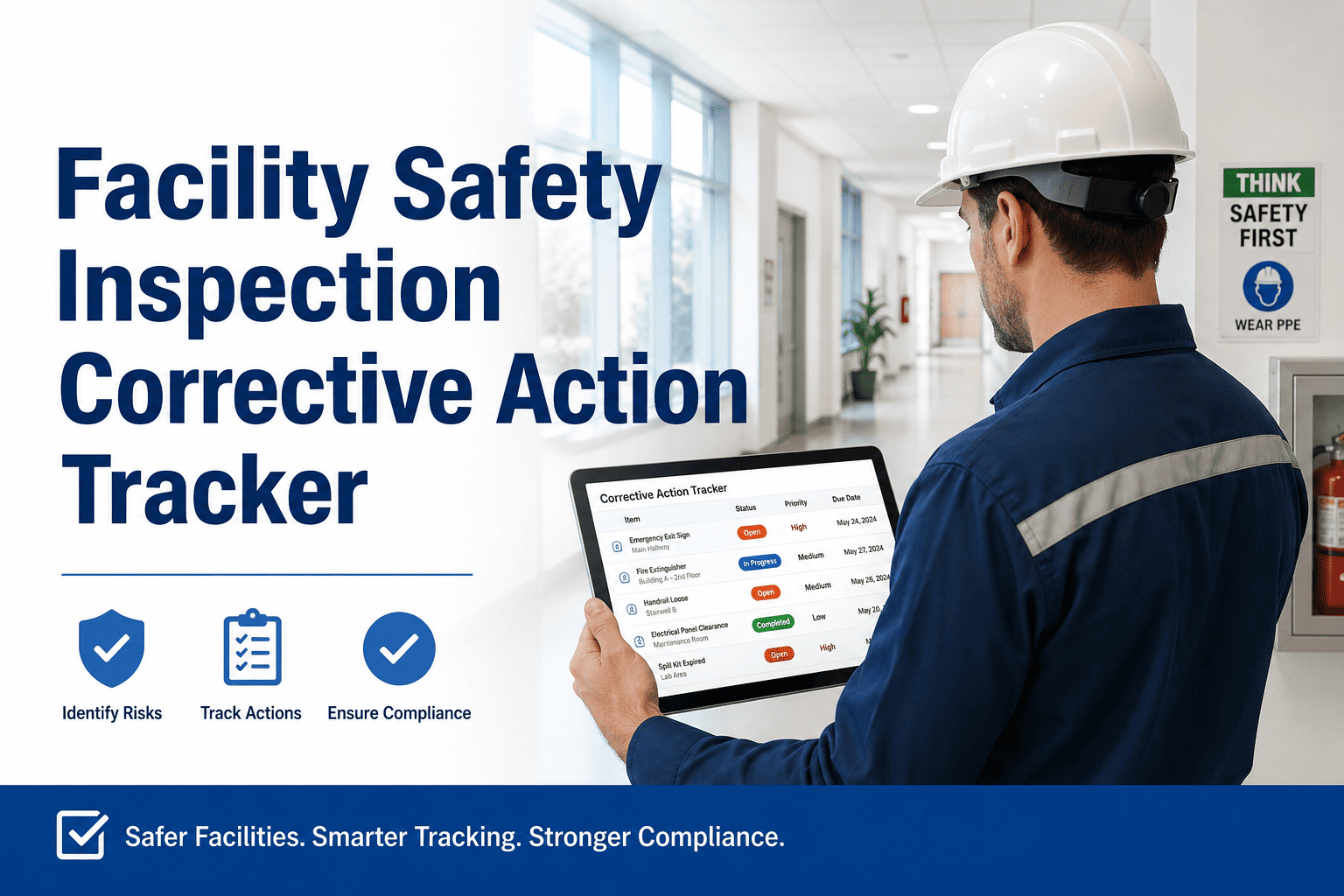
Auto-Generated Corrective Jobs
Every failed unit creates a repair work order with unit ID, location, failure type, and photo — assigned to the right technician automatically.
■
5-Year Compliance Archive
All test logs, photos, and closure records stored with timestamps — instantly accessible for AHJ inspections without searching emails or filing cabinets.
■
PDF Export for AHJ Submission
One-click export of the complete test log — formatted to meet NFPA 101 written records requirement and ready for fire marshal review without reformatting.
EXPERT REVIEW
James Kowalski, PE, CFPS
Certified Fire Protection Specialist — 24 Years Life Safety Systems Engineering
"Emergency lighting records are the first thing a fire marshal requests during a post-incident investigation or scheduled inspection. 'We tested it' without a date, technician name, and per-unit result is legally meaningless. I've seen facilities face significant penalties not because the testing wasn't done — but because the log was a single line in a notebook. Digital inspection platforms that capture unit-level pass/fail, technician ID, and timestamp for every test create records that satisfy regulatory requirements and provide genuine legal protection when incidents occur."
Your Next AHJ Inspection Is Already Scheduled
Make sure every emergency light test, failure, and repair is in a system — not a spreadsheet — when the fire marshal arrives.
Frequently Asked Questions
Does OxMaint support both NFPA 101 and IFC emergency lighting test requirements?
Yes. OxMaint's emergency lighting inspection templates are configurable to align with NFPA 101 §7.9, IFC Chapter 10, and state-specific AHJ requirements. The 30-second monthly and 90-minute annual test forms capture the specific data fields — unit ID, test duration, result, technician, and corrective action status — required under each standard.
Sign up free to access pre-built compliance templates.
How does OxMaint handle a large building with hundreds of emergency lighting units?
OxMaint organizes emergency lighting assets by floor, zone, and circuit — so testing crews work through a structured location-by-location checklist rather than a flat list. QR codes or NFC tags on each unit allow field technicians to pull up the unit's inspection form instantly on mobile, log the result, and move to the next unit without re-entering location data. For buildings with 200+ units, this reduces testing time significantly while improving record accuracy.
Book a demo to see the asset tagging workflow.
Can OxMaint track the full lifecycle of an emergency lighting unit — purchase, install, test history, and replacement?
Each emergency lighting unit in OxMaint has an asset record that includes installation date, manufacturer, model, warranty expiry, full test log history, battery replacement records, and any corrective work orders. This lifecycle view lets facilities managers make data-driven decisions about unit replacement versus continued repair — particularly useful when aging units begin showing repeat battery failures that make replacement more cost-effective than continued service.
What happens when a corrective action on a failed unit isn't completed before the next scheduled test?
OxMaint flags any emergency lighting unit with an open corrective work order on the next test schedule — alerting the facility manager that a unit remains non-compliant entering the next test period. Overdue corrective actions on life safety equipment automatically escalate to the facility director's dashboard so that unresolved failures are never invisible between test cycles. This escalation chain is configurable based on your facility's reporting structure and urgency thresholds.
Audit-Ready Emergency Lighting Records — Always
Stop chasing paper logs before every inspection. OxMaint keeps every test result, failure, and repair in one searchable compliance record your AHJ will accept.