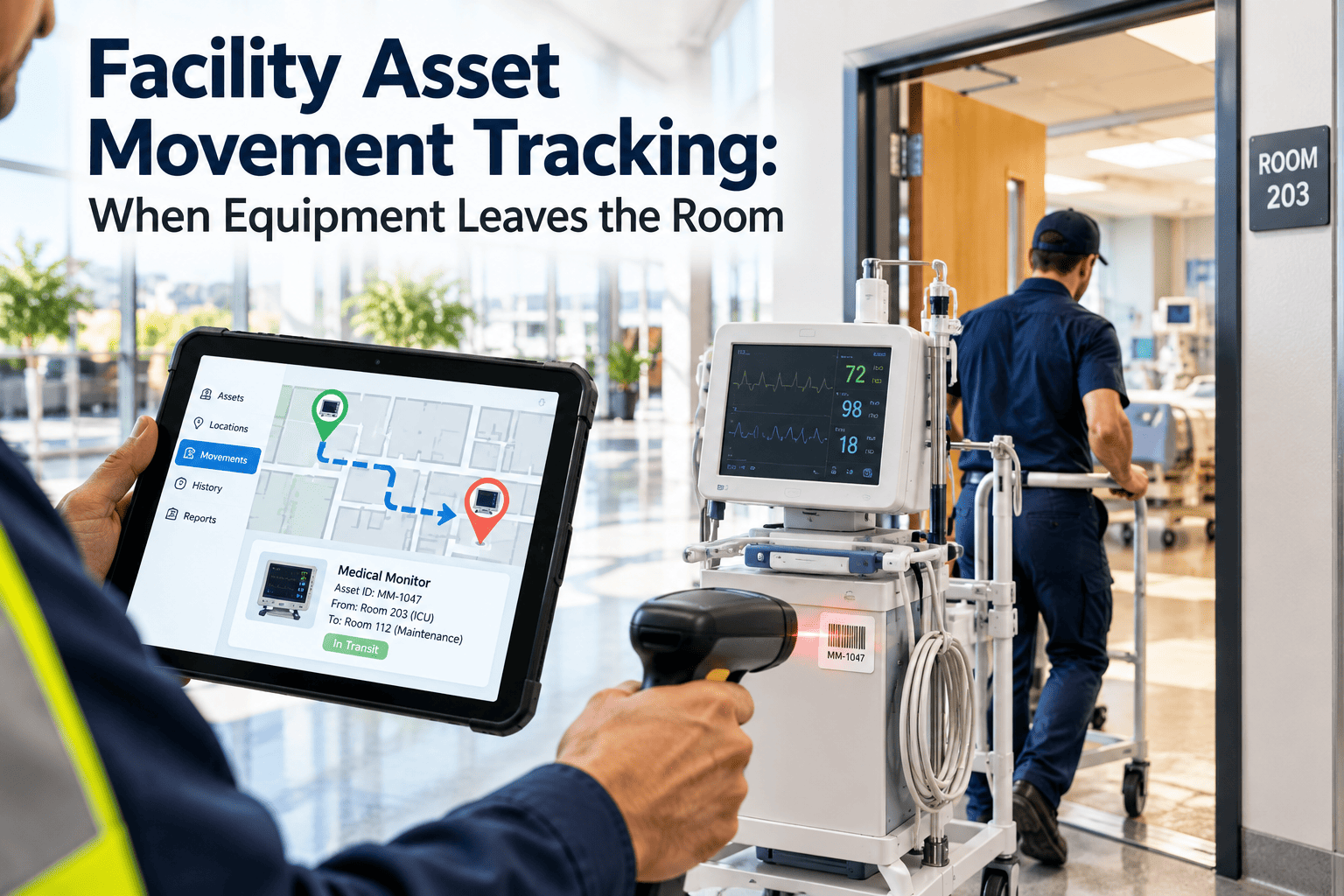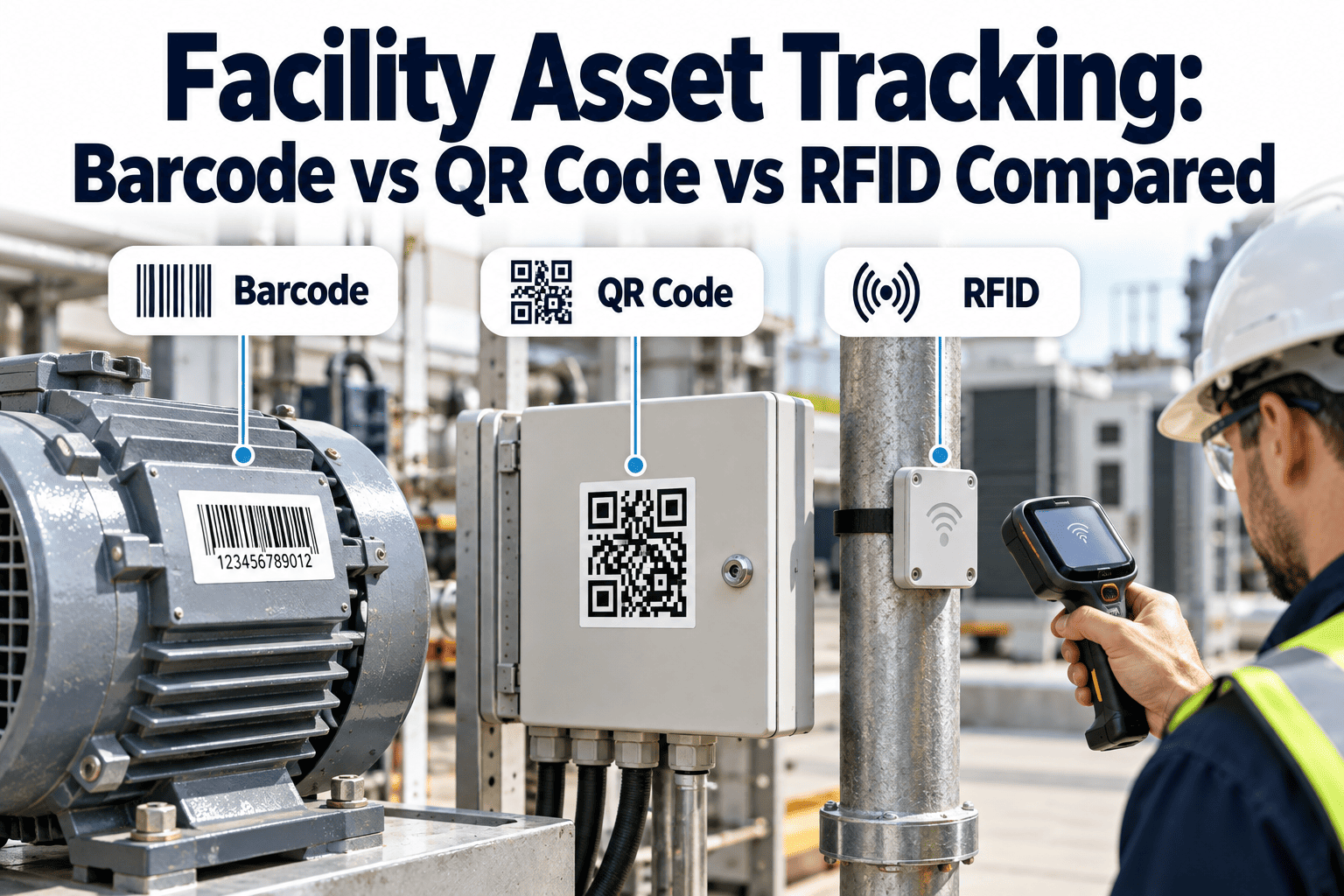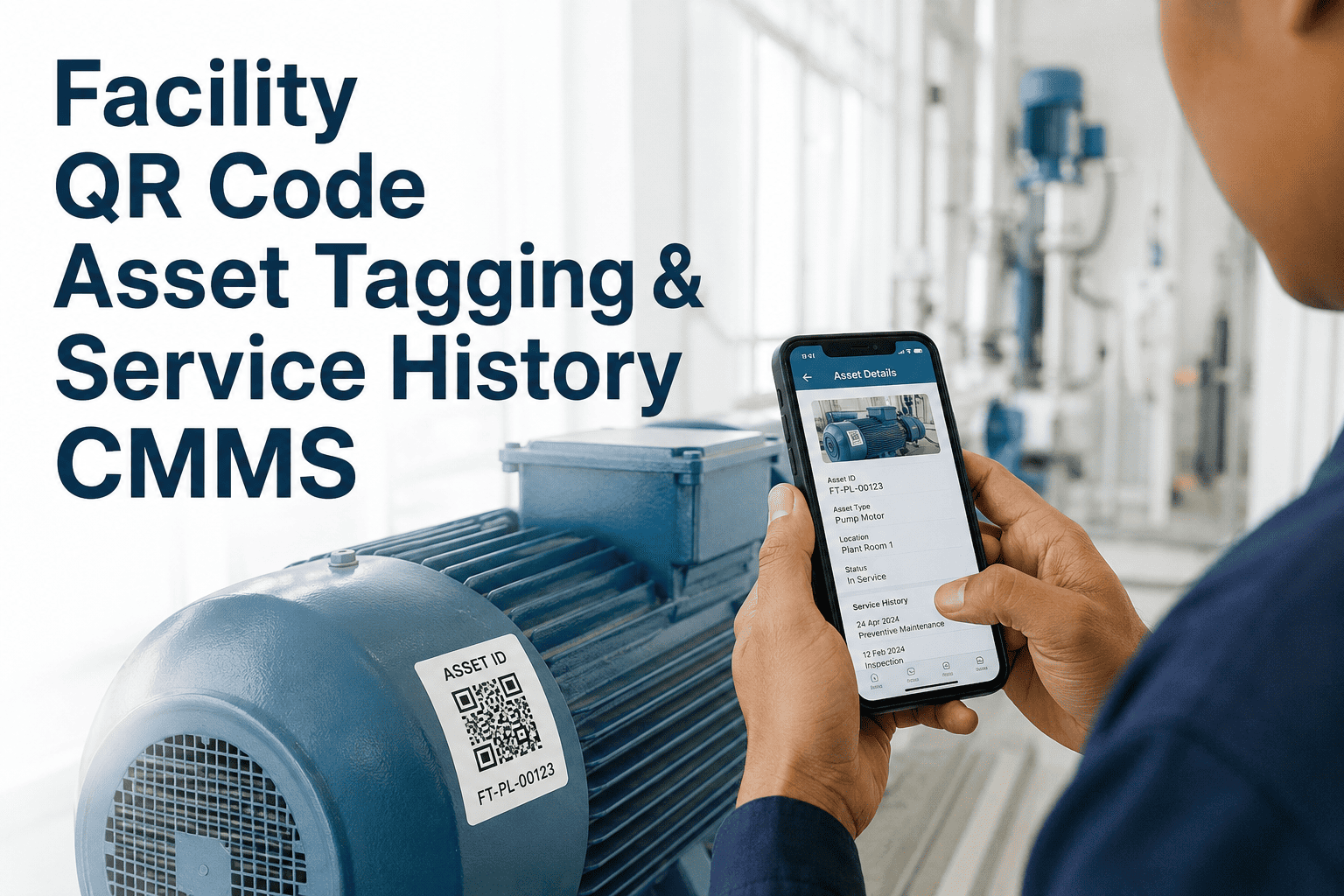
Facility teams lose an average of 9.3 work-hours per week per technician searching for asset records, service history, and manuals filed across spreadsheets, shared drives, and three-ring binders. QR code asset tagging collapses that search to a two-second camera scan, surfacing the full maintenance DNA of each piece of equipment — install date, PM schedule, last five work orders, parts used, and the responsible technician — directly on the floor. This guide breaks down how a QR-first CMMS architecture maps to ISO 55000 asset identification requirements, cuts first-touch resolution time by 40–60%, and turns every asset tag into a self-service maintenance kiosk. You can Start Free Trial to pilot the workflow on 25 assets before you commit to a full rollout.
What if every asset in your facility could tell a technician its full service history in two seconds?
A single scan from any mobile device opens the asset's complete CMMS record — equipment specs, PM cadence, last 12 months of work orders, failure patterns, and the correct parts list — without a laptop, a login maze, or a single spreadsheet lookup.
The hidden tax of untagged or poorly-tagged assets
A 2023 plant maintenance benchmark across 412 facilities found that 38% of corrective work orders were filed against the wrong asset ID — because technicians guessed equipment numbers from faded label plates or duplicate descriptions.
Consider a 180-asset commercial facility spending roughly $42,000 per year on reactive HVAC, lighting, and plumbing calls. In a baseline audit, technicians opened an average of 3.2 systems per work order and still misidentified equipment 31% of the time. After deploying QR-coded asset tags linked to a CMMS, first-touch resolution improved from 54% to 89%, average work-order creation time dropped from 6.4 minutes to 28 seconds, and duplicate-asset confusion fell to under 2% within the first quarter.
A 4-week QR tagging rollout for facility portfolios
A phased rollout beats a big-bang approach: 87% of facilities that tagged assets department-by-department reached full CMMS adoption, versus 51% that attempted a single-weekend cutover.
Build the parent-child asset tree in the CMMS, assign criticality ratings (A/B/C) by impact on operations and safety, and identify the 20% of assets that drive 80% of downtime — tag these first.
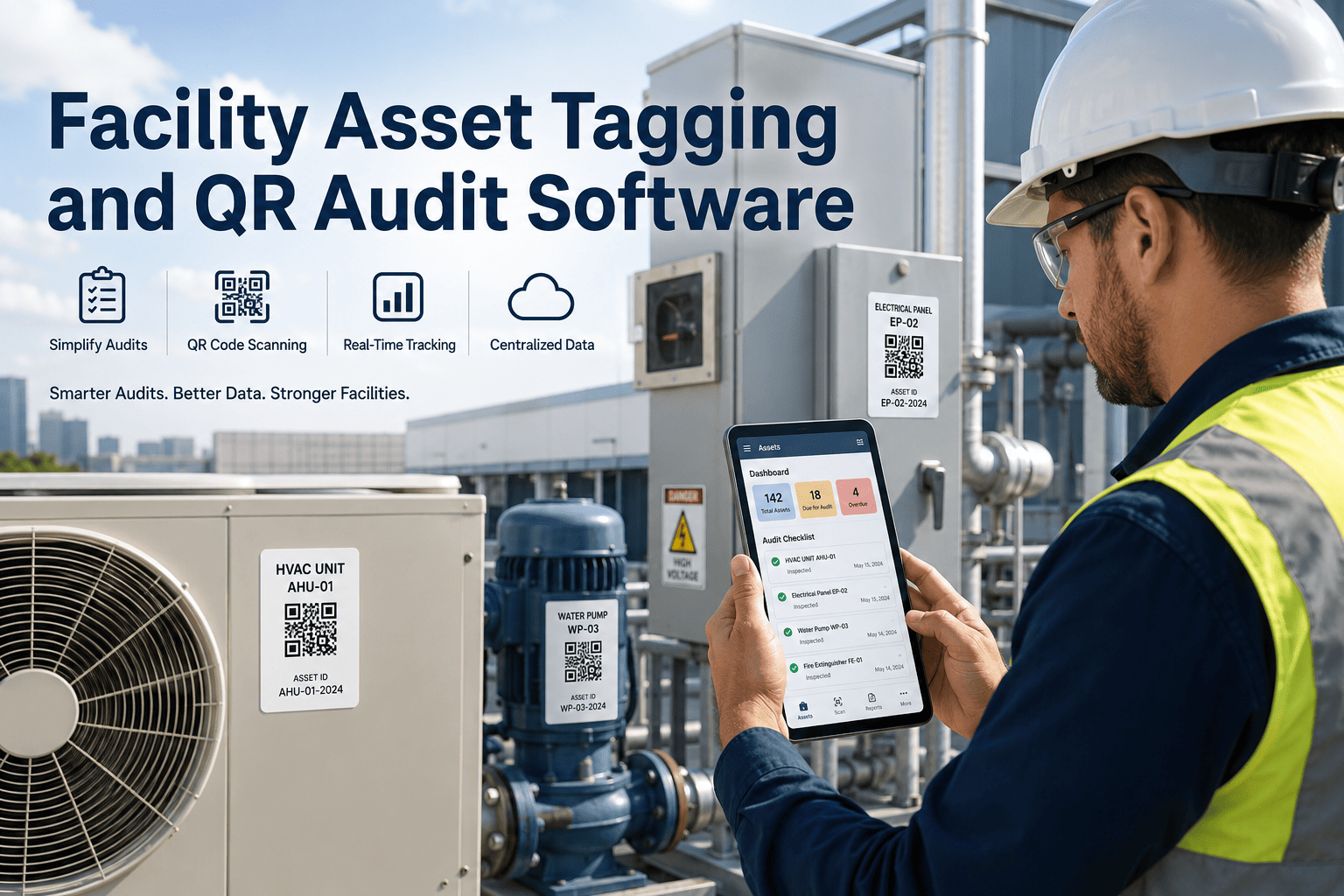
Generate CMMS-linked QR codes in bulk, procure durable anodized aluminum or polyester labels rated for the asset's environment (washdown, high-heat, UV-exposed), and pre-map each code to its asset ID.
Mount tags at point-of-service height (48–60 in.), photograph each asset with its tag, and scan-validate every code against the CMMS record. Flag duplicates, missing hierarchy links, or dead scans immediately.
Train technicians on scan-to-work-order flow, mobile history lookup, and parts-against-asset validation. Run a 5-day shadow period where paper and digital orders run in parallel, then cut over fully.
Choosing the right QR label for each asset environment
Tag failure is the #1 reason QR programs degrade — a faded or detached label forces technicians back to manual lookup, undoing 100% of the workflow gain.
| Asset Environment | Recommended Tag Material | Adhesive / Mount | Lifespan | Typical Cost / Tag |
|---|---|---|---|---|
| Indoor, dry (offices, server rooms) | Polyester laminate | Permanent acrylic adhesive | 5–7 yrs | $0.35–$0.80 |
| Warehouse, dust, moderate abrasion | Anodized aluminum | Rivets or industrial VHB | 8–12 yrs | $1.20–$2.50 |
| Washdown / food-grade (CIP, USDA zones) | 316 stainless steel, laser-etched | Welded or food-grade epoxy | 10–15 yrs | $3.50–$6.00 |
| High-heat (boilers, ovens, steam lines) | Ceramic-fired QR plate | High-temp mechanical clamp | 7–10 yrs | $4.00–$8.50 |
| Outdoor / UV-exposed (rooftop units, yards) | UV-stabilized polycarbonate | UV-resistant adhesive + rivets | 6–9 yrs | $1.80–$3.20 |
What a QR-tagged CMMS actually saves
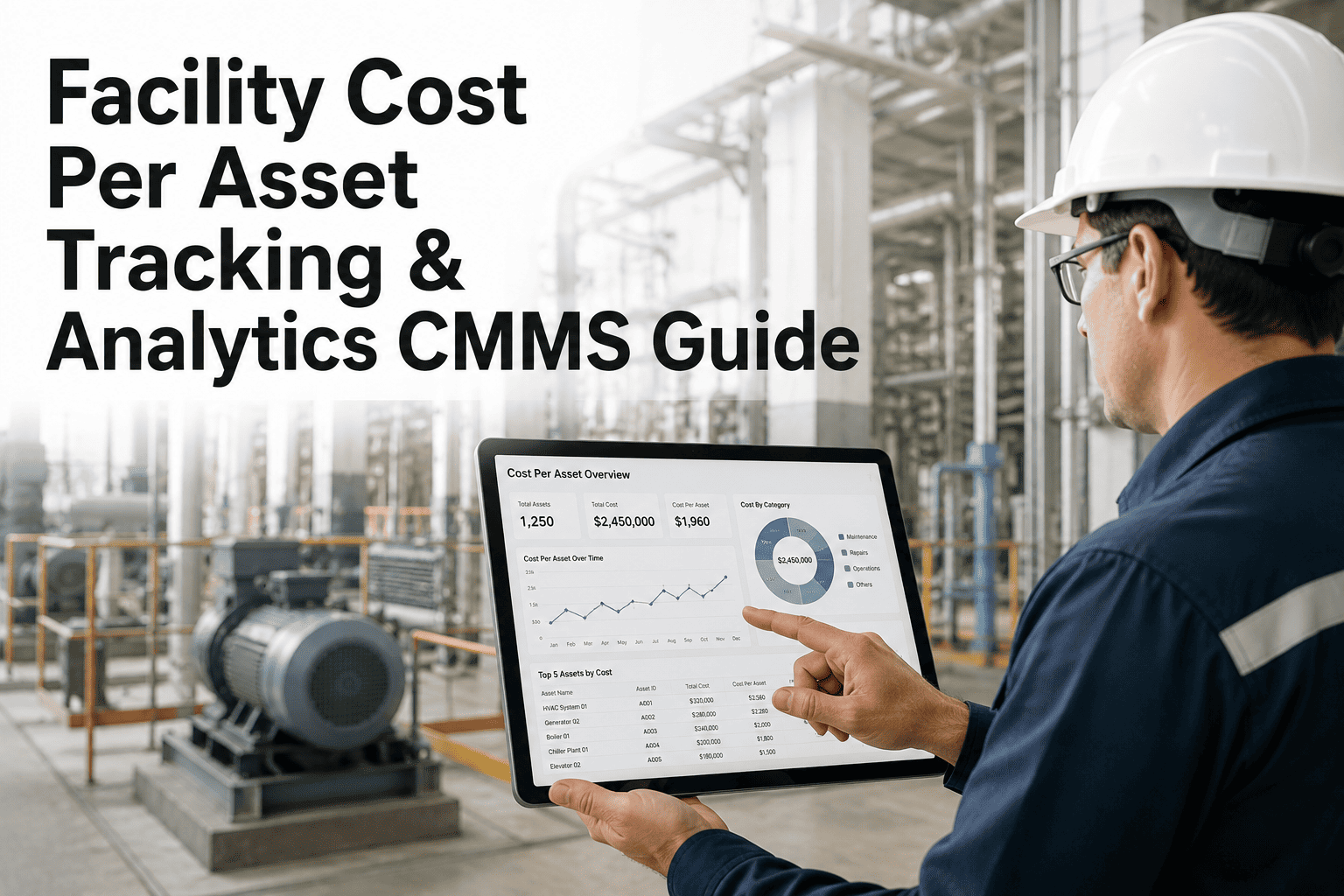
The payback math is straightforward: the dominant saving is reclaimed labor hours, with secondary gains from reduced misdiagnosis and faster PM completion.
Seven rules that separate working QR programs from shelf-ware
Mount QR codes between 48 and 60 inches so a technician with a phone can scan without crouching, climbing, or removing guards. Below 36 inches codes get kicked; above 72 they need a ladder.
When an asset is replaced, generate a new QR and retire the old one in the CMMS. Reusing codes merges two equipment histories into one record and destroys failure-pattern analytics.
The code opens the asset record; the record offers a "Create Work Order" button. If the QR points directly to a work-order form, you lose the history-first context that drives better decisions.
Store a photo of the asset with its freshly mounted QR in the CMMS. When a tag is damaged or torn, the photo tells you exactly where to re-tag — no re-survey required.
Randomly scan 5% of all tags each month and confirm they resolve to the correct asset with current data. Tag degradation rates of 4–7% per year are normal; unmonitored, you discover the dead tags at the worst moment.
Include the asset number in 14pt+ text next to the code. If the QR is unreadable (paint overspray, grease, damage), the technician can still key in the ID and access the record manually.
Configure the CMMS so the fastest way to open a work order is to scan a tag. If technicians can create orders faster from a desktop menu, they will — and the QR program quietly dies from disuse within 90 days.
Ready to make every asset self-documenting?
Tag your first 25 assets this week and watch work-order creation time collapse from minutes to seconds.
QR asset tagging in facility maintenance — answered
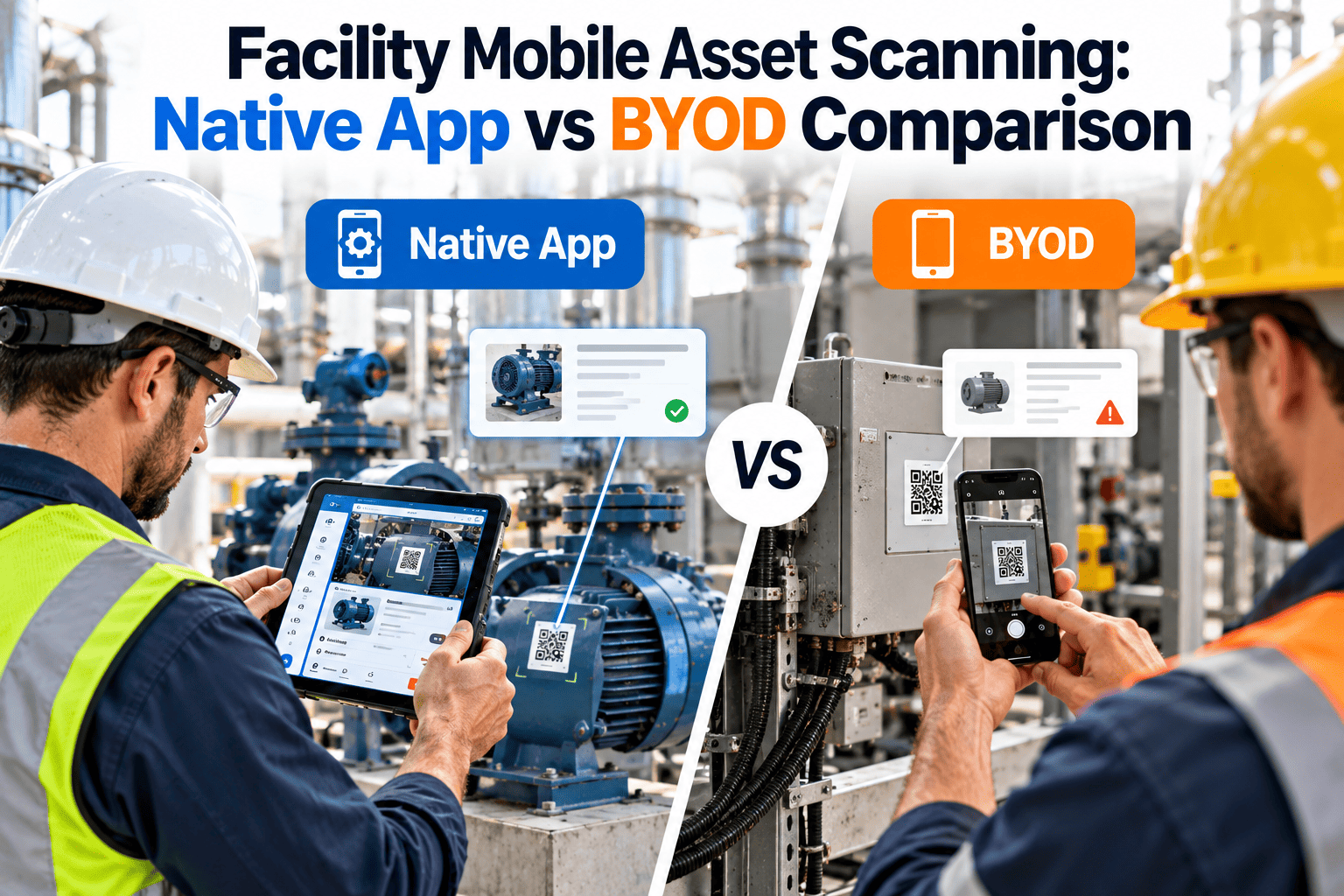
Any modern smartphone camera works — no proprietary hardware, no ruggedized scanner, no paid app. A CMMS-grade mobile app reads the code through the native camera and routes the scan directly to the asset's record. For harsh or wet environments where gloves are mandatory, a Bluetooth ring scanner paired to a rugged tablet is the common upgrade path, but it is optional, not required.
The CMMS record remains intact — only the physical tag is lost. The technician can search by asset number, location, or equipment type to find the record, and a replacement tag is generated and re-linked to the same asset ID in under a minute. This is why printing a human-readable asset number beside the QR is a non-negotiable field practice: it is your failover path. To pilot the full failover workflow, you can Start Free Trial and test tag replacement on a sample asset.
You keep your existing numbering scheme. The QR code encodes a CMMS asset ID (usually a UUID or a hash), not the visible asset number, so there is no need to re-stencil equipment or rewrite manuals. The visible number printed beside the QR is your existing label; the code simply links it to the digital record behind the scenes.
It depends entirely on material selection. Polyester laminate tags survive 5–7 years in dry indoor settings. Anodized aluminum lasts 8–12 years in warehouses. For washdown, high-heat, or outdoor exposure, laser-etched stainless steel or ceramic plates deliver 10–15 years. Budget $2–$6 per tag for industrial-grade materials — the cost is trivial compared to the labor recovery, and under-tagging is the most common rollout mistake.
If your CMMS exposes an asset lookup API or supports deep links, QR codes can point to existing asset records without a platform change. Many teams, however, find that legacy CMMS interfaces were never designed for mobile scan-to-work-order flows and choose to migrate during the tagging project. A 30-minute walkthrough with our team — Book a Demo — will clarify which path fits your current stack.
Turn every asset tag into a maintenance portal
Deploy QR asset tagging across your facility in days — not quarters — and give every technician instant service history at the point of service.
Free 14-day trial · No credit card