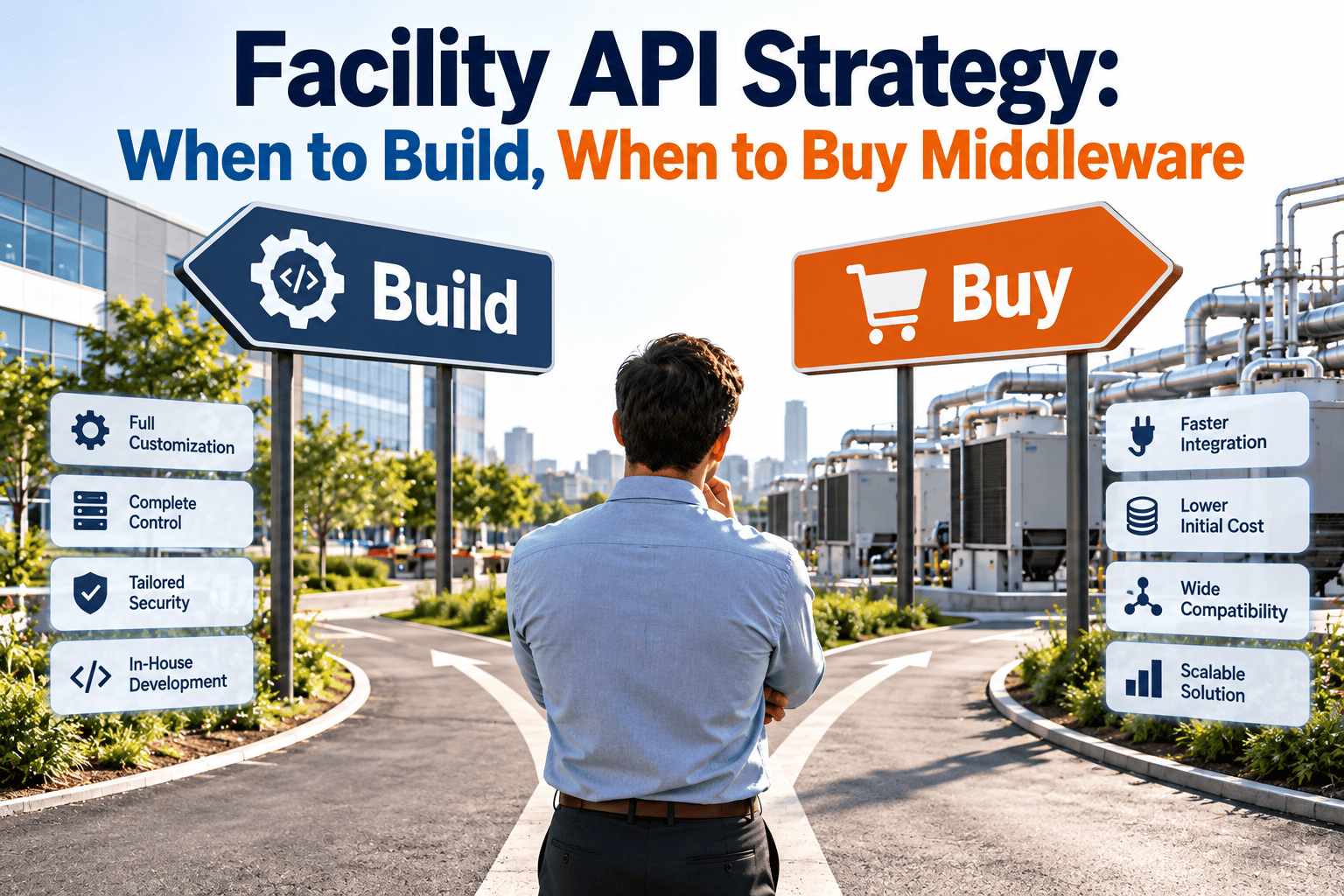
Every facility team that connects a CMMS to another system eventually faces the same decision: write the integration yourself, or use middleware to do it. Both can work, and both can become expensive when chosen for the wrong reasons. The real cost sits in maintenance, monitoring, and change, not in the first connection. A sound API strategy starts with clear criteria, and it helps to begin with a CMMS that exposes clean asset and work order data so that either path has solid records to build on.
When to Build, When to Buy Middleware
Integration cost is decided long before code is written. Use five practical criteria to choose between custom APIs and an integration platform for your facility systems.
What Facility Integrations Actually Involve
- Work orders and assets exchanged with a building management system or IoT platform.
- Purchase orders, invoices, and parts data shared with finance and procurement systems.
- Employee, vendor, and location records synchronized from HR and real estate tools.
- Tenant requests, badge or visitor data, and energy meters feeding into maintenance workflows.
Why the decision is harder than it looks
A single integration is easy to justify. Ten integrations across several sites, each with different vendors and versions, create an ongoing operational workload.
Definitions Worth Agreeing On
These are not the same thing
An API gateway manages access to your own interfaces. An iPaaS builds and runs integrations between systems. Many projects need one, both, or neither.
The Five-Criteria Decision Framework
Scoring Guide: Which Way Does Each Criterion Lean?
| Criterion | Leans Toward Build | Leans Toward Middleware |
|---|---|---|
| Endpoints | One or two stable, well-documented systems | Many systems, mixed vendors, growth planned |
| Skills | Dedicated developers with support time | Small IT team or reliance on contractors |
| Change | Rare updates and predictable schedules | Frequent version changes or new sites |
| Security | Highly specific controls you must own | Standard controls and shared audit tooling |
| Cost | Low volume and simple logic | Many flows where reuse spreads the cost |
How to use the table
Score each row for your situation. If most rows lean the same way, the decision is clear. Mixed results suggest a hybrid approach.
The Hidden Costs on Each Side
- Ongoing maintenance when either system changes.
- Error handling, retries, and monitoring that must be written and staffed.
- Documentation and knowledge held by a few people.
- Security reviews and patching handled internally.
- Subscription costs that grow with connectors or volume.
- Vendor dependency and a learning curve for the platform.
- Connectors that cover common cases but may miss custom fields.
- Data passing through another provider, which needs review.
A Simple Decision Path
API Design Practices That Lower Long-Term Cost
- Use stable identifiers for assets, locations, and vendors, and never depend on names alone.
- Prefer webhooks or event notifications over constant polling where supported.
- Handle failures with retries, queues, and clear error logs.
- Version your interfaces and document changes before they reach users.
- Limit permissions to the data each integration actually needs.
Plan for reconciliation
Data drifts even in good integrations. Schedule periodic checks that compare record counts and key fields between systems, and assign someone to resolve differences.
Governance: Who Owns Each Integration
Where the Maintenance Software Fits
Ask vendors these questions
- Which APIs and integration options are available, and how are changes announced?
- What limits apply to request volume, and how are errors reported?
- Which fields can be read and written, including custom fields?
Warning Signs You Chose the Wrong Path
- One developer holds all the knowledge.
- Failures are found by users, not monitoring.
- Every vendor update triggers emergency fixes.
- Most flows need custom scripts anyway.
- Costs rise faster than the number of benefits.
- Required fields cannot be mapped.