Audits rarely fail on the equipment itself. They fail on the paper trail: an asset with no install date, a PM marked complete with no proof, a warranty document nobody can find, or an inspection record that stops mid-year. A short sweep before the auditor arrives finds these gaps while there is still time to close them. This 20-point checklist covers asset registers, PM proof, work order history, warranty documents and inspection records, and shows where CMMS software can hold the evidence in one place.
Facility Asset Maintenance History
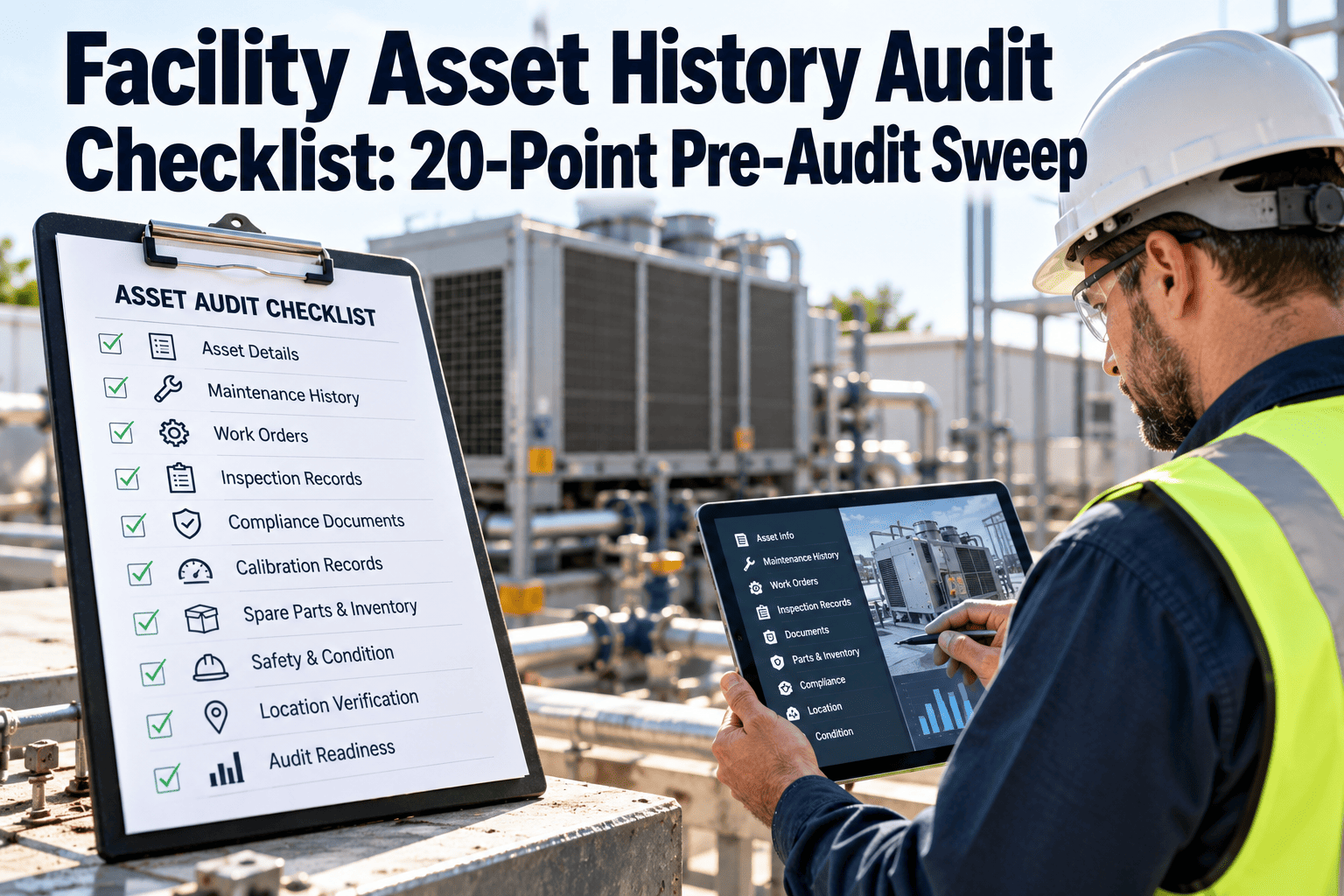
Facility Asset History Audit Checklist: 20-Point Pre-Audit Sweep
Find missing asset data, unproven PMs and absent records before an audit does. Five areas, four checks each, one clear score.
Asset registerPoints 1 to 4
PM proofPoints 5 to 8
Work order historyPoints 9 to 12
Warranty and documentsPoints 13 to 16
Inspection recordsPoints 17 to 20
How to Use It
Run the Sweep in Four Steps
1
Pick a sample of assets across critical systems, not just the easy ones.
2
Score each of the 20 points as pass, partial or fail for that sample.
3
Turn every fail into a work order or record fix with an owner and date.
4
Re-check the failed points and keep the sweep result on file.
Your auditor, lease, insurer or regulator sets the real requirements. Use this sweep to prepare, and confirm scope and retention rules with them.
Section 01 · Points 1 to 4
Asset Register Completeness
1Every sampled asset has a unique ID and a location that matches what is physically installed.
Fix if: an asset cannot be found or is in the wrong place. Correct the register.
2Make, model, serial number, install date and capacity are filled in, with no blank critical fields.
Fix if: nameplate data is missing. Photograph and enter it.
3Criticality and system category are assigned, so auditors can see why some assets get more attention.
Fix if: criticality is blank. Assign it with the facility team.
4Retired, replaced or decommissioned assets are marked with dates, not left as active.
Fix if: old assets still show PMs. Retire them and cancel tasks.
Section 02 · Points 5 to 8
Preventive Maintenance Proof
5Each sampled asset has a documented PM schedule with a stated frequency and task list.
Fix if: no schedule exists. Create one from the manual or your standard.
6Completed PMs show date, technician and checklist results, not just a closed status.
Fix if: closures have no notes. Require checklist completion.
7PM completion rate and overdue tasks can be reported for the audit period, by system.
Fix if: overdue PMs lack reasons. Record approved deferrals.
8Frequencies match manufacturer guidance or code requirements, with reasons for any change.
Fix if: intervals were changed without notes. Document the basis.
Keep PM Proof Attached to the Asset
Oxmaint stores schedules, checklists, photos and sign-offs on each asset record, so an auditor's request becomes a report, not a search.
Section 03 · Points 9 to 12
Work Order and Repair History
9Corrective work orders link to the correct asset, with problem, cause, action, labour and parts recorded.
Fix if: jobs are logged to a building only. Re-link to the asset.
10Emergency and after-hours repairs have full records, added after the event if needed.
Fix if: repairs were verbal only. Enter the record with date.
11Open and aged work orders are reviewed, with reasons for anything old and still open.
Fix if: jobs are stale. Close, cancel or reschedule with reasons.
12Repeat failures on the same asset are flagged, with follow-up action recorded.
Fix if: repeats have no review. Open a root cause task.
Section 04 · Points 13 to 16
Warranty and Document Attachment
13Warranty start, end date and terms are attached to each covered asset.
Fix if: terms are missing. Request them from the supplier.
14Warranty claims and repairs under warranty are recorded, so cost recovery is provable.
Fix if: a repair on a covered asset had no claim. Review and file if valid.
15Manuals, drawings, test reports and commissioning files are attached and readable.
Fix if: documents are on shelves or personal drives. Scan and attach.
16Contractor and vendor service reports are attached to the related asset or work order.
Fix if: reports are in email. Upload and link.
Section 05 · Points 17 to 20
Inspection and Compliance Records
17Statutory and safety inspections such as fire systems, lifts, backflow and pressure equipment have current, dated records.
Fix if: a certificate is expired. Book the inspection now.
18Routine inspection rounds have no gaps in dates, with defects linked to work orders.
Fix if: rounds were missed. Log the gap with a reason.
19Inspector name, date, findings and sign-off are recorded on every inspection.
Fix if: sign-off is absent. Obtain it from the responsible person.
20Records can be retrieved by asset, system and date range within minutes, and retention rules are followed.
Fix if: retrieval takes hours. Digitise and index the records.
Score It
Reading Your Sweep Result
| Result | What it means | Next step |
|---|---|---|
| Most areas pass | Records are audit-ready for the sample | Widen the sample and keep the routine |
| Partial in one area | A single process gap, such as PM sign-off | Fix the process, then re-check |
| Fails across areas | Records are not tied to assets | Prioritise critical assets and set a recovery plan |
Oxmaint capabilities that support audit readiness
- Asset management with nameplate data, criticality and lifecycle dates.
- Preventive maintenance scheduling with checklists and sign-off.
- Work orders, inspection records and attached documents per asset.
- Reports and dashboards for PM compliance and overdue work.
Frequently Asked Questions
How far ahead of an audit should we run this sweep?
Ideally weeks before, leaving time to fix gaps. Repeat it quarterly to stay ready.
Do we need to check every asset?
No. Sample across critical systems, then widen where fails appear.
What counts as proof a PM was done?
A dated record with technician, checklist results and any readings or photos.
Can a CMMS produce audit reports quickly?
Yes, if records are tied to assets. Book a demo to see audit reporting.
Where should we store warranty documents?
On the asset record itself. Try Oxmaint to attach documents to each asset.
Walk Into the Audit With the Records Ready
Use Oxmaint to keep asset history, PM proof, warranty files and inspection records in one searchable system.