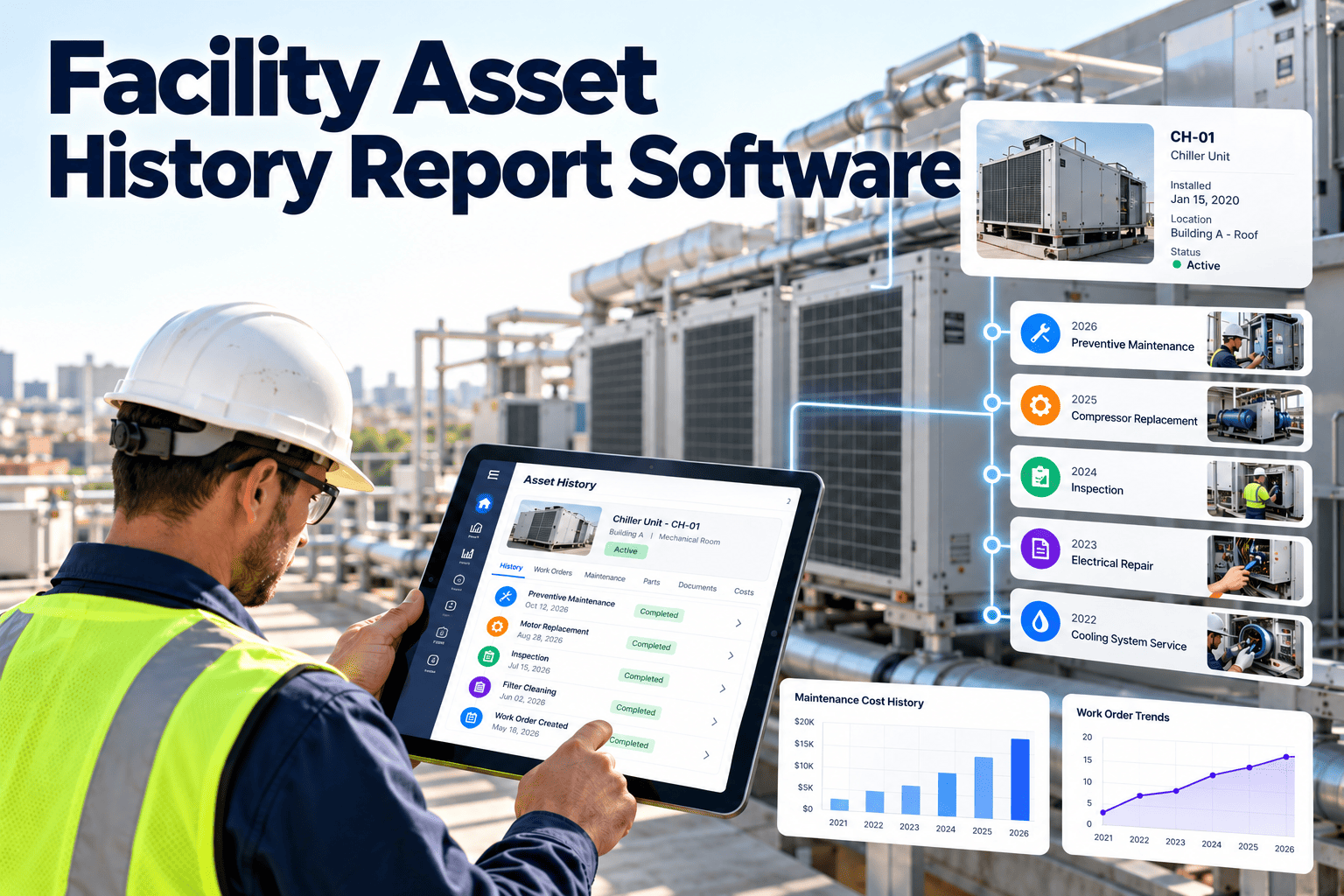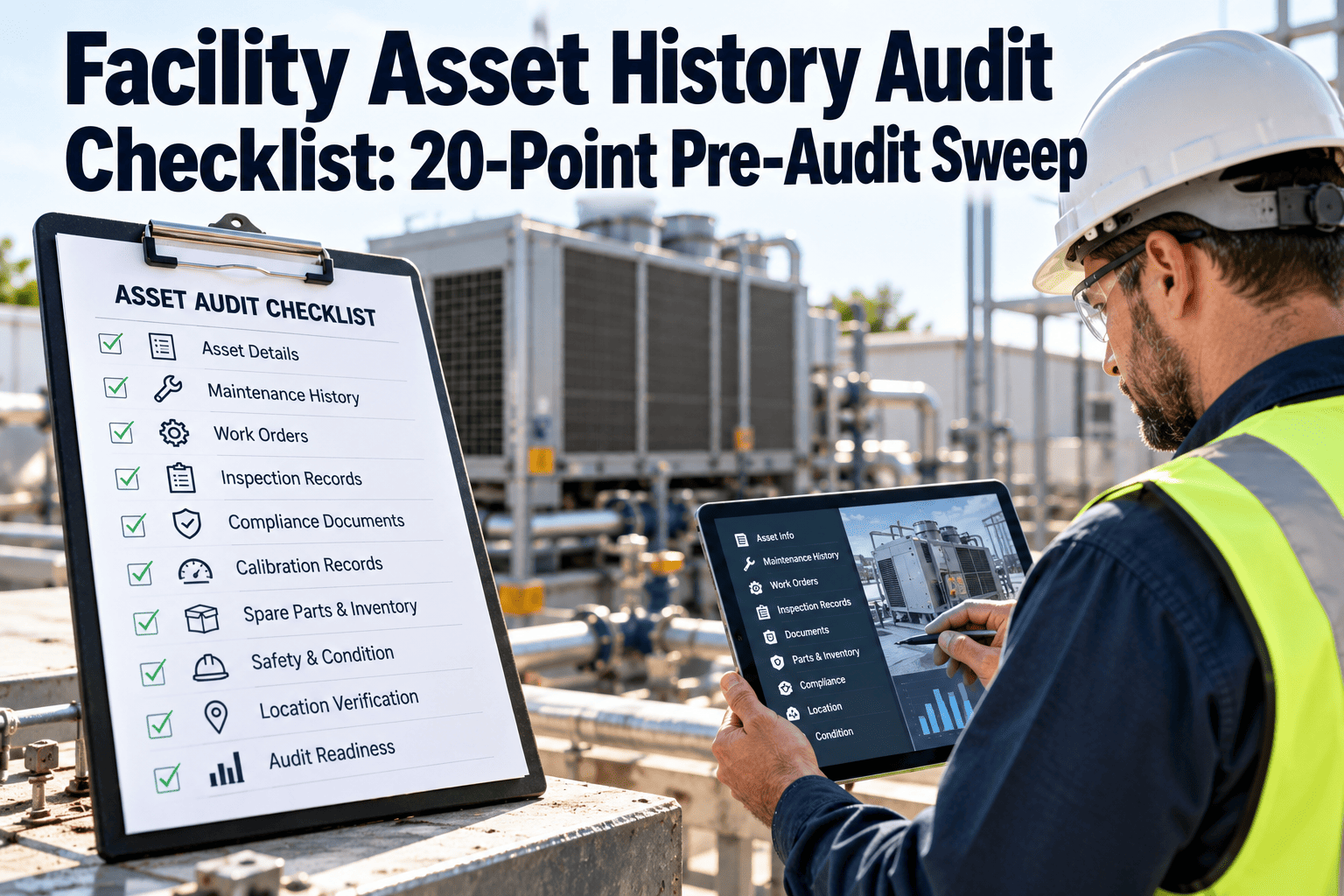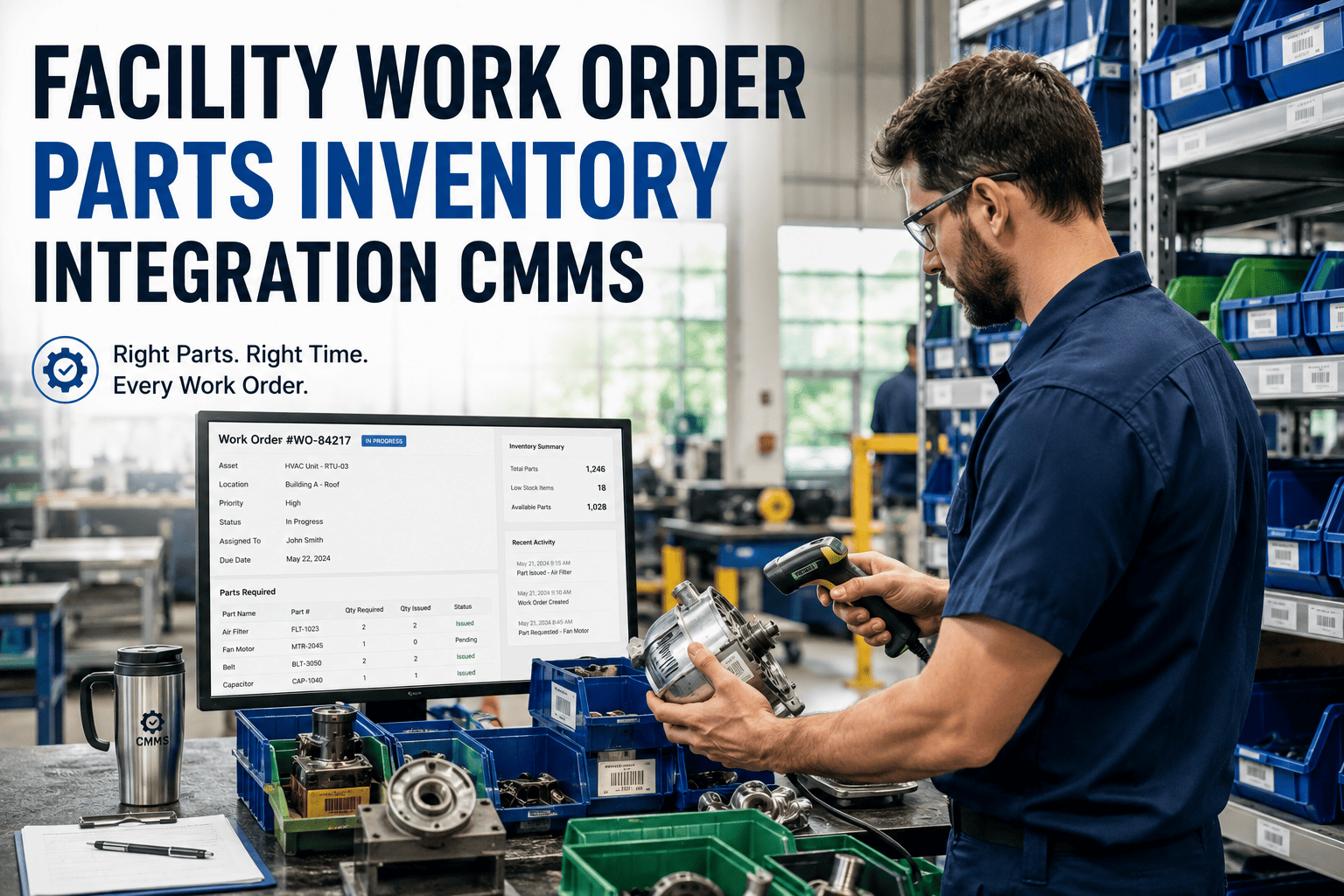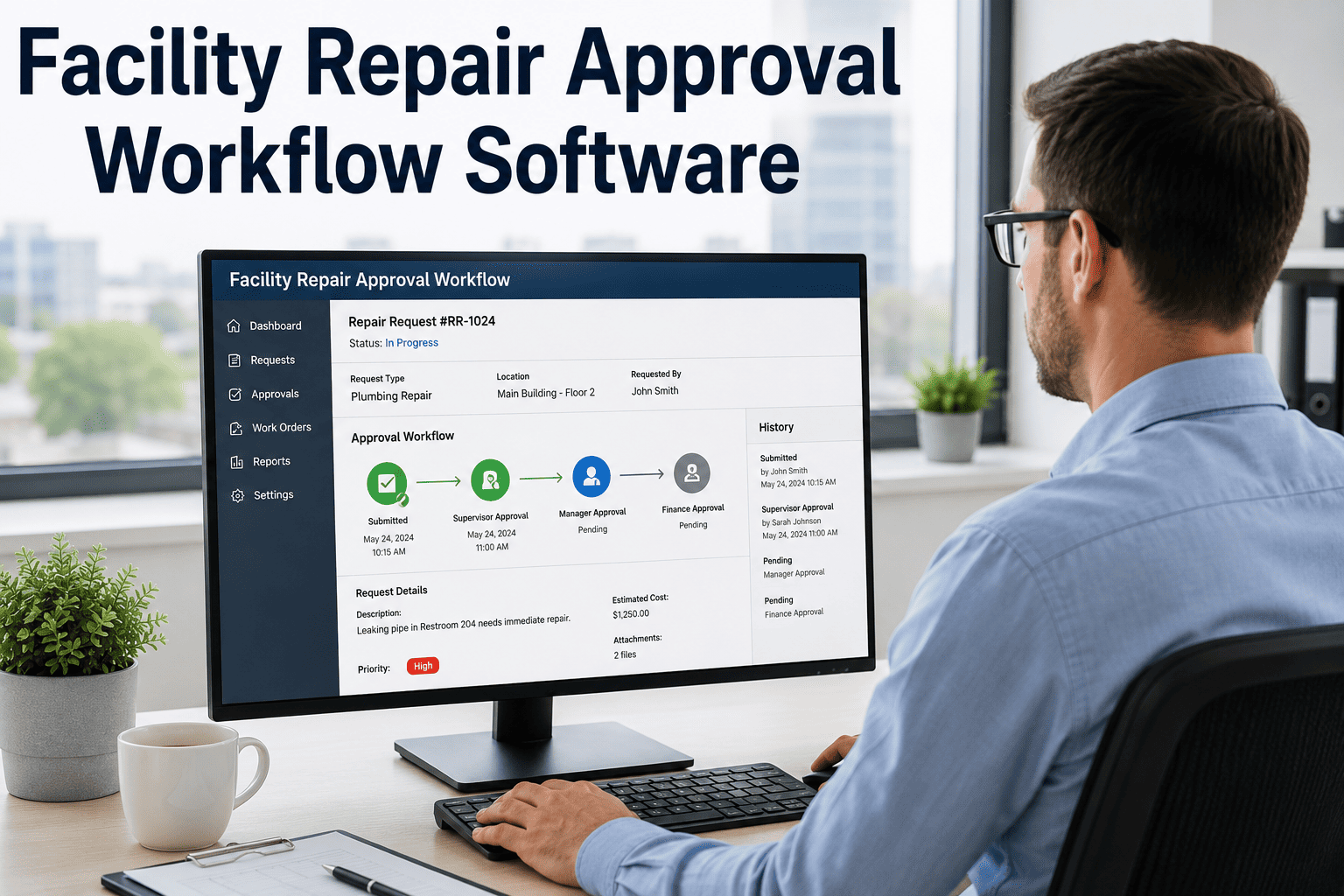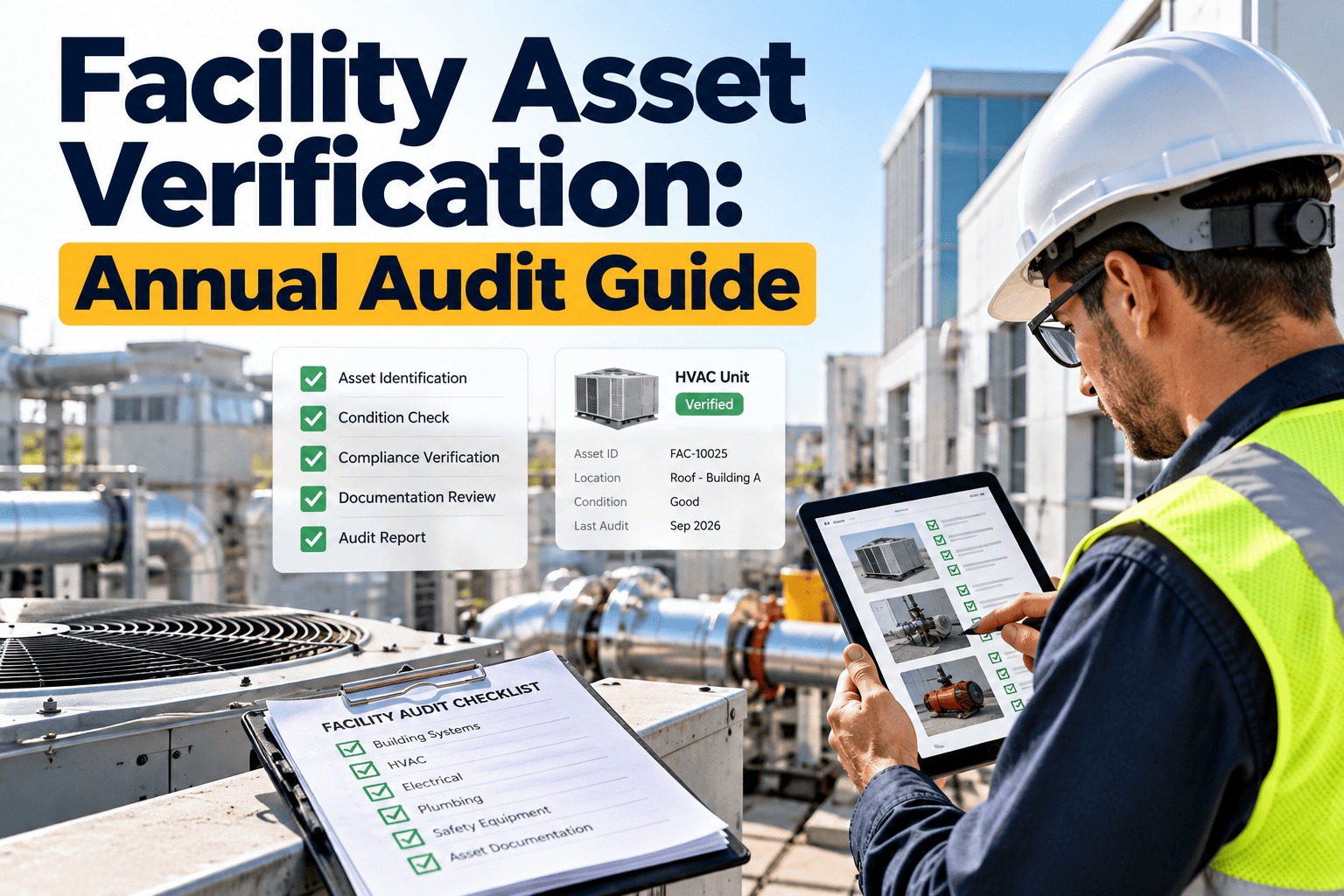
Most facility asset registers look accurate right up until someone walks the floor with a clipboard. Equipment gets relocated between buildings without a record update, decommissioned units stay listed as active, and new purchases sit unlogged for months. An annual physical verification audit is the only way to close that gap, but done manually across a large facility portfolio it can consume weeks of staff time and still miss half the discrepancies that matter. This guide sets out a sampling method and mobile workflow that make the audit practical rather than punishing, drawing on the same assertions — existence, condition, location, and ownership — that Oxmaint's asset tracking tools are built to verify in the field.
Facility Asset Physical Verification: A Practical Annual Audit Guide
A defensible sampling method, a five-stage workflow, and the mobile tools that turn a floor walk into a reconciled register.
The Fixed Asset Register Drifts Faster Than Anyone Notices
A facility asset register is accurate on the day it is built and less accurate every day after. Equipment moves between floors, departments relocate offices, HVAC units get swapped during emergency repairs, and none of those events automatically update a spreadsheet or even a CMMS record unless someone remembers to log it.
Where the Drift Actually Comes From
Register drift is almost never the result of one dramatic event. It accumulates from a handful of routine operational activities that nobody thinks to treat as an asset management trigger, each one small on its own but compounding across a multi-building portfolio over a year.
Decommissioning is the third major source. Equipment gets pulled from service, staged in a storage area or loading dock, and eventually scrapped or sold, but the register update depends on someone remembering to close out the line item rather than an automatic trigger tied to the physical event.
Why a Full Count Is the Wrong Goal for Most Facilities
Auditing standards do not require a facility to physically inspect every asset every year; a full count is rarely proportionate for a large equipment inventory, and the professional guidance auditors follow leaves the verification interval to management's judgment given asset volume, value, and risk. A structured sample delivers the same confidence at a fraction of the labor.
| Asset Tier | Selection Basis | Typical Coverage |
|---|---|---|
| High-value / high-risk | All units above a defined book value or safety-critical designation | 100% verified every cycle |
| Mobile or easily relocated equipment | Weighted sample, since these move most often between locations | 40–60% verified every cycle |
| Fixed, low-mobility equipment | Random statistical sample across remaining book value | 15–25% verified every cycle |
| Fully depreciated / low-value | Spot-checked opportunistically during other site visits | 5–10% verified every cycle |
Every asset should still land in a verification cycle at least once every two to three years even under this tiered approach, so nothing sits permanently outside the sample simply because it is low value.
Five Stages From Planning to a Reconciled Register
Scanning a Barcode Is Faster Than Typing an Asset ID Twice
Oxmaint's mobile app lets a technician scan a barcode or QR tag, confirm location and condition, and log the discrepancy on the spot — no clipboard, no re-entry back at a desk.
Four Assertions Every Verified Line Item Must Pass
Verification is not a single yes-or-no check. Each sampled asset is tested against four separate assertions, and a pass on one does not imply a pass on the others — an asset can exist and still fail on location or condition.
Treating these as four separate checks, rather than one combined pass or fail judgment, is what makes the audit report useful afterward. A facility that knows 60 percent of its discrepancies are location mismatches, not missing assets, can fix the underlying process — usually a gap in how moves and relocations get logged — instead of launching a broad and expensive search for equipment that was never actually lost.
What to Lock Down Before the Walk Begins
The quality of an audit is set largely before anyone sets foot on the floor. A rushed or poorly scoped walk produces a discrepancy list that raises more questions than it answers, while a small amount of preparation makes the field work itself go quickly.
None of this preparation is complicated, but skipping it is the single most common reason a planned two-day audit stretches into two weeks.
Paper Audit vs Mobile, Sample-Based Verification
How Oxmaint Supports the Verification Cycle
Oxmaint's asset tracking module is built around the same workflow described above, so the audit is not a separate exercise bolted onto the CMMS but a scheduled use of the system a facility already runs on. The same asset records, location hierarchy, and custodian fields used for daily work order management double as the audit's baseline, so there is no separate spreadsheet to keep synchronized.
Three Numbers That Show Whether the Program Is Working
A single audit cycle tells you the current state of the register. Tracking these three numbers across cycles tells you whether the program is actually closing the drift gap or just documenting it year after year.
Frequently Asked Questions
Does every facility asset need to be verified every year?
No. A tiered, risk-weighted sample covering high-value assets fully and lower-value assets on a rotating basis is standard practice, provided every asset is reached at least once every two to three years.
What is the difference between a missing asset and an unrecorded asset?
A missing asset is listed in the register but cannot be found; an unrecorded asset is physically present but was never entered. Finding both requires walking the register and the physical space separately.
How does barcode or QR scanning actually speed up the audit?
Scanning pulls the full asset record instantly instead of requiring manual ID lookup, and logs the confirmation on the spot. Start a free trial to tag a sample building and see the time difference.
Who should own discrepancy resolution after the walk?
Each discrepancy should route to the department or individual named as custodian on the asset record, not to a single central team, so corrections happen close to where the equipment actually sits.
Can Oxmaint generate the documentation needed for an audit report?
Yes, discrepancy rates, resolution status, and reconciliation history are available by building and category. Book a demo to see a sample report.
Run Your Next Asset Audit Without the Clipboard
Oxmaint ties barcode scanning, sample-based verification, and discrepancy work orders into one mobile workflow, so the register stays accurate between audits, not just on audit day.