Verifying contractor insurance and certifications is one of the most overlooked risk vectors in facility management — a single expired COI or lapsed OSHA 30 credential can shift liability for a seven-figure claim directly onto the building owner. Industry estimates put North American facilities' annual spend on contractor-related losses above $50B, with roughly 1 in 4 incidents traceable to an unverified or expired credential. This guide breaks down how modern CMMS platforms automate certificate tracking, safety qualification checks, and expiry alerts so your team never signs a work order for an uninsured vendor again. Ready to stop chasing PDFs and start auditing automatically? Start Free Trial and see live credential dashboards in minutes.
Can you prove every contractor on site is insured and certified — right now?
Most facility teams track Certificates of Insurance in shared drives and verify OSHA, EPA, and trade licenses manually. One missed expiry date can cost $250K+ in transferred liability. Automated CMMS credential verification closes that gap before the vendor ever steps on the floor.
The hidden cost of manual credential tracking
A 500,000 sq ft commercial portfolio typically onboards 60–120 contractors per year across HVAC, fire-life-safety, janitorial, and vertical transport trades. Tracking their COIs, licenses, and safety qualifications in spreadsheets fails predictably — and the failure point is almost always discovered after a loss event.
Worked example: A 180-asset industrial plant in Ohio was spending $42K/yr on third-party fire-suppression inspections. A routine OSHA audit found that two of three vendors had let their state fire-protection licenses lapse 41 days earlier. The plant absorbed $96K in rework, $18K in OSHA penalties, and a 12% insurance premium hike at renewal — all because expiry alerts lived in a shared calendar no one owned.
What a complete contractor credential file must contain
Before a vendor receives a single work order, these eight data points should be captured, verified against source documents, and tied to automated expiry alerts inside your CMMS. Anything less leaves a documented gap your insurer or OSHA auditor will find first.
General liability ≥$2M, auto ≥$1M, workers' comp statutory. You are listed as certificate holder AND additional insured with a waiver of subrogation.
Verified completion cards for every worker on site. OSHA 30 required for supervisors on construction-scope work; OSHA 10 for trade laborers.
State or municipal license for electricians, plumbers, HVAC mechanics, fire-protection contractors, and elevator technicians. Confirm jurisdiction matches site.
Required for any technician handling refrigerants. Core plus Type I–IV depending on equipment serviced. Capture certification number and expiry.
Site-specific training records for any vendor entering tanks, vaults, crawlspaces, or working on energized systems. Document trainer and date.
Tax ID, remit-to address, payment terms, and signed MSA. Tied to the CMMS vendor record so no work order can be approved without it on file.
For vendors in healthcare, education, or secure facilities. Confirm coverage scope matches your facility policy and badge expiry aligns with contract term.
Experience Modification Rate under 1.0 from the carrier for the prior policy year. High-EMR vendors carry 3× the injury risk and should trigger safety review.
From vendor intake to locked work-order gate in five steps
A CMMS-built verification workflow turns the checklist above into an automated pipeline. Each step has a system owner, a documented artifact, and a hard gate that prevents downstream work until the prior step clears.
Vendor self-onboarding portal
Contractor uploads COI, licenses, and training certs through a branded portal link. CMMS OCR extracts policy numbers, limits, and expiry dates automatically — no manual data entry.
Automatic limit & named-insured check
System compares uploaded limits against your minimum-coverage matrix ($2M GL, $1M auto, stat WC) and confirms your entity is listed as additional insured. Failures route back to vendor with a reason code.
FM or EHS sign-off
Approved vendor record unlocks work-order eligibility. Rejected records are quarantined and the vendor cannot be dispatched. Every approval is timestamped with reviewer identity for audit trail.
Expiry alerts at 60 / 30 / 7 days
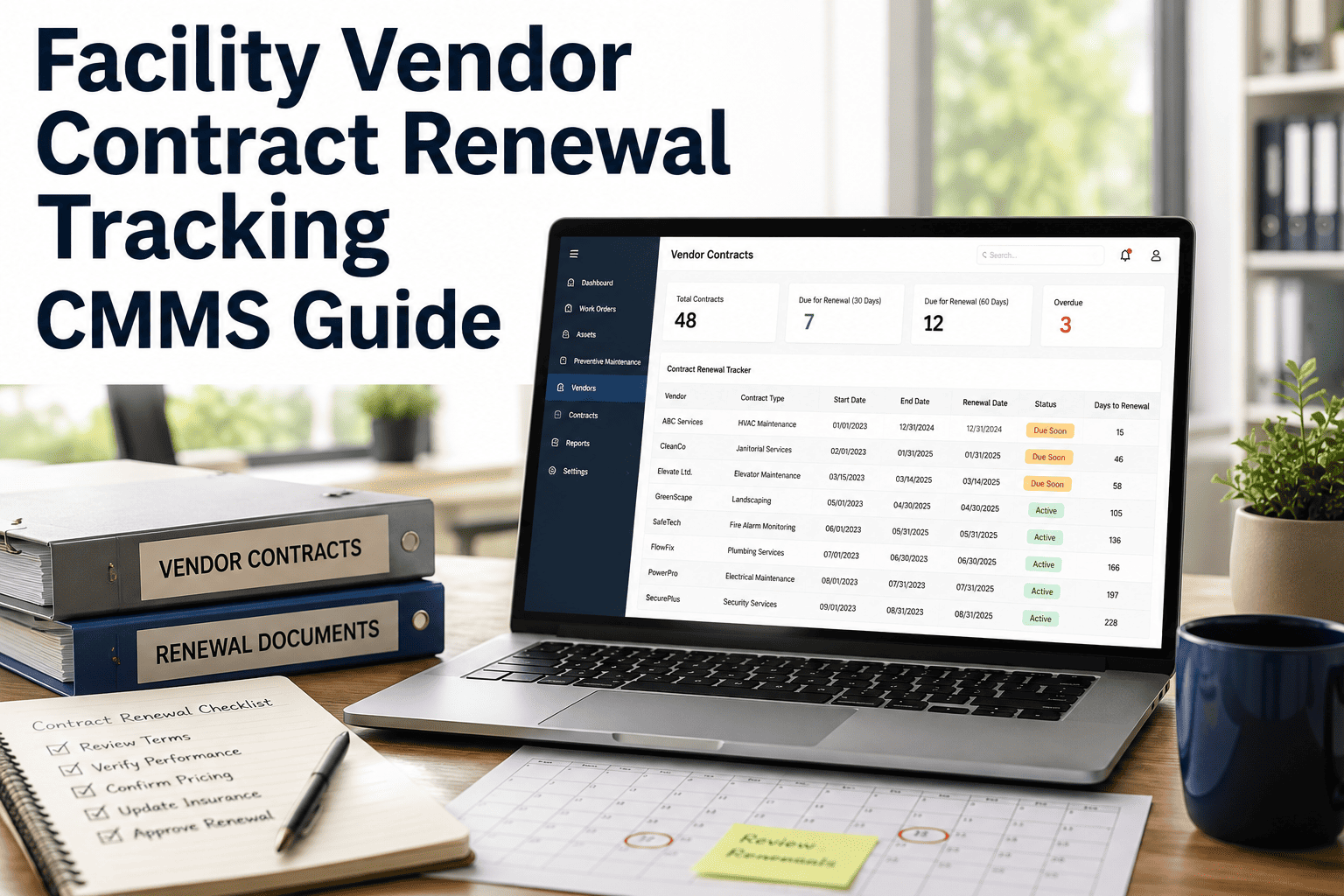
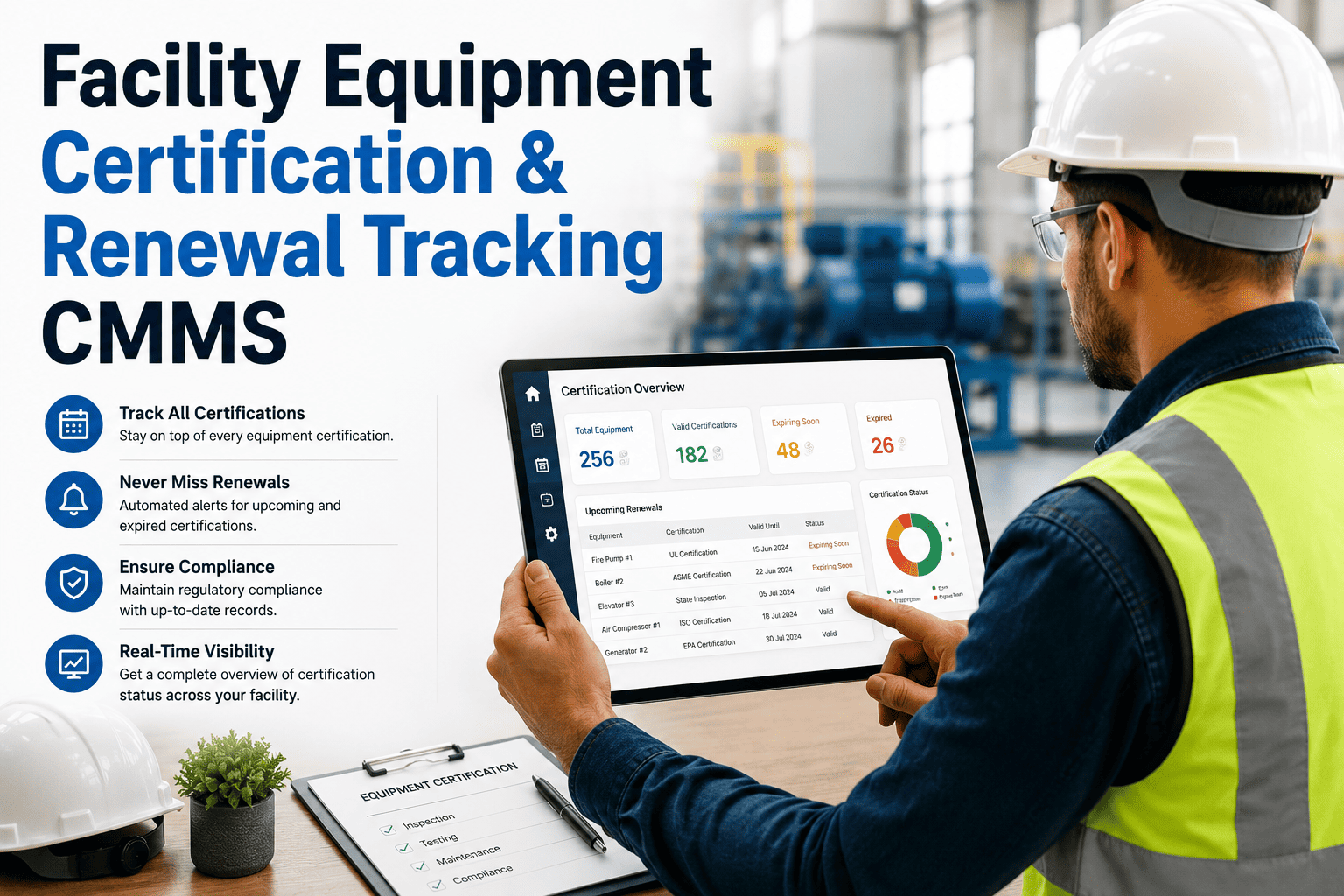
CMMS fires automated email + in-app alerts to the vendor and FM at 60, 30, and 7 days before any credential lapses. A 0-day alert auto-suspends the vendor from new work orders until renewed.
One-click compliance report
Generate a date-stamped PDF of every active vendor's credential status for your insurer, OSHA auditor, or corporate risk team in under 60 seconds — no spreadsheet assembly required.
The math behind letting credentials lapse
The argument for CMMS-based verification is not about software cost — it is about avoided loss. The formula below is conservative; it excludes reputational damage, tenant churn, and OSHA citation multipliers for repeat violations.
Conservative exposure for a mid-size commercial portfolio before premium impact.
Net avoidance with automated 30-day alerts and work-order gating enabled.
| Loss scenario | Without CMMS | With CMMS verification | Avoided cost / yr |
|---|---|---|---|
| Uninsured contractor incident (lapsed COI) | $58K avg exposure | $0 — work order blocked | $58K |
| OSHA citation for unlicensed trade worker | $15K–$156K per citation | $0 — license gate prevents dispatch | $45K |
| Insurance premium hike at renewal | +12–25% after one incident | 0% — no reportable event | $36K |
| FM labor chasing credentials | 6.2 hrs/wk × $55/hr | 0.8 hrs/wk — automated | $15K |
| Audit report assembly | 2 days × 4 audits/yr | 60 seconds, on-demand | $4K |
Manual tracking vs CMMS-automated verification
If your team still manages credentials in spreadsheets, shared drives, or vendor portals without expiry logic, you are carrying 100% of the avoidable risk below. The comparison captures what changes when verification moves into a purpose-built CMMS.
| Capability | Spreadsheet / shared drive | CMMS with credential module |
|---|---|---|
| COI expiry detection | Manual — discovered at audit or after loss | Automated alerts at 60 / 30 / 7 / 0 days |
| Additional-insured verification | Visual scan of PDF, frequently missed | OCR + rule engine confirms entity name match |
| Coverage-limit compliance | Spot-checked, inconsistent | Hard gate against minimum-coverage matrix |
| Work-order blocking on expired creds | Not possible — WO approved on trust | System blocks dispatch until renewal uploaded |
| Audit-ready reporting | 2 business days to assemble | 60-second PDF, date-stamped |
| Vendor self-service renewal | Email back-and-forth with broker | Portal link, vendor uploads, auto-validated |
"Our broker sends us updated COIs automatically, so we're covered."
Brokers send updates for policies they place — not for the 40–60% of vendors who carry coverage elsewhere. Only 27% of expired COIs are caught by broker notifications; the rest expire silently until a claim surfaces them.
What facility teams report after switching
Across mid-market industrial, commercial real estate, and healthcare facilities, the pattern is consistent: a 30-day implementation window, measurable risk reduction within the first audit cycle, and zero vendor complaints about the portal.
"We caught 11 expired COIs in the first week of going live — three on vendors actively on site. The work-order gate alone justified the platform cost within 90 days."
"Our last OSHA audit took 20 minutes instead of two days. The auditor asked which system we used and wrote the report output into his notes as a best practice."
Stop signing work orders for unverified vendors.
Deploy CMMS-based credential verification in under two weeks and close every insurance, license, and safety-qualification gap before your next audit finds it.
Contractor credential verification — answered
What insurance limits should a facility require from contractors?
Most commercial and industrial facilities set minimums at $2M general liability, $1M auto liability, and statutory workers' compensation. High-risk scopes — roofing, scaffolding, hazardous material abatement — typically push GL to $5M via an umbrella. The facility entity must be named additional insured with a waiver of subrogation, and the COI must be renewed annually or at policy expiration, whichever comes first.
How does a CMMS detect expired credentials automatically?
Each uploaded certificate carries an expiry date captured by OCR or manual entry at intake. The CMMS runs a nightly check against all active vendor records and fires tiered alerts — typically 60, 30, and 7 days out — to the vendor, the facility manager, and the EHS lead. At zero days, the vendor record is auto-suspended and any open work order is flagged for re-verification before dispatch.
Can contractors upload their own documents through a portal?
Yes. A branded self-onboarding link lets vendors upload COIs, licenses, and training cards directly. The system extracts policy numbers, limits, and expiry dates, validates them against your minimum-coverage matrix, and routes failures back to the vendor with a specific reason code — eliminating FM data-entry time entirely. You can see this workflow in action when you Book a Demo.
What happens if a work order is attempted for an unverified vendor?
The CMMS applies a hard gate: the work order cannot be approved or dispatched until every required credential on the vendor record is current and validated. This prevents the most common failure mode — a facility manager trusting that "the vendor said they renewed" — and creates a defensible audit trail showing exactly who attempted to bypass the gate and when.
How long does implementation take for a typical facility portfolio?
A mid-size portfolio (50–150 vendors, 3–8 sites) goes live in 2–4 weeks. The bulk of the time is vendor data migration and setting your minimum-coverage matrix. Most teams see the first expired-credential alerts within 72 hours of go-live. You can spin up a sandbox and begin importing vendor records today with a Start Free Trial — no credit card required.
Verify every contractor before the next work order is signed.
Join the facility teams using OxMaint to gate 100% of vendor dispatches behind current insurance, licenses, and safety qualifications — and sleep through their next OSHA audit.
Free 14-day trial · No credit card