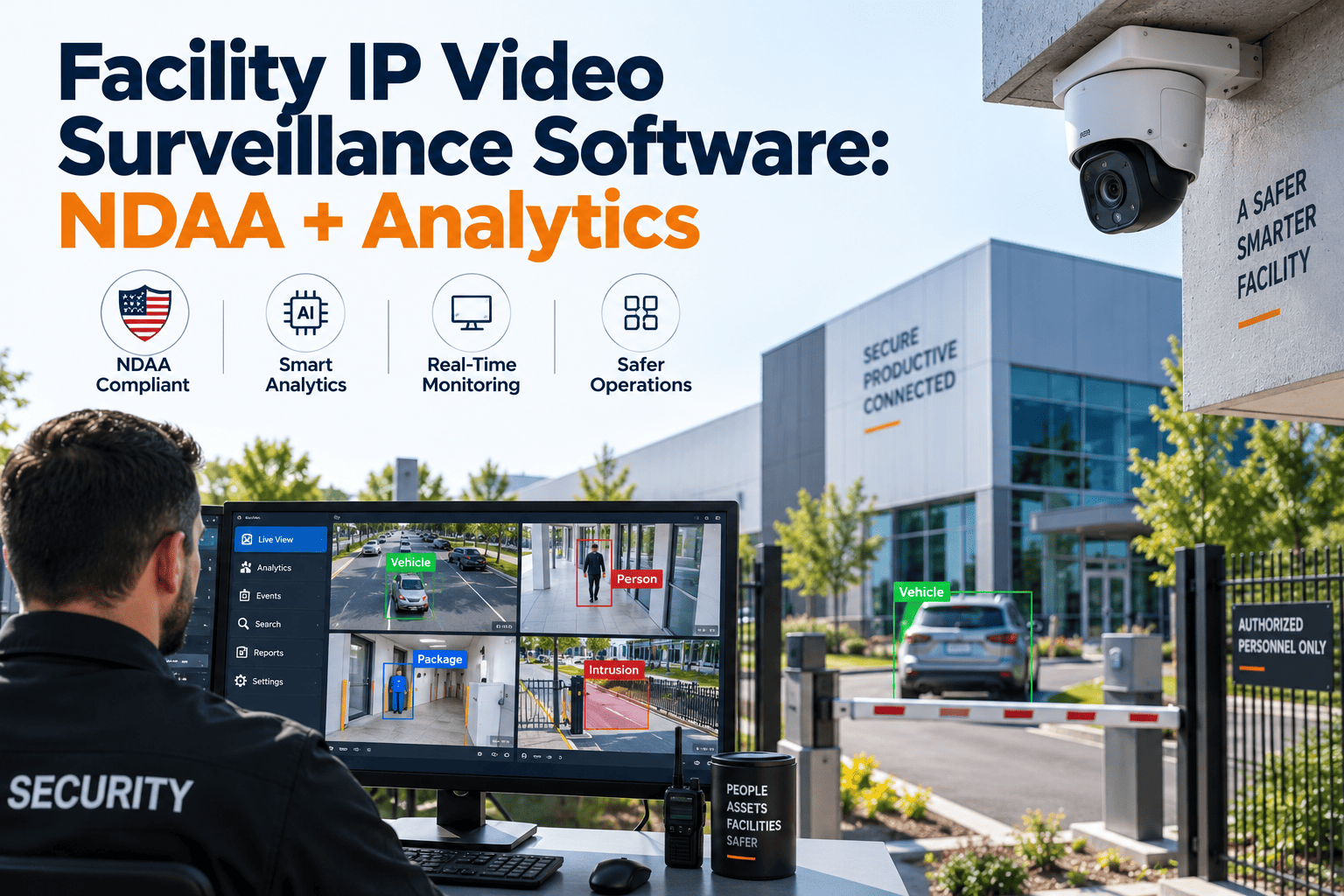
IP video surveillance is only as dependable as the least-maintained camera, switch, or storage array behind it. Facilities that must respect NDAA Section 889 rules, keep usable evidence, and adopt video analytics need more than a video management system. They need a documented record of every device, its firmware, its health, and every repair. This guide covers NDAA-aware camera tracking, analytics readiness, camera health routines, and evidence retention, and shows how a CMMS such as Oxmaint keeps surveillance maintenance organized.
Facility IP Video Surveillance Software: NDAA Compliance and Analytics Without Blind Spots
Why IP Surveillance Systems Fail Quietly
A camera that stopped recording three weeks ago looks exactly like a healthy one on a floor plan. Most IP surveillance failures are silent, and they surface at the worst moment: when someone requests footage of an incident.
Failure patterns and the maintenance response
| Symptom | Typical root cause | Maintenance response |
|---|---|---|
| Black or frozen image | PoE port fault, damaged cable termination, or a camera rebooting repeatedly | Open a corrective work order, test the cable run, move the port, record the result |
| Blurred or foggy image | Dirty dome, condensation inside the housing, or lens focus drift | Clean the dome, replace the gasket, refocus, attach a before and after image |
| Gaps in recorded video | Full storage, failing drive, or network congestion | Check disk health and retention days, replace the drive, log the part used |
| Timestamps that disagree | Lost time synchronization with the network time server | Correct the time source and document the measured offset |
| Unusable night footage | Failed IR illuminator, changed site lighting, or a wrong exposure profile | Inspect the illuminator, retune the profile, review nearby lighting |
| Constant false analytics alerts | Poor camera angle, moving foliage, glare, or loosely tuned rules | Adjust zones and mounting, then monitor alert volume for a full week |
Operational impact when cameras go unmaintained
- Missing or unusable footage weakens investigations, insurance claims, and liability defense.
- Security officers spend shifts checking cameras by hand because they no longer trust the monitor wall.
- Deferred repairs pile up and then arrive as expensive emergency visits after a single incident exposes several gaps.
- Auditors and insurers ask for maintenance evidence that nobody can assemble quickly.
NDAA Section 889 and Your Camera Fleet
Section 889 of the fiscal year 2019 National Defense Authorization Act restricts federal agencies and their contractors from using certain telecommunications and video surveillance equipment. Named companies include Hikvision, Dahua, Huawei, ZTE, and Hytera, along with their subsidiaries and affiliates.
Why private facilities track NDAA status too
- Federal contractors and grant-funded properties can face direct compliance obligations.
- Government tenants often push the same requirements into lease and security clauses.
- Corporate security policies increasingly adopt NDAA-style procurement rules on their own.
- Replacing covered cameras is easier when the whole fleet is already inventoried by make, model, and install date.
Procurement habits that keep records clean
- Keep the manufacturer declaration and purchase order attached to each asset record.
- Check rebranded or white-label cameras, since the underlying OEM or components may still matter.
- Record the part number every time a camera or module is swapped during a repair.
- Plan a phased replacement budget for any covered device instead of making emergency substitutions.
Trade Agreements Act compliance is a separate federal purchasing requirement, so track it as its own field. Treat this section as operational guidance, and confirm your exposure with legal counsel.
Put Every Camera on the Asset Register
What to Record for Every Surveillance Asset
A useful camera record answers four questions: what it is, whether it is compliant, how it connects, and how healthy it has been.
Identity
- Make, model, and serial number
- Location and purpose of the field of view
- Install date and warranty end
- QR tag that opens the full history
Compliance
- Manufacturer and OEM declaration
- NDAA and TAA status with supporting document
- Purchase order and supplier
- Date of the last procurement review
Network
- IP address, VLAN, and switch port
- Firmware version and update date
- Credential rotation date
- Recorder assignment and stream profile
Health
- Last inspection result with image sample
- Downtime and repair history
- Dome and lens cleaning dates
- Spare parts consumed
Camera Health Routines: Weekly to Annual
Camera health improves when checks are small, frequent, and assigned. These bands are a starting point; adjust them for environment, camera criticality, and manufacturer guidance.
Video Analytics Readiness: Fix the Camera Before Tuning the Algorithm
Analytics such as intrusion detection, line crossing, loitering, and license plate recognition depend on a clean, stable, correctly aimed image. Poor image quality creates false alerts, and false alerts teach operators to ignore the system.
Analytics on unmanaged cameras
- Dirty domes trigger phantom motion
- Drifted focus breaks plate reads
- Rules are never revisited after changes
- Operators mute alerts to cope
Analytics on maintained cameras
- Scheduled cleaning keeps the image stable
- Focus and angle checks sit in the PM plan
- Every rule change is logged against the asset
- Alert volume becomes a tracked metric
Common analytics use cases in facilities
- Perimeter intrusion and line crossing on fences and roofs
- After-hours loitering near loading docks and entrances
- People counting and occupancy measurement in lobbies
- License plate recognition at gates and garages
- Object-left-behind and queue detection in public areas
Analytics that identify individuals raise separate legal questions. Biometric and facial recognition features are regulated in some states, including under the Illinois Biometric Information Privacy Act, so involve counsel before enabling them.
Which Surveillance Failures Deserve Priority
Not every fault needs a same-day response. Rank failures by how much they damage your ability to see and prove what happened.
Evidence Retention Workflow
There is no single national retention period for surveillance video. Requirements come from state law, industry rules, insurers, and internal policy, so have counsel approve your schedule and document any legal holds.
How Oxmaint Fits Into Surveillance Maintenance
Oxmaint is a maintenance management platform, not a video management system. It does not replace your VMS; it organizes the maintenance work that keeps that system trustworthy.
| Surveillance need | Oxmaint capability |
|---|---|
| Inventory of cameras, switches, recorders, and storage | Asset management with QR tags and searchable history |
| Cleaning, focus checks, and firmware reviews | Preventive maintenance schedules with recurring work orders |
| Offline camera or failing disk | Corrective work orders with photos, assignment, and closure notes |
| Rounds by security or engineering staff | Mobile inspection checklists that work at the camera location |
| Spare cameras, PoE injectors, and drives | Inventory tracking tied to the work order that used the part |
| Insurer, auditor, or client questions | Reporting and dashboards showing overdue tasks and repair history |
Surveillance KPIs Worth Tracking
Network and Cybersecurity Maintenance for Cameras
IP cameras are network devices, and neglected ones become an easy way into a facility network. Cybersecurity work belongs in the same maintenance calendar as lens cleaning.
- Change default credentials at installation and rotate them on a schedule, recording each change date on the asset.
- Place cameras and recorders on a segmented network so they cannot reach business systems directly.
- Disable unused services and ports on each device after commissioning.
- Review manufacturer firmware advisories monthly and schedule updates through a work order, with a rollback plan.
- Keep the recorder and management software patched, and log every update with its date and technician.
- Remove decommissioned cameras from the network and the asset register at the same time.
Guidance from agencies such as the Cybersecurity and Infrastructure Security Agency and NIST on connected devices is a useful baseline for these routines.
Storage and Retention Planning
Retention depends on how much video the system writes each day and how much disk is available to hold it. Small changes in settings can shorten retention without anyone noticing.
Settings that grow storage
- Higher resolution streams
- Higher frame rates
- Lower compression efficiency
- Continuous recording instead of event recording
Events that shrink retention
- Adding cameras without adding disks
- A failed drive in a RAID group
- Analytics metadata filling a volume
- Legal holds that lock clips in place
Checks to schedule
- Monthly retention days against policy
- Drive health and RAID status
- Free space trend by volume
- Test restore of a random clip
Records to keep
- Approved retention policy
- Settings change history
- Drive replacement log
- Legal hold register
Field of View and Lighting Reviews
A camera can be online, recording, and still useless because the scene changed. Landscaping grows, signage goes up, and lighting is replaced, all without touching the camera.
- Compare a current snapshot with the original commissioning image during each annual review.
- Confirm that each camera still covers the purpose noted on its record, such as an entrance, a cash counter, or a fence line.
- Check for glare, backlighting, and shadows at the times of day that matter most.
- Trim vegetation and remove obstructions before they block a view.
- After any lighting retrofit, verify night performance on nearby cameras and adjust exposure profiles.
Spare parts worth stocking
- One or two spares of each critical camera model
- PoE injectors and short patch cables
- Replacement domes, gaskets, and mounting hardware
- Hot-swap drives matching your recorder specification
- Small UPS units for recorders and core switches
Who Owns What in a Surveillance Program
Surveillance sits between security, facilities, and IT, and problems hide in the gaps between them. Write down ownership so a failed camera has an obvious next step.
| Role | Typical responsibility | Record it should own |
|---|---|---|
| Security manager | Defines coverage needs, retention policy, and evidence procedures | Coverage map, policy, incident requests |
| Facility engineering | Maintains cameras, mounts, cabling, and power | Inspection results and repair work orders |
| IT or network team | Manages switches, VLANs, patching, and access accounts | Firmware log and credential changes |
| Integrator or vendor | Installs, commissions, and supports the platform | Service reports and warranty claims |
| Legal or compliance | Approves retention, privacy, and disclosure practices | Legal hold register and policy approvals |
Signs your surveillance program needs attention
- Nobody can say how many cameras are installed or which are offline today.
- Footage requests sometimes come back with gaps that nobody can explain.
- The same cameras are repaired repeatedly without a documented root cause.
- Firmware has never been updated since installation.
- Records of NDAA status exist only in a purchasing folder.
Getting Started With a Surveillance Maintenance Program
Start with the cameras that matter most, then expand. A small program that runs every week beats a perfect plan that never launches.
- Walk the site and list every camera, recorder, and switch, noting its location and condition.
- Rank cameras by the risk they cover, such as entrances, cash handling, and perimeters.
- Build a short weekly check and a quarterly cleaning route for the highest-risk group first.
- Capture NDAA declarations and firmware versions as you touch each device.
- Review the first month of work orders to find recurring faults and adjust the plan.