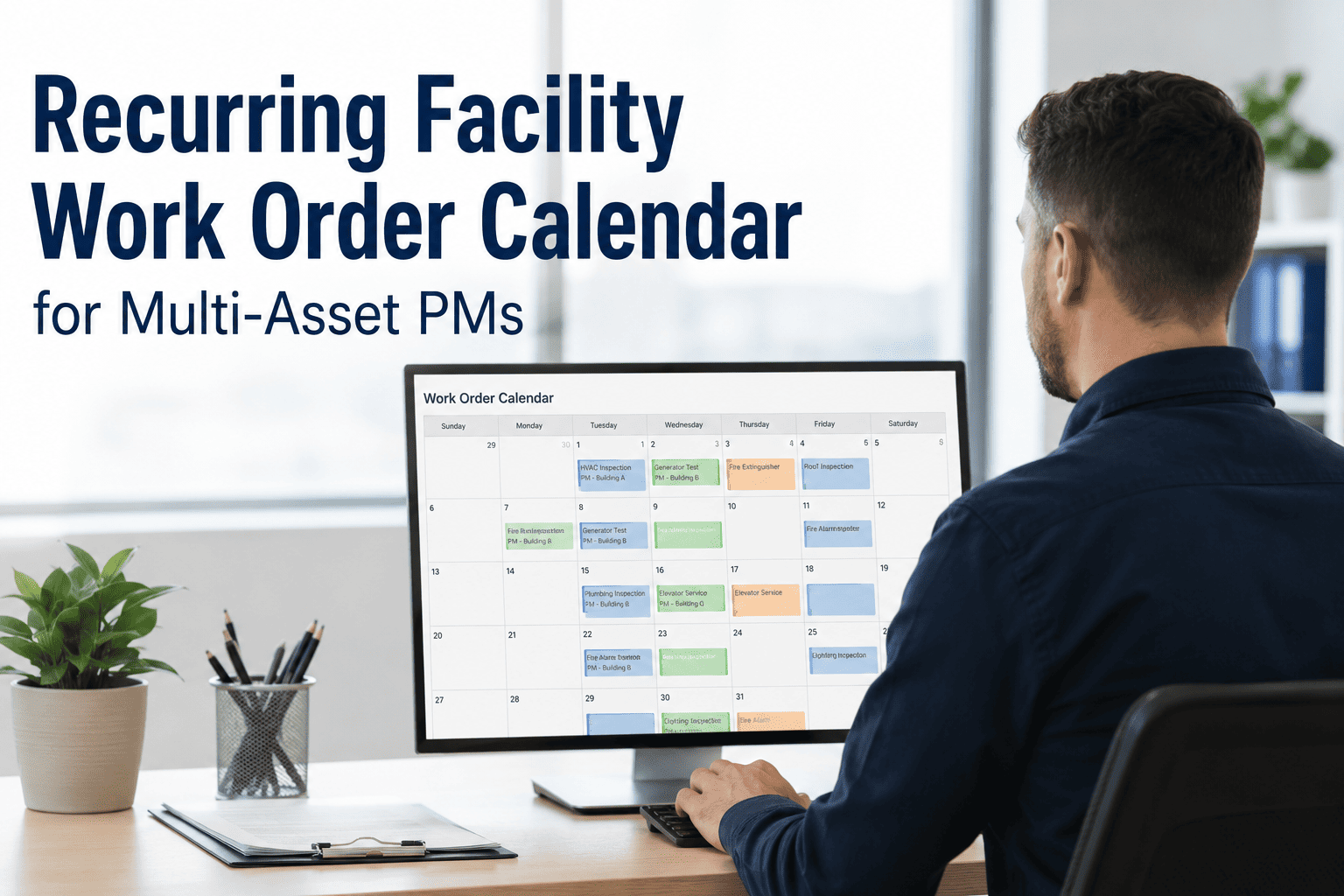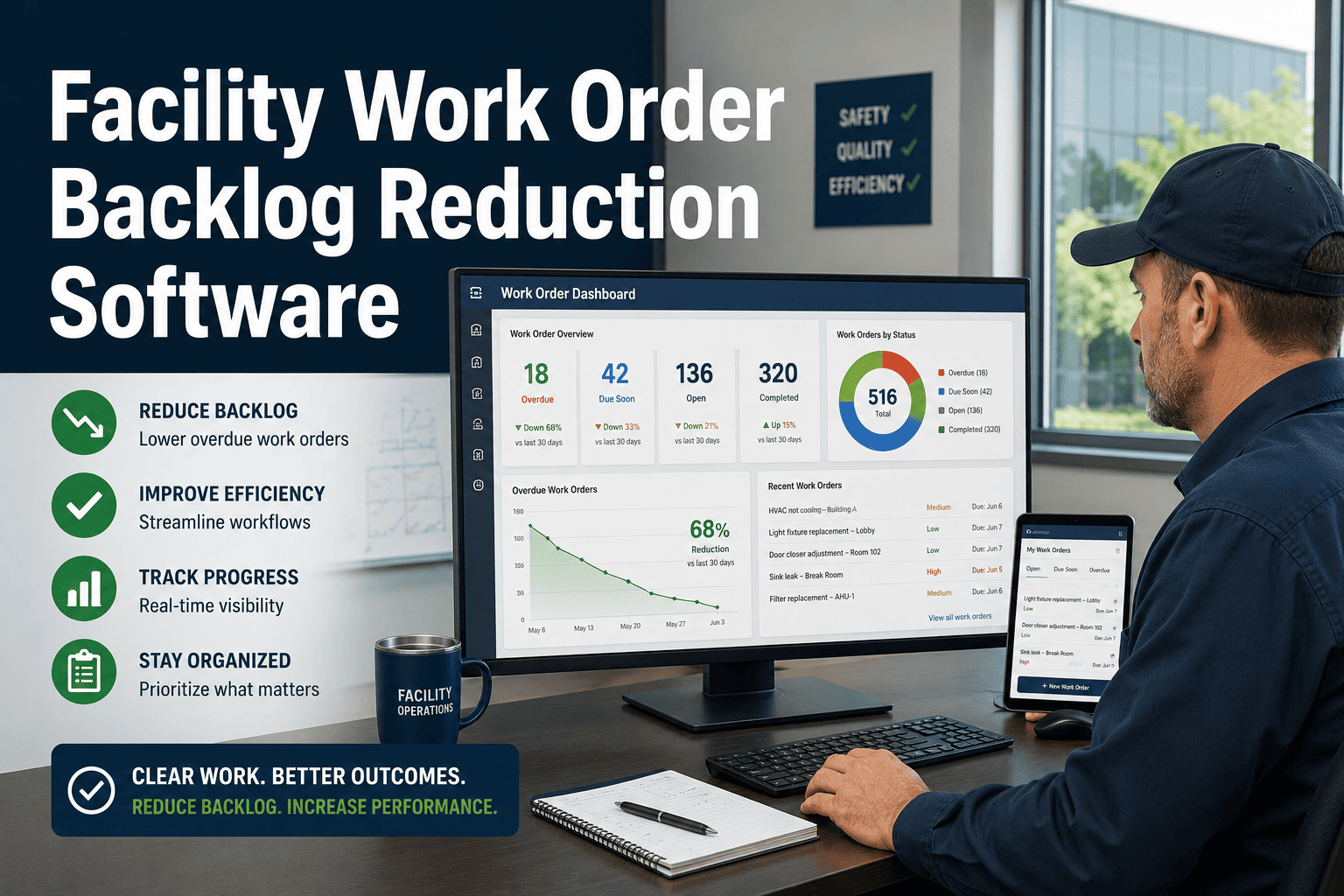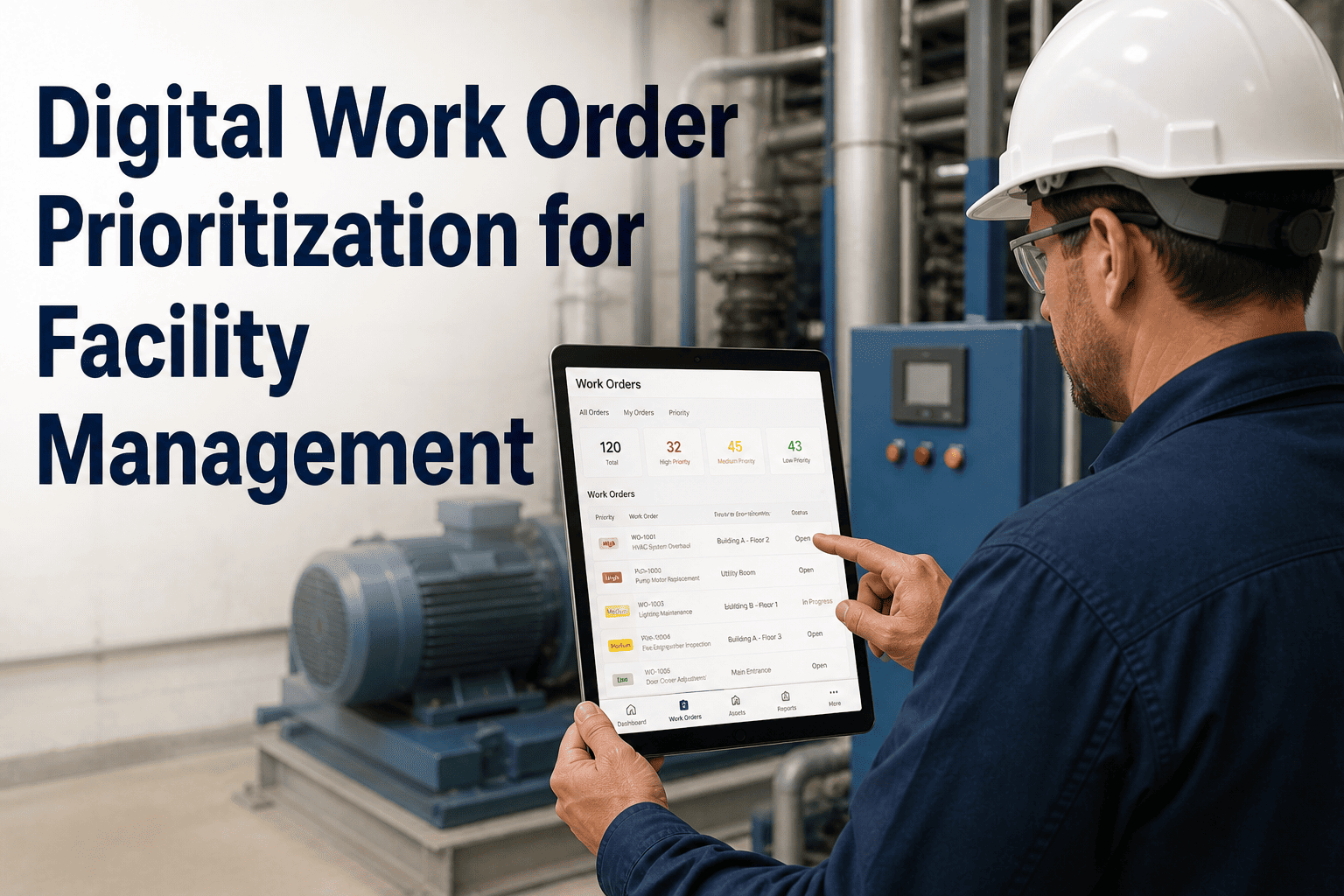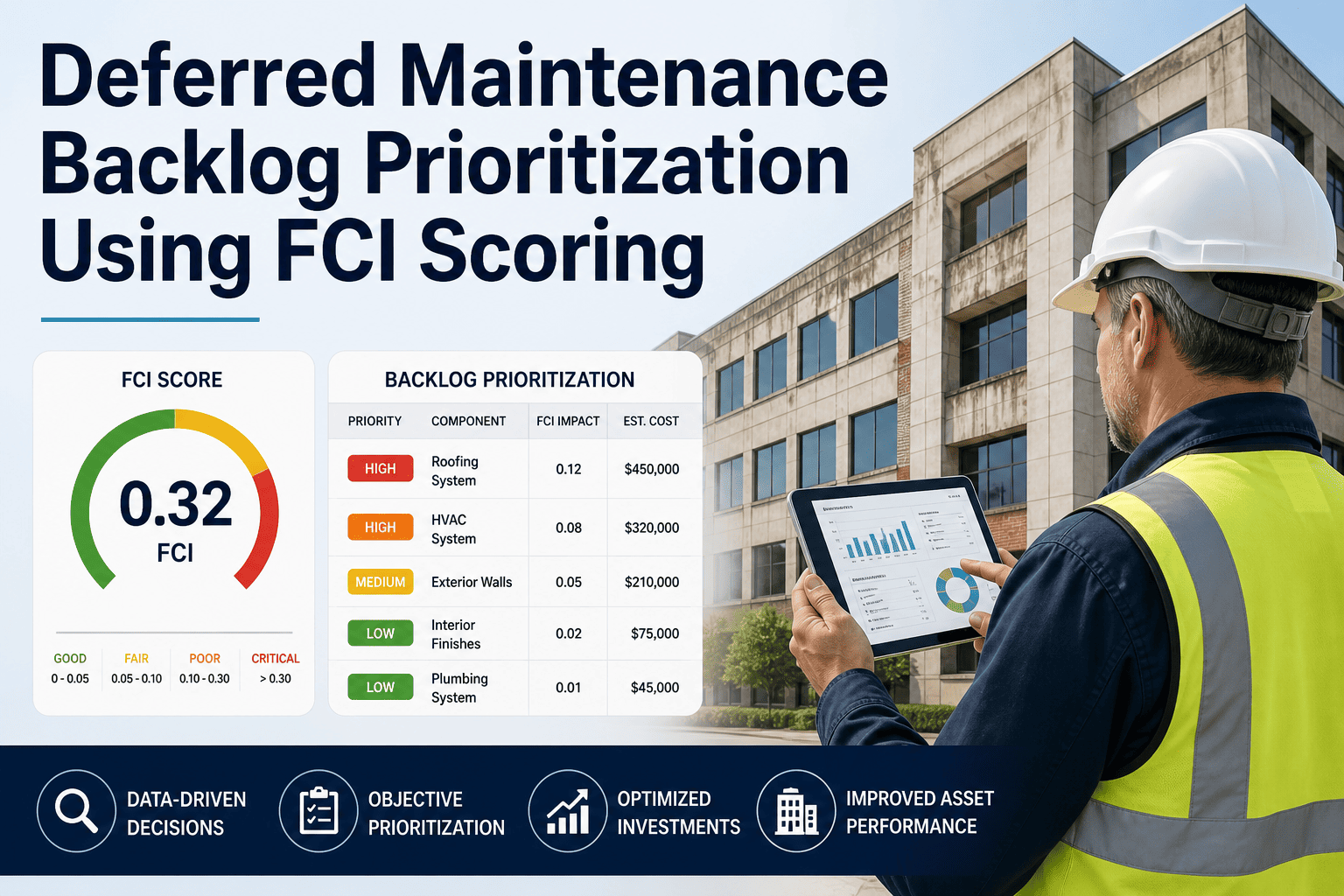
Every facility maintenance team has a backlog. The question is whether that backlog is managed with a system or slowly destroying asset reliability in silence. A 2024 BOMA International operations survey found that facilities with unmanaged maintenance backlogs experience 34% higher emergency repair costs and 2.7 times more tenant or occupant complaints than those with structured backlog reduction plans. The backlog does not shrink on its own — it compounds. OxMaint gives facility teams the work order intelligence, priority scoring, and scheduling tools to systematically eliminate maintenance backlogs without hiring additional headcount.
Operations and Workflow · Facility Management
Facility Maintenance Backlog Reduction Strategy
How to Use Priority Scoring, Asset Criticality, and CMMS Scheduling to Clear Your Repair Queue — and Keep It Clear
Book a Demo to See Backlog Management Live
34%
Higher emergency repair costs in facilities with unmanaged backlogs
2.7x
More occupant complaints in backlog-heavy facilities
60%
Of backlogged work orders are on assets with no criticality classification
Why Facility Backlogs Grow Faster Than Teams Can Respond
1
No Priority System
When every work order looks the same, technicians default to easy jobs or whoever asked most recently. Critical repairs sit in queues behind cosmetic fixes that are faster to close. Without a structured priority framework, urgency is whoever is loudest, not what the asset actually needs.
2
Reactive Volume Overwhelms Planned Work
Emergency repairs consume available labor hours, pushing planned preventive work into next week, then next month. Teams stuck in reactive cycles never get ahead because PM deferrals keep feeding the emergency queue. The cycle is self-reinforcing until a systematic intervention breaks it.
3
Backlog Has No Visibility
If the backlog lives in spreadsheets, paper logs, or individual technician memories, leadership cannot see it, cannot measure it, and cannot allocate resources to reduce it. What gets measured gets managed. An invisible backlog grows until a failure makes it impossible to ignore.
The Backlog Reduction Framework
Phase 1 · Measure
Capture all open and deferred work orders into a single CMMS register
Calculate backlog age — days since creation — for every open item
Identify total estimated labor hours required to clear the backlog
›
Phase 2 · Prioritise
Score each work order by asset criticality and safety consequence
Apply SLA rules — age thresholds that auto-escalate overdue work orders
Separate regulatory compliance items into a mandatory-first category
›
Phase 3 · Schedule
Match high-priority work orders to available technician trade and skill
Reserve 20-30% of weekly capacity for backlog reduction — not just new requests
Use contractor support for backlog surges that exceed internal capacity
›
Phase 4 · Sustain
Track backlog hours weekly — set a reduction target of 10-15% per month
Implement PM schedules to prevent new backlog from forming on key assets
Review aging work order reports every week in team standup
Asset Criticality Scoring: What Goes First
| Criticality Level | Definition | Examples | Maximum SLA | Action |
|---|---|---|---|---|
| Critical | Failure stops operations or creates safety risk | Fire suppression, main electrical, primary HVAC | 4 hours | Immediate dispatch |
| High | Significant operational impact, no immediate safety risk | Elevators, server room cooling, backup systems | 24 hours | Same day response |
| Medium | Moderate impact, occupant discomfort | Zone HVAC, plumbing, lighting systems | 72 hours | Scheduled within week |
| Low | Cosmetic or minor convenience issues | Paint, door hardware, minor fixtures | 30 days | Next available slot |
Backlog Health Metrics to Track Weekly
Backlog Coverage Ratio
Total Backlog Hours ÷ Weekly Available Tech Hours
Target: Below 4 weeks
If your backlog requires more than 4 weeks of available labor to clear, it is structurally growing faster than your team can reduce it. Contractor support or PM reduction is needed immediately.
Work Order Age Distribution
% of open WOs older than 30, 60, 90 days
Target: Less than 10% over 60 days
Work orders aging past 60 days are either deprioritised incorrectly or blocked by resource constraints. Both issues need investigation before they compound into larger asset failures.
SLA Compliance Rate
WOs Closed Within SLA ÷ Total WOs Closed
Target: Above 85%
SLA compliance below 70% signals that priority rules are not being enforced in practice, or that technician scheduling is misaligned with incoming work volume and skill requirements.
PM vs. Reactive Ratio
PM Work Orders ÷ Total Work Orders Completed
Target: Above 60% PM
Facilities running more than 60% planned maintenance reliably shrink their backlogs over time. Below 40% PM means the team is permanently reactive — the backlog will grow regardless of technician effort or overtime spend.
OxMaint Shows Your Backlog in Real Time
Aging work order reports, SLA dashboards, criticality scoring, and scheduling tools built for facility teams — not enterprise software consultants. See it working on your operation.
Expert Review
“
Facility maintenance backlogs are a symptom, not the root problem. The root problem is almost always the absence of a structured priority framework and a weekly habit of reviewing aging work orders. Teams that implement asset criticality scoring and SLA enforcement consistently reduce backlogs by 40 to 60 percent within 90 days — without adding staff. The technology is secondary. The discipline of measuring and reviewing backlog metrics every week is what actually drives the improvement.
Sandra Okafor
Certified Facility Manager (CFM) · Principal Consultant, Facility Operations Advisory Group · 19 years in commercial and healthcare facility management
Frequently Asked Questions
How long does it realistically take to reduce a large maintenance backlog?
For a facility with a backlog representing 8 to 12 weeks of available labor, a structured reduction program typically achieves 50% reduction in 60 to 90 days when 25% of weekly capacity is dedicated to backlog clearance. The first two weeks focus on capturing and prioritising all open work — most teams discover the backlog is larger than perceived once it is fully documented in a CMMS platform like OxMaint. Progress accelerates after the first 30 days because PM implementation starts reducing new reactive work volume, freeing more capacity for backlog clearance rather than firefighting new failures.
Should we cancel old work orders or complete them?
Work orders older than 90 days should be reviewed individually rather than batch-cancelled. Some are genuinely obsolete — tenant moved out, equipment replaced, issue self-resolved — and can be closed with a documented reason. Others represent real deferred maintenance that has worsened over time and now carries higher repair cost. Cancelling without review disguises liability as resolution and creates false backlog reduction metrics. A practical approach is to hold a monthly backlog review session where supervisors assess each aged work order and make an explicit keep, escalate, or cancel decision with documentation in the CMMS system.
What is the right backlog target for a well-managed facility?
Industry benchmarks from IFMA and BOMA suggest that a healthy maintenance backlog represents two to four weeks of available technician labor hours — enough to keep teams productively scheduled without accumulating unaddressed risk. Backlogs below two weeks may indicate under-reporting of actual maintenance needs rather than genuine operational excellence. The backlog target should be reviewed quarterly as staffing levels, facility age, and asset portfolios change. The metric matters most as a trend — a backlog decreasing from 10 to 6 weeks over 90 days shows the strategy is working, even if the absolute number has not yet reached the target range.
How does a CMMS help prevent backlog from rebuilding after a reduction effort?
Backlogs rebuild when preventive maintenance is not implemented after backlog clearance. A CMMS like OxMaint automates PM scheduling so that cleared assets stay on maintenance intervals rather than returning to reactive-only management. SLA rules auto-escalate aging work orders before they accumulate, and weekly aging reports give supervisors a consistent view of queue health without manual tracking. The combination of automated PM generation, SLA enforcement, and real-time reporting creates a structural barrier against backlog accumulation rather than relying on individual discipline or periodic cleanup campaigns.
Ready to See Your Backlog Data in a Real Dashboard?
OxMaint's work order management platform shows aging reports, SLA compliance, criticality scores, and scheduling gaps in one screen. Book a demo and see it configured for your facility type — not a generic demo environment.