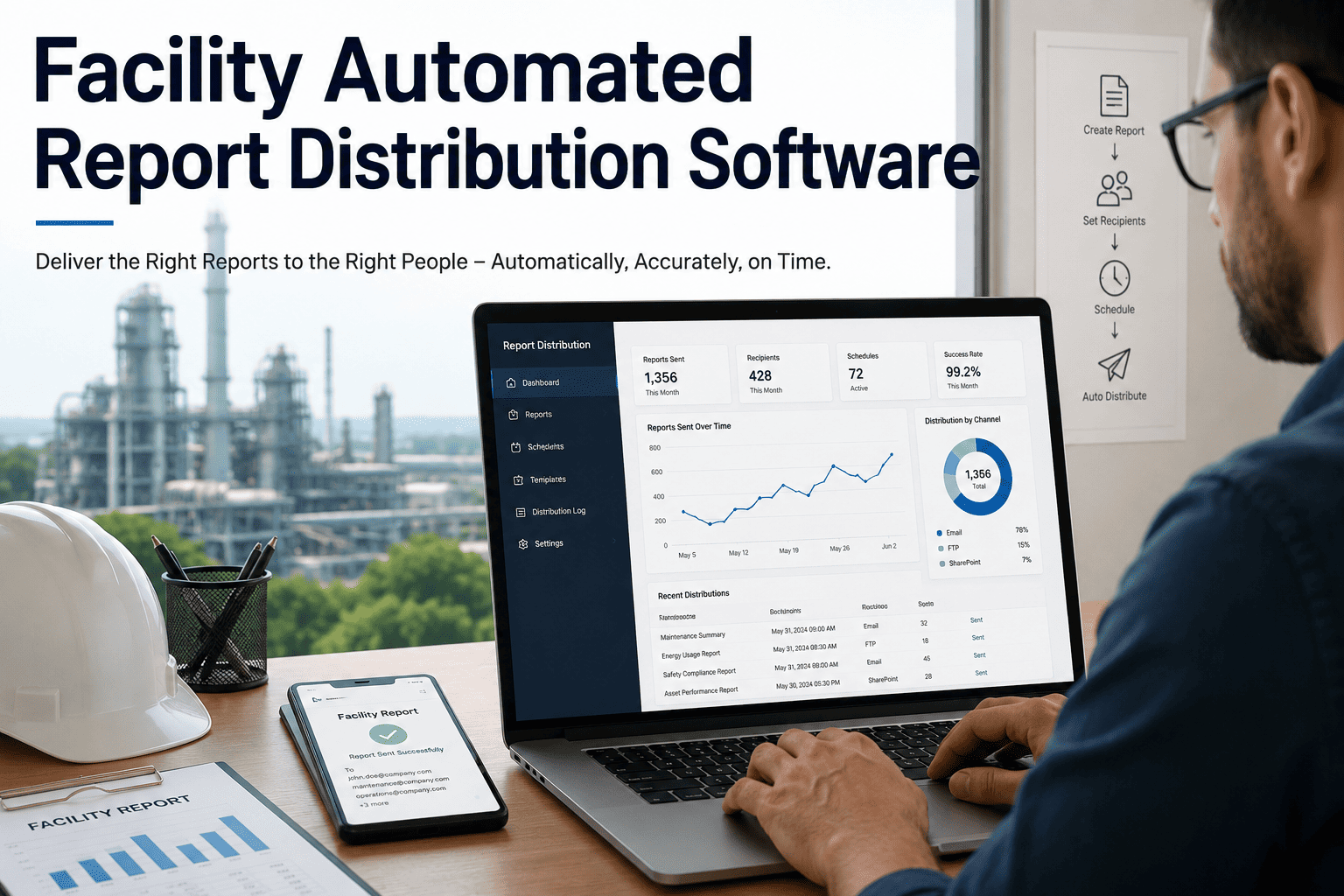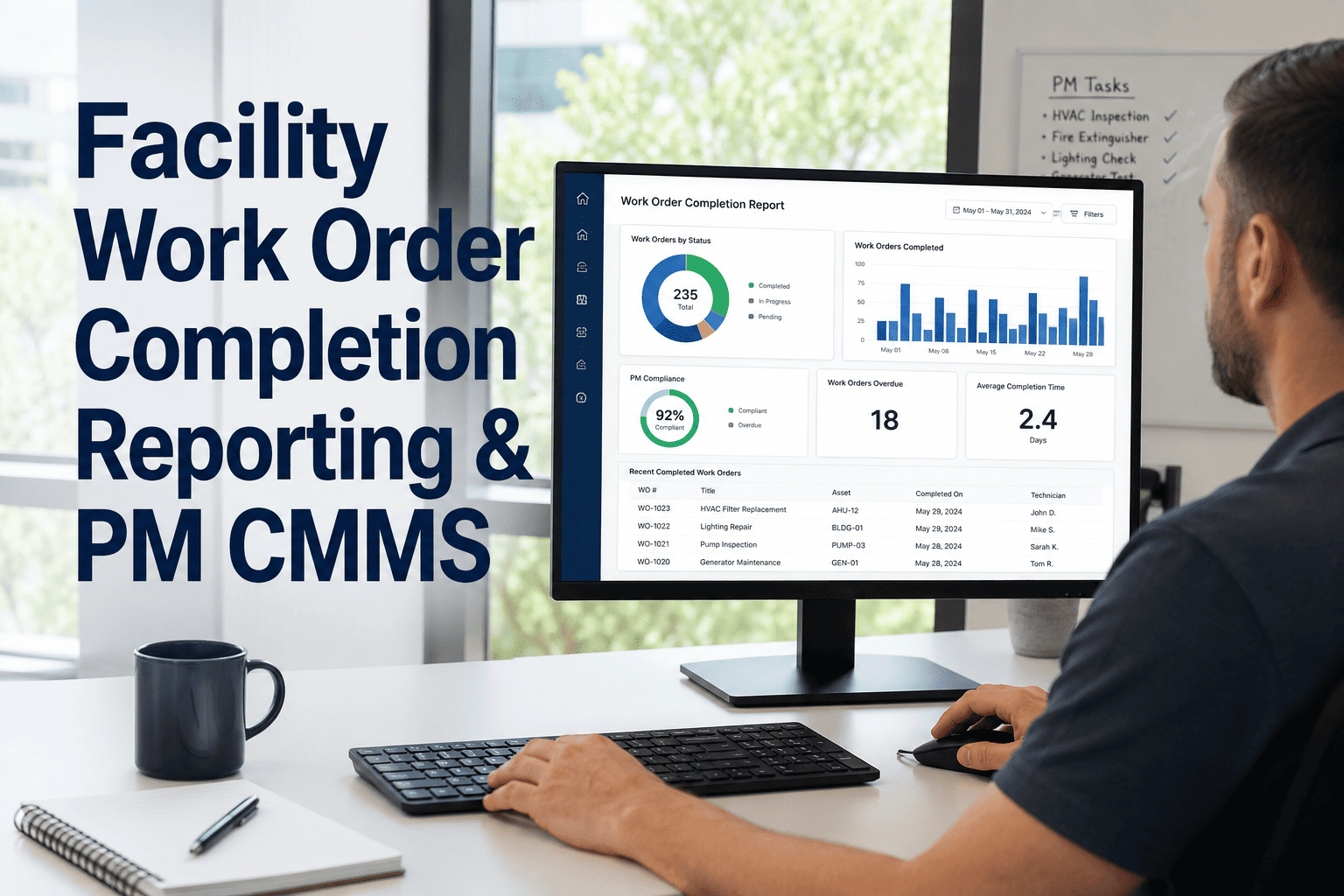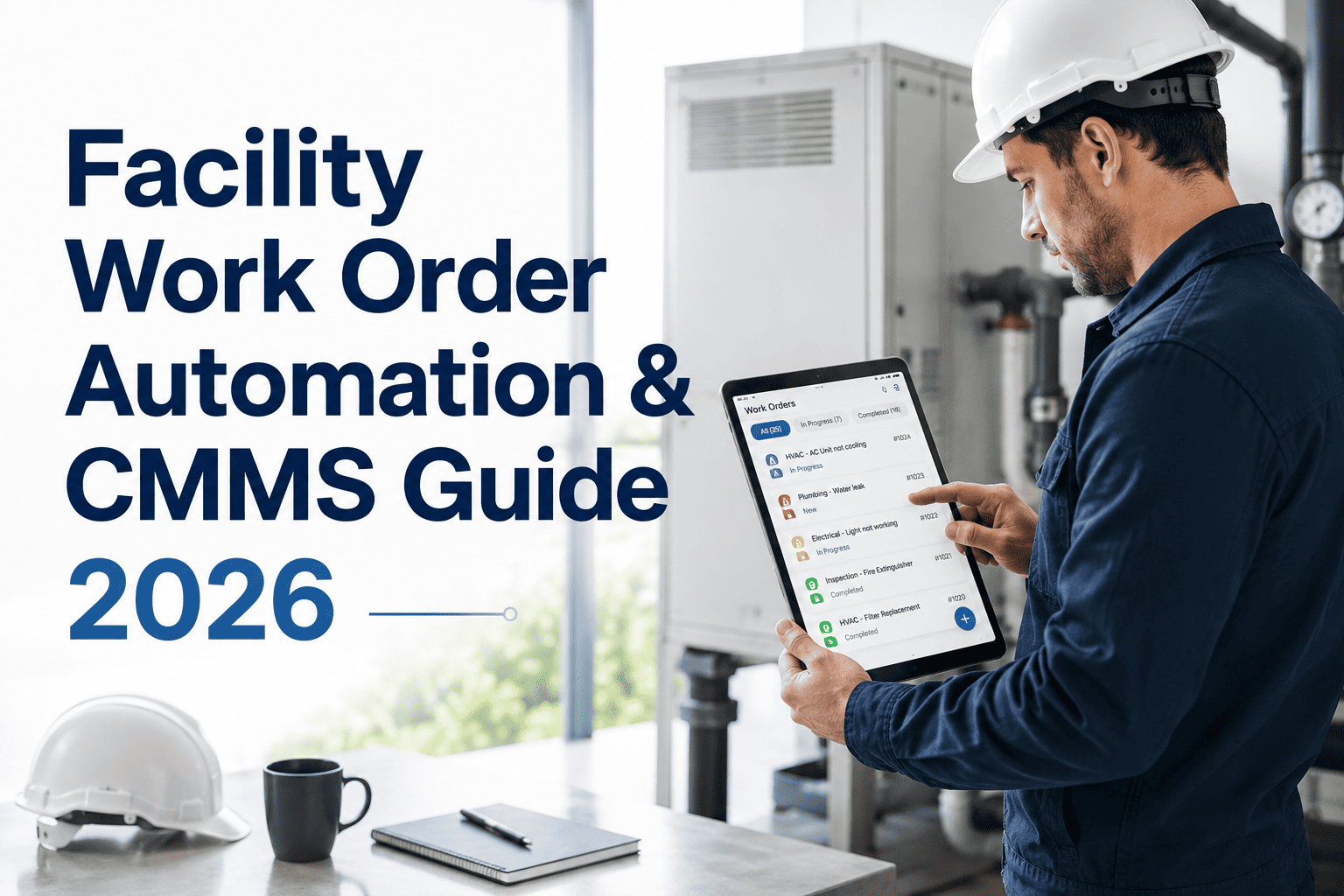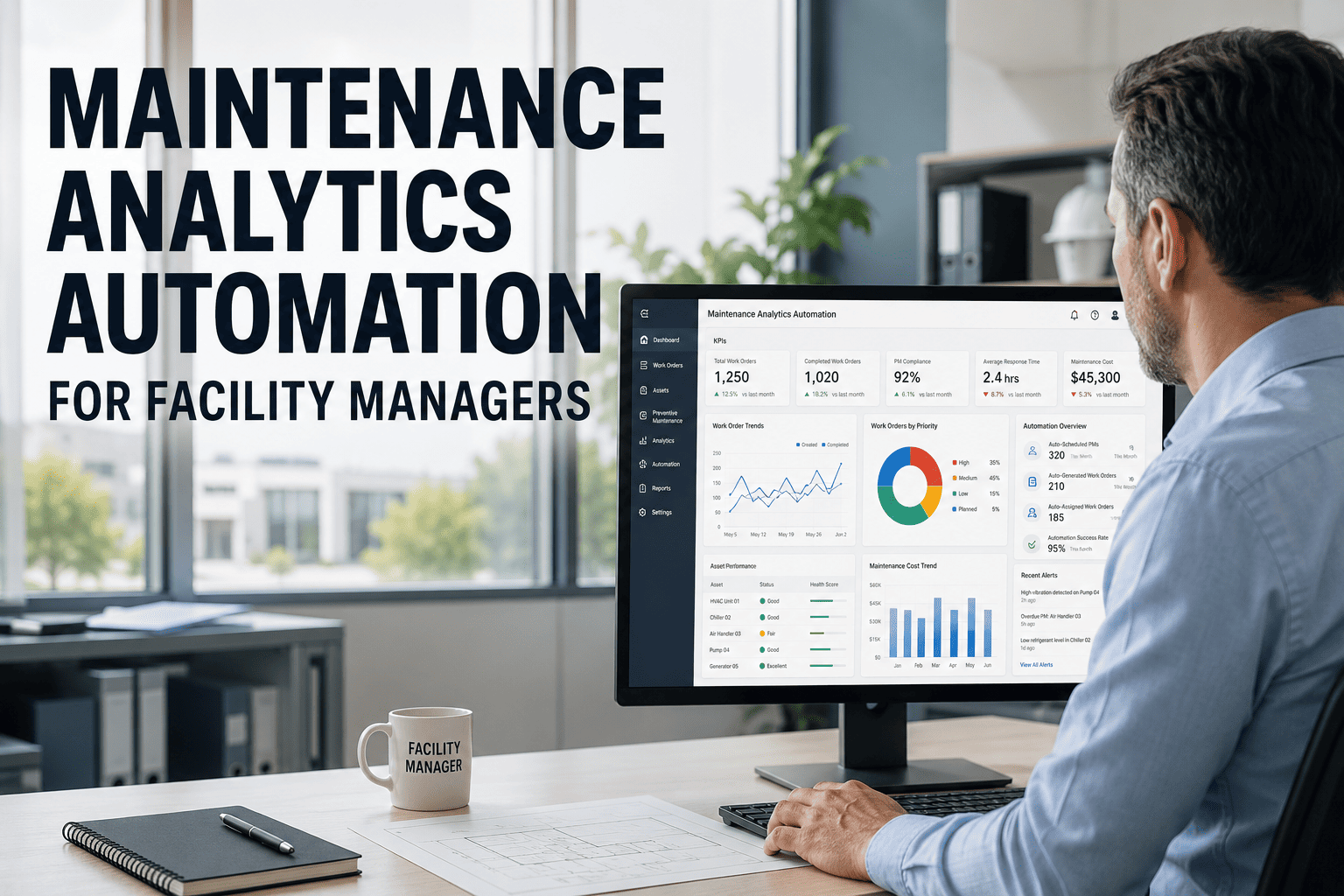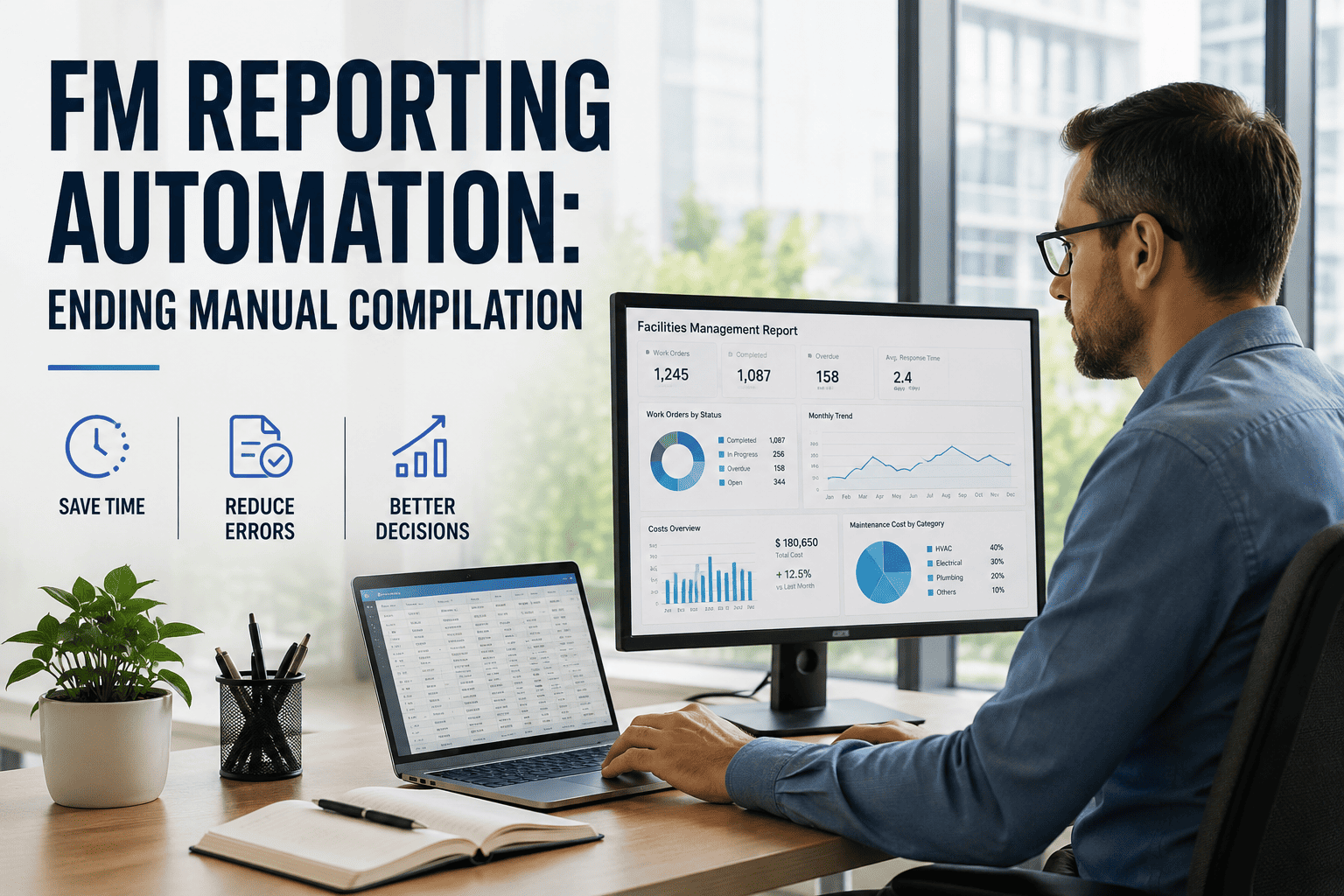
FM reporting automation replaces the hours your team spends exporting, pasting and formatting spreadsheet data every month with a facility reporting system that generates the same deliverables from live maintenance data in minutes. For facility teams still compiling KPI packs, compliance logs and asset-performance summaries by hand, automated facility reporting is the single fastest way to reclaim analyst capacity and improve reporting accuracy — no more version-control errors, no more stale numbers, no more spreadsheet marathon. Modern FM reporting tools like OxMaint pull work-order completion rates, preventive-maintenance compliance and downtime metrics directly from a CMMS database, then surface them in dashboards and scheduled reports that are audit-ready on day one. If your team is ready to stop rebuilding the same reports by hand, Start Free Trial and see automated FM reports populate from real asset data in your first session.
What could your analysts build if reporting compiled itself?
Most facility teams lose 12 to 18 hours per analyst each month rebuilding the same KPI, compliance and asset-performance reports by hand. FM report automation turns that into a five-minute task — numbers come straight from the system, not a spreadsheet marathon.
Why facility teams are eliminating manual report compilation now
A 2024 benchmark of mid-sized facility portfolios found that maintenance analysts spend roughly 35% of their working hours on data extraction, formatting and report distribution — work that automated building reports can handle with zero manual touch once configured.
Real-world example: A 180-asset commercial portfolio with three facilities was spending roughly $42,000 per year on analyst time just to produce monthly maintenance, compliance and asset-performance reports. After deploying OxMaint for FM report generation, the same deliverables auto-populated from live work-order and asset data — cutting reporting labor to under $4,000 annually and eliminating the four-day lag between close and distribution. Analysts redirected the recovered time to preventive-maintenance optimization and reliability analytics, which reduced unplanned downtime by 18% within two quarters.
How to automate FM reporting in four phases — without disrupting operations
Successful FM reporting automation follows a structured sequence: inventory what you report today, prioritize the highest-cost outputs, select the right tool, then deploy in increments that show value within the first month.
Reporting inventory & audit
List every recurring report your team produces — work-order summaries, PM compliance, downtime logs, spare-parts usage, vendor SLA scorecards. For each, capture the source system, manual hours required, distribution list and business decision it informs. Most teams discover 40 to 60 live reports, of which 15 to 20 are never acted on and can be retired immediately.
Automation prioritization matrix
Score remaining reports on two axes — manual effort (hours per cycle) and decision value (does it trigger action or spend?). Reports that score high on both are your automation quick wins. Target the top five for Phase 1 deployment; these typically represent 60 to 70% of total reporting hours and can be automated within the first 30 days.
Facility reporting system selection
Evaluate FM reporting tools against four hard criteria: native data source from the CMMS database (no double-entry), configurable dashboards and scheduled PDF/Excel delivery, role-based access for stakeholders, and audit-trail logging for compliance. Spreadsheets and bolt-on BI tools without a maintenance data model fail the first test — the reporting must live where the asset data lives.
Deploy, validate & scale
Automate the top five reports, run them in parallel with manual versions for one cycle to validate numbers, then retire the manual process. Schedule distribution to existing stakeholder lists. With the framework proven, roll out the next ten reports in the following 30 days. Most teams reach 90% automated coverage within 60 to 90 days of go-live.
The ROI of automated facility reporting: time recovered, errors eliminated
The payback of FM report automation is measurable in three dimensions — labor hours recovered, error-driven decision costs avoided, and speed-to-decision improvement when stakeholders receive data in hours instead of days.
The 0.90 factor reflects typical automation coverage after Phase 1 deployment — 90% of manual reporting hours eliminated, 10% retained for ad-hoc analysis.
Worked example: 5-analyst FM team
| Reporting Metric | Manual Process | With OxMaint Automation | Improvement |
|---|---|---|---|
| Monthly report generation time | 4–5 business days | Under 15 minutes | 97% faster |
| Report accuracy (error rate) | 22% contain errors | 0.5% (system-sourced) | 44× reduction |
| Time from data close to delivery | 4 days average lag | Same day, automated | Real-time |
| Analyst hours on reporting/month | 90 hrs (5 analysts) | 9 hrs (oversight only) | 81 hrs recovered |
| Compliance audit prep time | 6–8 hrs per audit | 1 hr (export-ready) | 85% reduction |
How OxMaint eliminates manual FM report compilation
OxMaint is an AI-powered CMMS and EAM platform where work orders, asset records, PM schedules and spare-parts inventory all live in one database — so every report pulls from a single source of truth with no manual data movement.
Live maintenance dashboards
Pre-built dashboards surface work-order completion rates, PM compliance, MTBF and downtime trends in real time — no exports, no pivot tables. Schedule them as automated FM reports delivered to stakeholders daily, weekly or monthly.
Scheduled report generation
Configure facility report generation to run on any cadence — daily executive summaries, weekly PM-compliance packs, monthly asset-performance reviews. Reports auto-distribute via email to defined role-based recipient lists.
Compliance & audit trail
Every work order, asset event and inventory transaction is timestamped and logged with full traceability. Generate ISO 55000, OSHA or internal audit packs in one click instead of assembling them from disconnected spreadsheets over days.
Predictive analytics alerts
AI models analyze asset history and condition data to flag failure risk and PM-schedule drift before they impact operations. These predictive insights auto-populate in reports — turning static numbers into forward-looking recommendations.
Stop rebuilding reports. Start acting on them.
See OxMaint generate your facility reports from live maintenance data in a 30-minute walkthrough tailored to your assets and reporting requirements.
FM reporting automation: frequently asked questions
What is FM reporting automation and how does it work?
FM reporting automation is the process of generating facility management reports — work-order summaries, PM compliance, downtime analysis, asset performance — directly from a CMMS database without manual data extraction or spreadsheet formatting. It works by connecting report templates to live maintenance data sources, then scheduling generation and distribution so reports arrive in stakeholder inboxes automatically. OxMaint handles this end-to-end because the work orders, asset records and analytics all live in one platform.
How much time does automated facility reporting actually save?
Most facility teams recover 12 to 18 hours per analyst per month after implementing FM report automation — roughly a 90% reduction in time spent on report compilation. A five-analyst team typically saves over $50,000 annually in labor costs alone, before counting the value of faster decisions and eliminated reporting errors. You can see this modeled on your own reporting workload when you Book a Demo.
Can automated FM reports replace our existing spreadsheet reports?
Yes. OxMaint's configurable dashboards and scheduled report delivery replicate and improve upon spreadsheet-based reports — same metrics, same distribution lists, but with live data instead of manual pastes. Most teams run automated and manual reports in parallel for one cycle to validate numbers, then retire the spreadsheet version entirely. The system supports PDF, Excel and on-screen dashboard formats.
How long does it take to implement a facility reporting system?
A typical deployment takes 30 to 60 days from kickoff to 90% automated reporting coverage. Phase 1 — the top five highest-value reports — usually goes live within the first month. Because OxMaint stores all maintenance data natively, there is no separate data-warehouse or ETL pipeline to build; reports connect directly to the CMMS database. Teams migrating from spreadsheets or legacy CMMS platforms can accelerate this by importing existing asset and work-order history during onboarding.
Does FM reporting automation help with compliance and audit readiness?
Absolutely. Every work order, asset event and inventory transaction in OxMaint is timestamped and logged with full traceability, so audit-ready reports can be generated in minutes rather than days. For ISO 55000, OSHA, FMCSA or internal governance requirements, automated facility reports pull directly from the compliance-mandated data fields — no manual reconciliation, no gaps in the record. Most teams cut audit preparation time by 80 to 85%.
Your next report should compile itself.
Join the facility teams who've replaced spreadsheet marathons with automated FM reports from OxMaint — live data, scheduled delivery, audit-ready in every cycle.
Free 14-day trial · No credit card