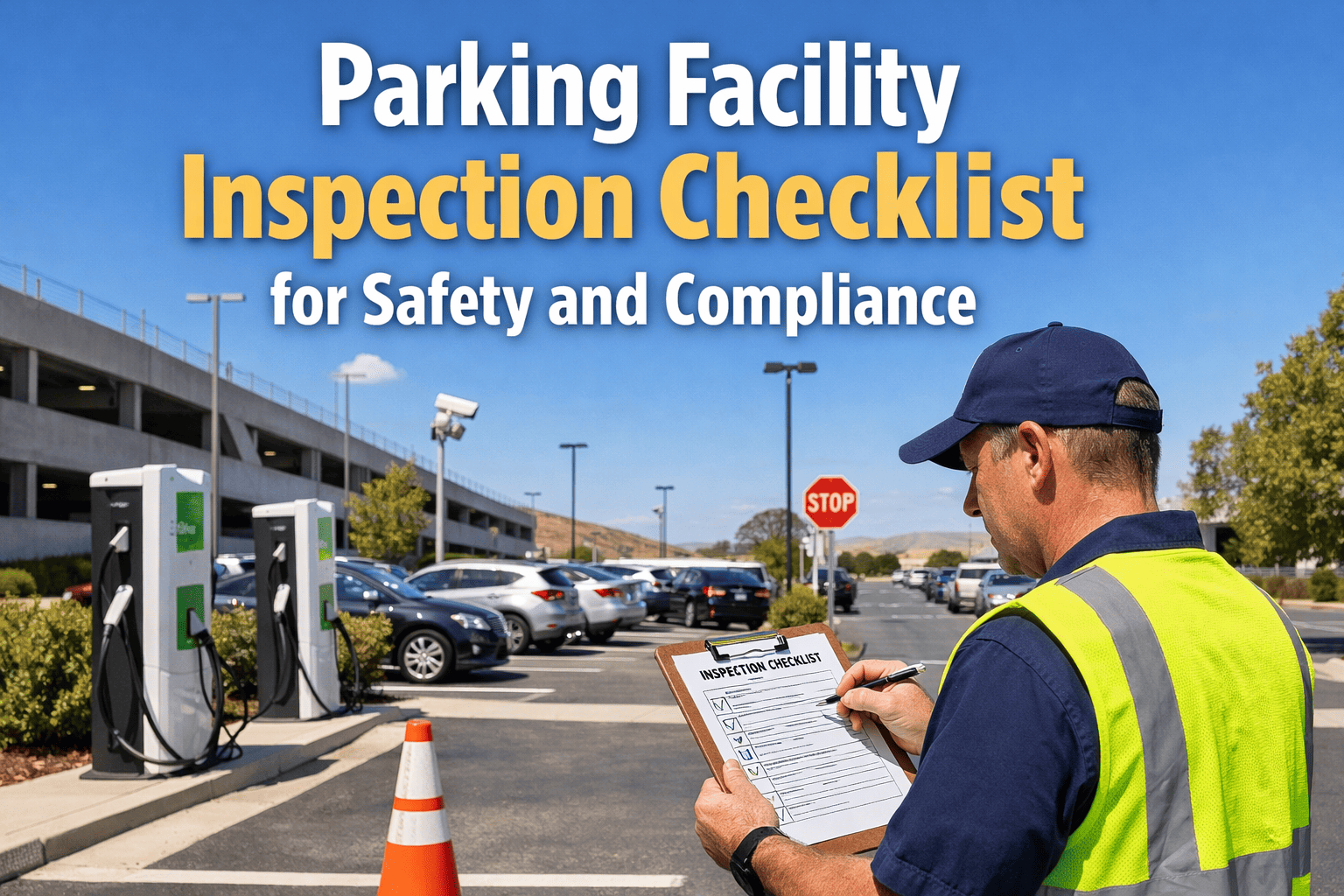
Facility inspections have traditionally lived on clipboards, paper checklists, and spreadsheets — but these methods cost more than most teams realize. Studies tracking nearly 3,000 inspections across 12 operations found that switching from paper to mobile digital inspections reduced inspection time by 67%, cut errors by 94%, and saved over $142,000 in annual labor costs per 100 daily inspections. Meanwhile, organizations using comprehensive digital documentation frameworks report up to 82% reduction in unplanned downtime. The shift is clear: digital facility inspections aren't a luxury — they're the baseline for any team serious about safety, compliance, and operational efficiency. Sign up for Oxmaint and start running digital inspections across every facility from day one.
HERO: INSPECTION WORKFLOW TIMELINEWhy Paper Inspections Are Holding Your Facility Back
Most facility teams know their paper inspection process is inefficient, but few appreciate the full scope of the problem. Paper forms sit in gloveboxes or site offices for days before reaching management — meaning critical deficiencies go unreported while dangerous conditions persist. Illegible handwriting, skipped sections, and unsigned forms create compliance gaps that surface only during audits. Physical storage demands grow every year, and finding a specific historical report means digging through filing cabinets or dusty boxes. Worst of all, paper gives you zero real-time visibility: you cannot track inspection progress, identify bottlenecks, or spot facility-wide trends until it is far too late. If your team is still managing inspections manually, sign up for Oxmaint and eliminate these risks immediately.
Paper-Based Inspections
- X 18.8 minutes average per inspection
- X Days-long reporting delays
- X Illegible handwriting, missing data
- X No photo or video evidence
- X Physical storage costs accumulate
- X Zero real-time visibility
- X Audit prep takes days or weeks
Digital Inspections with Oxmaint
- ✓ 6.2 minutes average per inspection
- ✓ Instant cloud sync and reporting
- ✓ Standardized digital forms, zero gaps
- ✓ Photo and video capture built in
- ✓ Cloud storage, instant retrieval
- ✓ Real-time dashboards and alerts
- ✓ Always audit-ready documentation
Step-by-Step: How to Conduct a Digital Facility Inspection
Running a digital inspection is not complicated — but it does require the right structure. Below is the proven five-step process that high-performing facility teams follow when conducting inspections through a CMMS platform like Oxmaint. Each step builds on the last, creating a closed-loop system where every finding leads to action and every action is documented.
Define Your Inspection Scope and Schedule
Start by identifying what needs inspecting — HVAC systems, fire safety equipment, electrical panels, plumbing, structural elements, or specialized equipment. Map each inspection type to a frequency: daily walkthroughs for high-traffic areas, weekly safety checks for equipment, monthly deep inspections for building systems, and annual compliance audits. In Oxmaint, you create recurring inspection schedules that automatically generate tasks, assign them to the right team member, and send reminders before deadlines. No inspection ever slips through the cracks.
Build Digital Checklists Tailored to Each Area
Generic checklists lead to generic results. Build checklists specific to each inspection type — fire extinguisher checks need different fields than roof drainage inspections. Include pass/fail criteria, conditional logic (if a component fails, trigger additional questions), required photo fields for visual evidence, and reference images showing acceptable vs. unacceptable conditions. Oxmaint lets you build templates from scratch or customize pre-built ones, then attach them to specific assets or locations so every inspector follows the same proven process. Book a demo to see how custom checklists work in practice.
Execute Inspections on Mobile Devices
Inspectors complete checklists directly on smartphones or tablets while on-site. Every entry is timestamped and geo-tagged. Photos are captured inline — no separate camera or file transfer needed. Notes can be typed or dictated. The entire inspection syncs to the cloud the moment it is completed (or queues for upload if connectivity is limited). This eliminates the walk-back-to-office bottleneck entirely and ensures that critical deficiencies are visible to management within minutes, not days.
Automate Follow-Up Actions and Work Orders
When an inspection step fails or a deficiency is flagged, the CMMS should automatically trigger a corrective action. In Oxmaint, failed items generate work orders instantly — assigned to the right technician with priority levels, photos from the inspection, and a deadline. This closed-loop system ensures that finding a problem and fixing it are part of the same workflow, not separate processes managed by different people with email threads in between. Sign up now and connect your inspections directly to maintenance workflows.
Analyze Trends and Continuously Improve
The real power of digital inspections is the data they generate over time. Track which areas produce the most findings, which equipment fails most often, which inspectors are most thorough, and how quickly corrective actions are resolved. Use this data to adjust inspection frequencies, retrain staff, reallocate resources, and justify capital improvements. Oxmaint dashboards surface these insights automatically — no manual spreadsheet analysis required.
Ready to Digitize Your Facility Inspections?
Oxmaint gives you digital checklists, mobile execution, automatic work order generation, and real-time compliance dashboards — all in one platform.
What Every Digital Inspection Checklist Should Include
A well-structured checklist is the backbone of every successful inspection. Whether you are inspecting a commercial building, a manufacturing floor, or a healthcare facility, your digital checklists should capture the following categories of information for every inspection round:
Safety Systems
Fire extinguishers (charge, tag date, accessibility), emergency exits (clear, lit, signage), smoke detectors, sprinkler heads, first aid kits, AED units, emergency lighting, eyewash stations
Mechanical / HVAC
Filter condition, belt wear, refrigerant levels, thermostat calibration, duct integrity, condensate drain
Electrical Systems
Panel condition, breaker labeling, GFCI testing, outlet integrity, wiring exposure, grounding, arc flash labels
Structural / Building Envelope
Roof membrane, flashing, drainage, foundation cracks, wall integrity, window seals, door hardware, parking structure joints, waterproofing
Plumbing / Water Systems
Leak detection, fixture operation, backflow prevention, water heater condition, sump pump testing
Compliance Documentation
Inspector name and credentials, date/time stamps, photo evidence, digital signatures, corrective action deadlines
Types of Facility Inspections You Should Digitize
Not every inspection is the same — and your CMMS should support all of them. Here are the core inspection categories that benefit most from digital execution, along with recommended frequencies and the compliance frameworks they support:
Safety Walkthroughs
Quick visual checks of high-traffic areas, emergency exits, slip/trip hazards, and general housekeeping. First line of defense against workplace injuries.
Equipment Condition Checks
Operational verification of critical machinery, fluid levels, belt tension, unusual noise or vibration, and safety guard integrity.
Fire & Life Safety Inspections
Extinguisher checks, emergency lighting tests, sprinkler system verification, fire door operation, and evacuation route clearance.
HVAC & Building Systems
Filter replacement verification, coil cleaning, thermostat calibration, ductwork inspection, and energy performance review.
Full Regulatory Compliance Audit
Comprehensive assessment covering OSHA, ADA accessibility, environmental permits, elevator certification, and building code compliance.
Automate Every Inspection Schedule
Oxmaint lets you set recurring inspections by frequency, assign them to specific team members, and get alerted when any inspection is overdue. Sign up today and never miss an inspection deadline again.
Common Mistakes That Derail Digital Inspection Programs
Going digital is a strong first step, but the transition can stall if your team falls into these common traps. Avoid these pitfalls and your inspection program will deliver results from week one:
Copying Paper Forms Into Digital Format
Simply digitizing a bad paper checklist gives you a bad digital checklist. Redesign each form from scratch — add conditional logic, photo requirements, and pass/fail criteria that paper could never support.
Skipping the Follow-Up Loop
Inspections without automatic corrective actions are just documentation exercises. If a failed item does not generate a work order, the deficiency persists.
One-Size-Fits-All Checklists
A roof inspection and a fire extinguisher check serve completely different purposes. Tailor every checklist to its specific asset, area, and compliance requirement.
Ignoring the Data After Collection
If nobody reviews inspection trends monthly, you lose the entire strategic advantage of going digital. Set up automated reports and schedule regular trend reviews.
Start Running Smarter Facility Inspections Today
Oxmaint gives your team digital checklists, mobile inspection execution, automated work order generation from failed items, and real-time compliance dashboards — everything you need to conduct professional digital facility inspections from day one.
Frequently Asked Questions
What is a digital facility inspection?
A digital facility inspection replaces paper checklists and manual reporting with mobile-based forms completed on smartphones or tablets. Inspectors follow standardized digital checklists, capture photo and video evidence inline, and submit findings that sync instantly to a cloud-based CMMS like Oxmaint. Every entry is timestamped, geo-tagged, and linked to the specific asset or location being inspected. Failed items automatically trigger corrective work orders, and all records are stored digitally for instant retrieval during audits. The result is faster inspections, fewer errors, and a complete digital paper trail that satisfies OSHA, NFPA, and other regulatory requirements.
How much time does digital inspection save compared to paper?
Research tracking 2,847 inspections across 12 operations found that average inspection time dropped from 18.8 minutes on paper to 6.2 minutes on mobile — a 67% reduction. The time savings come from eliminating form retrieval walks, removing duplicate data entry, automating report generation, and enabling inline photo capture. Additional operational savings include faster deficiency resolution (findings are visible to management in minutes, not days) and reduced administrative overhead from filing, scanning, and organizing paper records. Annual labor cost savings can reach $142,000 or more per 100 daily inspections.
What types of facility inspections can be done digitally?
Virtually every facility inspection type can be digitized: daily safety walkthroughs, weekly equipment condition checks, monthly fire and life safety inspections, quarterly HVAC and building systems reviews, and annual full compliance audits. Specialized inspections like elevator certifications, roof assessments, ADA accessibility audits, environmental compliance checks, and confined space entry verifications all benefit from digital execution. In Oxmaint, you can create custom templates for any inspection type and attach them to specific assets, locations, or maintenance schedules.
Do digital inspections meet OSHA and regulatory compliance requirements?
Yes. Regulations like OSHA (USA), PUWER (UK), and Germany's Operational Safety Ordinance explicitly permit electronic documentation as long as records meet requirements for traceability (each inspection linked to a responsible person and time), integrity (records cannot be altered without an audit trail), and availability (reports readily accessible at all times). A CMMS like Oxmaint satisfies all three requirements through timestamped entries, role-based access controls, version history, and cloud-based storage with automatic backups. Digital records are actually more audit-ready than paper because they are searchable, organized, and never lost or damaged.
How do I get my team started with digital inspections?
Start with your single most frequent inspection type — typically daily safety walkthroughs or pre-shift equipment checks. Digitize that one form in Oxmaint, train 5-10 pilot inspectors, and run a one-week side-by-side comparison with paper. Research shows zero correlation between technology comfort and adoption speed — inspectors across all age groups (24 to 61 years old in studied operations) achieved proficiency within three inspections. Once the pilot proves results, expand to additional inspection types and locations. Schedule a demo and our team will walk you through the entire setup process.