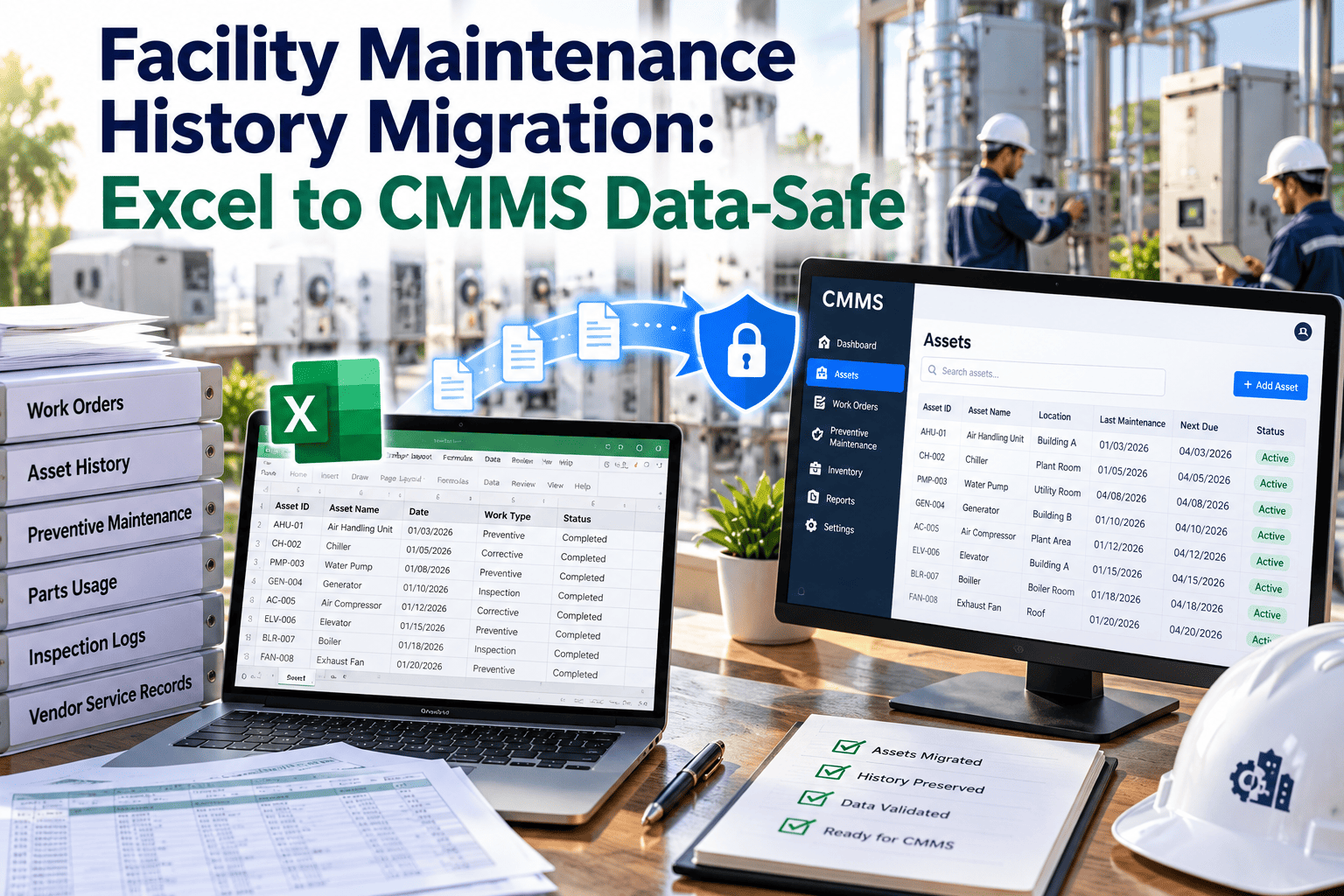
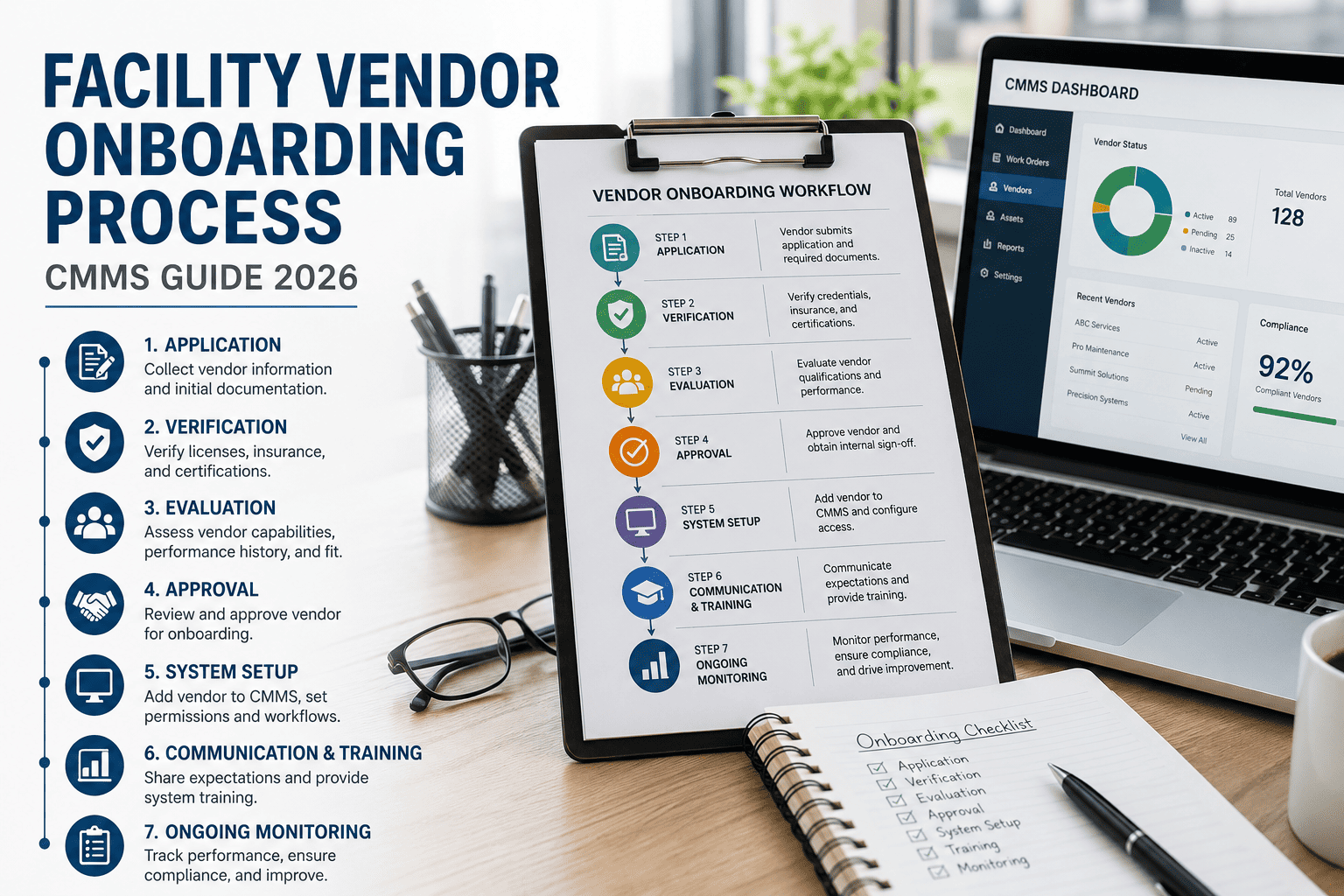
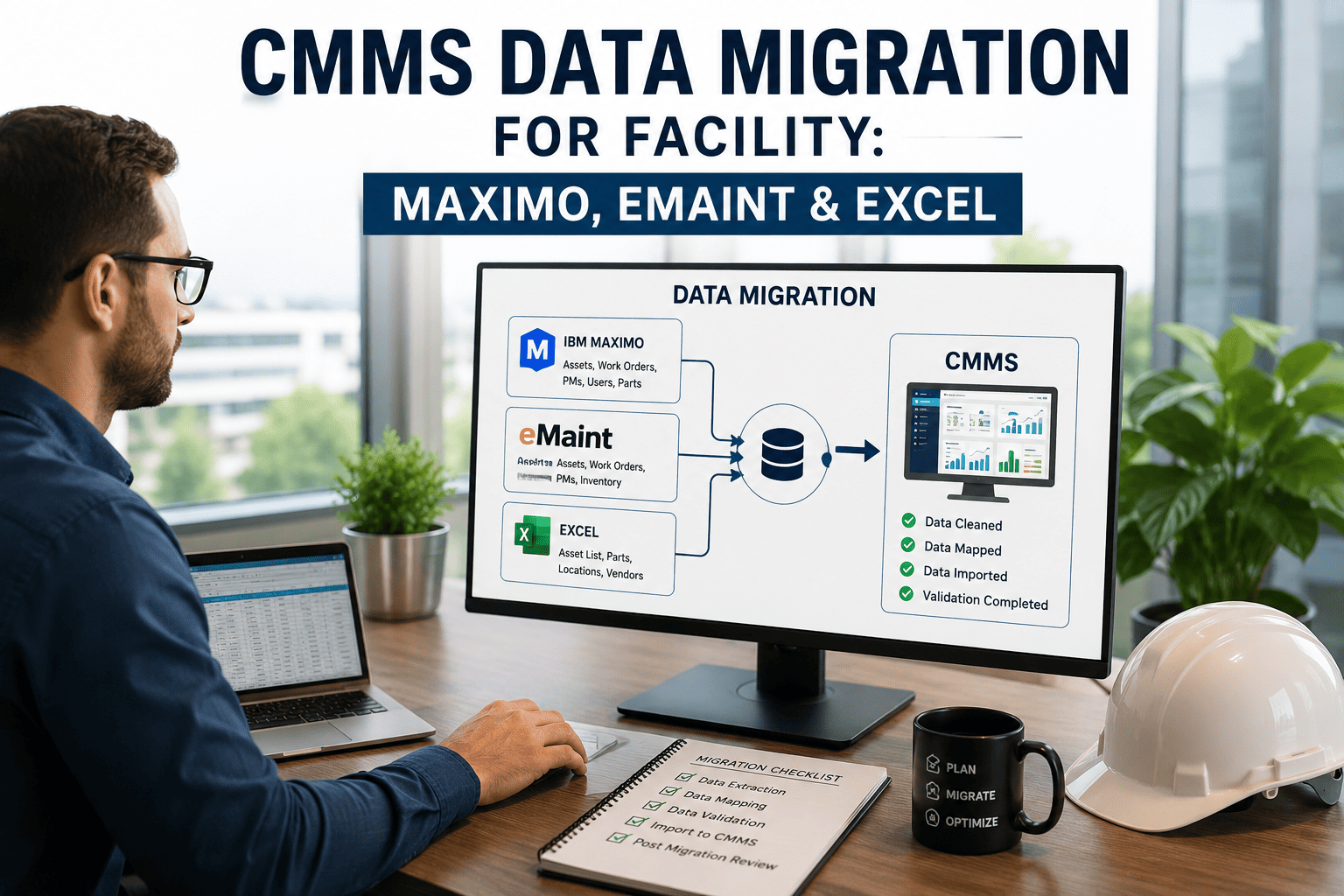
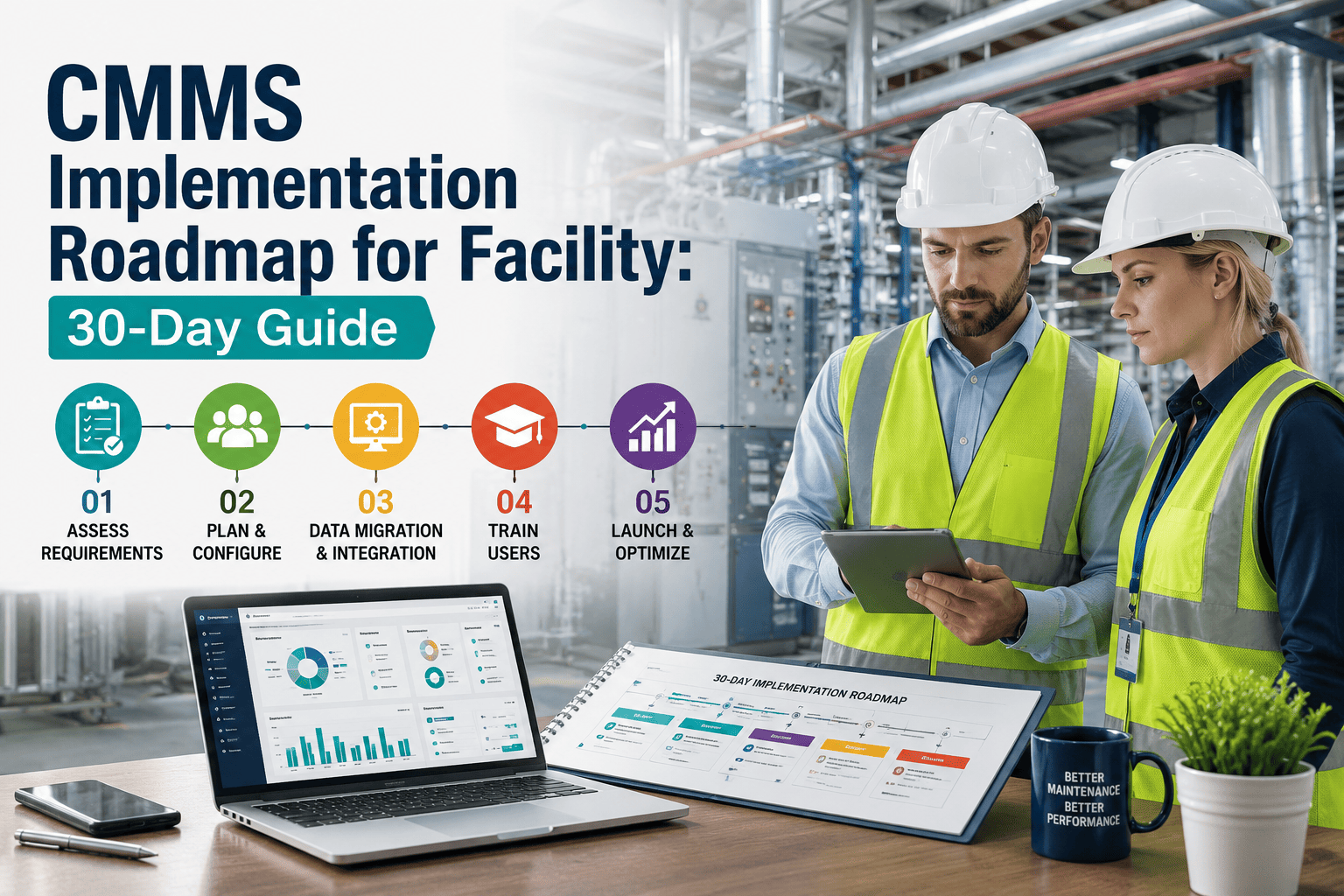
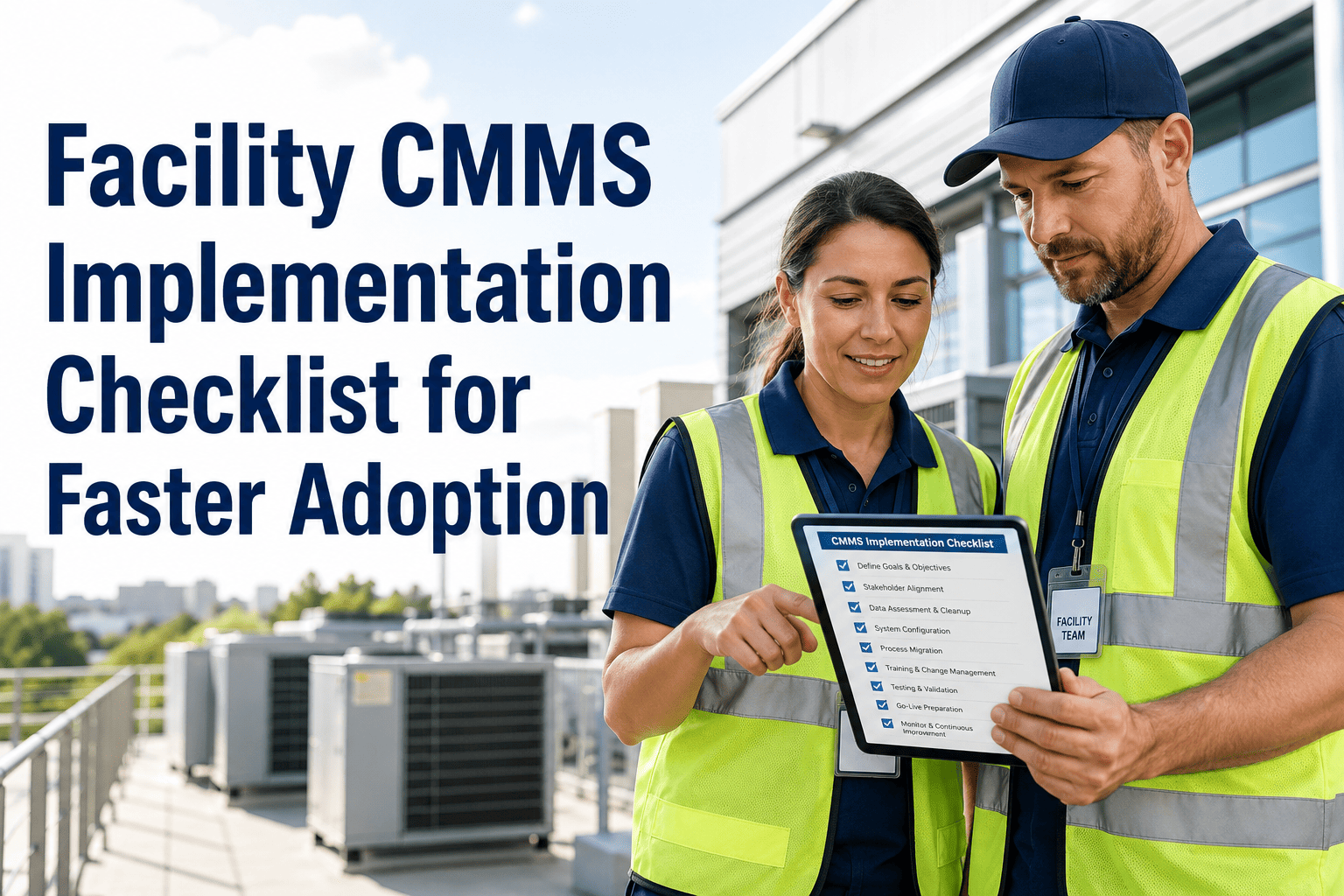
Implementing a CMMS doesn’t have to be a long, complex process. With a structured 30-day roadmap, facility and maintenance teams can quickly transition from manual or outdated systems to a fully functional digital platform. By focusing on key steps like asset data setup, streamlined data migration, user training, and phased rollout, organizations can accelerate adoption while minimizing disruption. A well-planned CMMS implementation not only improves maintenance efficiency and visibility but also sets the foundation for predictive maintenance, better compliance, and long-term operational excellence. Most CMMS implementations fail not because of the software — but because teams try to import everything, train everyone, and go live simultaneously. OxMaint's Cloud CMMS is designed to be live in 30 days with a focused, phase-by-phase rollout. Book a 15-minute demo to walk through how OxMaint applies this roadmap to your specific facility type and team size.
How to Implement CMMS Software in 30 Days
A practical week-by-week guide covering asset setup, PM configuration, team training, and go-live strategy — built for facility managers who need results, not a six-month project.
Three Mistakes That Kill CMMS Rollouts
Week-by-Week Implementation Plan
Book a Demo — See This Roadmap Applied to Your Facility in 15 Minutes.
OxMaint's onboarding team maps this plan to your equipment types, team size, and go-live date. You leave with a named launch plan — not a product walkthrough.
What to Import When — Phase Your Data, Not All at Once
| Data Type | When | Priority | How in OxMaint |
|---|---|---|---|
| Top 50 critical assets | Week 1, Days 1–3 | Must have | CSV template or manual entry |
| Location / site hierarchy | Week 1, Day 1 | Must have | Admin panel — 30 minutes |
| User accounts and roles | Week 1, Day 1 | Must have | Email invite from admin panel |
| PM templates (top equipment) | Week 2 | Must have | Template library + custom builder |
| Key vendor contacts | Weeks 1–2 | Important | CSV import or manual entry |
| Remaining assets (all) | Weeks 2–4, batched | Important | CSV bulk import, 50/day recommended |
| Historical work orders | Month 2+ | Optional | CSV import or leave behind entirely |
| Full spare parts catalog | Month 2–3 | Optional | Phased CSV import |
A CMMS live with 50 assets generates real value. A perfect dataset that goes live in month 6 generates nothing. Sign in to access OxMaint's data import templates.
What CMMS Implementation Specialists Say
The biggest CMMS implementation myth is that you need all your data cleaned and ready before you start. You don't. You need your critical assets, your top PM templates, and your team able to log in on mobile. The teams that wait for perfect data go live in month 8 with a system their technicians no longer trust. The teams that go live in week 4 with 50 assets and 10 PMs build the habit first — then scale the data to match.
Why OxMaint Is Built for 30-Day Implementations
Implementation Questions We Hear Every Week
Do we need to clean all our asset data before starting?
No. Start with your top 50 critical assets — a name, location, and equipment category is all you need for each one. Clean, complete data can be added progressively over 60–90 days. Waiting for perfect data is the single most common reason CMMS rollouts take 6 months instead of 30 days. Sign in to access OxMaint's CSV import templates.
How long does OxMaint take to set up for a facility with 200–500 assets?
A facility with 200–500 assets can be fully live in 30 days following this roadmap. The first 50 critical assets import in 2–3 hours using OxMaint's CSV template. The timeline is determined by training speed and adoption — not software setup complexity. Book a demo for a walkthrough specific to your asset count.
What happens if we miss the Day 30 go-live target?
Go live with what you have rather than waiting until everything is complete. A live system with 50 assets generates real data and real adoption. A perfectly configured system in staging generates nothing. Set Day 22 as a hard deadline and treat it as non-negotiable. Set your go-live date in OxMaint and start the clock.
Can OxMaint migrate historical data from our previous CMMS or spreadsheets?
Yes — OxMaint supports CSV-based historical WO import and assists with structured exports from most major CMMS platforms. However, historical migration is recommended for Month 2 or later. Prioritising historical data over current workflow setup is one of the most common causes of delayed go-live. Book a demo to discuss your specific data migration needs.
Your 30-Day Implementation Starts With a 15-Minute Demo.
OxMaint's onboarding team maps this roadmap to your facility, team size, and go-live date. Zero-code setup · Mobile-first · Included onboarding · Live KPIs from Day 1.