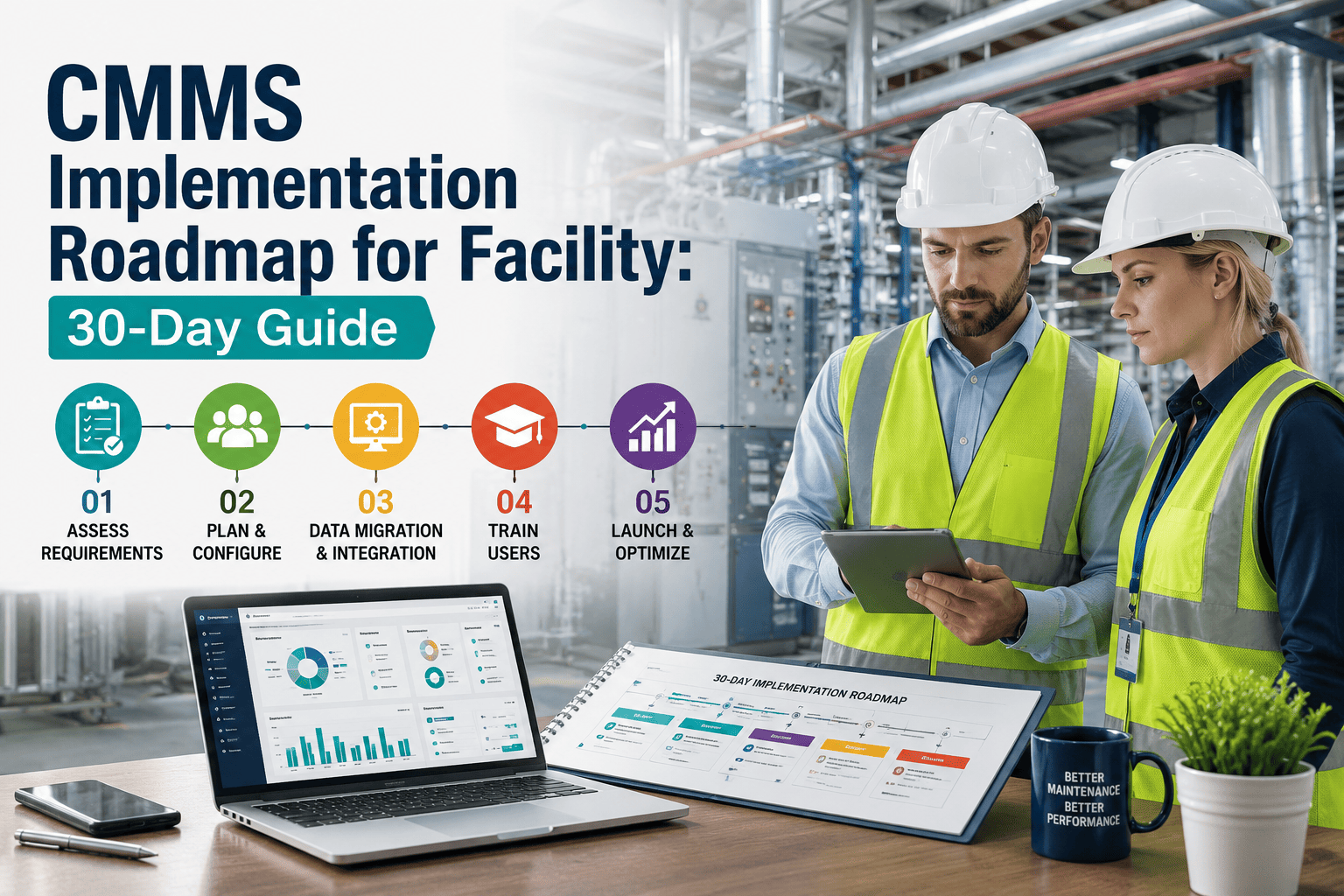
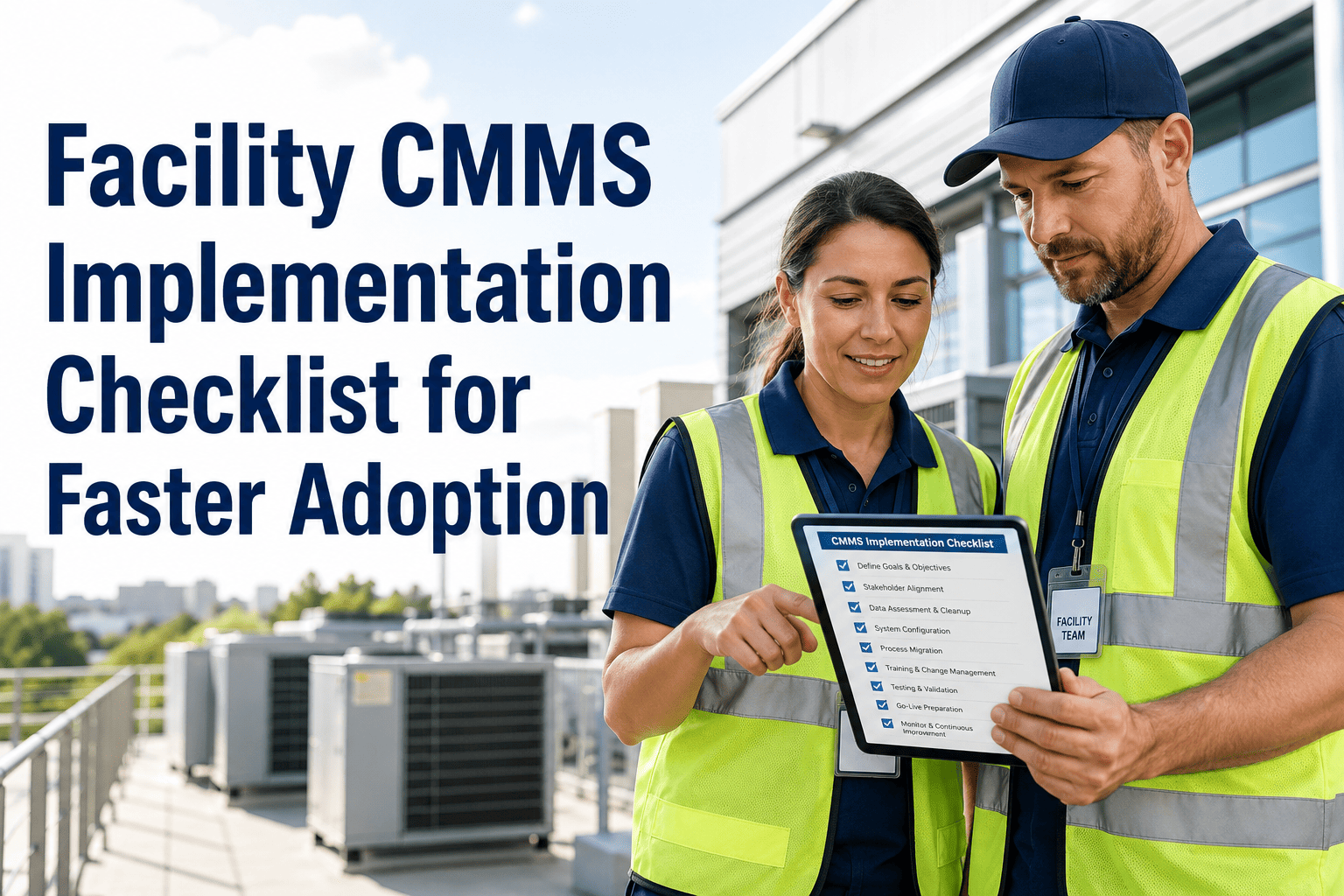
70% of CMMS implementations fail. Not because of the software. Because the foundation was not ready: asset data was not clean, team workflows were not mapped, success metrics were never defined, and the rollout tried to go facility-wide on day one before a single pilot had validated the configuration. The preparation steps taken before installation determine 80% of implementation success. Teams that skip the preparation phase and configure software to fit their existing chaos end up with a digital version of their old problems. The teams that implement successfully follow a structured sequence: define measurable goals, clean and import data in a logical hierarchy, pilot on one asset class, train by role, and expand only after the pilot proves the system works for your specific operation. Oxmaint deploys in 5 days for most facility teams with no implementation consultants and no professional services bill. This guide gives you the exact 10-step roadmap that makes that timeline possible and sustainable. Sign up free to begin your implementation today, or book a demo to walk through the roadmap for your specific facility type and asset register.
Live in Your Facility in 5 Days. No Consultants. No Implementation Fee.
Oxmaint is designed for facility teams that need operational results in days, not months. Free to start. Full platform access from day one. Most teams are managing live work orders within 48 hours of signing up.
The 10-Step CMMS Implementation Roadmap
This sequence is built around the most common failure patterns in CMMS rollouts. Each step addresses a specific implementation risk that causes projects to stall, lose team support, or deliver a system that nobody uses after go-live.
Set 3 to 5 measurable KPIs before any configuration begins. What does success look like in 90 days? Reduce reactive maintenance ratio from 60% to below 40%? Achieve 85% PM compliance? Cut response time from 4 hours to 90 minutes? Without defined targets, the implementation has no direction and no way to prove ROI to leadership. Enter your baseline KPIs into Oxmaint on day one so every subsequent step has a measurable endpoint.
Asset data quality determines the value of every feature downstream. Review your existing asset list: remove duplicates, fill missing nameplate data (make, model, serial number, installation date), verify asset locations, and tag critical versus non-critical equipment. Data that is imported dirty stays dirty. Importing 500 clean asset records is better than importing 2,000 incomplete ones. Clean data is the single most important pre-implementation task.
Structure assets in the Oxmaint hierarchy: Portfolio, Property, System, Asset, Component. Every asset in a building should be positioned within its system, not floating as a flat list. A chiller belongs under HVAC, which belongs under Building Mechanical, which belongs under the Property. This hierarchy is what enables portfolio-level reporting, multi-site dashboards, and system-level CapEx forecasting to function correctly from the first day of operation.
Before configuring any workflow in the system, document how maintenance requests currently move through your operation. How is a request submitted? Who classifies it? Who assigns it? How are parts requested? How is completion documented? Map this workflow as it actually happens today, not as the policy document says it should happen. The goal is to configure Oxmaint to fit your real operation first, then improve the process, not the reverse.
Do not configure PM schedules for every asset on day one. Identify the 15 to 20% of assets that account for 80% of your unplanned downtime cost, and build PM schedules for those first. Configure triggers: calendar-based for time-sensitive tasks, meter-based for runtime-driven assets, and condition-based for sensor-connected equipment. Pre-load each PM with its checklist, measurement fields, and parts list so technicians arrive ready to execute without additional coordination.
Go live on one building, one floor, or one asset class only. The pilot is designed to expose configuration gaps before they scale across the portfolio. Use real work orders, real technicians, and real maintenance events. The goal is to find what does not work in your specific context before rolling out to 10 buildings. Most pilots reveal 3 to 5 workflow adjustments that would have caused adoption failure at full scale if not caught first.
Technicians need to master mobile work order execution: open, update, attach photo, close. Supervisors need to master work order assignment, PM compliance dashboard, and SLA alerts. FM managers need to master asset health reporting and CapEx forecasting. Training each group on the 4 to 6 features most relevant to their daily role gets adoption rates above 80% within the first week. Training everyone on everything at once overwhelms and reduces adoption to below 40%.
59% of teams reduce costs when they improve parts inventory management through their CMMS. Import your current storeroom inventory into Oxmaint, link parts to the specific asset records they serve, and set reorder thresholds. The system then auto-generates purchase requests when stock falls below threshold. Technicians see parts availability before arriving at an asset. The two most common sources of extended MTTR, parts search time and stock-outs, are both eliminated by a connected parts inventory.
Expand from pilot to full portfolio only after the pilot debrief adjustments are complete. Designate one implementation champion per site: a manager who understands why the system is being deployed and can answer team questions without escalating every query. The single biggest driver of post-go-live adoption failure is teams reverting to old methods when they encounter friction. A site-level champion who can resolve friction in minutes prevents this reversion pattern.
At day 30, compare your live KPI dashboard against the baseline targets set in Step 1. Reactive maintenance ratio, PM compliance rate, average response time, work order completion rate. Share the results with the full team including technicians. Visible improvement builds internal advocates. Teams that see the data proving their work makes a difference sustain adoption above 85%. Teams that never see the results revert to old habits within 60 days of go-live regardless of how well the implementation went.
Implementation Timeline: Oxmaint vs Enterprise CMMS Platforms
Implementation timeline is the single most underestimated cost in CMMS selection. Every week of delayed go-live is a week of continued reactive maintenance, continued manual documentation, and continued 4.8x emergency repair premiums.
| Implementation Factor | Oxmaint | Typical Enterprise CMMS |
|---|---|---|
| Time to First Work Order | 48 hours from signup. Create asset, configure work order type, assign to technician on mobile. No professional services required before first use. | 3 to 6 months before first live work order. Server configuration, data model design, integration project, and user acceptance testing all required before go-live. |
| Data Migration | CSV import for assets, work orders, and parts inventory. Import template provided. Most teams complete data import without external support in 4 to 8 hours of internal effort. | Dedicated data migration project. Consultant-led data mapping, cleansing, and transformation. Typical cost $10,000 to $50,000 for a mid-sized facility portfolio. 4 to 8 week timeline. |
| Implementation Cost | Zero implementation fee. Subscription covers full platform access. Internal time investment of 2 to 5 days for the full 10-step roadmap across a 10-property portfolio. | $20,000 to $100,000 in professional services for mid-sized facilities. Hidden costs in IT resource, change management consultants, and extended training programmes add significantly more. |
| Training Approach | Role-based self-service training in the platform. Technicians operational on mobile in under 30 minutes. Managers operational on dashboard and reporting in under 2 hours. Video walkthroughs for every feature. | Formal training programmes required. 1 to 3 days of classroom training for each user group. Training delivered by vendor consultants at day rates of $1,500 to $3,000 per day. High drop-off rates after formal sessions end. |
| Time to Measurable ROI | Day 30 KPI improvement measurable against baseline. First prevented failure event often covers full annual subscription cost. PM compliance improvements visible within the first 2 weeks. | 18 to 24 months to measurable ROI after accounting for implementation cost, adoption ramp, and configuration overhead. Most teams do not see positive ROI before the end of year one. |
The 6 Reasons CMMS Implementations Fail
Implementation without defined success metrics has no direction. Teams configure features, not outcomes. The 80% of pre-implementation work that determines success is never done. Result: a configured system that nobody can prove is working.
Duplicate assets, missing nameplate data, wrong locations, and unmapped hierarchies. Dirty data imported into CMMS produces dirty reports, unreliable PM schedules, and technician frustration. Garbage in, garbage out at every level of the system.
Going live across all properties simultaneously means configuration gaps scale to full portfolio before any adjustment is possible. A pilot on one building finds 80% of the problems that would have caused full-scale adoption failure.
Generic all-hands training sessions result in technicians learning features they will never use. Role-specific training on 4 to 6 daily-use features drives 80% adoption within the first week. Everything-at-once training drives below 40% adoption in the same window.
When technicians encounter friction in the first week and have no local resource to resolve it quickly, they revert to old methods. One visible, empowered champion per site who answers questions in minutes prevents the reversion pattern that kills adoption.
Teams that never see the data proving their work makes a difference lose motivation to maintain adoption. Publishing day-30 KPI results team-wide builds internal advocates. Visible improvement sustains adoption above 85% long-term.
Your 10-Step Roadmap Starts the Moment You Sign Up.
Oxmaint includes a guided implementation sequence built into the onboarding flow. Asset import templates, PM schedule configurators, role-based training paths, and a day-30 KPI review tool. Everything you need to follow the 10-step roadmap without a consultant.
Frequently Asked Questions: CMMS Implementation
How long does a typical CMMS implementation take for a facility management team?
For Oxmaint, most facility teams are managing live work orders within 48 hours of signing up and fully deployed across all properties within 5 to 10 days following the 10-step roadmap. Enterprise CMMS platforms typically require 3 to 6 months minimum and $20,000 to $100,000 in professional services before go-live. Sign up free to start today, or book a demo to see the deployment timeline for your portfolio size.
What data needs to be prepared before CMMS implementation begins?
Minimum required: asset list with make, model, serial number, location, and installation date. Useful additions: existing PM schedules, spare parts inventory, and any historical work order data. Clean this data in a spreadsheet before import as dirty data is the most common cause of failed implementations. Book a demo to get Oxmaint's import templates, or sign up free to access the data preparation guide directly.
How do you ensure technician adoption after CMMS go-live?
Three mechanisms drive adoption: role-specific training on daily-use features only, a site-level champion who resolves friction in minutes, and visible day-30 KPI results shared with the full team. Generic all-hands training delivers below 40% adoption. Role-specific training delivers above 80% within the first week. Sign up free to access role-based training paths, or book a demo to see the technician mobile experience for yourself.
How do you measure CMMS ROI after implementation?
Compare live KPIs against the baselines set in Step 1: reactive maintenance ratio, PM compliance rate, average response time, and work order completion rate. At day 30, teams following the 10-step roadmap typically see 53% work order completion improvement and measurable reactive ratio reduction. Book a demo to see Oxmaint's built-in ROI measurement dashboard, or sign up free to set your own baseline today.
80% of CMMS Success Is Preparation. This Guide Is Your Preparation.
You now have the complete 10-step roadmap. Defined KPIs. Clean asset data. Pilot before portfolio. Role-based training. Site champions. Day-30 results published. Follow this sequence with Oxmaint and you will be managing live work orders, PM schedules, and asset condition dashboards within 5 days. No implementation fee. No consultants. No 12-month deployment timeline.