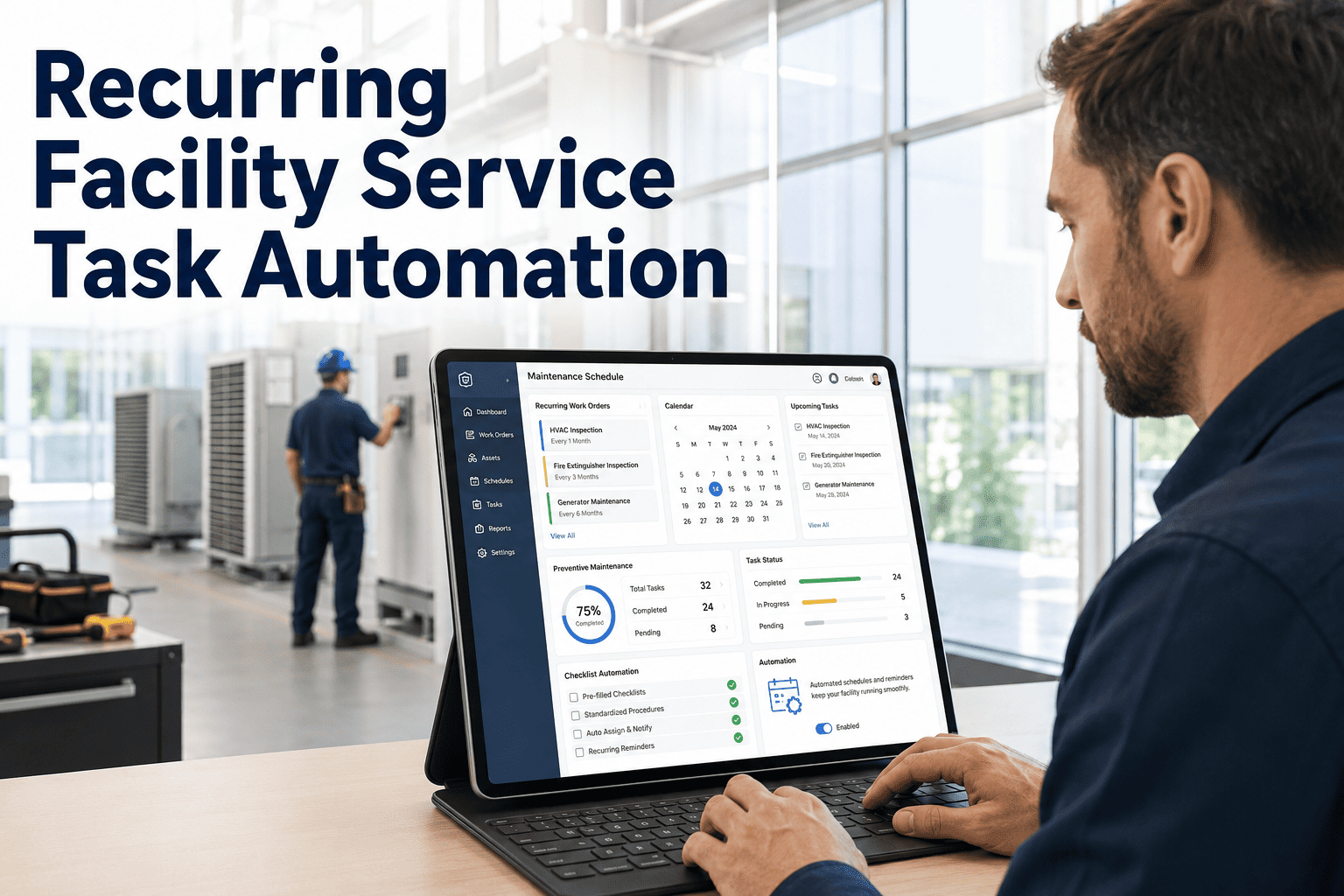
An inspector walks a mechanical room, finds a failing condenser fan motor, and logs the finding. The work order is created in seconds, but the cost field stays empty, so the repair cannot be ranked against anything else in the backlog. WO cost estimation is the step that turns inspection findings into numbers a finance team can plan around. This guide explains how labor time, part cost and vendor rates can populate automatically on every inspection work order, and how to measure whether the numbers can be trusted. For the mechanics of building the templates behind it, see the Oxmaint work order and job plan workspace.
Inspection WO Cost Estimation: Auto-Populate Labor and Parts
Commercial and facility teams generate hundreds of work orders from inspections, and most carry no cost. Pre-filling labor hours, loaded rates, stocked part costs and vendor rates from standard job plans gives every finding a defensible number before anyone opens a spreadsheet.
Why Inspection Work Orders Arrive Without a Cost
The gap is rarely negligence. It comes from how inspection programs are organized: the person finding the problem is not the person who prices it, and the data needed to price it lives in three or four different places.
Findings are captured faster than they are scoped
An inspector records a condition in a minute. Working out hours, parts and trades takes a planner far longer, so pricing is deferred and then forgotten.
Estimating is a separate job
In many organizations a planner or project manager prices work only when it is promoted into a project. Routine findings never reach that step.
Nobody owns the rate card
Loaded labor rates sit with finance, contractor rates sit with procurement, and technicians see neither. The estimator guesses or leaves the field blank.
Part prices live somewhere else
Stock cost sits in the storeroom, last quotes sit in email, and catalogue prices sit on supplier sites. Assembling one repair price means visiting all of them.
Vendor work waits for a quote
Anything outsourced is treated as unpriceable until a quote arrives, even when a prior invoice for the same task exists.
The cost field is optional
If the form allows saving without an estimate, under deadline pressure it will be saved without one. Optional fields tend to stay empty.
How Work Order Estimates Feed Capital Planning, Budgets and FCI
An estimate on each inspection work order is not bookkeeping. It is the input to four decisions that facility and public sector asset managers make every year.
Capital planning
Findings that exceed a repair-versus-replace threshold roll up into the capital plan. Without per-order values, the plan relies on age-based assumptions rather than observed condition.
Operating budgets
Open, approved and scheduled work with estimates produces a committed-cost forecast. Finance can see next quarter's likely spend instead of discovering it.
Deferred maintenance ranking
Priority needs cost beside it. A moderate-risk item costing a few hundred dollars may beat a high-risk item costing six figures when funds are limited.
Facility condition index
FCI divides the cost of deferred repair by the current replacement value, so every unpriced finding understates the numerator and flatters the building.
A caution on precision
Many owners band FCI into good, fair, poor and critical ranges, often with breakpoints near 5, 10 and 30 percent, but thresholds vary by agency, so use the ones your organization has adopted. Inspection-stage estimates are also order-of-magnitude figures. Estimating practice, including the AACE International estimate classes, ties expected accuracy to how well the scope is defined, and a finding logged during a walk-through is defined only lightly. That is acceptable for ranking and forecasting as long as everyone treats the number as an estimate and the variance is tracked.
The Cost Build-Up: What Goes Into One Inspection Estimate
Every estimate on this page is assembled from the same five layers. The bar below shows how a hypothetical rooftop unit fan motor repair divides across them, using the worked example later in this guide.
The estimate formula
Where Each Number Comes From and How Often It Refreshes
Auto-populating a figure is only as good as its source. Each input needs a named origin and a refresh rule, otherwise the estimates silently drift out of date.
| Input | Source of the number | Refresh cadence | Confidence |
|---|---|---|---|
| Labor hours | Standard hours on the job plan or work order template, adjusted from closed-order actuals | Quarterly review of actual versus planned | Medium, improves with history |
| Labor rate | Loaded hourly rate by trade from finance or HR: wage plus burden | Annually, and on contract or union changes | High |
| Stocked parts | Unit cost held on the inventory item record | On receipt of new stock and monthly review | High |
| Non-stock parts | Last quoted price or catalogue price entered on the template | Per quote, flagged when older than a set age | Low to medium |
| Vendor and contractor | Contract rate card, standing unit price or most recent invoice for the same task | At contract renewal and annually | Medium |
| Markup and handling | Policy percentage agreed with finance or procurement | Annually | High |
| Contingency | Percentage tied to scope uncertainty, higher for hidden or concealed conditions | After each variance review | Judgment-based |
Building an Estimate Library From Standard Job Plans and Historical Actuals
Auto-population works by matching a finding to a template. The estimate library is the set of templates, and it is built in five repeatable steps.
List the repeat findings
Export a year of inspection-generated work orders and group them by asset type and failure description. Ten to twenty findings usually account for most of the volume.
Write a standard job plan for each
Define the tasks, trades, hours, required parts and any vendor step. Standard job plans also make the work itself more consistent between technicians.
Seed hours from actuals
Take the median of logged labor on past closed orders rather than the optimistic planner view. Median resists the effect of a single unusual job.
Link parts to inventory items
Attach each part line to an item record so the unit cost is looked up rather than retyped. Create records for frequently used non-stock parts.
Map findings to templates
Tie each inspection failure response to its template, so a failed item creates a work order that already carries scope and estimate.
Handling findings that do not fit a template
Not every finding is routine. A one-off structural crack or an unusual system will not match a library entry. The sensible approach is to let the order open with a placeholder scope, route it to a planner for manual pricing, and report separately on how many orders were priced manually. A rising manual share is a signal that the library needs new entries.
The Estimate Maturity Ladder
Teams rarely jump straight to accurate estimates. Most climb four levels, and knowing which one you are on tells you the next investment to make.
Level 1: No estimate
Inspection orders open with a blank cost. Priority is the only ranking tool and budgets are built from last year's spend.
Level 2: Templated
Job plans carry standard hours and part lists, so common findings arrive priced. Figures are consistent but based on judgment.
Level 3: Historical average
Template hours and costs are set from the median of logged actuals by asset type and task, with part costs from live inventory records.
Level 4: Variance-tuned
Templates are reviewed on a schedule using variance reports. Contingency is set by template, and outliers trigger a scope or rate correction.
Put a Number on Every Inspection Finding
Build job plans, link parts to inventory costs and see estimates appear on inspection work orders from the first day. Start in the workspace, or talk through your estimate library with the team.
Worked Example: One Failed Inspection Item, Priced Automatically
The figures below are hypothetical and exist only to show the arithmetic. They are not benchmarks, and your rates, parts and hours will differ.
During a quarterly rooftop inspection, a technician fails the condenser fan motor on a rooftop unit. The failure response is linked to a standard job plan for fan motor replacement, which supplies the lines in the table.
| Line | Basis | Calculation | Amount |
|---|---|---|---|
| HVAC technician | 3.0 h at a loaded rate of 84 per hour | 3.0 x 84 | 252.00 |
| Helper | 2.0 h at a loaded rate of 58 per hour | 2.0 x 58 | 116.00 |
| Fan motor | 1 stocked item at 412 each | 1 x 412 | 412.00 |
| Run capacitor | 1 stocked item at 38 each | 1 x 38 | 38.00 |
| Contactor | 1 stocked item at 46 each | 1 x 46 | 46.00 |
| Crane and lift hire | Vendor flat fee from rate card | 1 x 350 | 350.00 |
| Handling markup | 10 percent of parts subtotal of 496 | 496 x 0.10 | 49.60 |
| Contingency | 10 percent of direct subtotal of 1,263.60 | 1,263.60 x 0.10 | 126.36 |
| Estimate on the work order | Sum of all lines | 1,389.96 |
At creation
Estimate of 1,389.96 with 5.0 labor hours appears the moment the finding is logged, ready for the capital and budget rollup.
At closure
Hypothetical actual of 1,512.00 because roof access added 1.5 labor hours. Variance is plus 8.8 percent, which feeds the template review.
Tracking Estimate Accuracy: The Variance KPI Row
An estimate that is never compared with the outcome cannot improve. Four measures, calculated from closed orders, show whether the library is trustworthy.
Reading the variance by component
Labor variance
Usually points at access, travel, waiting for permits or a job plan that omits a step. Fix the template hours or add the missing task.
Parts variance
Usually means stale item costs, substitutions or an unplanned second part. Refresh the inventory cost or extend the part list.
Vendor variance
Usually reflects rate changes or scope growth. Update the rate card, or move the task to a quote-first path if it is unpredictable.
Segmenting by template matters more than a portfolio-wide average. A single overall percentage can look healthy while one high-volume template runs persistently low, so review by task and asset type, and start with the templates that generate the most orders.
How Oxmaint Supports Cost Pre-Fill on Inspection Work Orders
Oxmaint maintenance management software gives you the building blocks for this process. Pre-fill comes from standardized templates and cost data you maintain, not from a black-box predictor, which keeps every number explainable to an auditor or a budget committee.
Work order cost fields
Work orders hold labor and material cost so the estimate and the closing actual sit on the same record for comparison.
Job plan and template standardization
Standard tasks, trades and part lists let the same finding generate the same scope every time, regardless of who raised it.
Inventory item costs
Parts used on a template reference inventory items, so material cost follows the cost held on the item record.
Labor tracking
Technician time logged against orders produces the actual hours that you use to tune template hours.
Inspections to work orders
Failed inspection items can open corrective work orders, so cost-bearing templates attach at the moment of creation.
Reporting and dashboards
Cost reports by asset, building and category support backlog totals, deferred maintenance views and variance review.
Common mistakes to avoid
What breaks estimates
- Using wage alone instead of the loaded rate
- Retyping part prices on each order
- Leaving contingency at one flat figure for every task
- Never reviewing closed orders against estimates
- Treating a rough estimate as a fixed bid
- Letting vendor rates age without a renewal date
What keeps them honest
- A loaded rate card owned by finance
- Part lines linked to inventory item costs
- Contingency tied to scope uncertainty
- A quarterly variance review by template
- Labelling inspection numbers as estimates
- A refresh date on every vendor rate
Frequently Asked Questions
How accurate should an inspection work order estimate be?
It only needs to be accurate enough to rank and forecast, because scope is lightly defined at inspection. Set a tolerance band, measure the within-band rate and tighten it as templates mature.
Does auto-populating costs require machine learning?
No. Standard job plans, a loaded rate card and inventory item costs cover most routine findings. Historical actuals then tune the templates, which you can see in the Oxmaint workspace.
What should we do about findings with no matching template?
Open the order with a placeholder scope and send it to a planner for manual pricing. Track how many orders need this, and add a template once a finding repeats.
How do estimates affect FCI and deferred maintenance totals?
Priced findings raise the deferred repair numerator to reflect real identified need. Unpriced ones understate it, so coverage should be tracked alongside the index itself.
Where do we begin if we have no history?
Start at the templated level with your ten most frequent findings, then compare against actuals as orders close. You can book a demo to map the first templates.
Give Every Inspection Work Order a Cost Before the Work Starts
Standard job plans, inventory costs and a variance habit turn inspection findings into a backlog you can budget, rank and defend. Set up your first templates in Oxmaint or walk through your own estimate library with the team.