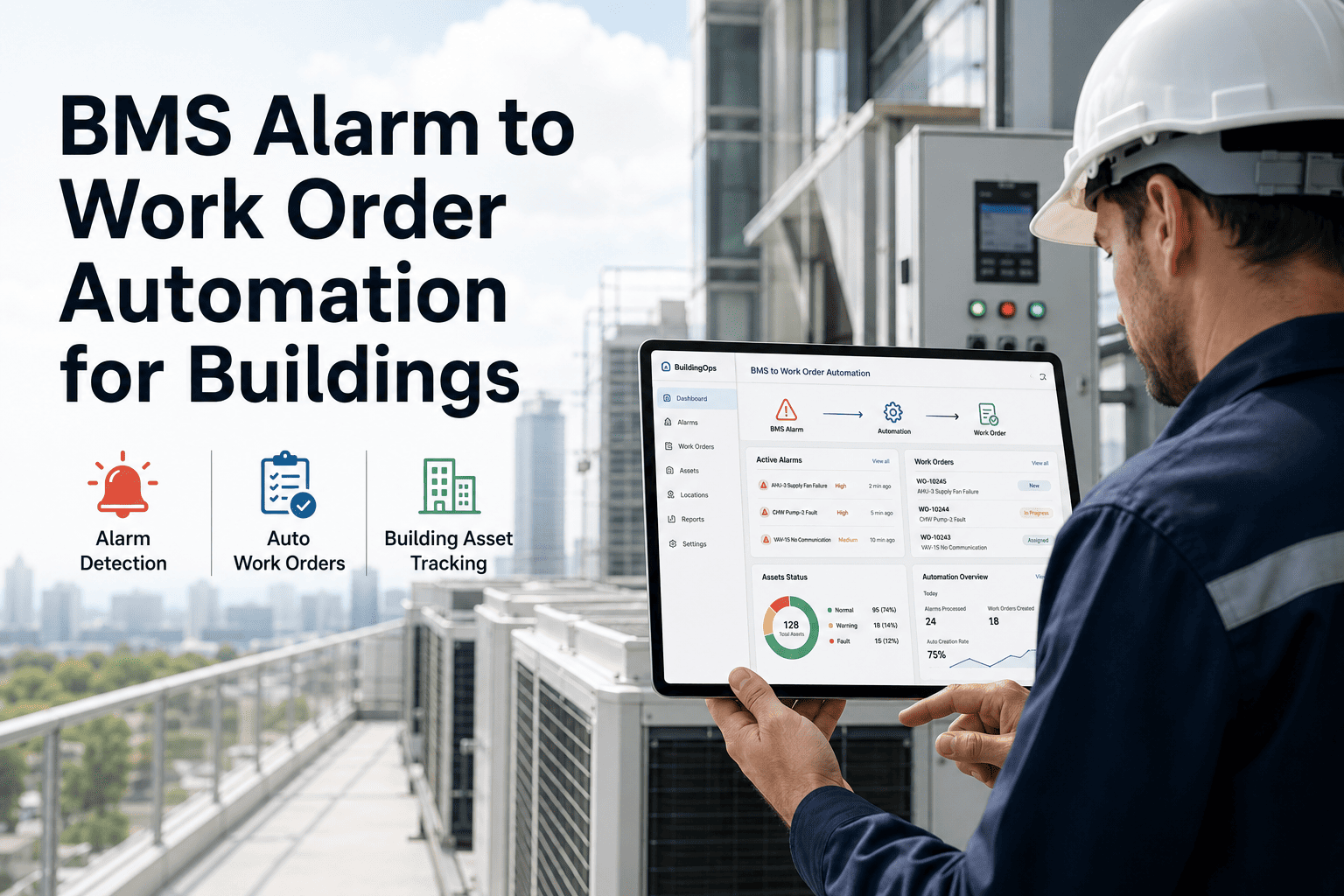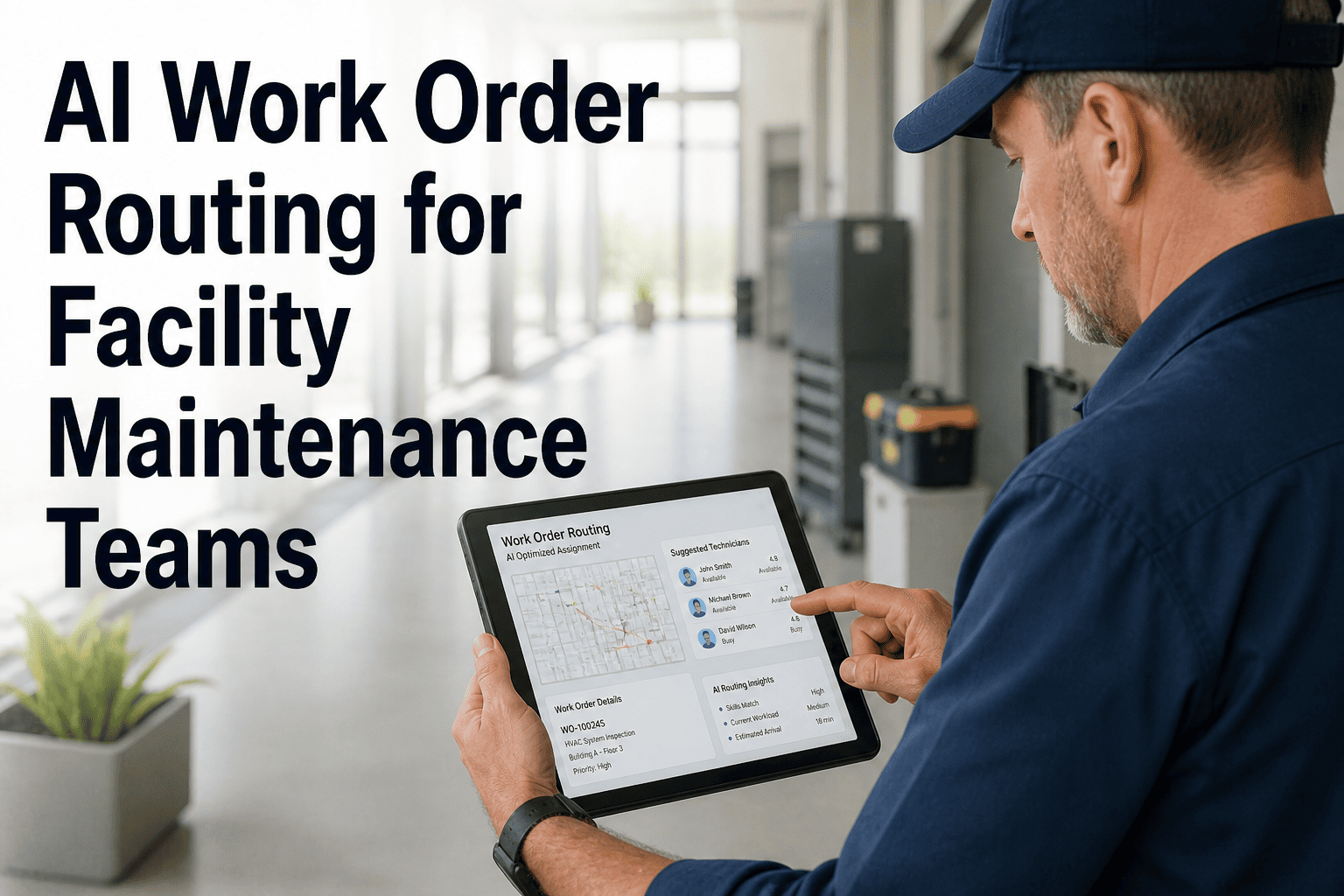
Inspection programs fail at the last mile. Technicians walk a floor, flag a dozen failed checks on paper forms or a mobile app, and then the corrective action process grinds to a halt — because someone has to manually read the inspection report, extract each finding, create a separate work order, attach the photo, assign a technician, and set a due date. That sequence takes 20 to 45 minutes per inspection report and usually happens hours or days after the inspector walked the floor. OxMaint's AI Work Order Automation converts failed inspection checks into corrective work orders in real time — with photos, notes, asset data, and priority rules already applied — the moment the inspector submits. Book a demo to see how facility teams have cut inspection-to-corrective-action lag from days to minutes.
AI Auto-Generated Work Orders from Facility Inspections
Every failed check becomes a work order. Automatically. With photos, asset data, priority level, and technician assignment — before the inspector leaves the floor.
The Old Process vs. The New Standard
Auto-Population: What Gets Filled In Automatically
| Work Order Field | Data Source | Manual Process |
|---|---|---|
| Asset ID and location | Inspection checklist — asset-linked by QR | Manual lookup and entry |
| Failure description | Inspection check label + inspector notes | Retyped from report |
| Photo evidence | Camera tap at inspection point | Downloaded and re-uploaded |
| Priority level | Mapped from check category (safety/PM/aesthetic) | Manager judgment, often inconsistent |
| Required skill / certification | Asset type → skill requirement matrix | Dispatcher knowledge, untracked |
| Technician assignment | AI routing by skill, location, availability | Manual radio or phone dispatch |
Turn Every Failed Check into a Tracked Repair
Inspections should drive action — not paperwork. OxMaint closes the gap automatically.
Expert Perspective
Inspection programs are only as good as their corrective action rate. In most facilities I audit, I find that fewer than half of flagged inspection findings result in a closed work order within two weeks — not because the team is negligent, but because the manual bridge between inspection and work order is too slow and too leaky. Automated conversion eliminates that leak entirely. Every finding becomes a record. Every record becomes a tracked repair. The inspection ROI jumps dramatically.
Frequently Asked Questions
Inspections That Actually Drive Repairs
Stop losing findings in the gap between inspection and work order. OxMaint closes it automatically.